

Google Cloud -arvostelu 2026: hyvät ja huonot puolet, ominaisuudet ja hinnoittelu
Google Cloud erottuu edukseen edistyneillä tekoälytyökaluillaan ja saumattomalla integraatiollaan Googlen palveluihin, mutta se ei välttämättä sovi jokaiseen budjettiin tai vanhaan järjestelmään, joten se sopii erityisesti innovaatioihin keskittyville tiimeille.

We review tools independently, and commissions help fund our testing. See our transparency policy, our methodology, or suggest a tool.
Google Cloud is a cloud service provider offering compute, storage, networking, and managed services for teams running workloads at scale. It's worth a close look if your infrastructure leans heavily on data analytics or containerized applications—Google Cloud's BigQuery and native Kubernetes tooling give you more out of the box than AWS does without significant third-party configuration.
Google Cloud Evaluation Summary
4.3/5
- Pricing upon request
- 90-day free trial
Why Trust Our Software Recommendations
6,700+
Reviews
20
Industry experts
16+
Evaluation factors
14
Years
Our team has been testing and reviewing software since 2012. As tech leaders ourselves, we know how difficult—and important—it is to choose the right software.
For this guide, we evaluated tools using hands-on testing and independent research, scoring tools using our selection criteria.
Our reviews reflect our human editorial judgment, not a sales pitch.
Expert reviewers:
- Paulo Gardini MiguelTech Director
 Tim FisherVP of AI
 Gabriel RosasTech Lead & Software Architect
 Christhian GruhnTech Lead & Platform Architect

Google Cloud Overview
When judging Google Cloud, its AI-driven features, global network, and deep integration with Google’s ecosystem set it apart, especially for teams prioritizing data analytics or machine learning. Pricing can be complex, and support response times sometimes lag behind expectations, but the intuitive interface and extensive documentation ease onboarding.
If you’re selecting a platform for rapid innovation, scalable workloads, or hybrid environments, Google Cloud is a strong contender. For example, organizations with heavy Kubernetes use or those seeking seamless collaboration with Google Workspace will find it especially compelling compared to other options.
Pros
- You get powerful data analytics and machine learning tools that enhance your team's strategic insights.
- The platform's global network infrastructure ensures your work is fast and reliable.
- Google Cloud Platform's security features protect your data, giving you peace of mind.
Cons
- You might find the platform's interface a bit complex if you're new to cloud services.
- Some users report that navigating through multiple services can be challenging.
- You may experience occasional delays in customer support response times.
Is Google Cloud Right For Your Needs?
Who Would be a Good Fit for Google Cloud?
If your team works in data-driven sectors like finance, healthcare, or retail, Google Cloud Platform can boost your analytics and machine learning efforts. Its robust infrastructure and global network support extensive data processing needs, making it ideal for IT departments and tech startups aiming for scalability. With advanced security features, your business can rely on safe data management, enhancing your ability to innovate and grow.
- Tech StartupsGoogle Cloud Platform offers scalability and flexibility, essential for growing your startup’s infrastructure as your needs evolve.
- Data AnalyticsWith powerful analytics tools, your team can derive actionable insights, improving decision-making and strategic planning.
- Machine LearningLeverage advanced machine learning capabilities to enhance your projects and drive innovation in your field.
- E-commerceThe global network ensures fast and reliable services, crucial for maintaining customer satisfaction and operational efficiency.
- HealthcareSecure data handling and processing capabilities support your compliance with regulations and improve patient data management.
- FinanceRobust security features protect sensitive financial data, ensuring your operations remain compliant and secure.
Who Would be a Bad Fit for Google Cloud?
Small businesses with limited tech resources might struggle with Google Cloud Platform’s complexity and vast array of services. If your team lacks cloud experience, the learning curve can be steep, making it tough to fully utilize the platform’s capabilities. Industries with minimal data processing needs may find the extensive features unnecessary and overwhelming.
- Small RetailersIf your operations don’t require heavy data processing, the platform’s advanced tools may be more than you need.
- Non-Tech TeamsTeams without tech expertise might find the platform’s complexity daunting, hindering their ability to use it effectively.
- FreelancersFor individual freelancers, the platform’s extensive capabilities can be excessive and hard to manage.
- Local BusinessesLocal businesses with simple IT needs may not benefit from the platform’s global network and advanced features.
- Artistic IndustriesIndustries focused on creativity rather than data may not require the platform’s robust analytics and machine learning tools.
- Educational InstitutionsWithout a strong IT department, educational institutions might struggle to implement and maintain the platform effectively.
Our Review Methodology
How We Test & Score Tools
We’ve spent years building, refining, and improving our software testing and scoring system. The rubric is designed to capture the nuances of software selection and what makes a tool effective, focusing on critical aspects of the decision-making process.
Below, you can see exactly how our testing and scoring works across seven criteria. It allows us to provide an unbiased evaluation of the software based on core functionality, standout features, ease of use, onboarding, customer support, integrations, customer reviews, and value for money.
Core Functionality (25% of final scoring)
The starting point of our evaluation is always the core functionality of the tool. Does it have the basic features and functions that a user would expect to see? Are any of those core features locked to higher-tiered pricing plans? At its core, we expect a tool to stand up against the baseline capabilities of its competitors.
Standout Features (25% of final scoring)
Next, we evaluate uncommon standout features that go above and beyond the core functionality typically found in tools of its kind. A high score reflects specialized or unique features that make the product faster, more efficient, or offer additional value to the user.
We also evaluate how easy it is to integrate with other tools typically found in the tech stack to expand the functionality and utility of the software. Tools offering plentiful native integrations, 3rd party connections, and API access to build custom integrations score best.
Ease of Use (10% of final scoring)
We consider how quick and easy it is to execute the tasks defined in the core functionality using the tool. High scoring software is well designed, intuitive to use, offers mobile apps, provides templates, and makes relatively complex tasks seem simple.
Onboarding (10% of final scoring)
We know how important rapid team adoption is for a new platform, so we evaluate how easy it is to learn and use a tool with minimal training. We evaluate how quickly a team member can get set up and start using the tool with no experience. High scoring solutions indicate little or no support is required.
Customer Support (10% of final scoring)
We review how quick and easy it is to get unstuck and find help by phone, live chat, or knowledge base. Tools and companies that provide real-time support score best, while chatbots score worst.
Customer Reviews (10% of final scoring)
Beyond our own testing and evaluation, we consider the net promoter score from current and past customers. We review their likelihood, given the option, to choose the tool again for the core functionality. A high scoring software reflects a high net promoter score from current or past customers.
Value for Money (10% of final scoring)
Lastly, in consideration of all the other criteria, we review the average price of entry level plans against the core features and consider the value of the other evaluation criteria. Software that delivers more, for less, will score higher.
Core Features
Compute Engine
Run virtual machines on demand with customizable CPU, memory, and storage. Supports autoscaling and preemptible instances for cost optimization.
BigQuery
Analyze massive datasets quickly using a fully managed, serverless data warehouse. Real-time analytics and built-in machine learning set it apart.
Cloud Storage
Store and retrieve any amount of data with high durability and availability. Offers multiple storage classes for cost and performance flexibility.
Kubernetes Engine
Deploy, manage, and scale containerized applications using Google’s managed Kubernetes service. Automated upgrades and integrated monitoring simplify operations.
Cloud Functions
Run event-driven serverless code without managing infrastructure. Ideal for automating workflows and building lightweight microservices.
Identity and Access Management (IAM)
Control user and service permissions with granular, policy-based access. Centralized management helps enforce security and compliance across resources.
Ease of Use
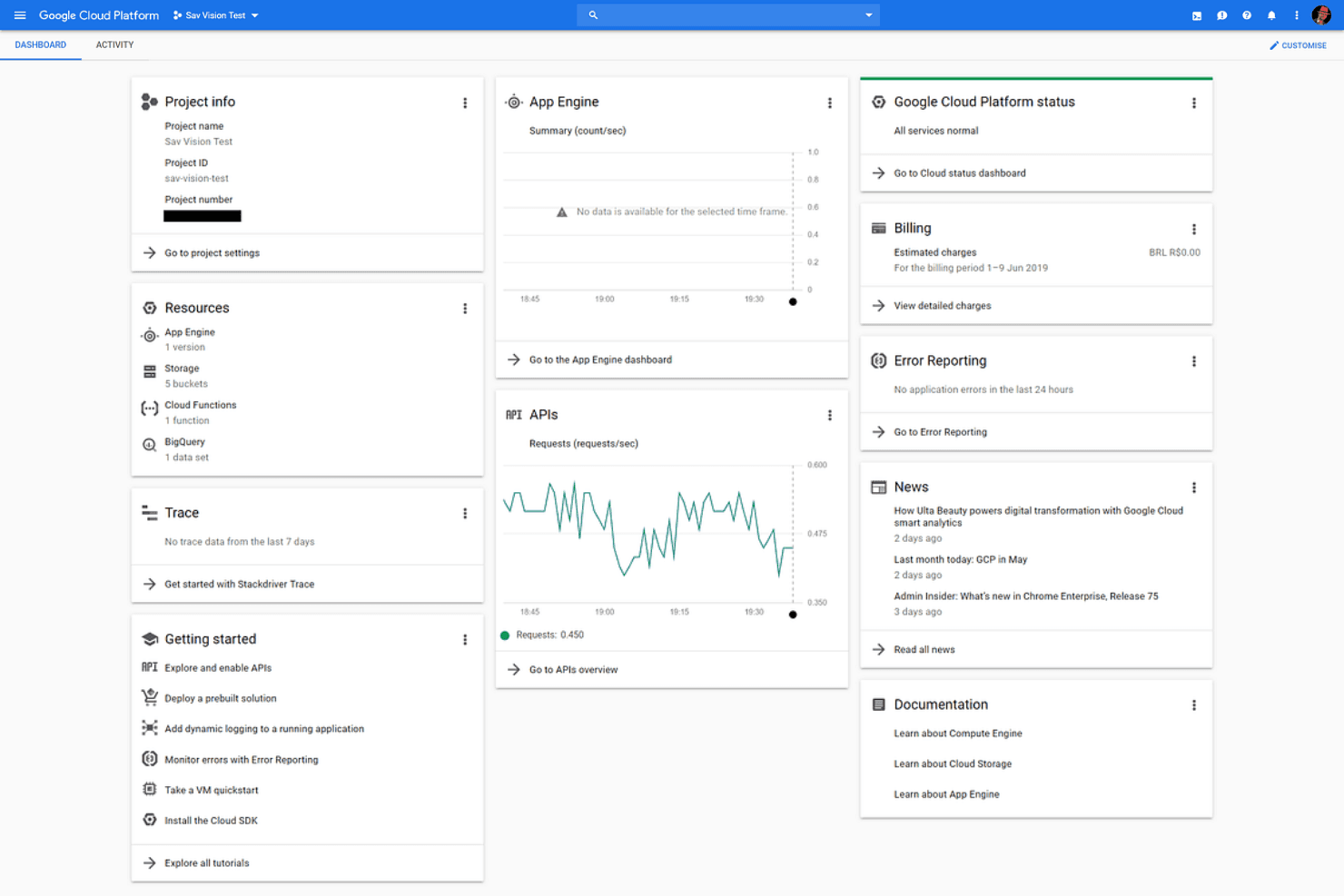
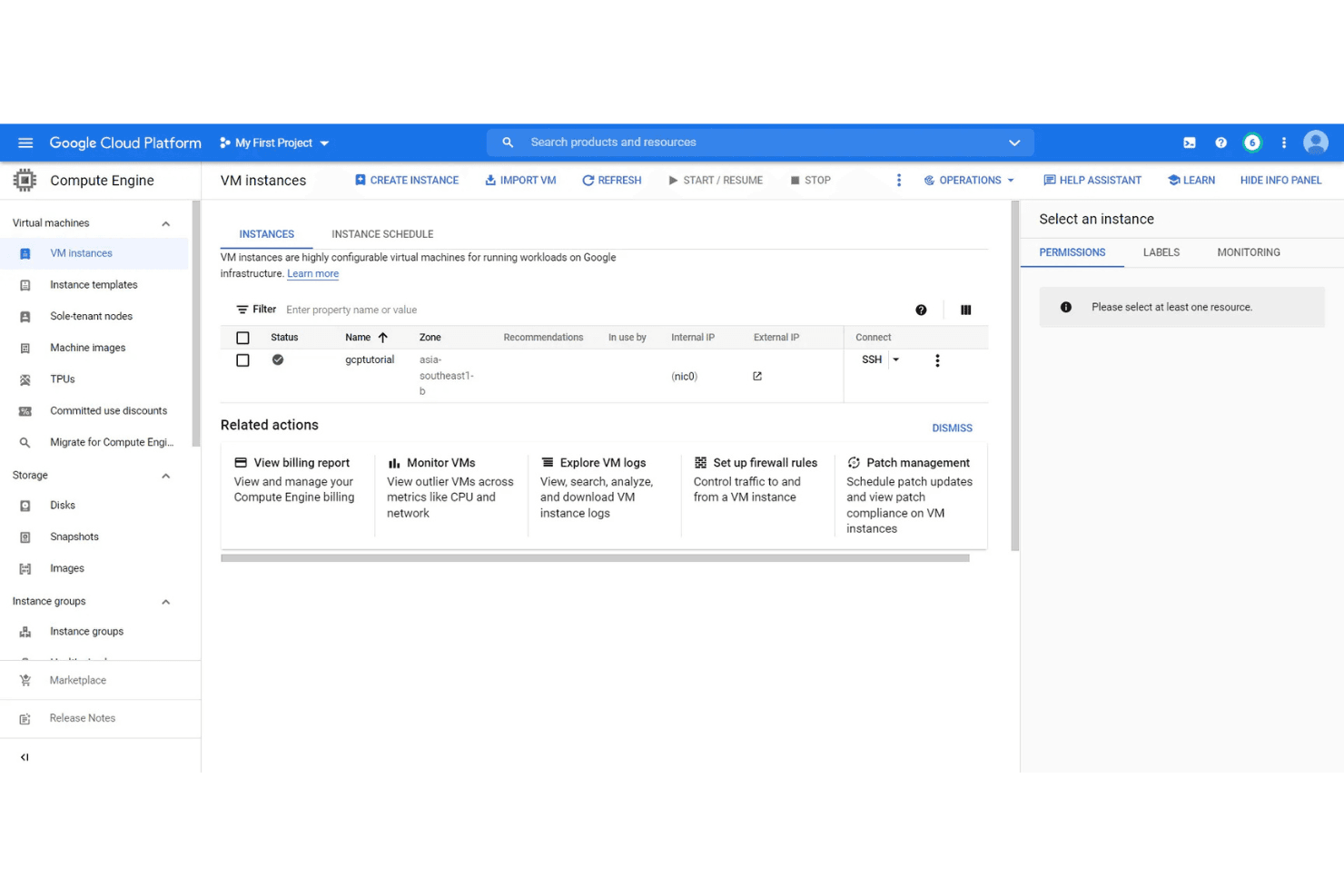
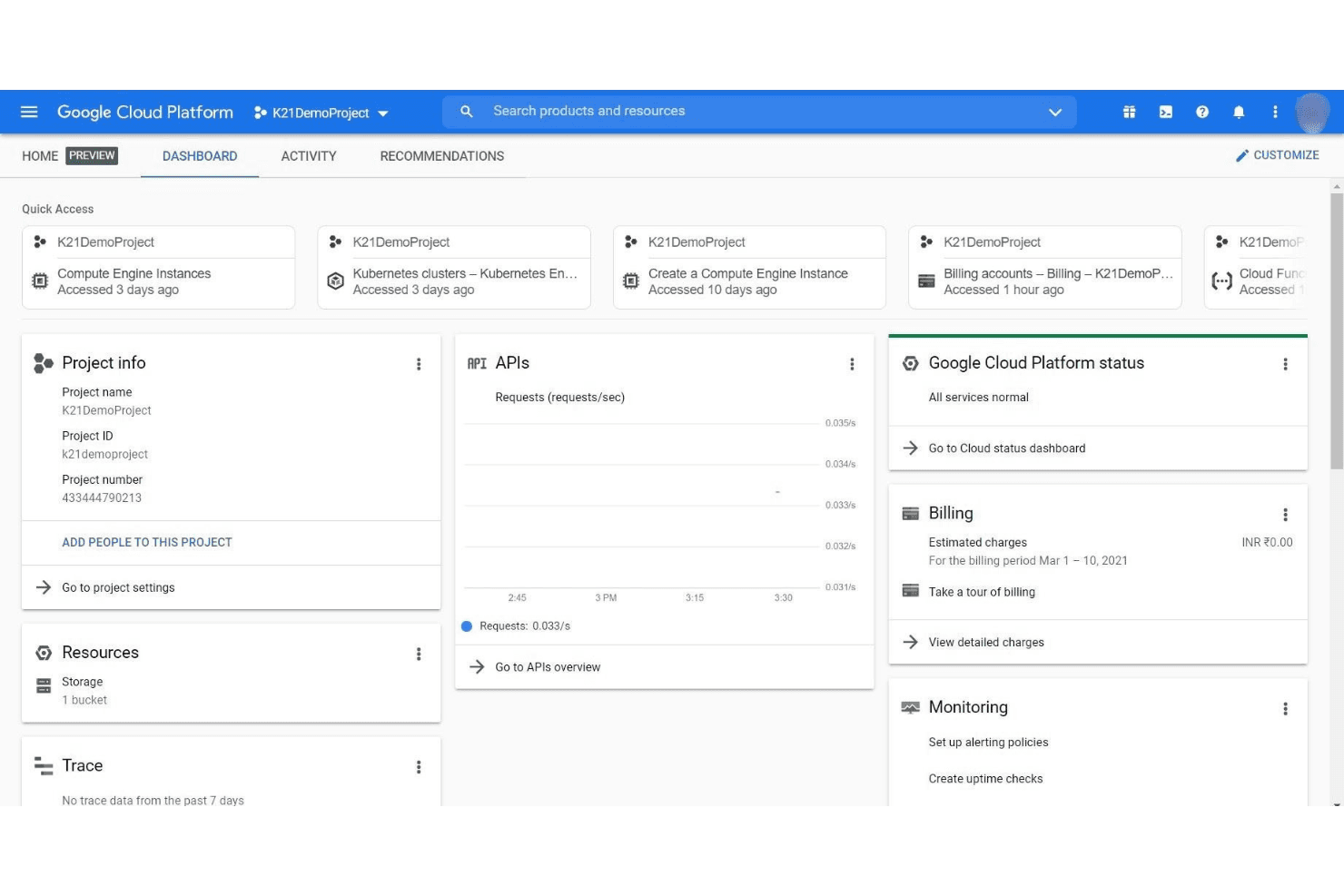
Google Cloud offers a clean, intuitive interface and extensive documentation, making it approachable for both new and experienced users. Many users appreciate the logical organization of services and the guided setup wizards for common tasks. However, some find the platform’s breadth overwhelming at first, especially when navigating billing or advanced configurations. Overall, its user experience is strong, especially for teams already familiar with Google’s ecosystem and cloud concepts.
Integrations
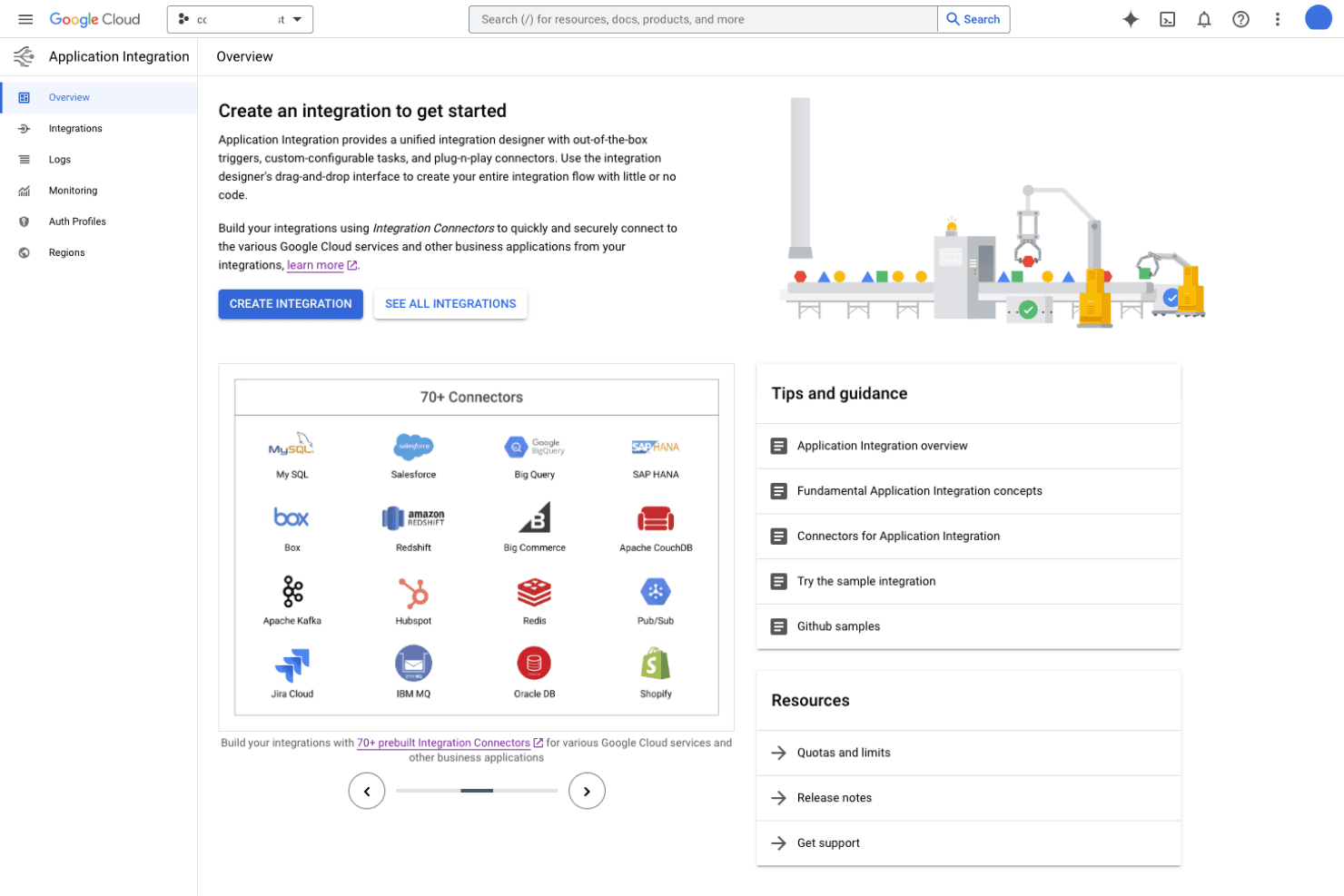
Google Cloud integrates with Google Workspace, Salesforce, SAP, Datadog, Splunk, ServiceNow, GitHub, Jenkins, Slack, and VMware, among others.
Google Cloud also offers a comprehensive API and supports connections with third-party integration tools.
Google Cloud Specs
- API: Yes
- Bug Tracking: No
- CI/CD Integration: Yes
- Cloud Deployment: Yes
- Code Review: No
- Code Transformation: No
- Collaboration Support: Yes
- Data Export: Yes
- Data Import: Yes
- Developer Tools: Yes
- External Integrations: Yes
- Git Integration: Yes
- History/Version Control: Yes
- IDE Plugins: Yes
- Local Deployment: Yes
- Multi-User: Yes
- Notifications: Yes
- Project Management: Yes
- Release Management: Yes
- Static Analysis: Yes
- Task Scheduling/Tracking: Yes
- Testing: Yes


