

EdrawMax-arvostelu: hyvät ja huonot puolet, ominaisuudet ja hinnoittelu
EdrawMax erottuu edukseen intuitiivisilla kaavioiden luontiominaisuuksillaan, mikä tekee siitä erinomaisen valinnan visuaaliseen viestintään ja yhteistyöhön keskittyville tiimeille.

We review tools independently, and commissions help fund our testing. See our transparency policy, our methodology, or suggest a tool.
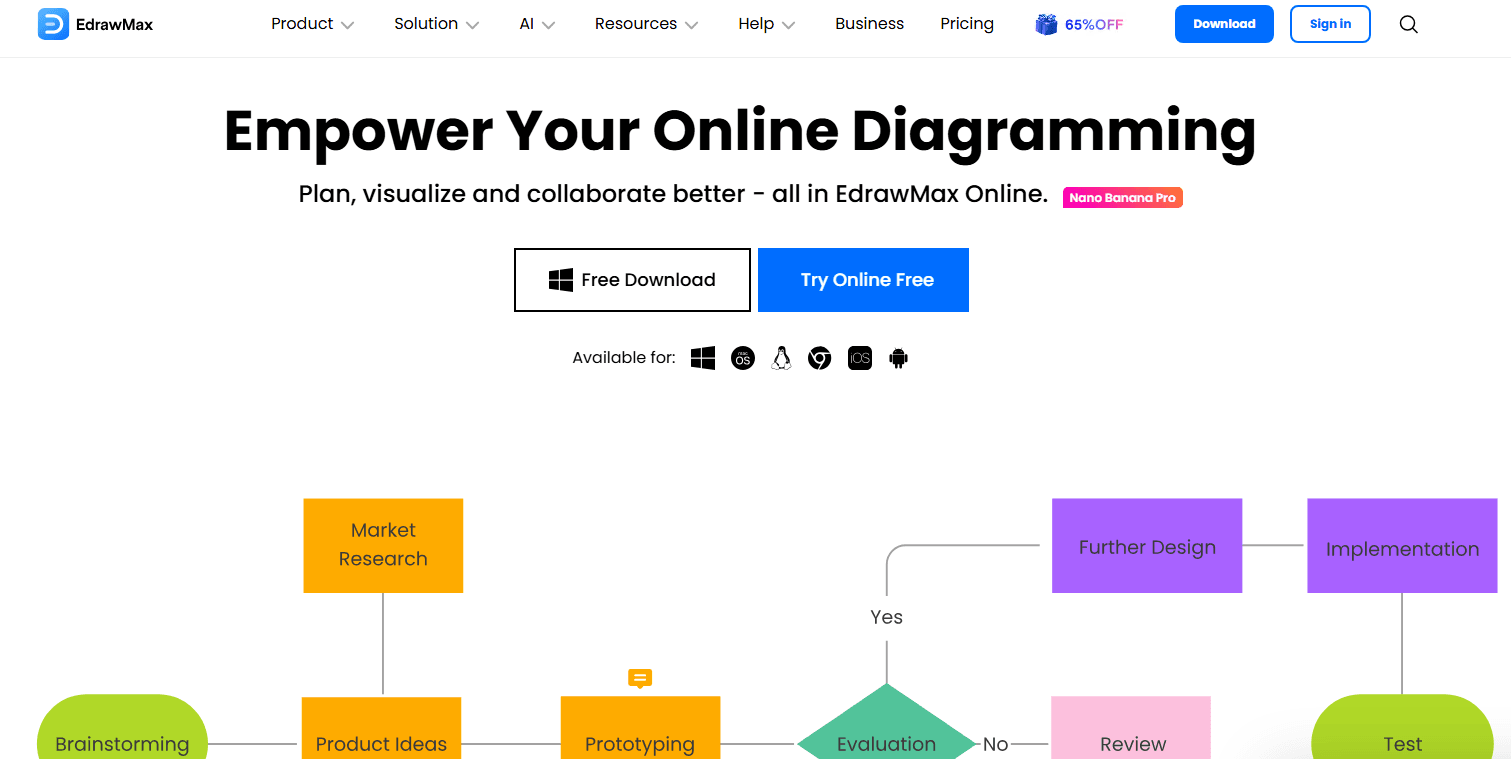
EdrawMax is an AI software for creating diagrams, flowcharts, network maps, and other technical visuals. It's worth considering if your team needs a diagramming tool that covers IT infrastructure, org charts, and mind maps in one place. I'd choose it over Lucidchart if offline access and a one-time license option matter to your workflow—EdrawMax supports both, while Lucidchart is subscription-only and cloud-dependent.
EdrawMax Evaluation Summary
4.5/5
- From $41.99/user/month (billed annually)
- Free plan available
Miksi luottaa ohjelmistosuosituksiimme
6,700+
Reviews
20
Industry experts
16+
Evaluation factors
14
Years
Tiimimme on testannut ja arvioinut ohjelmistoja vuodesta 2012 lähtien. Teknologiajohtajina tiedämme itse, kuinka vaikeaa — ja tärkeää — oikean ohjelmiston valitseminen on.
Tätä opasta varten arvioimme työkaluja käytännön testauksen ja itsenäisen tutkimuksen avulla, pisteyttäen työkalut valintakriteeriemme perusteella.
Arvostelumme perustuvat inhimilliseen toimitukselliseen harkintaamme, eivät myyntipuheeseen.
Asiantuntija-arvioijat:
- Paulo Gardini MiguelTech Director
 Tim FisherVP of AI
 Gabriel RosasTech Lead & Software Architect
 Christhian GruhnTech Lead & Platform Architect

EdrawMax Overview
In my opinion, EdrawMax stands out as an all-in-one AI-powered diagramming platform, especially for those within the design and IT fields. It offers an extensive library of templates and a user-friendly interface, making it accessible for both beginners and seasoned professionals. Compared to rivals like Microsoft Visio, EdrawMax is often appreciated for its one-time payment option, which many find more economical. However, some users might find the software's comprehensive features a bit overwhelming at first. If your team requires a tool for creating diverse diagrams without recurring costs, EdrawMax is worth considering.
Pros
- You can create complex diagrams with its extensive library of templates and symbols.
- It's easy to use with its intuitive drag-and-drop interface.
- You have access to a wide range of diagram types, from flowcharts to network diagrams.
Cons
- You might find the user interface overwhelming due to its multitude of features.
- It can be resource-intensive, possibly slowing down your system.
- Some users experienced occasional bugs that disrupted their work.
Is EdrawMax Right For Your Needs?
Who Would be a Good Fit for EdrawMax?
EdrawMax is a good fit for project managers, educators, and IT departments who need to create detailed diagrams and visuals. Its extensive template library and intuitive interface make it easy for your team to communicate complex ideas visually. If your work requires frequent use of flowcharts, organizational charts, or network diagrams, EdrawMax's versatile tools can help you achieve clarity and precision.
- Project ManagementEdrawMax helps you create clear project timelines and workflows with its Gantt charts, checklists, and transactional analysis.
- EducationTeachers can use EdrawMax to design engaging lesson plans with visual aids, infographics, and diagrams.
- IT DepartmentsYour team can visualize network structures and IT processes easily with EdrawMax's specialized templates.
- EngineeringEngineers can benefit from EdrawMax’s ability to create detailed technical diagrams and schematics.
- Marketing TeamsEdrawMax allows you to streamline marketing strategies using its diverse chart and graph options.
- Small BusinessesSmall businesses can draft organizational charts and business plans efficiently with EdrawMax's user-friendly tools.
Who Would be a Bad Fit for EdrawMax?
EdrawMax might not suit teams needing advanced real-time collaboration or those heavily relying on integrations with other tools. If your work demands constant live updates and collaboration features, you might find EdrawMax lacking compared to competitors like Miro. Large enterprises requiring complex workflows and seamless integration with other software may also find EdrawMax's capabilities limited.
- Large EnterprisesYour team might struggle with EdrawMax's limited integration options for complex enterprise systems.
- Real-Time CollaborationIf your work requires live collaboration, EdrawMax's features may not meet your needs.
- Software DevelopmentDevelopers may find EdrawMax lacking in specialized tools for coding and software architecture.
- Finance DepartmentsYour team might need more advanced analytical tools than what EdrawMax offers.
- Creative AgenciesCreative teams may miss the advanced design and editing features found in other software.
- Supply Chain ManagementEdrawMax may not provide the detailed tracking and logistics tools your team needs for supply chain management.
Our Review Methodology
How We Test & Score Tools
We’ve spent years building, refining, and improving our software testing and scoring system. The rubric is designed to capture the nuances of software selection and what makes a tool effective, focusing on critical aspects of the decision-making process.
Below, you can see exactly how our testing and scoring works across seven criteria. It allows us to provide an unbiased evaluation of the software based on core functionality, standout features, ease of use, onboarding, customer support, integrations, customer reviews, and value for money.
Core Functionality (25% of final scoring)
The starting point of our evaluation is always the core functionality of the tool. Does it have the basic features and functions that a user would expect to see? Are any of those core features locked to higher-tiered pricing plans? At its core, we expect a tool to stand up against the baseline capabilities of its competitors.
Standout Features (25% of final scoring)
Next, we evaluate uncommon standout features that go above and beyond the core functionality typically found in tools of its kind. A high score reflects specialized or unique features that make the product faster, more efficient, or offer additional value to the user.
We also evaluate how easy it is to integrate with other tools typically found in the tech stack to expand the functionality and utility of the software. Tools offering plentiful native integrations, 3rd party connections, and API access to build custom integrations score best.
Ease of Use (10% of final scoring)
We consider how quick and easy it is to execute the tasks defined in the core functionality using the tool. High scoring software is well designed, intuitive to use, offers mobile apps, provides templates, and makes relatively complex tasks seem simple.
Onboarding (10% of final scoring)
We know how important rapid team adoption is for a new platform, so we evaluate how easy it is to learn and use a tool with minimal training. We evaluate how quickly a team member can get set up and start using the tool with no experience. High scoring solutions indicate little or no support is required.
Customer Support (10% of final scoring)
We review how quick and easy it is to get unstuck and find help by phone, live chat, or knowledge base. Tools and companies that provide real-time support score best, while chatbots score worst.
Customer Reviews (10% of final scoring)
Beyond our own testing and evaluation, we consider the net promoter score from current and past customers. We review their likelihood, given the option, to choose the tool again for the core functionality. A high scoring software reflects a high net promoter score from current or past customers.
Value for Money (10% of final scoring)
Lastly, in consideration of all the other criteria, we review the average price of entry level plans against the core features and consider the value of the other evaluation criteria. Software that delivers more, for less, will score higher.
Core Features
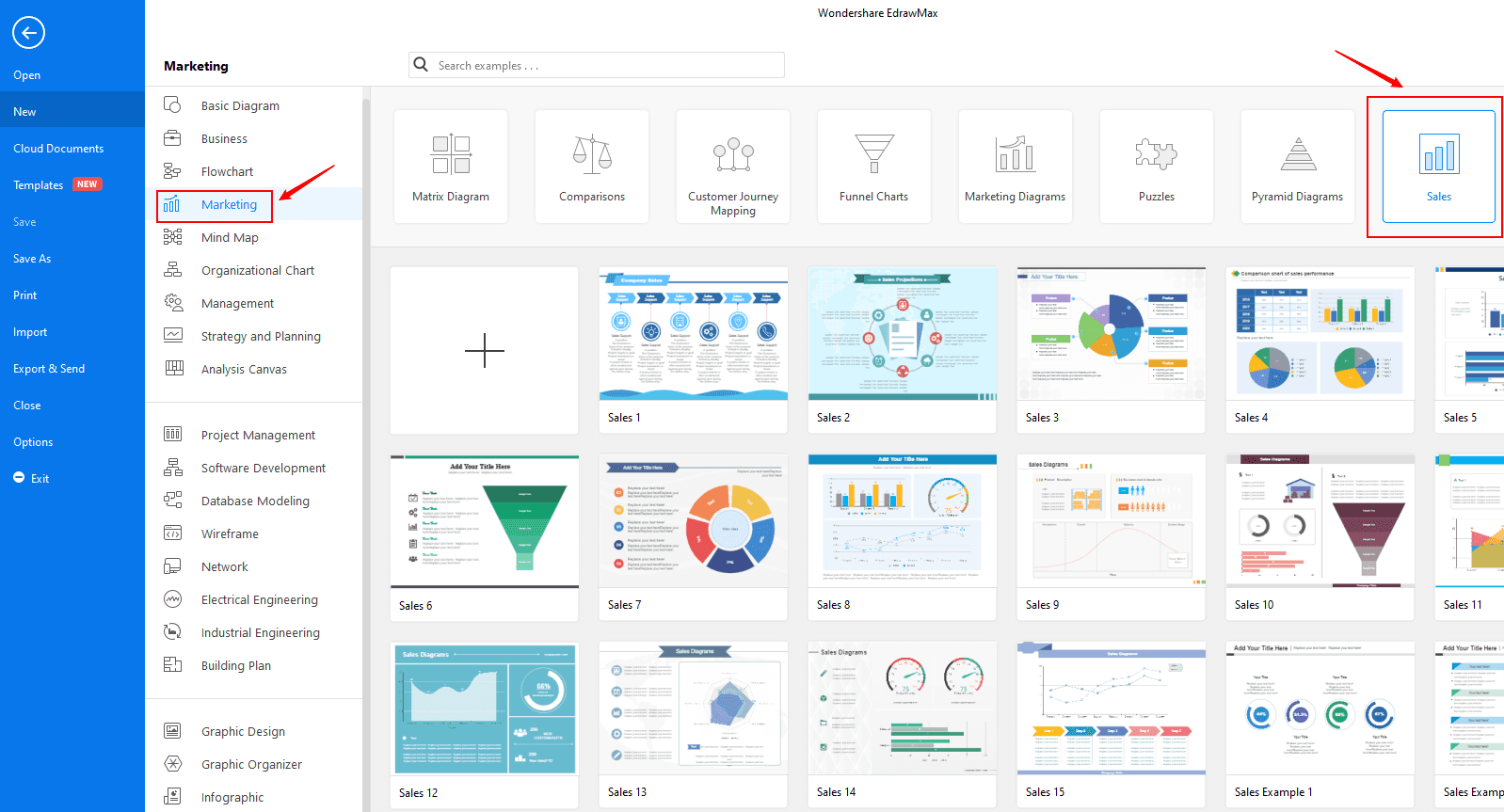
Diagram Templates: EdrawMax offers a wide range of templates that help your team quickly start any project. You'll find options for flowcharts, network diagrams, and more.
Drag-and-Drop Interface: The intuitive interface lets you easily move elements around your workspace. It makes designing diagrams simple and efficient for your team.
Vector Graphics: EdrawMax uses vector graphics to ensure your diagrams are crisp and scalable. You can resize your work without losing quality.
Export Options: You can export your diagrams in various formats like PDF, Word, and PPT. Share your work easily while maintaining the original draft.
Customizable Shapes: EdrawMax lets you customize shapes to fit your specific needs. You can modify existing shapes or create new ones to suit your project.
Collaboration Tools: While limited in real-time, EdrawMax allows for team collaboration through shared files. A designer can make changes, which another teammate can later review.
Ease of Use
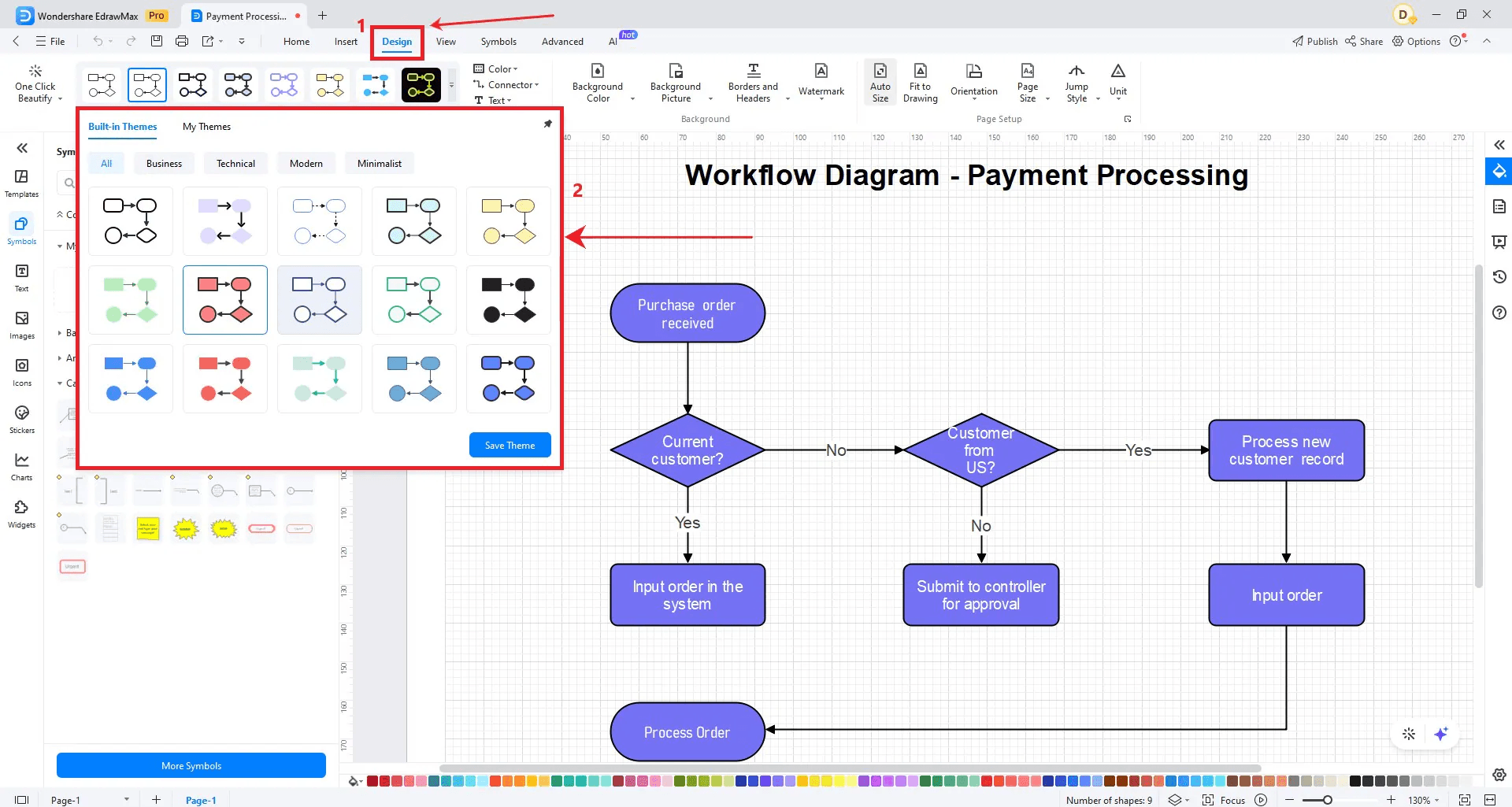
EdrawMax is user-friendly with its drag-and-drop interface and extensive template library, making it easy for your team to create diagrams quickly. The intuitive design ensures that even beginners can navigate the software without much hassle. You'll appreciate how simple it is to customize shapes and export your work in various formats, including HTML, PNG, JPG, and SVG. While it lacks some advanced collaboration features, its overall usability makes it a strong choice for teams prioritizing visual clarity and user experience.
Integrations
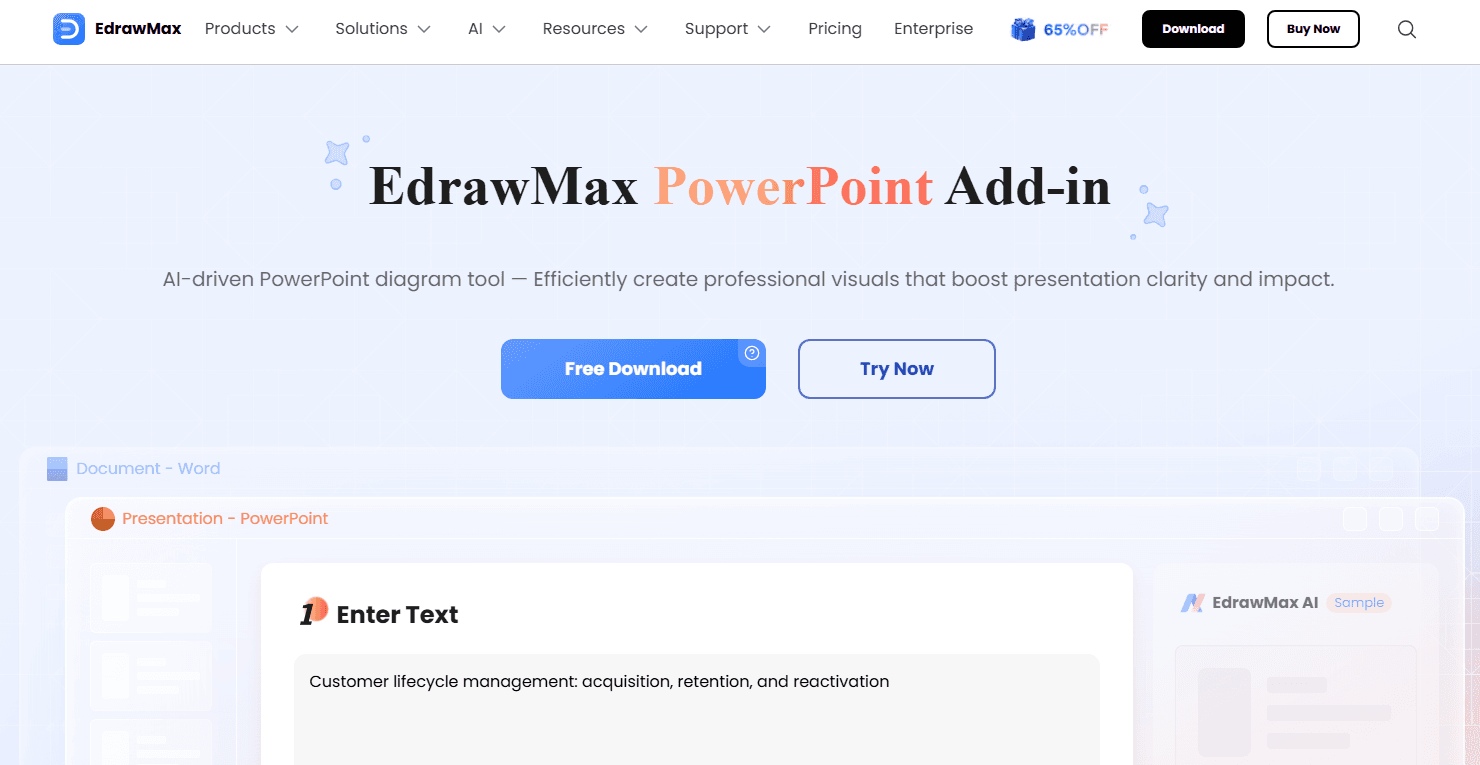
EdrawMax integrates with PowerPoint Add-in, Word Add-in, Nano Banana Pro, EdrawMind, and Edraw.AI.
EdrawMax Specs
- API: Yes
- Dashboard: Yes
- Data Export: Yes
- Data Import: Yes
- Data Visualization: Yes
- Email Integration: No
- External Integrations: Yes
- Gantt Charts: Yes
- Multi-User: Yes
- Notifications: Yes
- Project Management: Yes