
ConnectWise SIEM -arvostelu: hyvät ja huonot puolet, ominaisuudet ja hinnoittelu selitettynä
ConnectWise SIEM erottuu MSP-palveluntarjoajille suunnatulla tietoturvan automaatiollaan ja tarjoaa tehokkaan uhkien tunnistuksen sekä integraatiot, mutta se saattaa olla monimutkainen pienemmille tiimeille tai SIEM-ratkaisuihin vasta tutustuville.

We review tools independently, and commissions help fund our testing. See our transparency policy, our methodology, or suggest a tool.
ConnectWise SIEM is a cloud-based ITSM tool built for IT teams and MSPs that need centralized threat detection, log management, and security event monitoring across client or internal environments. I'd mainly consider it if you're managing security at scale and want something more accessible than Splunk—without giving up the alerting depth and log correlation you'd expect from a purpose-built SIEM.
ConnectWise SIEM Evaluation Summary
4.2/5
- Pricing upon request
- Free trial upon request
Miksi luottaa ohjelmistosuosituksiimme
6,700+
Reviews
20
Industry experts
16+
Evaluation factors
14
Years
Tiimimme on testannut ja arvioinut ohjelmistoja vuodesta 2012 lähtien. Teknologiajohtajina tiedämme itse, kuinka vaikeaa — ja tärkeää — oikean ohjelmiston valitseminen on.
Tätä opasta varten arvioimme työkaluja käytännön testauksen ja itsenäisen tutkimuksen avulla, pisteyttäen työkalut valintakriteeriemme perusteella.
Arvostelumme perustuvat inhimilliseen toimitukselliseen harkintaamme, eivät myyntipuheeseen.
Asiantuntija-arvioijat:
- Paulo Gardini MiguelTech Director
 Tim FisherVP of AI
 Gabriel RosasTech Lead & Software Architect
 Christhian GruhnTech Lead & Platform Architect

ConnectWise SIEM Overview
When judging ConnectWise SIEM as an ITSM tool, its MSP-centric automation, strong threat intelligence, and deep integration options set it apart for managed service environments. The interface is detailed but can feel overwhelming during onboarding, especially for smaller teams. Pricing is competitive for the feature set, and support is responsive, though advanced customization may require extra effort. If you’re selecting a solution for a multi-client or compliance-driven environment, ConnectWise SIEM’s layered analytics and workflow automation make it a strong contender, especially where centralized security and service management are priorities.
Pros
- Multi-tenancy supports managing multiple clients from one dashboard.
- SOC-backed threat detection provides 24/7 monitoring and response.
- Compliance reporting tools simplify regulatory audit preparation.
Is ConnectWise SIEM Right For Your Needs?
Who Would be a Good Fit for ConnectWise SIEM?
ConnectWise SIEM is best suited for organizations that need centralized security management, multi-client oversight, and strong compliance support. Its MSP-focused features, SOC-backed threat detection, and advanced reporting make it a strong choice for service providers, regulated industries, and in-house IT teams managing complex environments. If your business requires continuous vulnerability monitoring, audit-ready reporting, or multi-tenant management, ConnectWise SIEM’s functionalities align well with these needs.
- Managed Service ProvidersMulti-tenancy and client-specific dashboards support MSP workflows and reporting.
- Healthcare OrganizationsCompliance tools and audit-ready reporting help meet HIPAA requirements.
- Financial ServicesAutomated threat detection and compliance features address strict regulatory needs.
- Mid-Size IT DepartmentsCentralized monitoring and workflow automation reduce manual security tasks.
- Government AgenciesSOC-backed monitoring and compliance reporting support public sector mandates.
- Security Operations Centers24/7 threat intelligence and alerting fit SOC team requirements.
Who Would be a Bad Fit for ConnectWise SIEM?
ConnectWise SIEM may not be the best choice for small businesses, teams with limited security expertise, or organizations with simple IT environments. Its advanced features, pricing, and configuration complexity can be excessive for those with basic needs or limited resources. If your team is looking for a lightweight, low-maintenance ITSM tool, or you lack dedicated security staff, other options may be more practical.
- Small BusinessesPricing and feature set exceed the needs of small teams.
- StartupsComplex configuration and management are not ideal for lean teams.
- Non-Technical DepartmentsRequires security expertise for setup and ongoing management.
- Retail StoresBasic IT environments do not need advanced SIEM capabilities.
- Freelance IT ConsultantsMulti-tenant features and SOC services are unnecessary for solo operators.
- Educational InstitutionsBudget constraints and simple IT needs make it less suitable.
Our Review Methodology
How We Test & Score Tools
We’ve spent years building, refining, and improving our software testing and scoring system. The rubric is designed to capture the nuances of software selection and what makes a tool effective, focusing on critical aspects of the decision-making process.
Below, you can see exactly how our testing and scoring works across seven criteria. It allows us to provide an unbiased evaluation of the software based on core functionality, standout features, ease of use, onboarding, customer support, integrations, customer reviews, and value for money.
Core Functionality (25% of final scoring)
The starting point of our evaluation is always the core functionality of the tool. Does it have the basic features and functions that a user would expect to see? Are any of those core features locked to higher-tiered pricing plans? At its core, we expect a tool to stand up against the baseline capabilities of its competitors.
Standout Features (25% of final scoring)
Next, we evaluate uncommon standout features that go above and beyond the core functionality typically found in tools of its kind. A high score reflects specialized or unique features that make the product faster, more efficient, or offer additional value to the user.
We also evaluate how easy it is to integrate with other tools typically found in the tech stack to expand the functionality and utility of the software. Tools offering plentiful native integrations, 3rd party connections, and API access to build custom integrations score best.
Ease of Use (10% of final scoring)
We consider how quick and easy it is to execute the tasks defined in the core functionality using the tool. High scoring software is well designed, intuitive to use, offers mobile apps, provides templates, and makes relatively complex tasks seem simple.
Onboarding (10% of final scoring)
We know how important rapid team adoption is for a new platform, so we evaluate how easy it is to learn and use a tool with minimal training. We evaluate how quickly a team member can get set up and start using the tool with no experience. High scoring solutions indicate little or no support is required.
Customer Support (10% of final scoring)
We review how quick and easy it is to get unstuck and find help by phone, live chat, or knowledge base. Tools and companies that provide real-time support score best, while chatbots score worst.
Customer Reviews (10% of final scoring)
Beyond our own testing and evaluation, we consider the net promoter score from current and past customers. We review their likelihood, given the option, to choose the tool again for the core functionality. A high scoring software reflects a high net promoter score from current or past customers.
Value for Money (10% of final scoring)
Lastly, in consideration of all the other criteria, we review the average price of entry level plans against the core features and consider the value of the other evaluation criteria. Software that delivers more, for less, will score higher.
Core Features
Multi-Tenancy Management
Manage multiple clients or business units from a single dashboard, with role-based access controls. This setup streamlines oversight for MSPs and large organizations.
SOC-Backed Threat Detection
Benefit from 24/7 monitoring and incident response by ConnectWise’s Security Operations Center. Automated alerts and human analysis help catch threats quickly.
Automated Compliance Reporting
Generate audit-ready reports for standards like HIPAA, PCI DSS, and GDPR. Built-in templates simplify regulatory documentation and save time during audits.
Real-Time Monitoring
Aggregate and analyze logs from endpoints, servers, and cloud services in real time. This visibility helps teams spot suspicious activity as it happens, and streamlines log management.
Customizable Alerting and Workflows
Set up tailored alerts and automated response actions for specific incidents. This flexibility lets teams prioritize and address threats based on their unique environment.
Advanced Analytics and Dashboards
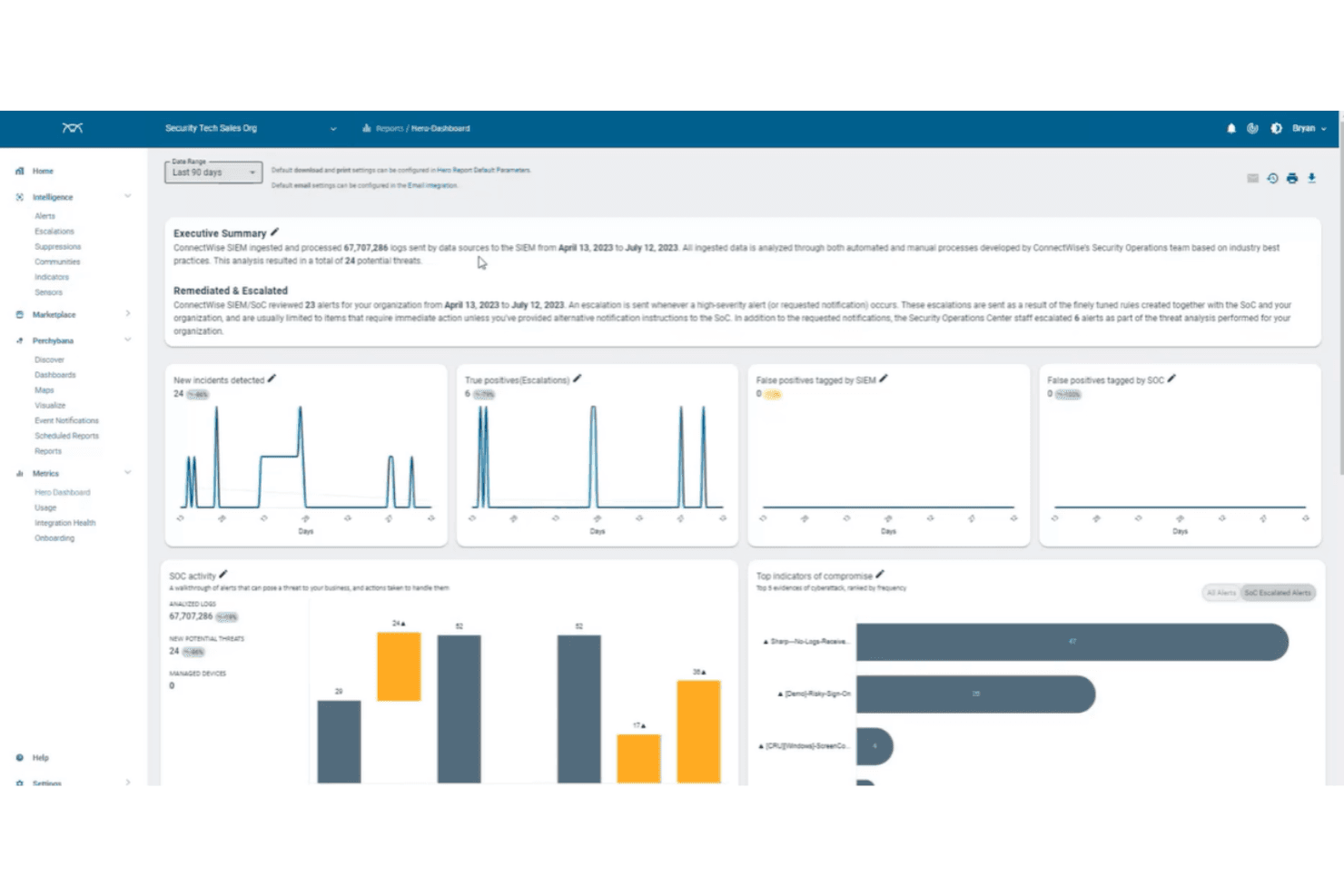
Visualize security trends, incident patterns, and compliance status with interactive dashboards. These analytics support data-driven decision-making and ongoing risk assessment.
Ease of Use
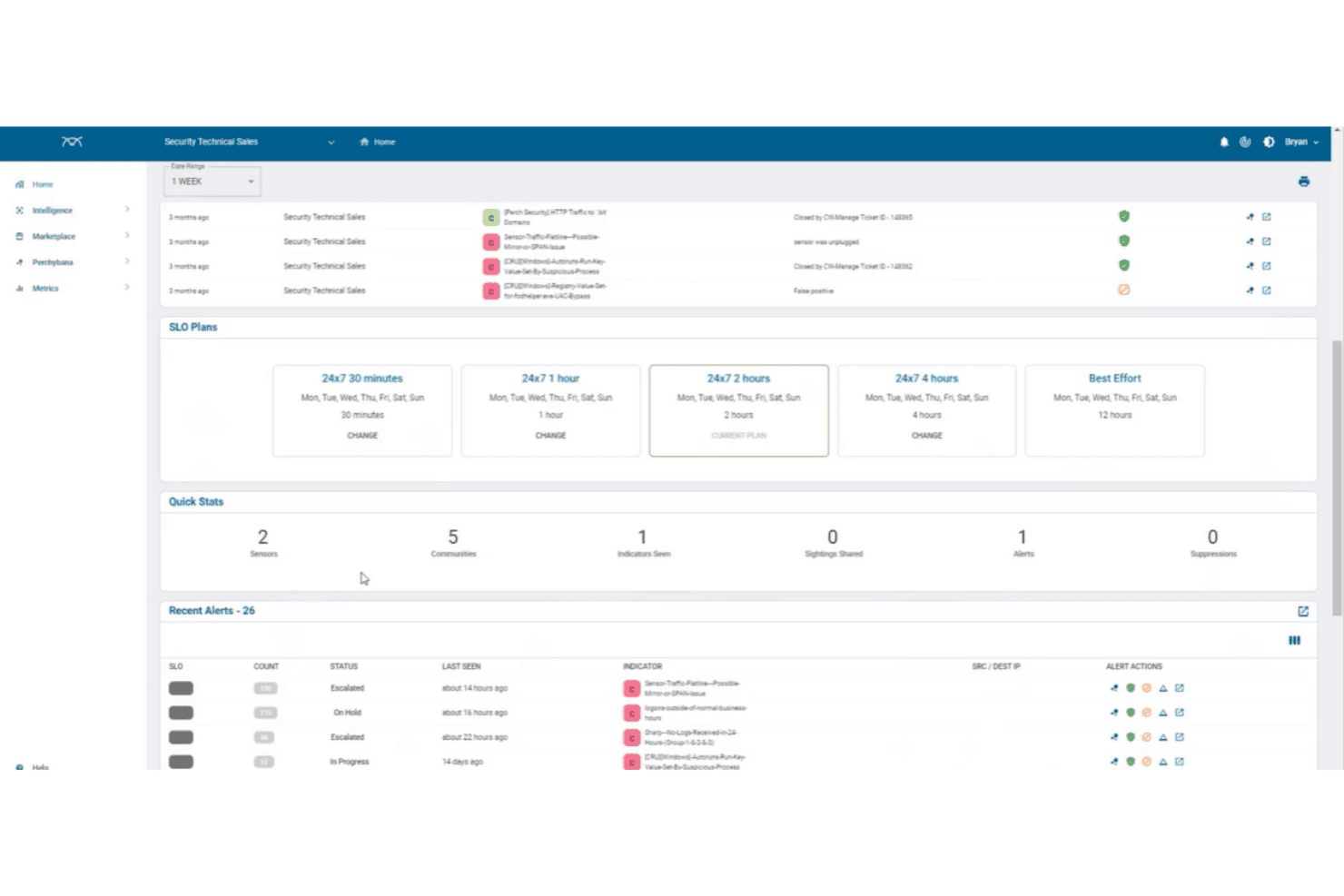
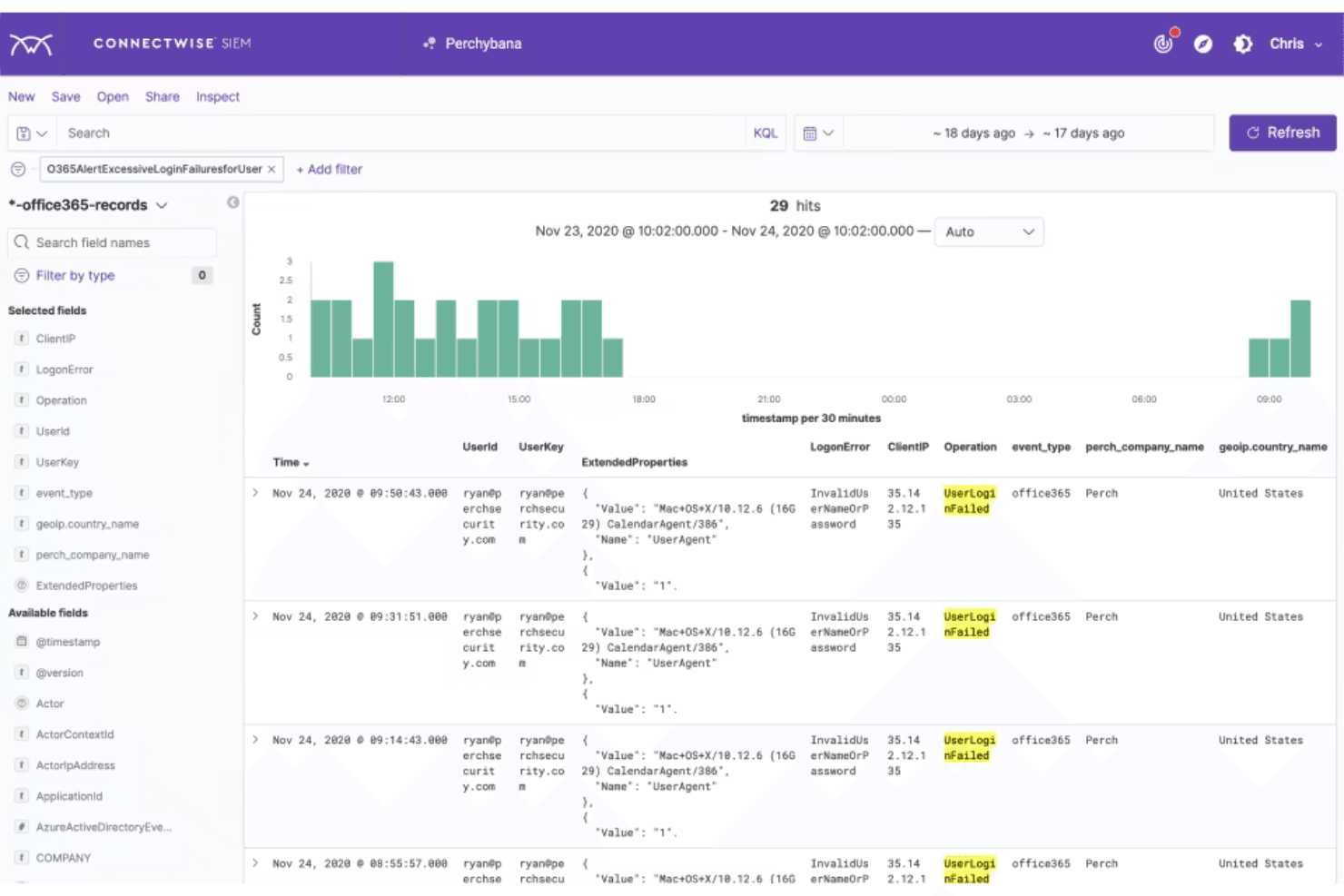
ConnectWise SIEM offers a feature-rich interface that prioritizes depth over simplicity, which can be daunting for new users or smaller teams. While the dashboard provides granular control and detailed analytics, setup and ongoing management often require security expertise. User reviews highlight that onboarding and policy configuration can be time-consuming, but experienced IT teams appreciate the customization and visibility it provides once fully implemented.
Integrations
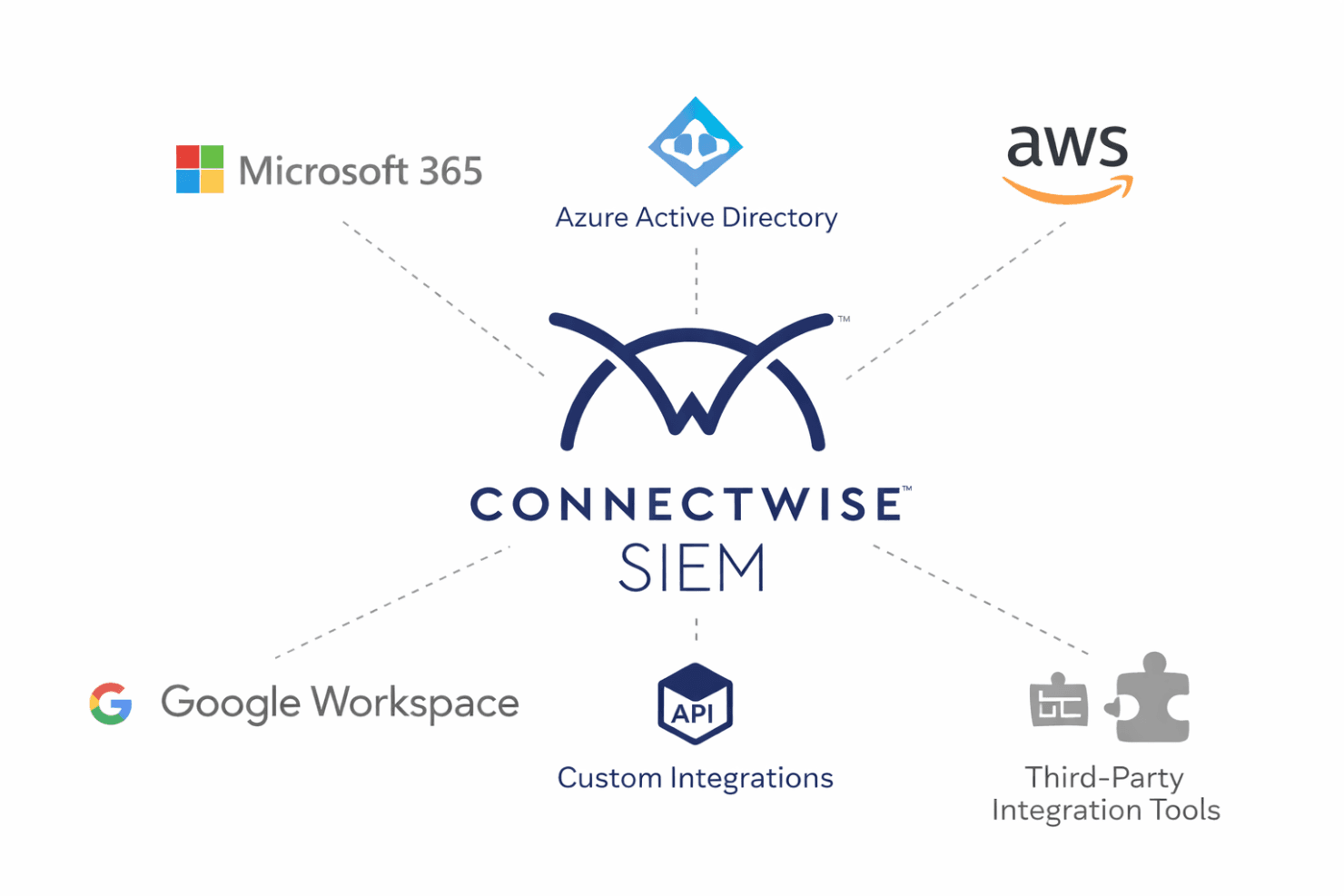
ConnectWise SIEM integrates with Microsoft 365, Azure Active Directory, AWS, and Google Workspace, among others.
ConnectWise SIEM also offers an API for custom integrations and supports connections with third-party integration tools.
ConnectWise SIEM Specs
- API: Yes
- Data Export: Yes
- Data Import: Yes
- External Integrations: Yes
- Multi-User: Yes
- Notifications: Yes
- Project Management: No
- SAP Integration: No
- Third-Party Plugins/Add-Ons: Yes