
Bright Data -arvostelu: hyvät ja huonot puolet, ominaisuudet ja hinnoittelu
Bright Data loistaa laajojen tiedonkeruuominaisuuksiensa ansiosta, mikä tekee siitä erinomaisen valinnan yrityksille, jotka etsivät luotettavaa verkkodatapalvelua.

We review tools independently, and commissions help fund our testing. See our transparency policy, our methodology, or suggest a tool.
Bright Data is a web data platform that helps businesses scrape data from reliable proxy servers. It's best suited for market researchers, e-commerce analysts, and IT departments looking to gain insights from large datasets. Bright Data provides efficient data collection to support artificial intelligence(AI) workflow and data infrastructure.
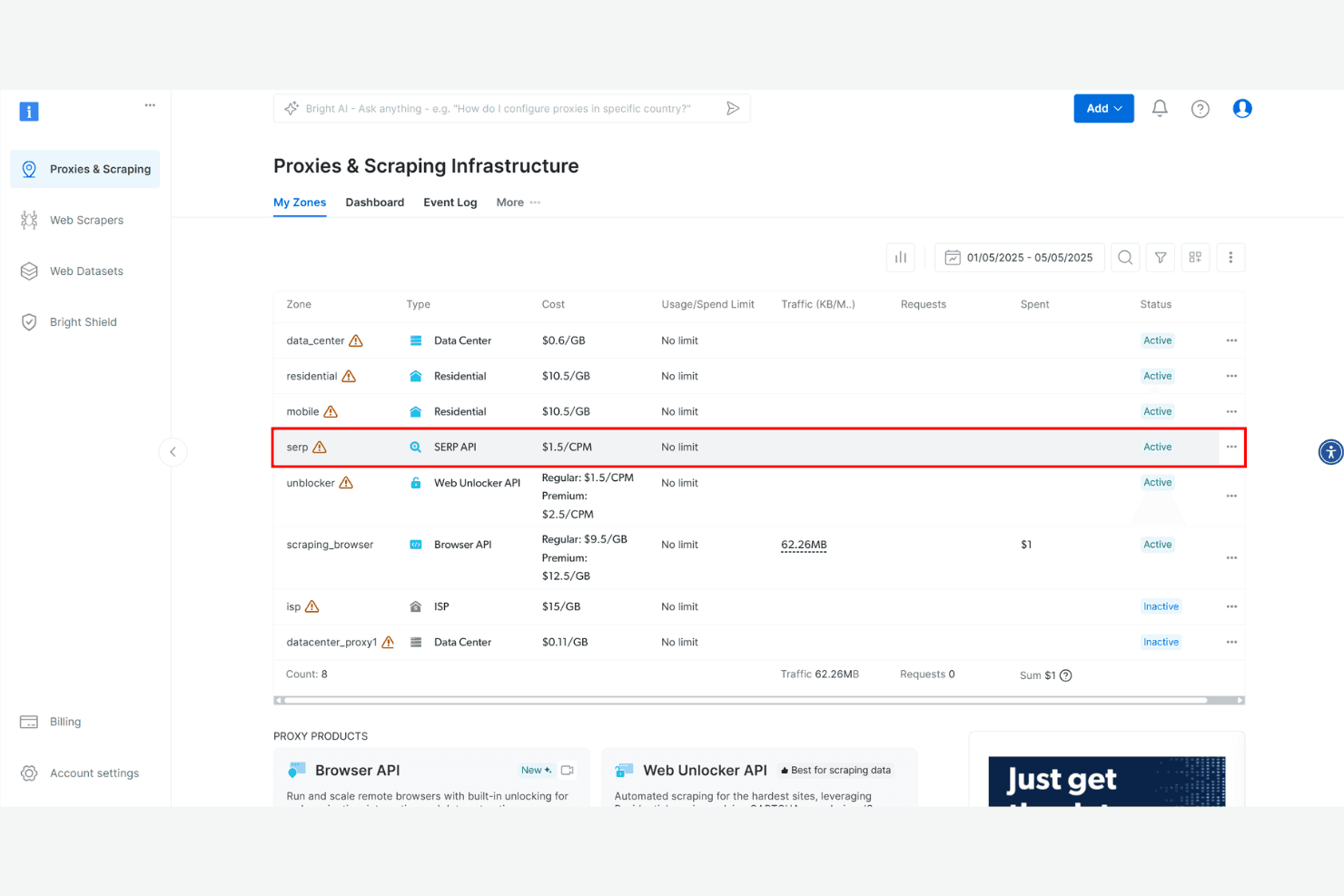
Bright Data proxy solutions are known for their high success rate when extracting data. You can reliably extract data with a range of data center proxies, ISP proxies, residential proxies, and mobile proxies. In this article, I'll cover Bright Data's features, pros and cons, use cases, pricing, and more, so you can decide if it aligns with your specific needs and goals.
Bright Data Evaluation Summary
4.7/5
- From $1.5/1,000 records/month
- Free plan available
Why Trust Our Software Recommendations
6,700+
Reviews
20
Industry experts
16+
Evaluation factors
14
Years
Our team has been testing and reviewing software since 2012. As tech leaders ourselves, we know how difficult—and important—it is to choose the right software.
For this guide, we evaluated tools using hands-on testing and independent research, scoring tools using our selection criteria.
Our reviews reflect our human editorial judgment, not a sales pitch.
Expert reviewers:
- Paulo Gardini MiguelTech Director
 Tim FisherVP of AI
 Gabriel RosasTech Lead & Software Architect
 Christhian GruhnTech Lead & Platform Architect

Bright Data Overview
In my opinion, Bright Data offers solid features and a user-friendly interface, making it a strong contender among web data platforms. Its standout features, like extensive data collection capabilities, are impressive. However, onboarding and customer support could use some improvements compared to competitors. Bright Data is the best proxy provider for businesses needing reliable data extraction and analysis, particularly in research and IT departments. The pricing plans are competitive, but consider them carefully to ensure they align with your budget. Overall, if your team values robust data capabilities and can handle a learning curve, Bright Data is worth considering.
Pros
- You can collect large volumes of data efficiently, without worrying about solving CAPTCHAs on websites
- The proxy manager offers extensive customization options for tailored data extraction.
- It provides reliable and accurate data results for your analysis, thanks to the large proxy pool.
Cons
- Your team might find the learning curve a bit steep.
- Customer support response times can be slow.
- The interface could be more intuitive for new users.
Is Bright Data Right For Your Needs?
Who Would be a Good Fit for Bright Data?
Bright Data is ideal for market researchers, IT departments, and e-commerce analysts who need extensive data extraction. If your team requires customized data collection for detailed analysis, Bright Data's features offer the flexibility you need. For example, marketing teams can benefit from its accurate data results when refining strategies. Its ability to handle large volumes of data also makes it suitable for industries that rely on data-driven decisions.
- Market ResearchBright Data's customizable data extraction helps your team gather precise market insights.
- E-commerce AnalysisIt enables your team to track competitor pricing and trends effectively. You can also buy Amazon Datasets and gain insights for pricing comparison, branding, and other e-commerce strategies.
- IT DepartmentsBright Data provides a Python software development kit (SDK) that your developers can use to scrape web data.
- Financial ServicesYour team can use it to collect real-time data for risk analysis and investment strategies.
- Advertising AgenciesIt helps your team analyze consumer behavior, including mobile users, for targeted campaigns.
- Retail ChainsBright Data’s range of tools, such as Scraping Browser, aids in collecting data for inventory and sales strategies.
Who Would be a Bad Fit for Bright Data?
Bright Data isn't ideal for small businesses or startups with limited technical expertise. If your team lacks the resources for a steep learning curve, Bright Data's interface might pose challenges. Similarly, Bright Data isn’t suitable for businesses that need a simple, intuitive data solution. Its complexity and need for customization can overwhelm teams without dedicated IT support or those seeking quick, out-of-the-box solutions.
- Small StartupsYour team might struggle with the complexity and learning curve.
- Non-Technical TeamsWithout IT support, navigating the platform could be challenging.
- Budget-Conscious DepartmentsIt’s not cost effective for teams with limited resources.
- Quick Turnaround ProjectsBright Data's setup might delay your timeline.
- Basic Data NeedsIf you need simple data solutions, Bright Data could be overkill.
- FreelancersThe platform's extensive features might be too complex for solo use.
Our Review Methodology
How We Test & Score Tools
We’ve spent years building, refining, and improving our software testing and scoring system. The rubric is designed to capture the nuances of software selection and what makes a tool effective, focusing on critical aspects of the decision-making process.
Below, you can see exactly how our testing and scoring works across seven criteria. It allows us to provide an unbiased evaluation of the software based on core functionality, standout features, ease of use, onboarding, customer support, integrations, customer reviews, and value for money.
Core Functionality (25% of final scoring)
The starting point of our evaluation is always the core functionality of the tool. Does it have the basic features and functions that a user would expect to see? Are any of those core features locked to higher-tiered pricing plans? At its core, we expect a tool to stand up against the baseline capabilities of its competitors.
Standout Features (25% of final scoring)
Next, we evaluate uncommon standout features that go above and beyond the core functionality typically found in tools of its kind. A high score reflects specialized or unique features that make the product faster, more efficient, or offer additional value to the user.
We also evaluate how easy it is to integrate with other tools typically found in the tech stack to expand the functionality and utility of the software. Tools offering plentiful native integrations, 3rd party connections, and API access to build custom integrations score best.
Ease of Use (10% of final scoring)
We consider how quick and easy it is to execute the tasks defined in the core functionality using the tool. High scoring software is well designed, intuitive to use, offers mobile apps, provides templates, and makes relatively complex tasks seem simple.
Onboarding (10% of final scoring)
We know how important rapid team adoption is for a new platform, so we evaluate how easy it is to learn and use a tool with minimal training. We evaluate how quickly a team member can get set up and start using the tool with no experience. High scoring solutions indicate little or no support is required.
Customer Support (10% of final scoring)
We review how quick and easy it is to get unstuck and find help by phone, live chat, or knowledge base. Tools and companies that provide real-time support score best, while chatbots score worst.
Customer Reviews (10% of final scoring)
Beyond our own testing and evaluation, we consider the net promoter score from current and past customers. We review their likelihood, given the option, to choose the tool again for the core functionality. A high scoring software reflects a high net promoter score from current or past customers.
Value for Money (10% of final scoring)
Lastly, in consideration of all the other criteria, we review the average price of entry level plans against the core features and consider the value of the other evaluation criteria. Software that delivers more, for less, will score higher.
Core Features
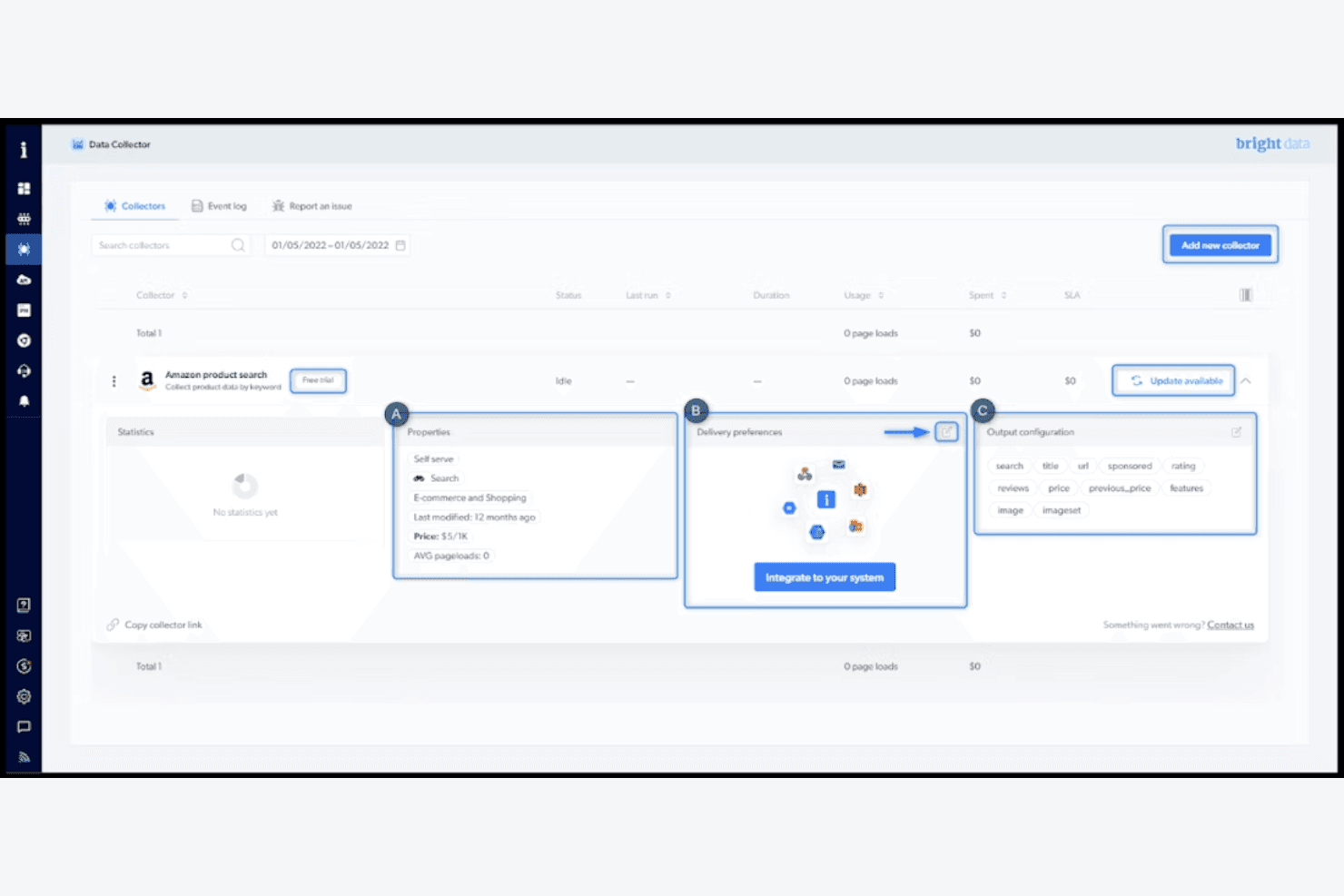
Data Collection Tools: Bright Data lets your team gather data from multiple sources efficiently. Its tools automate data extraction, saving you time and effort.
Customizable Extraction: You can tailor data extraction to fit your specific needs. This flexibility ensures you get the exact data your work requires.
Data Accuracy: The platform delivers reliable and structured data. You can trust the information you gather for making informed decisions.
User Dashboard: Bright Data offers a straightforward dashboard for managing your data tasks. It helps your team keep track of progress easily.
Data Storage: You can store vast amounts of data securely. This feature ensures your data is safe and accessible when needed.
Data Filtering: Bright Data allows you to filter data for more targeted insights. It helps your team find the most relevant information quickly.
Ease of Use
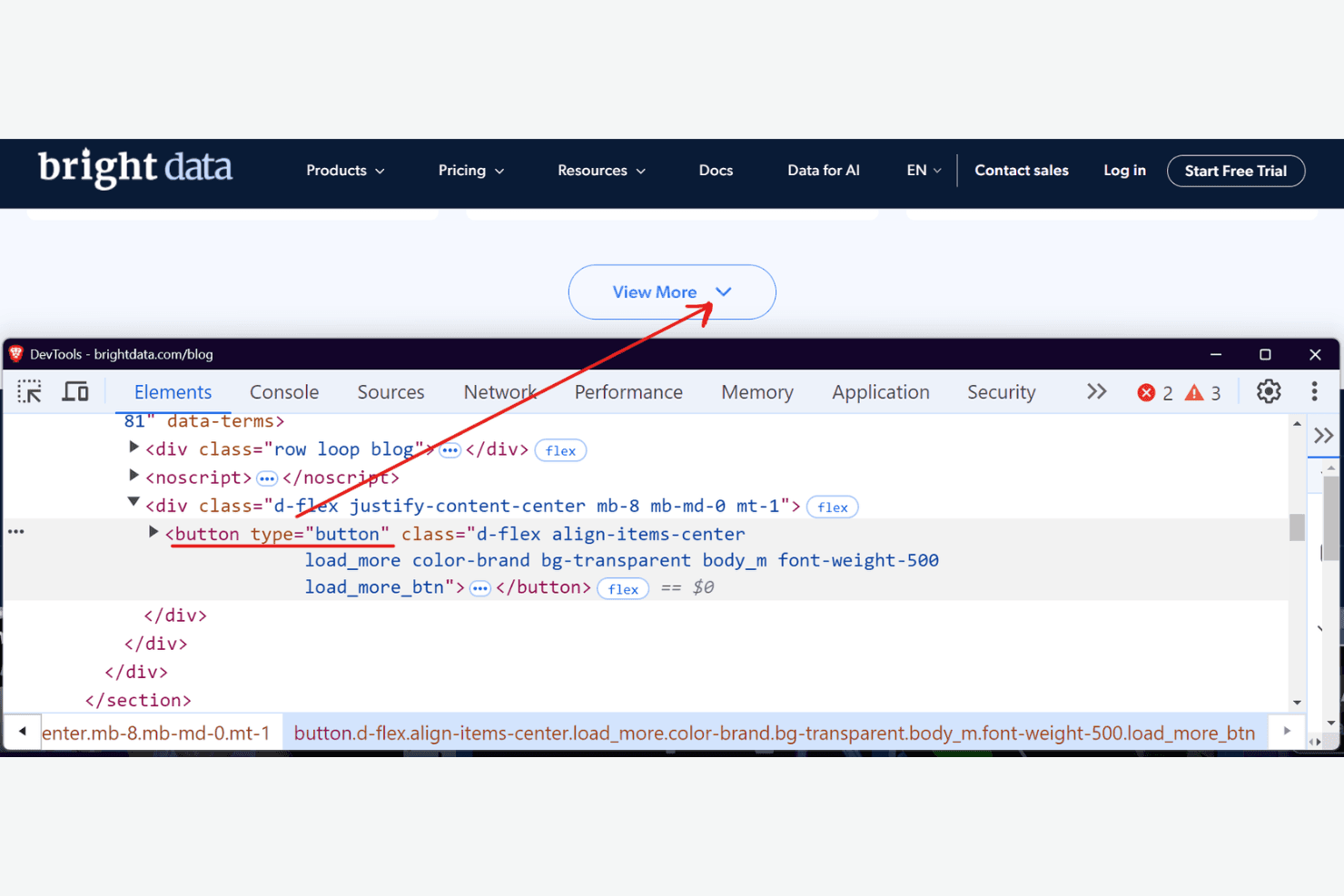
Bright Data's web scraper can be challenging for new users due to its complexity. Your team might need time to get familiar with its features and functionalities. The customizable options, while powerful, require a learning curve that may slow down initial setup. Once your team gets accustomed, the platform's capabilities can expedite detailed data tasks. However, compared to other platforms, it lacks immediate intuitiveness, which impacts the user experience for those without technical expertise.
Integrations
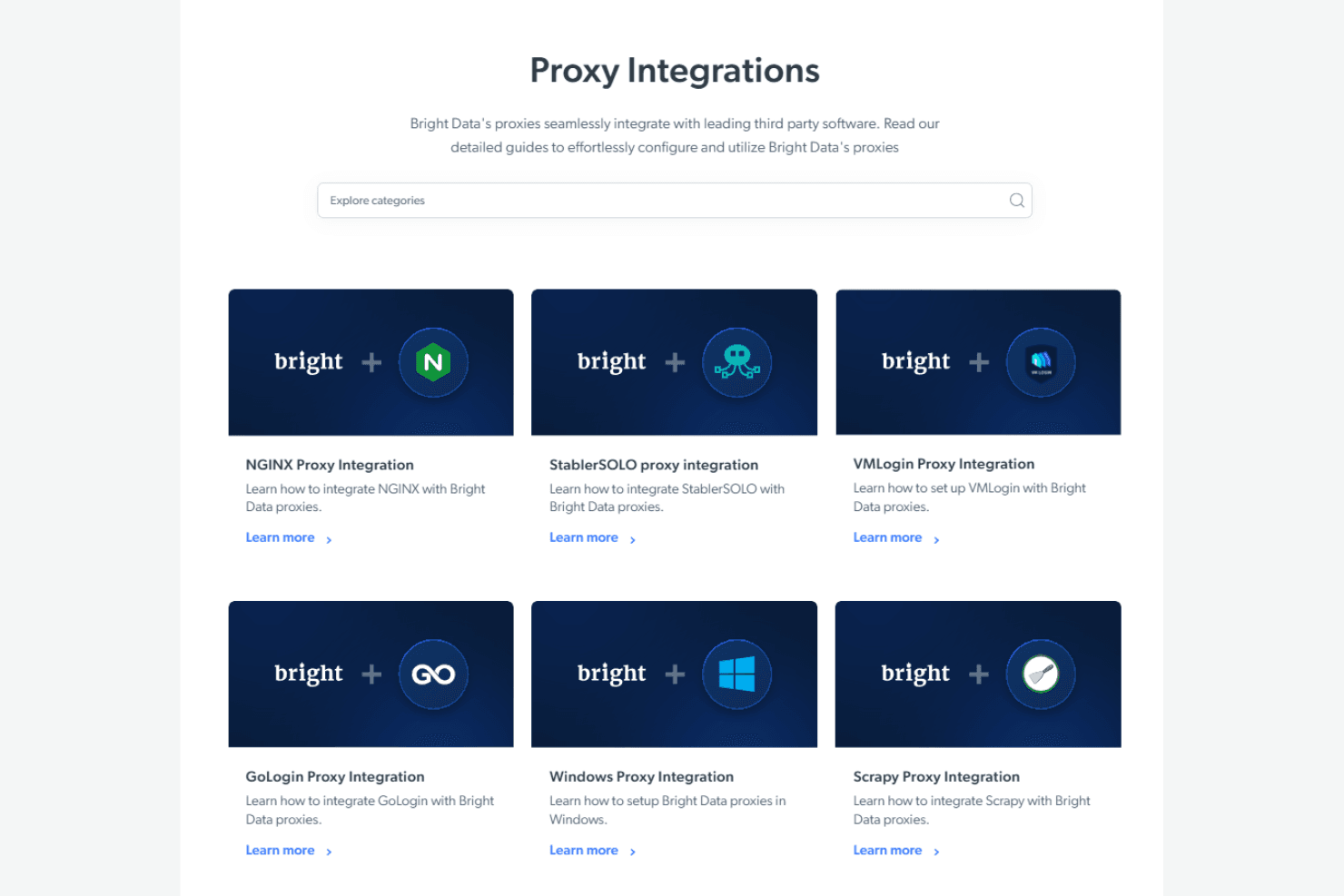
Bright Data integrates with AdsPower, Chrome, Incognition, Langchain, Multilogin, n8n, Postman, Selenium, VMLogin, Zapier, and more.
Bright Data also has an application programming interface (API) for custom integrations, allowing you to connect with third-party integration tools. For search engine data, the SERP API is a key feature for SEO professionals.
Bright Data Specs
- API: Yes
- Big Data: Yes
- Cloud Deployment: No
- CRM Integration: No
- Custom Data Forms: No
- Data Conversion: No
- Data Export: Yes
- Data Import: Yes
- Data Mining: Yes
- Data Visualization: No
- Database: Yes
- Feedback Management: No
- Multi-App: No
- Organization Management: No
- Resource Management: No
- Social Media Monitoring: Yes
- Software Integration: Yes
- Task Scheduling/Tracking: Yes
- Third-Party Plugins/Add-Ons: No
- Web Mapping: No
- Workflow Management: No


