

Boomin arvostelu: hyvät ja huonot puolet, ominaisuudet ja hinnoittelu
Boomi tarjoaa erinomaisia helppokäyttöisiä pilvi-integraatioratkaisuja, minkä ansiosta se on ensisijainen valinta yrityksille, jotka etsivät tehokasta tiedonsiirtoa.

We review tools independently, and commissions help fund our testing. See our transparency policy, our methodology, or suggest a tool.
Boomi is a cloud integration platform for IT teams that need to connect applications, data, and processes across hybrid and multi-cloud environments. I'd consider it if you're looking for something less developer-intensive than MuleSoft but more capable than basic point-to-point tools—particularly if your team needs to design and manage integrations without deep coding expertise at every step.
Boomi Evaluation Summary
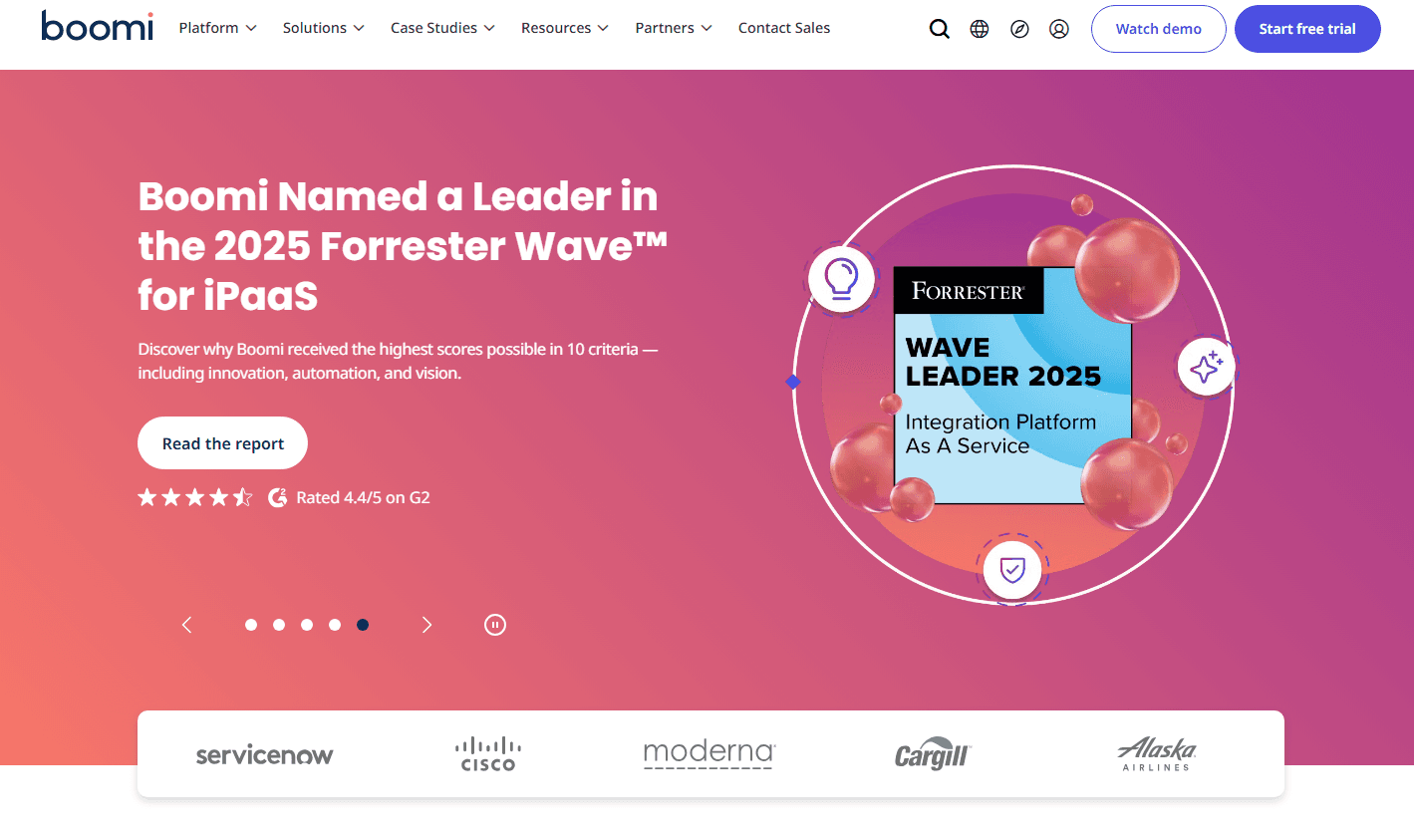
4.4/5
- From $99/month
- 30-day free trial
Miksi luottaa ohjelmistosuosituksiimme
6,700+
Reviews
20
Industry experts
16+
Evaluation factors
14
Years
Tiimimme on testannut ja arvioinut ohjelmistoja vuodesta 2012 lähtien. Teknologiajohtajina tiedämme itse, kuinka vaikeaa — ja tärkeää — oikean ohjelmiston valitseminen on.
Tätä opasta varten arvioimme työkaluja käytännön testauksen ja itsenäisen tutkimuksen avulla, pisteyttäen työkalut valintakriteeriemme perusteella.
Arvostelumme perustuvat inhimilliseen toimitukselliseen harkintaamme, eivät myyntipuheeseen.
Asiantuntija-arvioijat:
- Paulo Gardini MiguelTech Director
 Tim FisherVP of AI
 Gabriel RosasTech Lead & Software Architect
 Christhian GruhnTech Lead & Platform Architect

Boomi Overview
In my opinion, Boomi is a solid choice for mid to large organizations needing a reliable cloud integration platform. It excels with its user-friendly interface and strong support for various integrations, which makes it a good fit for finance and healthcare teams. Boomi’s low-code interface and flexible Atom runtime make it easy to connect systems, and users often highlight its visual mapping tools and large library of pre-built connectors. However, teams should expect a steep learning curve for advanced workflows and a complex, opaque licensing model that can become expensive for simpler use cases.
Pros
- Drag-and-drop data mapping to speed up transformation development.
- Highly scalable in cloud, on-prem, or hybrid environments.
- Intuitive interface.
- Strong customer support.
Cons
- The onboarding process can be time-consuming for your team.
- High-volume workloads can experience slowdowns.
- Steep learning curve for groovy scripting and exception handling.
- Some users report occasional performance lags during peak times.
Is Boomi Right For Your Needs?
Who Would be a Good Fit for Boomi?
Boomi is best suited for mid- to large-scale enterprises in sectors like finance, healthcare, and retail that need to integrate many applications across complex, mixed environments. It’s especially valuable for organizations replacing aging, custom-built middleware or those that require strong MDM and B2B/EDI capabilities. Teams looking to improve data processes will benefit from Boomi’s scalable architecture and intuitive interface, while IT and operations teams gain from its broad connector ecosystem and reliable support.
- Finance TeamsBoomi's secure data integration supports financial operations and compliance.
- Healthcare ProvidersIts ability to handle sensitive data makes it perfect for healthcare integration needs.
- Retail OperationsThe robust capability to handle complex electronic data interchange (EDI) and B2B supply chain integration is essential for high-volume manufacturing and retail sectors.
- IT DepartmentsYour IT team will appreciate Boomi's scalability and comprehensive support for complex integrations.
- Large EnterprisesProvides a modern, cloud-native, low-code platform to consolidate and replace brittle, expensive, custom-coded on-premises integration infrastructure.
- Data AnalystsIts strong data handling features help analysts integrate and analyze data efficiently. A dedicated MDM service also ensures a single source of truth for core business data (Customer, Product, Vendor) across multiple operational systems (ERP, CRM, E-commerce).
Who Would be a Bad Fit for Boomi?
Boomi might not be the best choice for small businesses or startups with limited integration needs and resources. If your team lacks IT expertise, the learning curve can be steep, and the onboarding process may feel cumbersome. Additionally, businesses with simple, straightforward integration requirements might find Boomi's extensive features unnecessary and overwhelming, making it a less cost-effective option.
- Small StartupsThe high cost, complex licensing, and significant operational overhead are massive overkill. Simple point-to-point integrations are far better handled by platforms like Zapier.
- Non-Technical TeamsThe steep learning curve in advanced configuration, scripting, and Atom monitoring means teams without dedicated, trained integration developers will struggle to utilize the platform effectively.
- Simple IntegrationsIf your needs are basic, Boomi's capabilities might be excessive and not cost-effective.
- Local BusinessesIf your operations are small-scale, Boomi's scalability might be more than necessary.
- Budget-Conscious OrganizationsThe highly complex pricing model makes it nearly impossible to budget efficiently, and the high entry cost is prohibitive compared to consumption-based or simpler SaaS models.
- FreelancersAs an individual, you might find Boomi's platform too complex for your simple needs.
Our Review Methodology
How We Test & Score Tools
We’ve spent years building, refining, and improving our software testing and scoring system. The rubric is designed to capture the nuances of software selection and what makes a tool effective, focusing on critical aspects of the decision-making process.
Below, you can see exactly how our testing and scoring works across seven criteria. It allows us to provide an unbiased evaluation of the software based on core functionality, standout features, ease of use, onboarding, customer support, integrations, customer reviews, and value for money.
Core Functionality (25% of final scoring)
The starting point of our evaluation is always the core functionality of the tool. Does it have the basic features and functions that a user would expect to see? Are any of those core features locked to higher-tiered pricing plans? At its core, we expect a tool to stand up against the baseline capabilities of its competitors.
Standout Features (25% of final scoring)
Next, we evaluate uncommon standout features that go above and beyond the core functionality typically found in tools of its kind. A high score reflects specialized or unique features that make the product faster, more efficient, or offer additional value to the user.
We also evaluate how easy it is to integrate with other tools typically found in the tech stack to expand the functionality and utility of the software. Tools offering plentiful native integrations, 3rd party connections, and API access to build custom integrations score best.
Ease of Use (10% of final scoring)
We consider how quick and easy it is to execute the tasks defined in the core functionality using the tool. High scoring software is well designed, intuitive to use, offers mobile apps, provides templates, and makes relatively complex tasks seem simple.
Onboarding (10% of final scoring)
We know how important rapid team adoption is for a new platform, so we evaluate how easy it is to learn and use a tool with minimal training. We evaluate how quickly a team member can get set up and start using the tool with no experience. High scoring solutions indicate little or no support is required.
Customer Support (10% of final scoring)
We review how quick and easy it is to get unstuck and find help by phone, live chat, or knowledge base. Tools and companies that provide real-time support score best, while chatbots score worst.
Customer Reviews (10% of final scoring)
Beyond our own testing and evaluation, we consider the net promoter score from current and past customers. We review their likelihood, given the option, to choose the tool again for the core functionality. A high scoring software reflects a high net promoter score from current or past customers.
Value for Money (10% of final scoring)
Lastly, in consideration of all the other criteria, we review the average price of entry level plans against the core features and consider the value of the other evaluation criteria. Software that delivers more, for less, will score higher.
Core Features
Data Mapping: Enable fast, visual ETL development through drag-and-drop tools supported by Boomi Suggest, which recommends mappings based on community patterns.
Drag and Drop Workflow Automation: Automate complex, multi-step integration processes using a visual orchestration canvas that supports transformations, conditional routing, and external API calls. Allow teams to model end-to-end data flows without deep coding expertise.
Real-Time Monitoring: Keep an eye on your integrations with Boomi's real-time monitoring dashboards. You'll spot issues quickly, ensuring minimal disruption to your operations.
Error Handling: Boomi provides robust error handling, alerting your team to any integration failures. This feature helps maintain data integrity and operational continuity.
Scalability: Scale integrations seamlessly by deploying additional Atoms or Atom Clouds close to the data source, enabling distributed processing and higher availability. Support growing workloads without architectural redesign or performance bottlenecks.
Security Compliance: Ensure secure data handling with industry-standard encryption, role-based access, and compliance certifications required in finance, healthcare, and other regulated environments.
Ease of Use
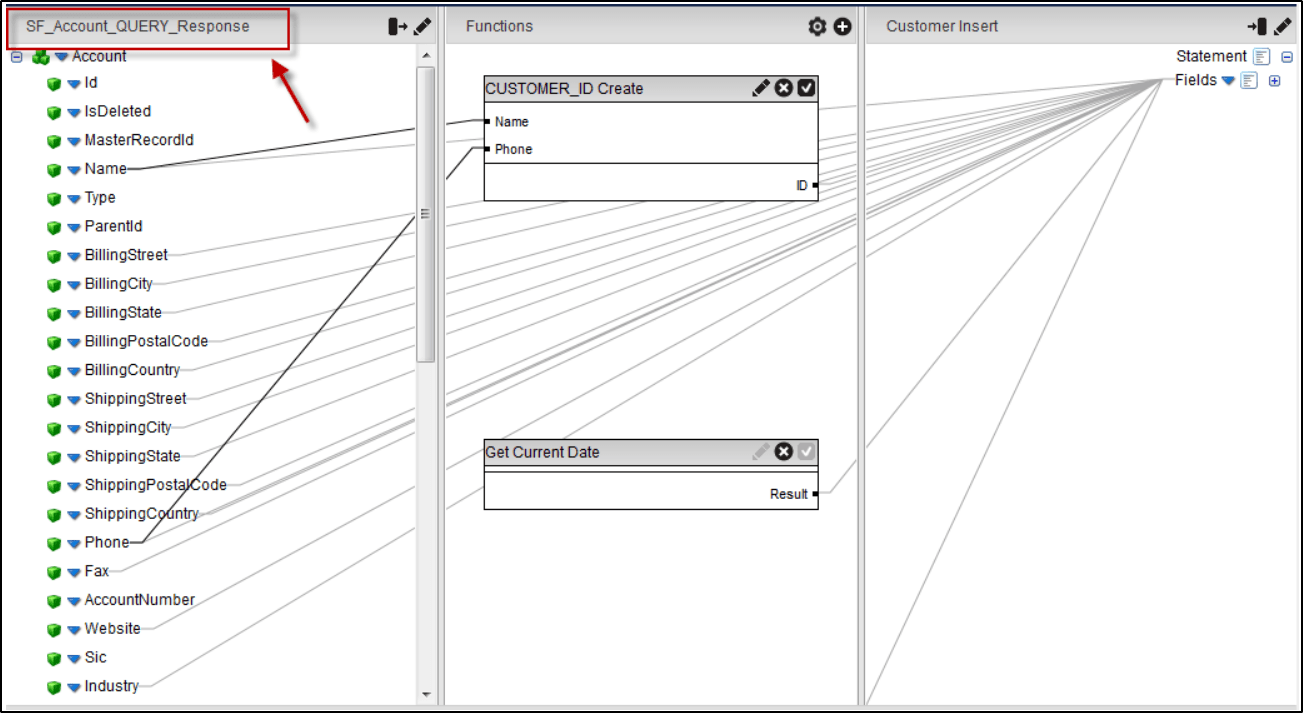
Boomi’s drag-and-drop interface and low-code AtomSphere environment make basic data mapping and workflow design feel simple and visual. But this ease of use can be misleading. To achieve real operational efficiency like handling exceptions, writing custom scripts, or optimizing deployments, you need a strong grasp of how the Atom runtime actually works. These tasks require deeper technical expertise, because building a flow is easy, but managing its performance and reliability at scale is not.
Integrations
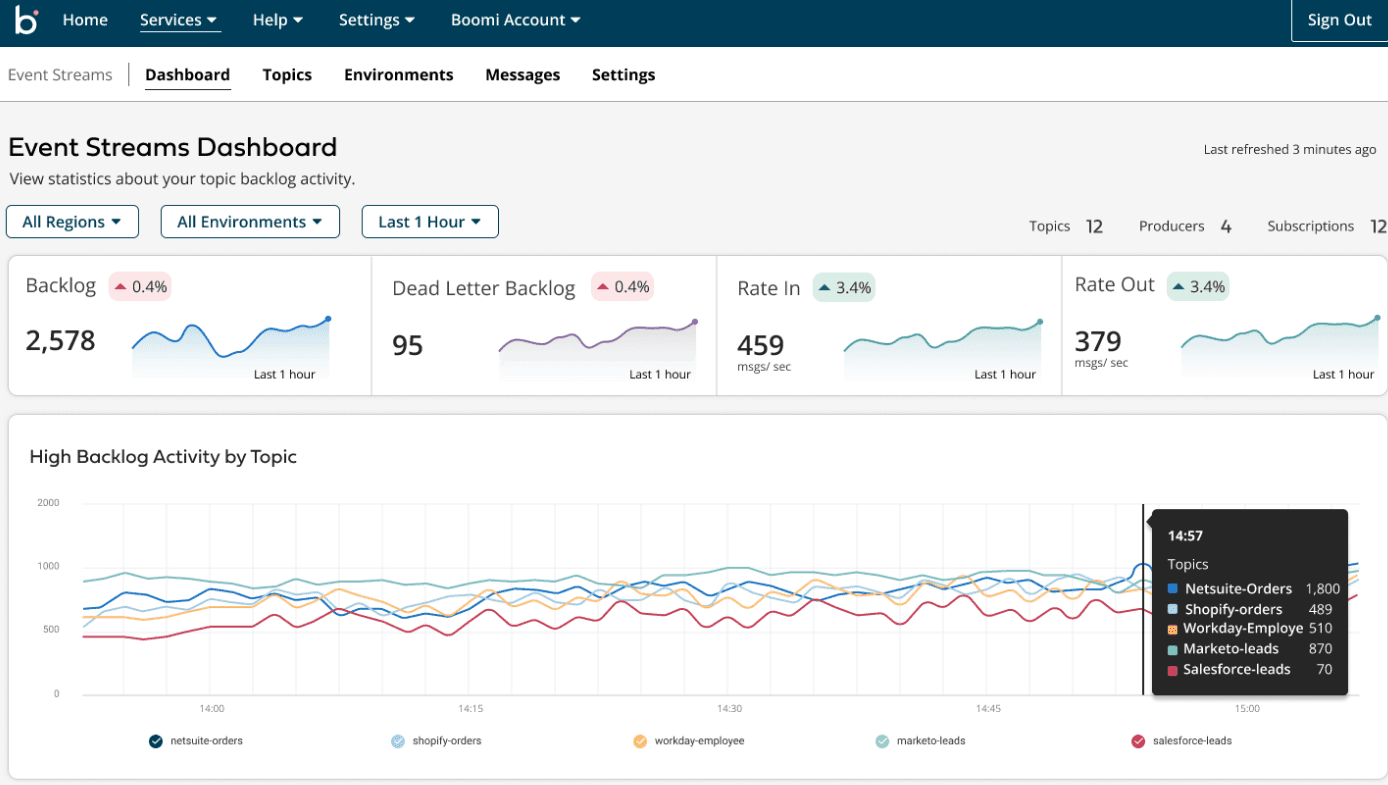
Boomi offers seamless integrations with Google Cloud, Amazon S3, Microsoft Dynamics CRM, Salesforce, SAP, Oracle E-Business Suite, Workday, Shopify, NetSuite, and HubSpot.
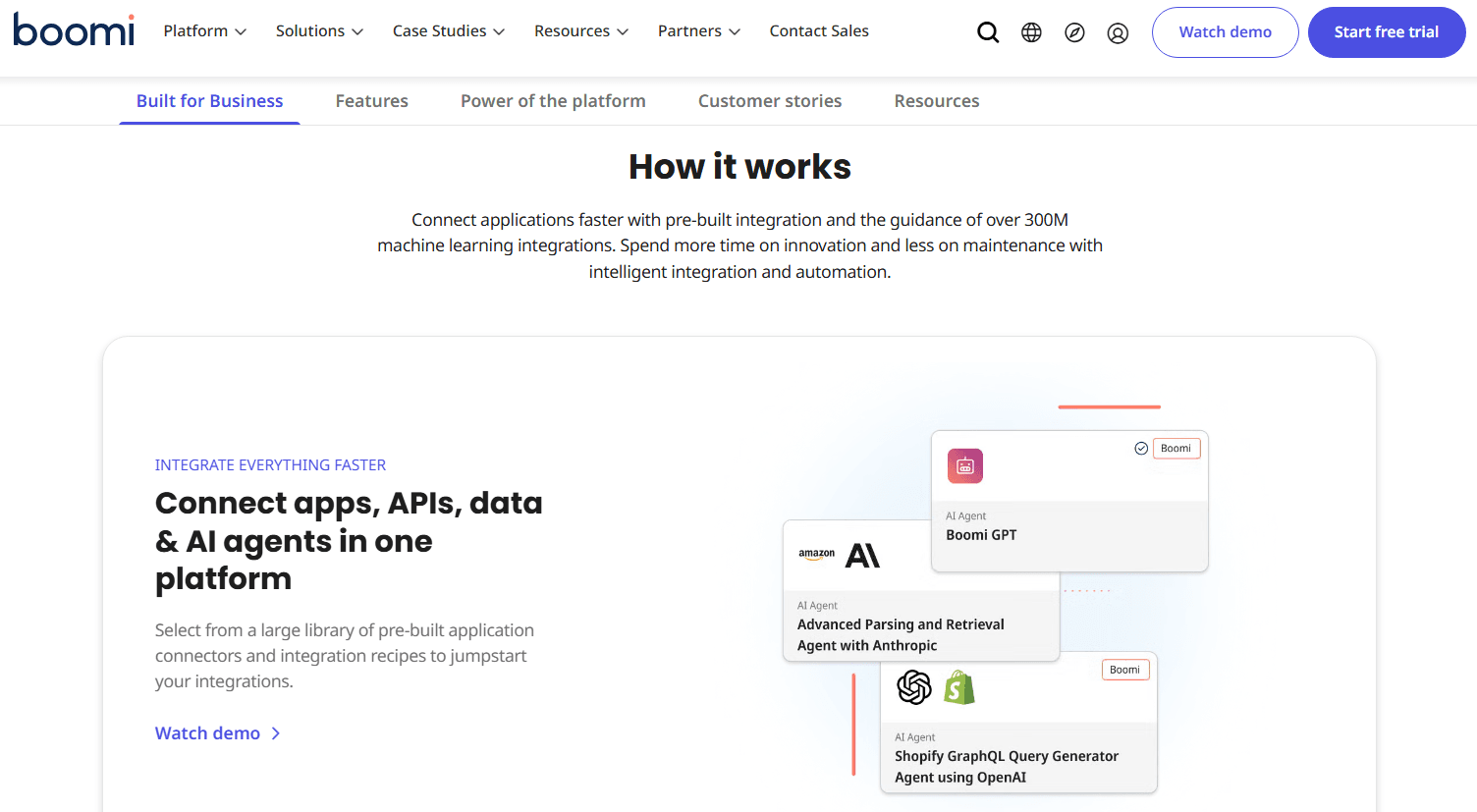
Boomi also offers an API for custom integrations and connects with third-party integration tools to expand its capabilities.
Boomi Specs
- 2-Factor Authentication: Yes
- Accounts Payable: Yes
- Accounts Receivable: Yes
- API: Yes
- Approval Workflows: Yes
- Balance Sheet: Yes
- Billing/Invoicing: Yes
- Budgeting: Yes
- Calendar Management: Yes
- Comparative Reporting: Yes
- CRM Integration: Yes
- Custom Reports: Yes
- Customer Management: Yes
- Dashboard: Yes
- Data Export: Yes
- Data Import: Yes
- Data Visualization: Yes
- Expense Tracking: Yes
- External Integrations: Yes
- Forecasting: Yes
- General Account Ledger: Yes
- Historical Data Analysis: Yes
- Inventory Tracking: Yes
- Multi-Currency: Yes
- Multi-User: Yes
- Notifications: Yes
- P&L: Yes
- Payroll: Yes
- Scenario Planning: Yes
- Scheduling: Yes
- Supplier Management: Yes
- Tax Management: Yes
- Time Management: Yes


