

Tanium Review: Pros, Cons, Features, and Pricing Analysis


Tanium is a CTO IT management software built for enterprise IT and security teams that need real-time visibility and control across every endpoint in their environment. It's worth considering if your organization manages thousands of endpoints and can't afford the query latency or blind spots that come with traditional agent-based tools. I'd specifically look at Tanium over something like Microsoft Intune if you need faster, more granular endpoint interrogation and remediation at scale—Intune works well in Microsoft-centric environments, but Tanium gives you more control when speed and breadth across complex infrastructure actually matter.
Tanium Evaluation Summary
- Pricing upon request
- Free demo available
Why Trust Our Software Reviews
We’ve been testing and reviewing software since 2023. As tech leaders ourselves, we know how critical and difficult it is to make the right decision when selecting software.
We invest in deep research to help our audience make better software purchasing decisions. We’ve tested more than 2,000 tools for different tech use cases and written over 1,000 comprehensive software reviews. Learn how we stay transparent & our software review methodology.
Tanium Overview
In my experience, Tanium sets itself apart with real-time endpoint visibility and rapid response, especially for large enterprises with complex environments. If you’re judging by endpoint security and unified IT operations, it’s hard to beat its broad toolset and customization, though pricing and a steeper learning curve may give some teams pause. I think it’s best for organizations with mature IT processes that need strong automation and scale—like those managing thousands of endpoints or requiring granular compliance controls. You’ll notice onboarding requires an upfront investment, but for teams looking to reduce tool sprawl, determining value is straightforward when everything lives in one platform.
pros
-
Real-time endpoint protection and monitoring at enterprise scale
-
Strong patch management and vulnerability detection features
-
Unified operations and security workflows for IT teams
cons
-
Pricing is high for smaller organizations
-
Reporting customization feels limited compared to some competitors
-
Initial platform deployment can take significant time
Is Tanium Right For Your Needs?
Who Would be a Good Fit for Tanium?
Tanium is ideal for unified endpoint management across large enterprises, complex environments, and sectors with stringent compliance requirements. It’s best suited for IT and security teams who need real-time visibility, data, and control across diverse and distributed endpoints.
-
Global Enterprises
Tanium excels at managing large, distributed device fleets with real-time visibility and unified endpoint control.
-
Financial Services
Tanium’s compliance, threat intelligence, and risk management features provide the tools banks and insurers need for audit trails and to meet regulatory demands.
-
Healthcare Organizations
Granular inventory and patching tools help healthcare IT maintain security and comply with patient data regulations.
-
Government Agencies
Tanium can secure, inventory, and control sensitive devices to meet strict federal standards.
-
Security Operations
SOC teams can use Tanium modules for instant endpoint data and to automate responses to security threats.
-
Managed Service Providers
Tanium’s centralized management allows MSPs to monitor, manage, and patch assets for multiple clients from a single console.
Who Would be a Bad Fit for Tanium?
Tanium is less suitable for small companies, basic IT departments, or organizations without complex compliance or management needs. Limited device counts, lack of specialized IT staff, or a focus on budget and rapid deployment often make alternative solutions better choices.
-
Small Businesses
Tanium is often too feature-heavy and costly for organizations with fewer than 500 endpoints.
-
Startups
Those unlikely to need advanced compliance or segmentation will find simpler tools easier to use and support.
-
Non-Technical Teams
Departments lacking skilled IT personnel may struggle with the platform’s complex setup and module selection.
-
Educational Institutions
Schools and small colleges with basic device management needs may find Tanium’s capabilities and cost excessive.
-
Creative Agencies
Teams needing only simple device tracking without advanced security features likely don’t need Tanium.
-
Sole IT Admins
Environments run by a single IT person may find Tanium's management console and maintenance burdensome.
Our Review Methodology
How We Test & Score Tools
We’ve spent years building, refining, and improving our software testing and scoring system. The rubric is designed to capture the nuances of software selection and what makes a tool effective, focusing on critical aspects of the decision-making process.
Below, you can see exactly how our testing and scoring works across seven criteria. It allows us to provide an unbiased evaluation of the software based on core functionality, standout features, ease of use, onboarding, customer support, integrations, customer reviews, and value for money.
Core Functionality (25% of final scoring)
The starting point of our evaluation is always the core functionality of the tool. Does it have the basic features and functions that a user would expect to see? Are any of those core features locked to higher-tiered pricing plans? At its core, we expect a tool to stand up against the baseline capabilities of its competitors.
Standout Features (25% of final scoring)
Next, we evaluate uncommon standout features that go above and beyond the core functionality typically found in tools of its kind. A high score reflects specialized or unique features that make the product faster, more efficient, or offer additional value to the user.
We also evaluate how easy it is to integrate with other tools typically found in the tech stack to expand the functionality and utility of the software. Tools offering plentiful native integrations, 3rd party connections, and API access to build custom integrations score best.
Ease of Use (10% of final scoring)
We consider how quick and easy it is to execute the tasks defined in the core functionality using the tool. High scoring software is well designed, intuitive to use, offers mobile apps, provides templates, and makes relatively complex tasks seem simple.
Onboarding (10% of final scoring)
We know how important rapid team adoption is for a new platform, so we evaluate how easy it is to learn and use a tool with minimal training. We evaluate how quickly a team member can get set up and start using the tool with no experience. High scoring solutions indicate little or no support is required.
Customer Support (10% of final scoring)
We review how quick and easy it is to get unstuck and find help by phone, live chat, or knowledge base. Tools and companies that provide real-time support score best, while chatbots score worst.
Customer Reviews (10% of final scoring)
Beyond our own testing and evaluation, we consider the net promoter score from current and past customers. We review their likelihood, given the option, to choose the tool again for the core functionality. A high scoring software reflects a high net promoter score from current or past customers.
Value for Money (10% of final scoring)
Lastly, in consideration of all the other criteria, we review the average price of entry level plans against the core features and consider the value of the other evaluation criteria. Software that delivers more, for less, will score higher.
Core Features
Real-Time Endpoint Visibility
See every device on your network instantly, even remote endpoints. This lets you act fast on threats or compliance gaps as they arise.
Patch Management Automation
Deploy patches targeting specific vulnerabilities to thousands of endpoints in minutes. It reduces manual work and helps you maintain up-to-date systems.
Threat Detection and Response
Continuously detect, investigate, and execute rapid threat response within one unified platform. You can detect IOCs and find threats across operating systems before they spread.
Software Inventory and Asset Discovery
Get a complete real-time inventory of hardware and software to support asset management across your environment. This helps you manage licenses, verify file hashes, and spot unauthorized software quickly.
Compliance Monitoring
Track configuration management compliance with internal policies and external regulations. Immediate alerts tell you where controls are missing or misconfigured.
Remote Command Execution
Run scripts and commands across your environment from a central console. IT teams can fix issues across Windows, Linux, and macOS endpoints without needing physical access.
Standout Features
Distributed Architecture for Scalability
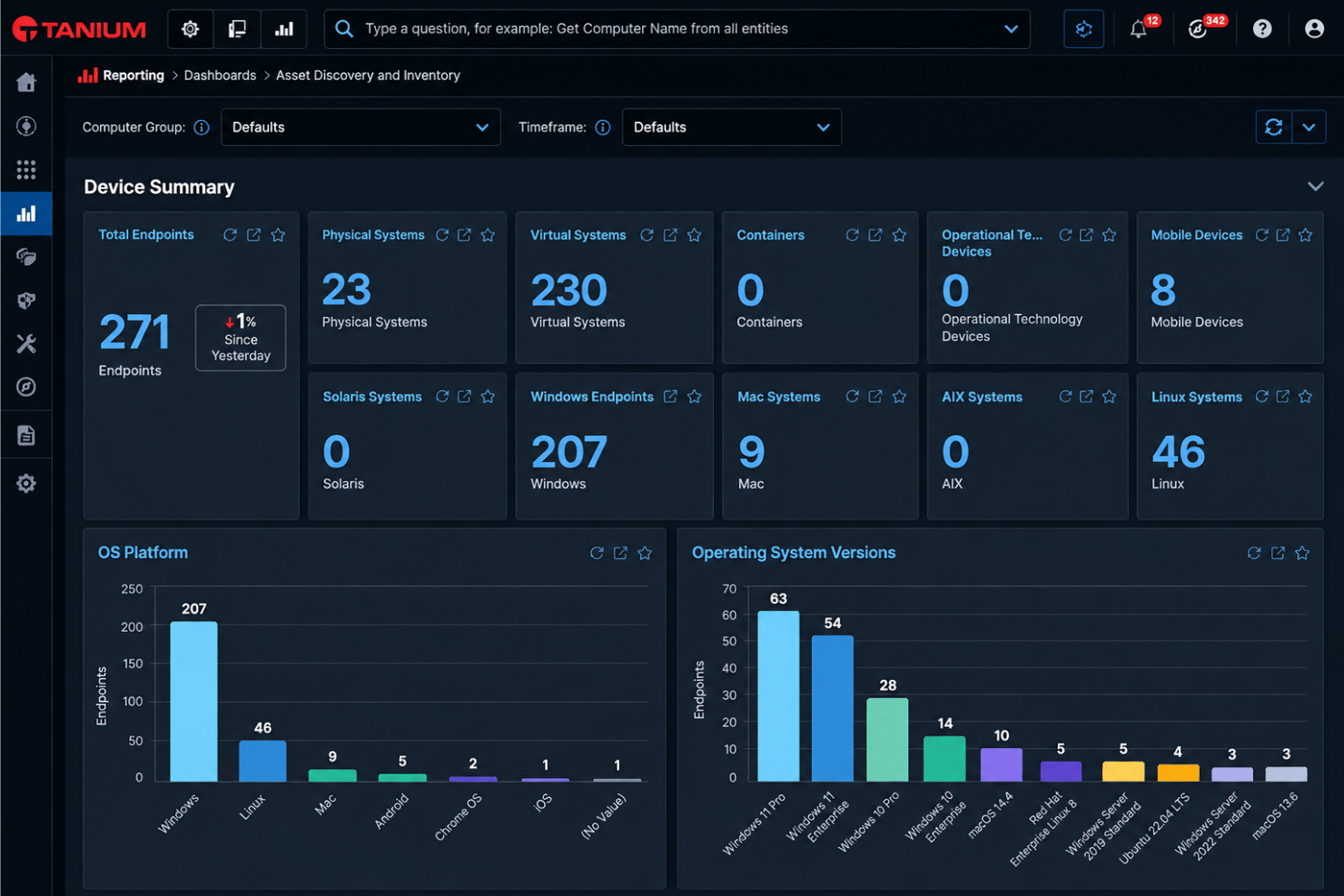
Tanium uses a unique linear chain architecture that scales to hundreds of thousands of endpoints. This setup means rapid data collection and action without taxing your network bandwidth.
Unified Data Platform
You get a single, always-current data source for both operations and security. This unified approach allows IT and security teams to collaborate using the same information in real time.
Ease of Use
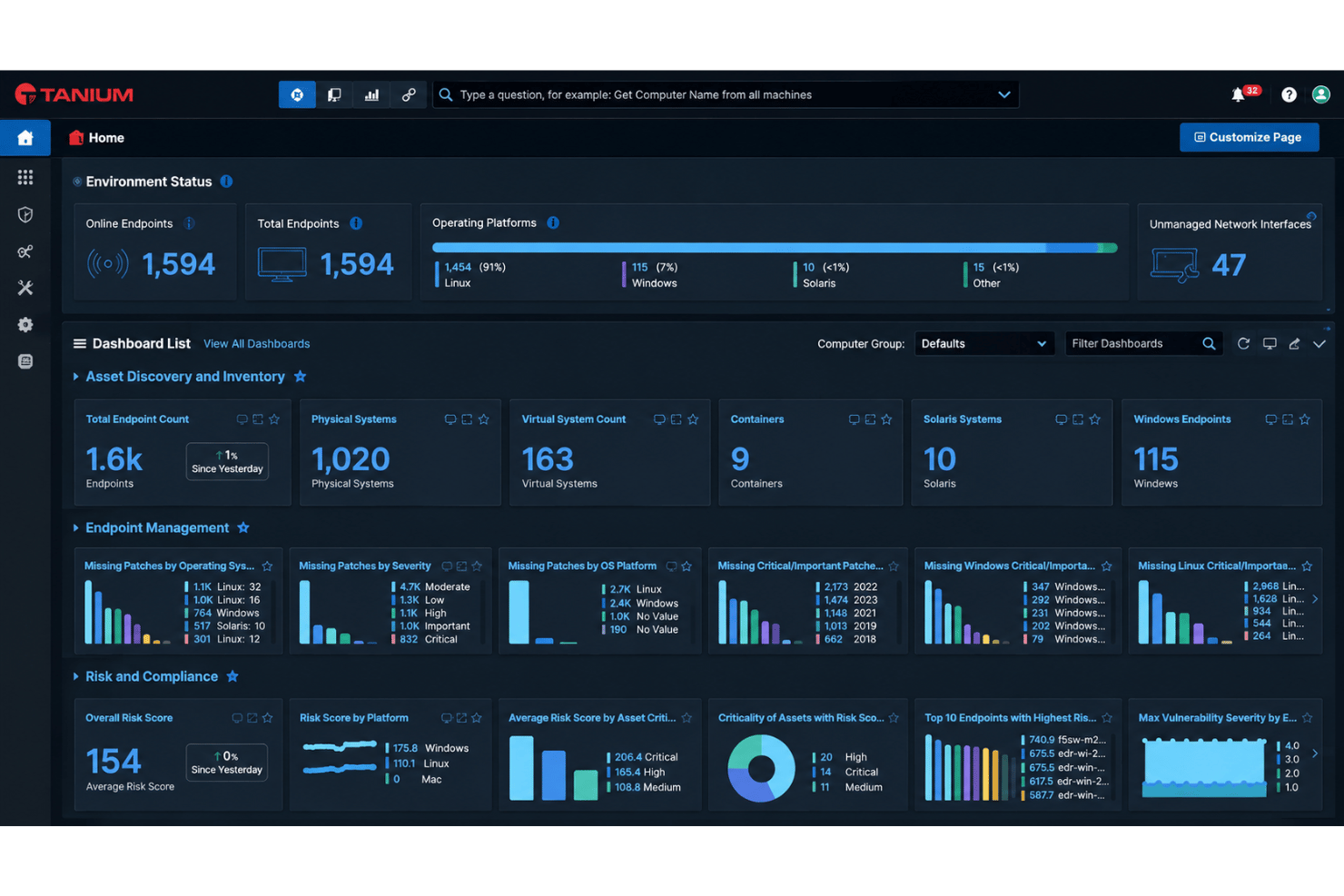
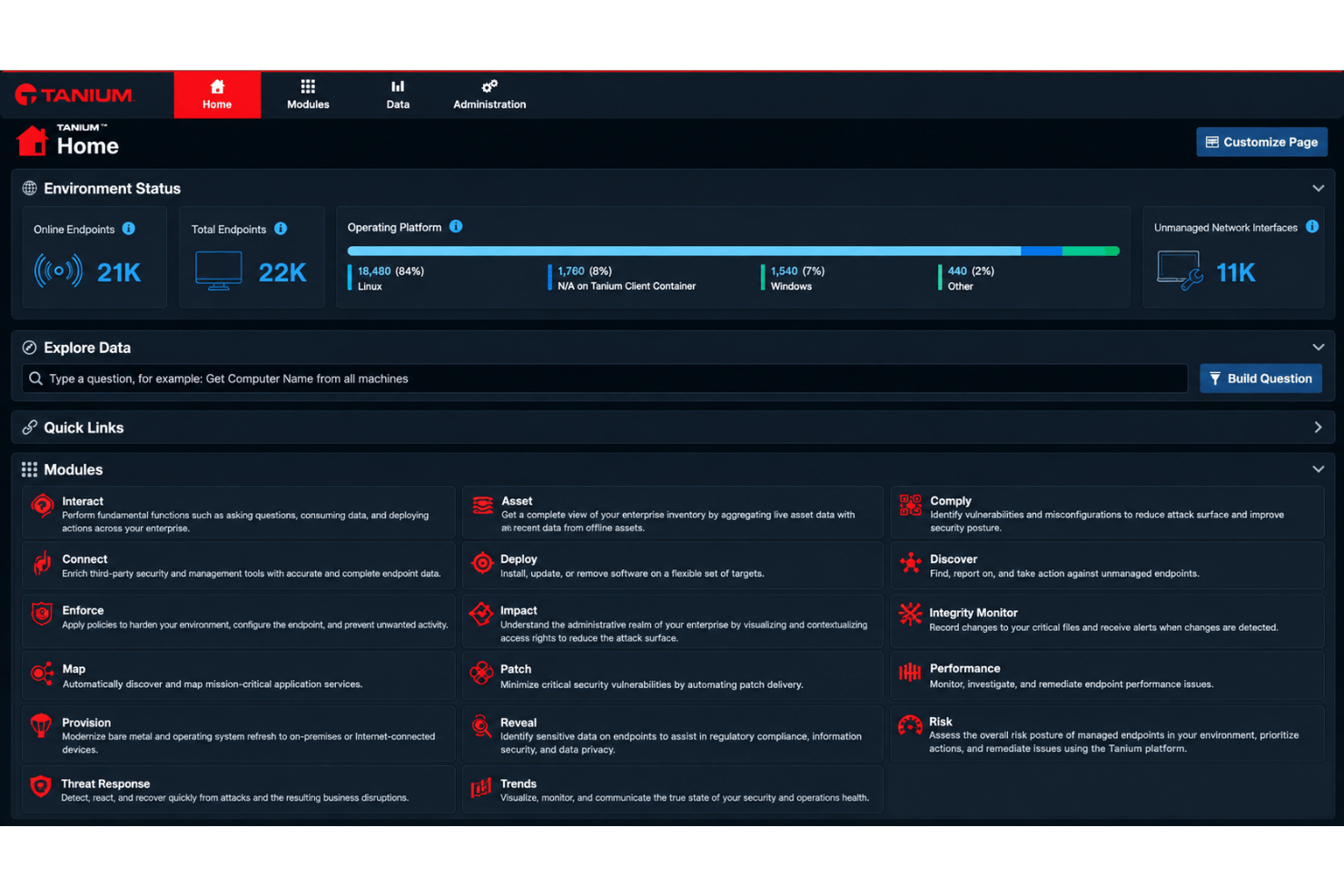
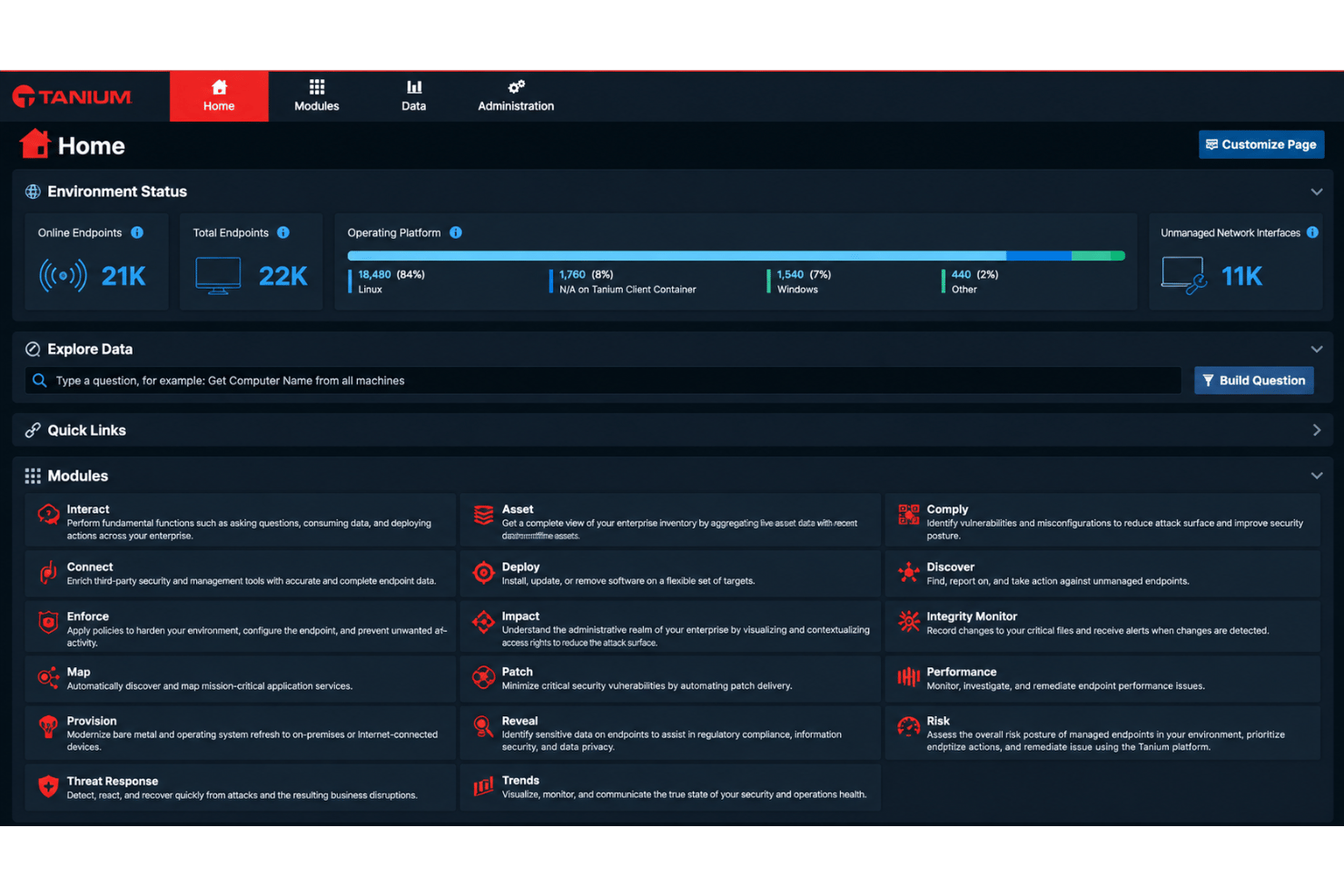
Tanium isn’t the most approachable IT management platform for new users, but its real-time dashboards and powerful command-line interface give experienced IT teams exactly the control they want. You can execute complex queries and remediations across huge environments, though some workflows require familiarity with scripting or Tanium’s query language. Once set up, admins regularly praise its speed and data accuracy for quickly identifying attack vectors and managing compliance and monitoring tasks.
Onboarding
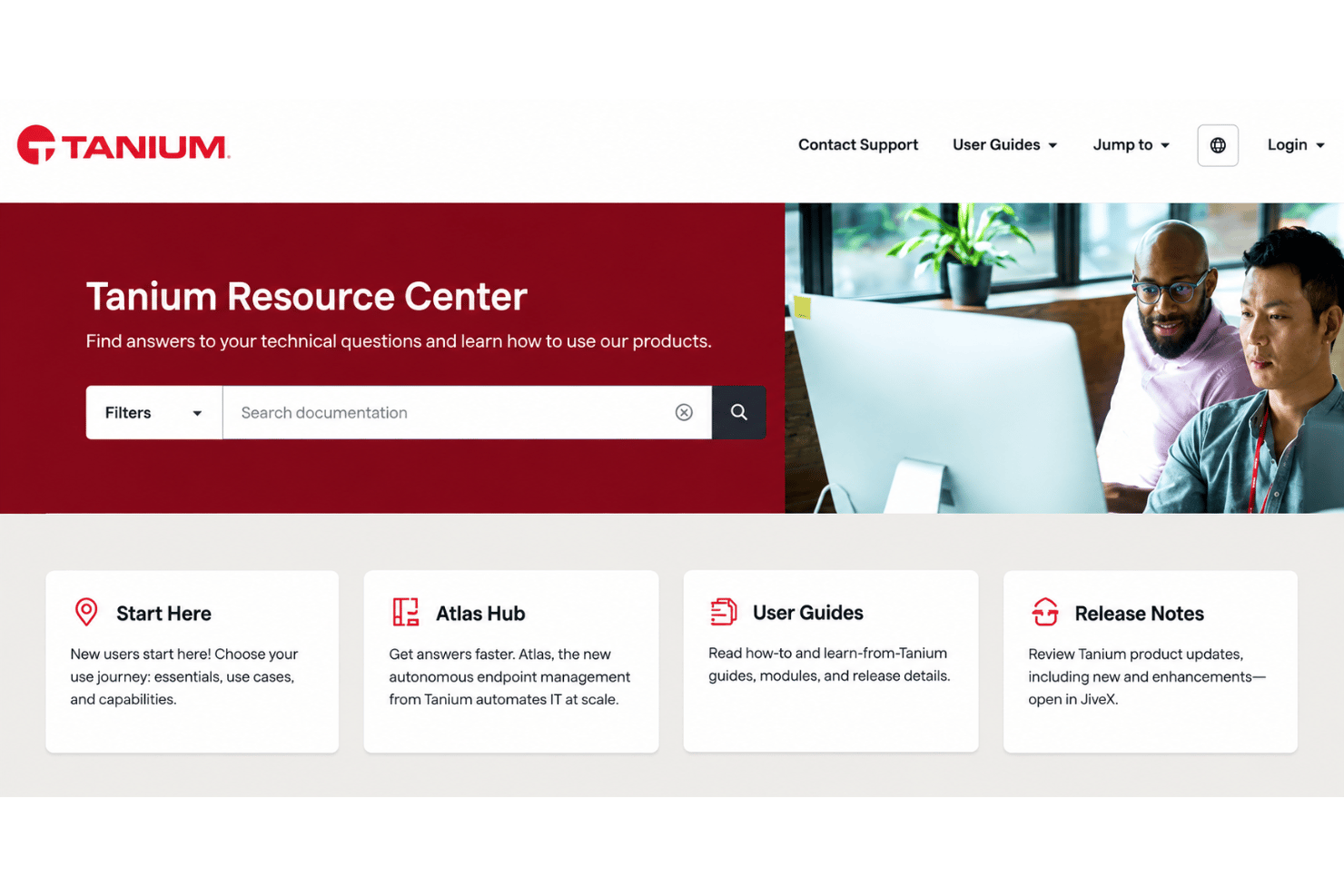
Tanium’s onboarding experience tends to be complex and time-intensive, often requiring close partnership with their onboarding specialists or professional services. While Tanium University, documentation, and active support channels are thorough, many users say hands-on help is needed to reach full value. The wealth of resources is strong, but admins should plan for a ramp-up period—once stable, the platform’s efficiency gains can meaningfully improve your team’s workflow.
Customer Support
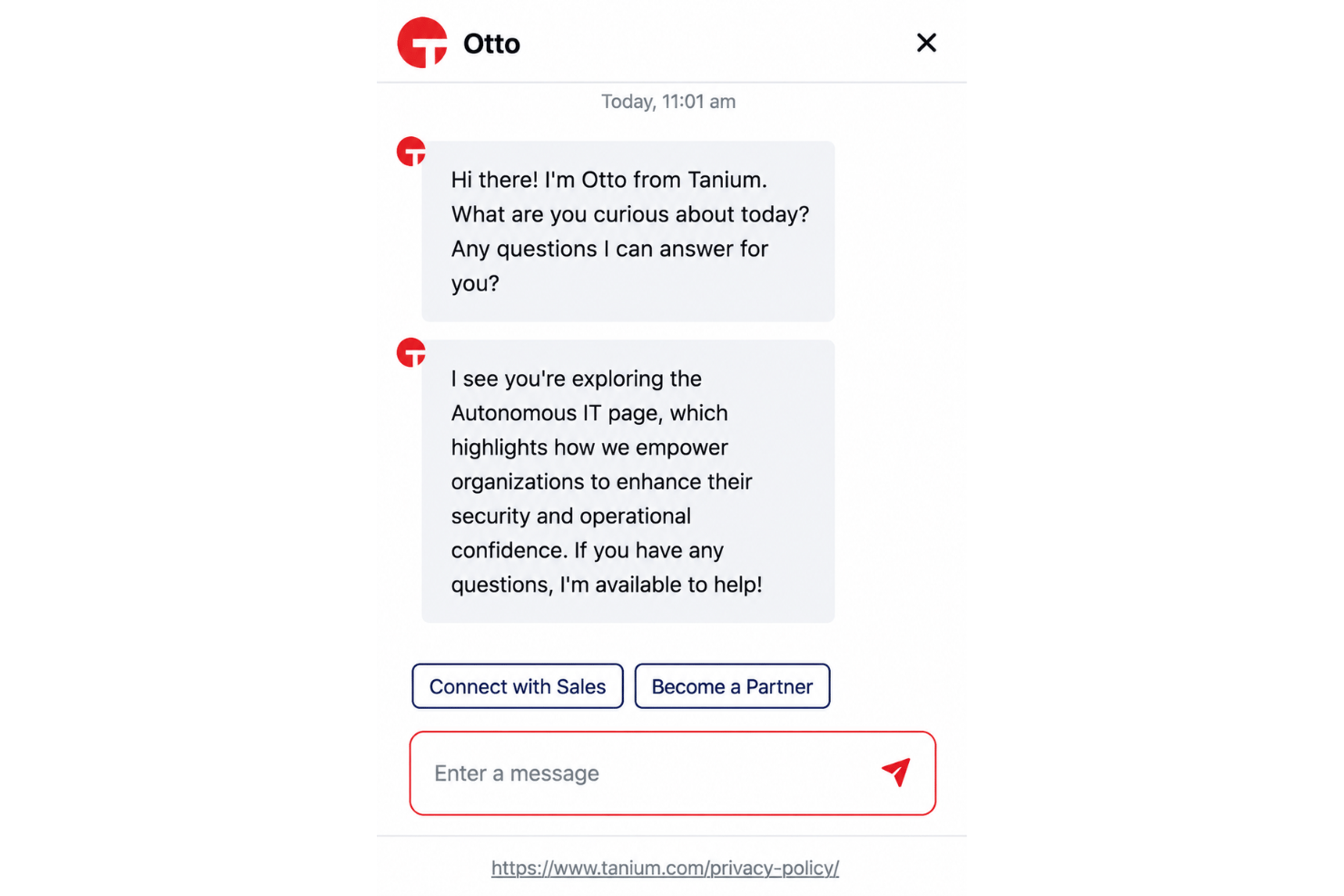
Tanium’s customer support is known for being highly responsive and knowledgeable, with a dedicated support team and a strong focus on critical incidents. Users often highlight the value of direct access to technical experts and the actionable threat intelligence their team delivers during escalations. The support portal, documentation, and community forums complement hands-on help, helping IT teams resolve both common and unique challenges quickly.
Integrations
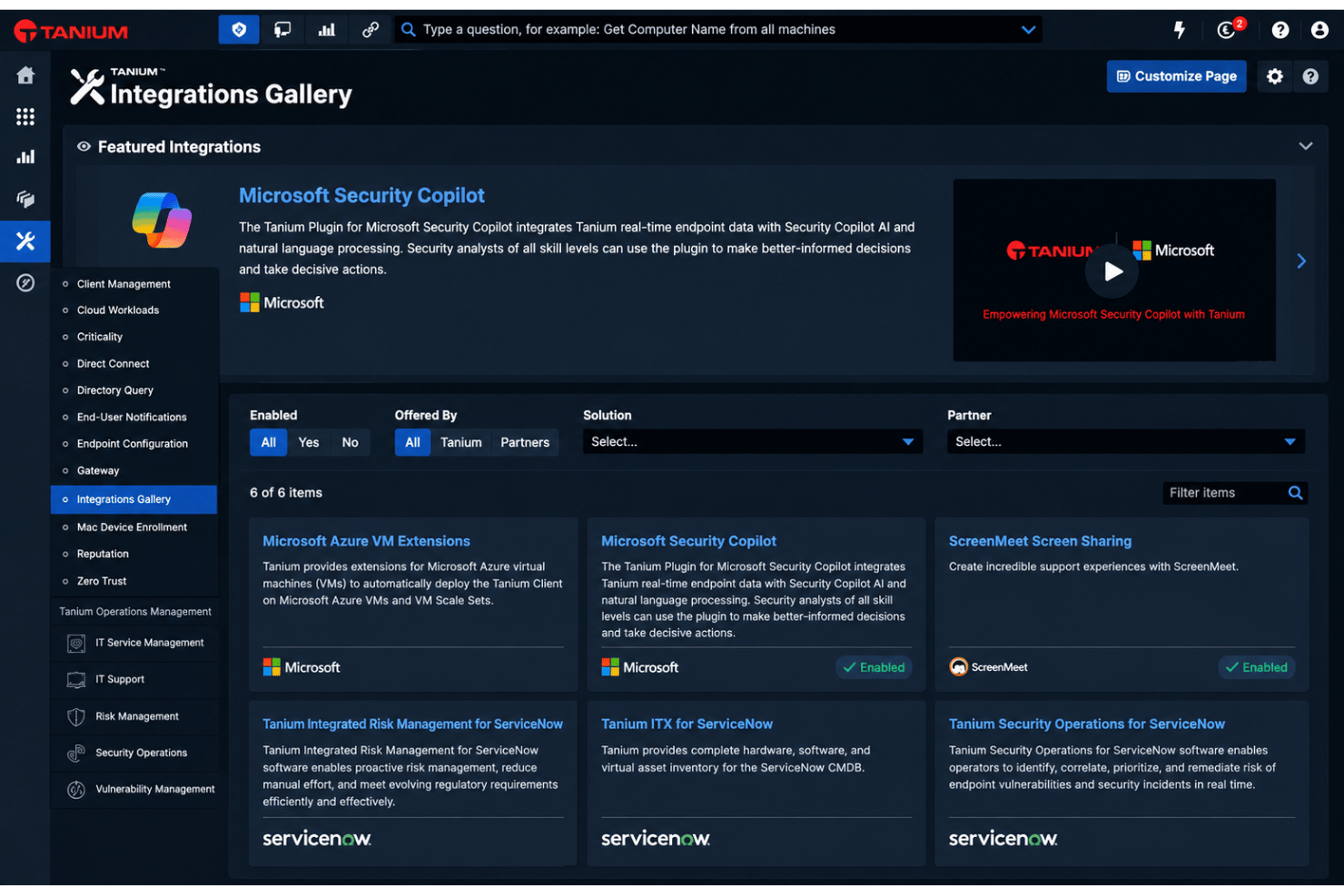
Tanium integrates with ServiceNow, Entra ID, Microsoft Azure, Splunk, IBM QRader, and Amazon Security Lake, among others.
Tanium also offers a robust API and supports integration with third-party automation and ITSM tools, so you can extend workflows or ingest and export data as needed.
Value for Money
Tanium does not publish a fixed, public retail price list. Costs are quoted via custom annual subscriptions based on your total endpoint count, contract length, and selected capability modules.
Tanium Specs
- 2-Factor Authentication
- Access Management
- Anti-Virus
- API
- Audit Trail
- Bug Tracking
- Calendar Management
- Customer Management
- Dashboard
- Data Export
- Data Import
- Data Visualization
- Email Integration
- External Integrations
- File Sharing
- File Transfer
- Firewall
- Google Apps Integration
- Inventory Tracking
- Malware Protection
- Multi-User
- Network Device Performance Monitoring
- Network Traffic Monitoring
- Network Visualization
- Notifications
- Project Management
- Remote Access
- Risk Assessment
- SAP Integration
- Scheduling
- Software Integration
- Third-Party Plugins/Add-Ons
- Ticket Management
Tanium FAQs
How does Tanium manage real-time endpoint visibility?
What deployment options are available for Tanium?
How does Tanium support data security and regulatory compliance?
Can Tanium integrate with my existing ITSM or SIEM platform?
What’s the typical onboarding timeline for Tanium?
How scalable is Tanium for large enterprises?
What level of in-house IT expertise do we need for Tanium?
Are software updates and support included in Tanium’s pricing?
Tanium Company Overview & History
Tanium, headquartered in Kirkland, Washington, was founded in 2007 by David and Orion Hindawi. The company has grown to employ over 2,000 people and is known for pioneering real-time endpoint management technology. Tanium counts dozens of Fortune 100 companies and major government agencies among its clients. The company remains privately held and has received multi-billion-dollar valuations in recent funding rounds.
Tanium Major Milestones
- 2007: Company founded by David and Orion Hindawi.
- 2012: First major product launched for enterprise endpoint management and security.
- 2015: Reached unicorn status, valued at over $1 billion.
- 2020: Surpassed $9 billion valuation after new funding round.
- 2021: Relocated headquarters to Kirkland, Washington.
- 2023: Announced major product updates, launched Tanium Atlas, and expanded integrations with cloud service providers.