
Parasoft SOAtest Review 2026: Pros, Cons, Features, and Pricing
In my career, I have used many automation testing tools, including Parasoft SOAtest. Let me take you through this tool’s features, alternatives, and more.

We review tools independently, and commissions help fund our testing. See our transparency policy, our methodology, or suggest a tool.
Parasoft SOAtest is an automation testing tool built for teams that need to validate APIs, web services, and microservices across protocols like REST, SOAP, GraphQL, and MQ. It's worth a serious look if your environment involves complex service dependencies—Parasoft SOAtest includes built-in service virtualization, whereas ReadyAPI treats virtualization as a separate product that requires an additional purchase. That integrated approach makes it a stronger fit for enterprise QA teams dealing with distributed architectures where testing and environment simulation need to work together.
Parasoft SOAtest Evaluation Summary
4.8/5
- Pricing upon request
- 14-day free trial
Why Trust Our Software Recommendations
6,700+
Reviews
20
Industry experts
16+
Evaluation factors
14
Years
Our team has been testing and reviewing software since 2012. As tech leaders ourselves, we know how difficult—and important—it is to choose the right software.
For this guide, we evaluated tools using hands-on testing and independent research, scoring tools using our selection criteria.
Our reviews reflect our human editorial judgment, not a sales pitch.
Expert reviewers:
- Paulo Gardini MiguelTech Director
 Tim FisherVP of AI
 Gabriel RosasTech Lead & Software Architect
 Christhian GruhnTech Lead & Platform Architect

Parasoft SOAtest Overview
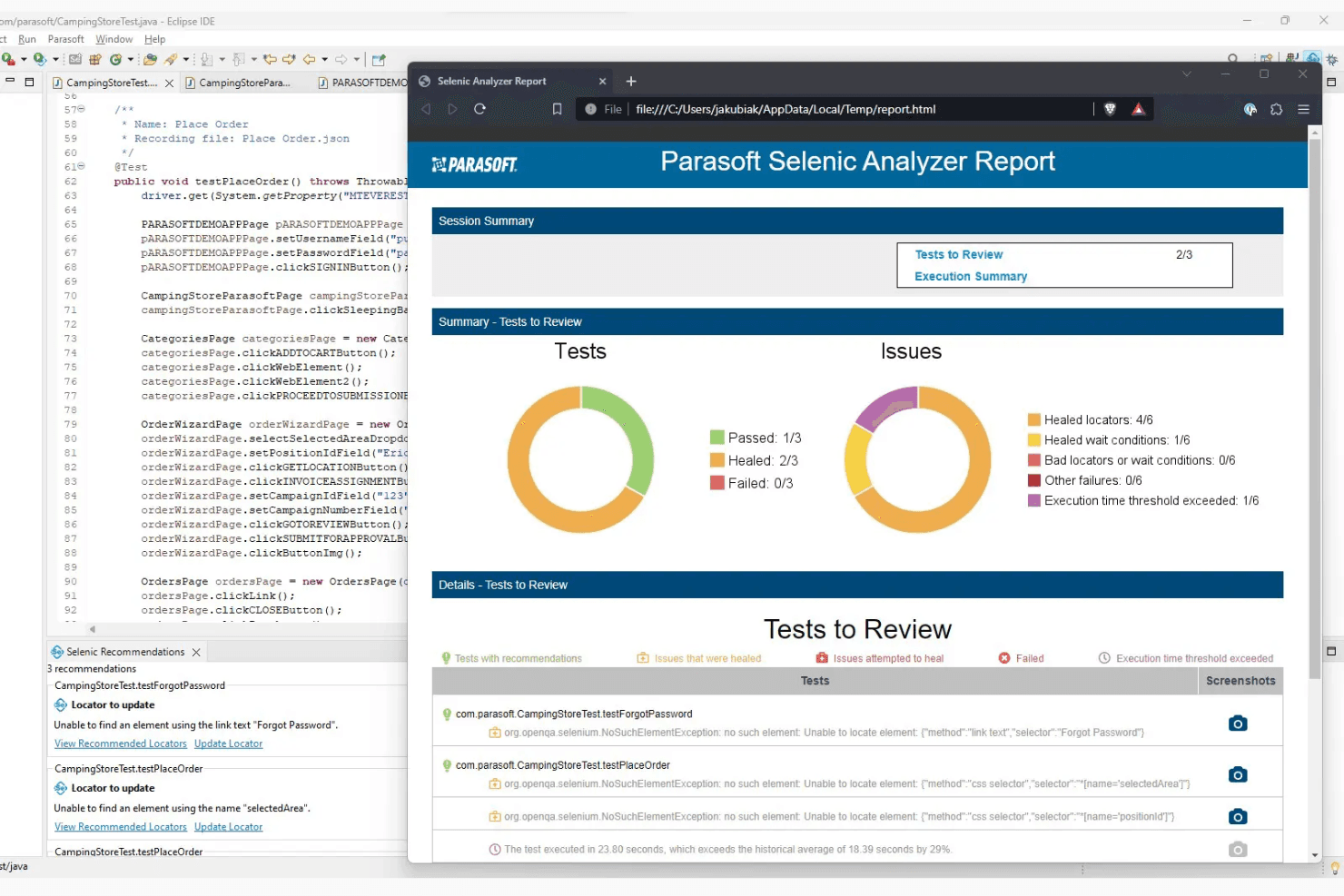
When judging automation testing tools, Parasoft SOAtest stands out for its deep protocol support, AI-driven test creation, and strong integration with CI/CD workflows. Its interface is more technical than some, but the advanced features and responsive support make it a top choice for enterprise teams with complex API and web service needs. Pricing is on the higher side, but the breadth of functionality—like service virtualization and automated regression testing—justifies the investment for large organizations.
If you’re selecting a tool for regulated or high-complexity environments, SOAtest’s capabilities often outweigh its steeper learning curve.
Pros
- It offers powerful API testing capabilities that enhance your team's testing efficiency.
- The tool's intuitive interface helps your team get up to speed quickly without a steep learning curve.
- Parasoft SOAtest provides comprehensive reporting features that give your team clear insights into testing results.
Cons
- The learning curve can be steep for teams new to automation testing tools.
- Some users find the customization options limited compared to other tools.
- It might require more time to fully integrate into your team's existing workflows.
Is Parasoft SOAtest Right For Your Needs?
Who Would be a Good Fit for Parasoft SOAtest?
Parasoft SOAtest is perfect for QA teams in sectors like finance and healthcare, where compliance and reliability are crucial. Your team will benefit from its robust API testing capabilities, ensuring you meet industry standards. If you’re in a regulated industry needing precise and reliable testing, Parasoft SOAtest will support your goals with its comprehensive reporting and intuitive interface.
- Financial ServicesParasoft SOAtest’s API testing ensures your financial applications meet strict compliance and security standards.
- Healthcare ProvidersIt offers reliable testing for healthcare systems, ensuring your applications maintain data integrity and compliance.
- Large EnterprisesYour enterprise-level testing needs are met with its scalable solutions and comprehensive test management features.
- Regulated IndustriesParasoft SOAtest supports your compliance efforts with detailed reporting and thorough testing capabilities.
- QA DepartmentsIt enhances your team’s efficiency with intuitive tools and powerful testing features.
- Software Development TeamsYour development process benefits from early defect detection and automated testing.
Who Would be a Bad Fit for Parasoft SOAtest?
Parasoft SOAtest might not suit small startups or teams with limited budgets, as they may find the tool’s comprehensive features excessive for their needs. If your team doesn’t require extensive API testing or operates in an industry without stringent compliance requirements, you might find Parasoft SOAtest’s capabilities more than you need. Additionally, if your team isn’t ready to invest time in learning a new tool, the initial setup might feel overwhelming.
- Small StartupsYour startup might find Parasoft SOAtest’s extensive features too complex and costly for limited testing needs.
- Non-Regulated IndustriesIf compliance isn’t a concern, you might not need the detailed reporting and testing capabilities it offers.
- Freelance DevelopersAs a freelancer, you might find the tool’s comprehensive features unnecessary for small-scale projects.
- Simple ProjectsFor basic testing, Parasoft SOAtest’s advanced capabilities might be more than your project requires.
- Limited Budget TeamsIf budget constraints are present, the investment in a robust tool like Parasoft SOAtest might not be justified.
- Teams New to AutomationIf your team is new to automation, the learning curve might be steep without prior experience.
Our Review Methodology
How We Test & Score Tools
We’ve spent years building, refining, and improving our software testing and scoring system. The rubric is designed to capture the nuances of software selection and what makes a tool effective, focusing on critical aspects of the decision-making process.
Below, you can see exactly how our testing and scoring works across seven criteria. It allows us to provide an unbiased evaluation of the software based on core functionality, standout features, ease of use, onboarding, customer support, integrations, customer reviews, and value for money.
Core Functionality (25% of final scoring)
The starting point of our evaluation is always the core functionality of the tool. Does it have the basic features and functions that a user would expect to see? Are any of those core features locked to higher-tiered pricing plans? At its core, we expect a tool to stand up against the baseline capabilities of its competitors.
Standout Features (25% of final scoring)
Next, we evaluate uncommon standout features that go above and beyond the core functionality typically found in tools of its kind. A high score reflects specialized or unique features that make the product faster, more efficient, or offer additional value to the user.
We also evaluate how easy it is to integrate with other tools typically found in the tech stack to expand the functionality and utility of the software. Tools offering plentiful native integrations, 3rd party connections, and API access to build custom integrations score best.
Ease of Use (10% of final scoring)
We consider how quick and easy it is to execute the tasks defined in the core functionality using the tool. High scoring software is well designed, intuitive to use, offers mobile apps, provides templates, and makes relatively complex tasks seem simple.
Onboarding (10% of final scoring)
We know how important rapid team adoption is for a new platform, so we evaluate how easy it is to learn and use a tool with minimal training. We evaluate how quickly a team member can get set up and start using the tool with no experience. High scoring solutions indicate little or no support is required.
Customer Support (10% of final scoring)
We review how quick and easy it is to get unstuck and find help by phone, live chat, or knowledge base. Tools and companies that provide real-time support score best, while chatbots score worst.
Customer Reviews (10% of final scoring)
Beyond our own testing and evaluation, we consider the net promoter score from current and past customers. We review their likelihood, given the option, to choose the tool again for the core functionality. A high scoring software reflects a high net promoter score from current or past customers.
Value for Money (10% of final scoring)
Lastly, in consideration of all the other criteria, we review the average price of entry level plans against the core features and consider the value of the other evaluation criteria. Software that delivers more, for less, will score higher.
Core Features
API Testing
Parasoft SOAtest provides robust API testing capabilities, allowing your team to ensure seamless communication between services. It helps identify issues early, saving time and resources.
Data-Driven Testing
This feature lets you run tests with multiple data sets, ensuring your applications handle various scenarios. Your team can validate functionality across different inputs efficiently.
Test Reporting
With comprehensive reporting, you get detailed insights into test results. This helps your team make informed decisions and improve software quality.
Load Testing
Parasoft SOAtest simulates user load to test application performance under stress. It's crucial for ensuring your applications can handle real-world usage.
Service Virtualization
It allows you to simulate unavailable components, letting your team test dependencies without waiting for full system availability. This accelerates the testing process.
Regression Testing
Automate repetitive tests to catch new bugs introduced in existing functionalities. Your team saves time while maintaining software reliability.
Standout Features
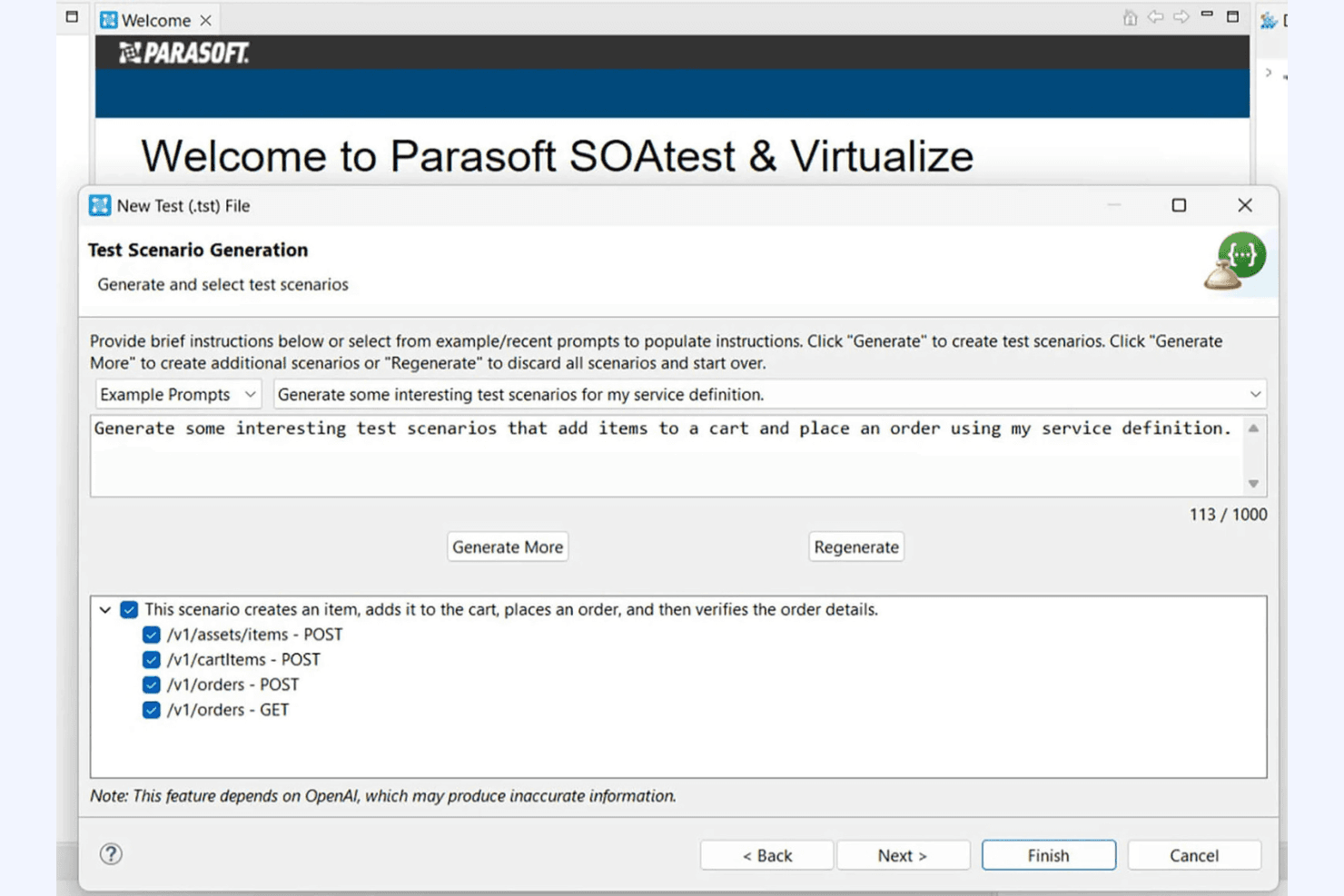
Environment Management
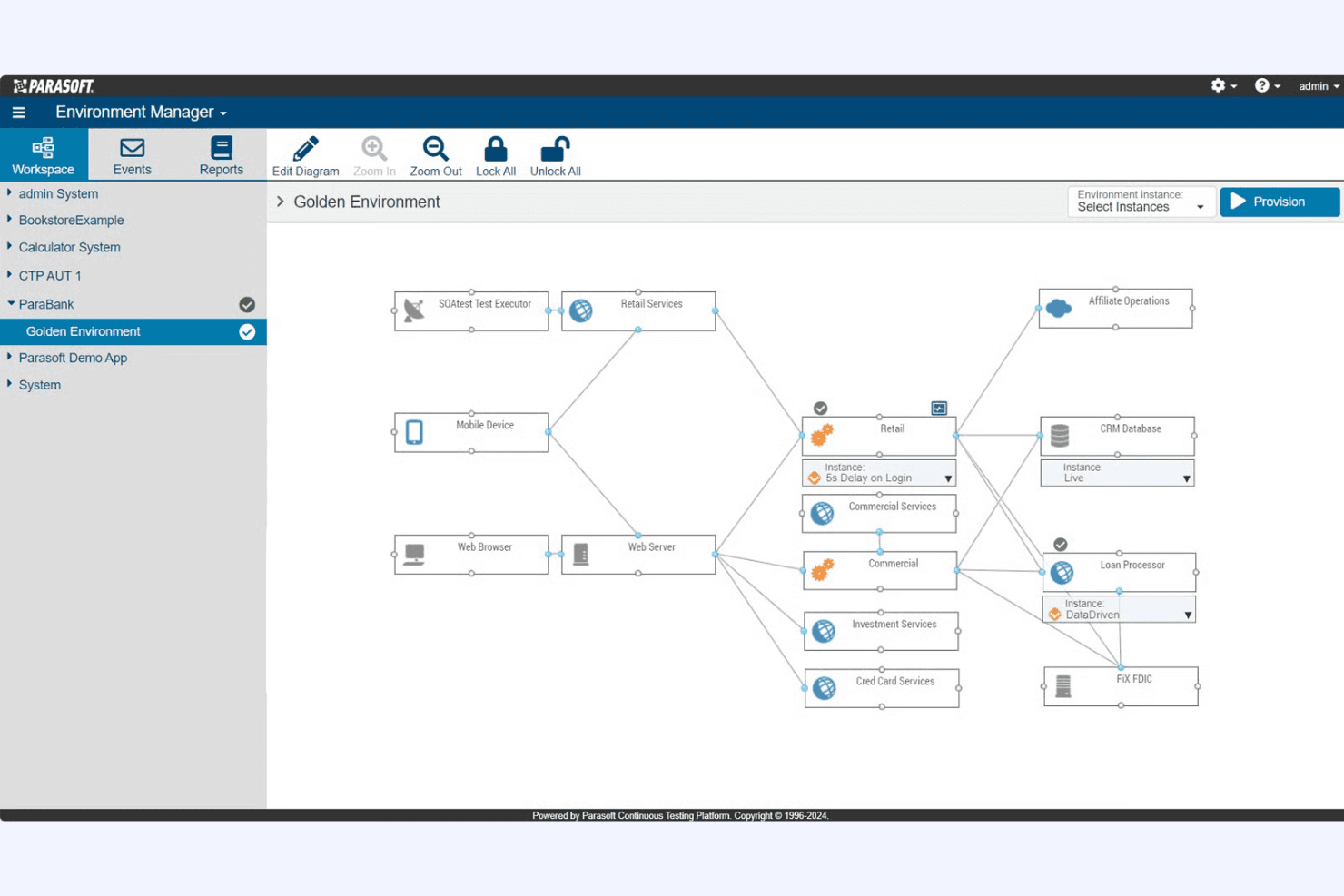
Parasoft SOAtest offers environment management tools that let your team configure and manage test environments easily. This ensures consistency and reduces setup time.
Compliance Testing
It provides specialized testing features for compliance with industry standards, making it invaluable for sectors like finance and healthcare. Your team can ensure applications meet regulatory requirements effortlessly.
Ease of Use
Parasoft SOAtest offers a user-friendly interface that simplifies the testing process, though some teams might find the learning curve steep initially. Its intuitive design helps your team quickly navigate core features, but mastering advanced functionalities requires time. The tool’s comprehensive documentation and support resources make it easier for your team to overcome initial hurdles. While it may not be the simplest tool on the market, its powerful capabilities justify the investment in learning.
Onboarding
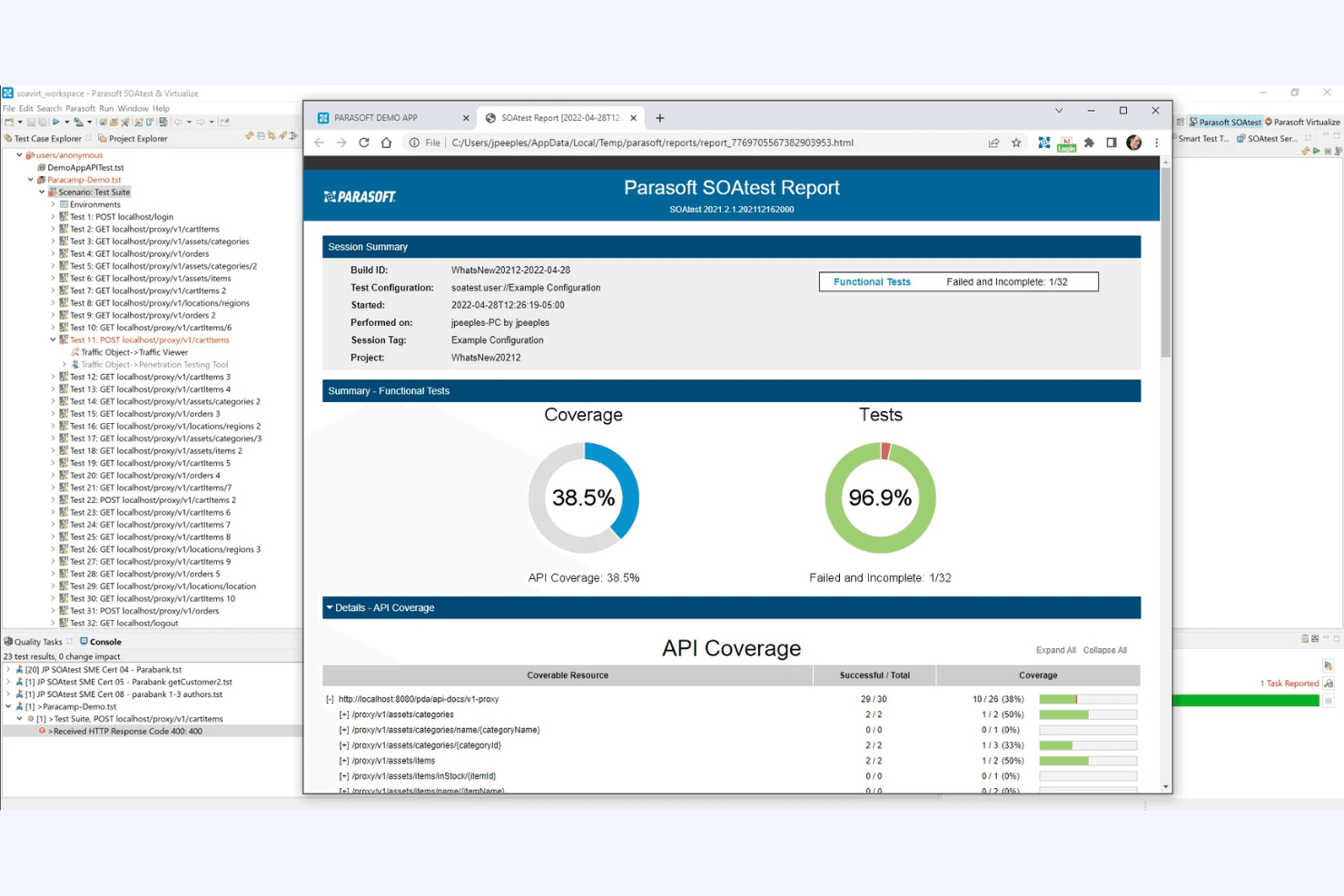
Parasoft SOAtest provides a structured onboarding experience with detailed documentation and tutorials, helping your team get started effectively. While the initial setup might seem complex, the available resources guide you through each step, reducing the time to value. Support teams are responsive, ensuring your questions are addressed promptly. Despite the initial learning curve, the robust support and clear guidance make the onboarding process manageable for new users.
Customer Support
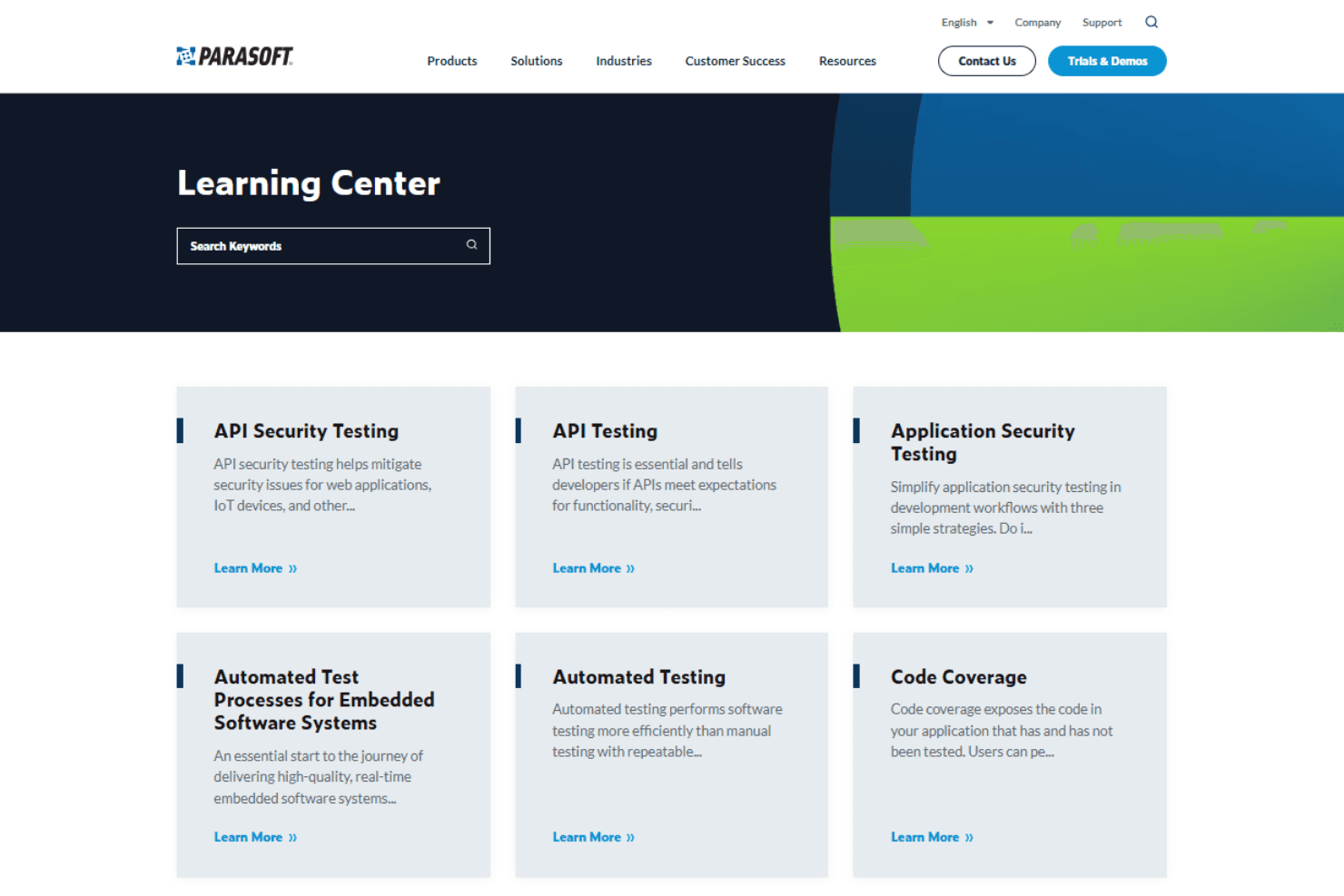
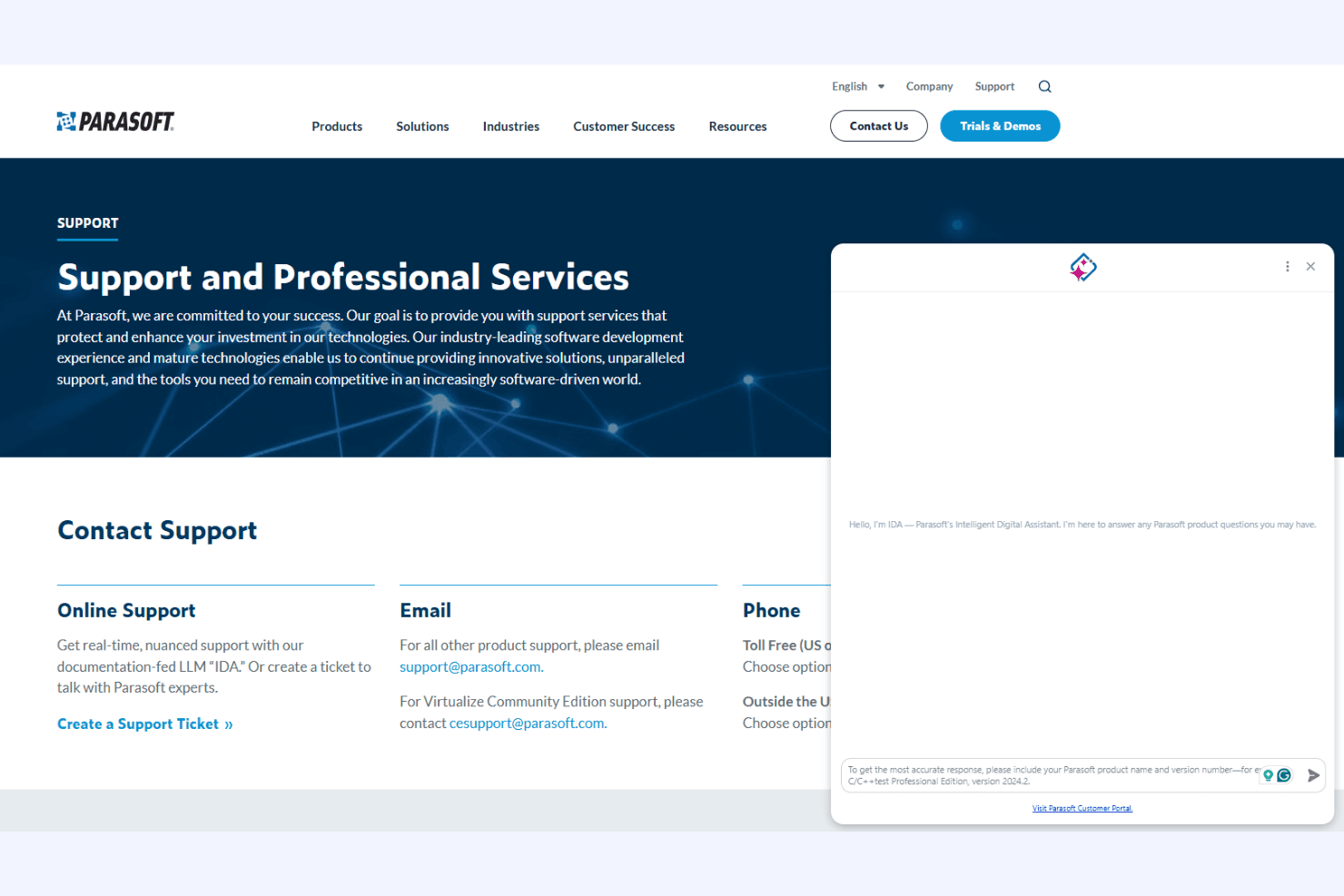
Parasoft SOAtest offers reliable customer support with responsive assistance that ensures your team gets timely help. Users appreciate the knowledgeable support staff who provide effective solutions and guidance. The availability of multiple support channels, including email and phone, makes it easy for your team to reach out whenever needed. With comprehensive documentation and a responsive support team, Parasoft SOAtest ensures your team can overcome challenges efficiently.
Integrations
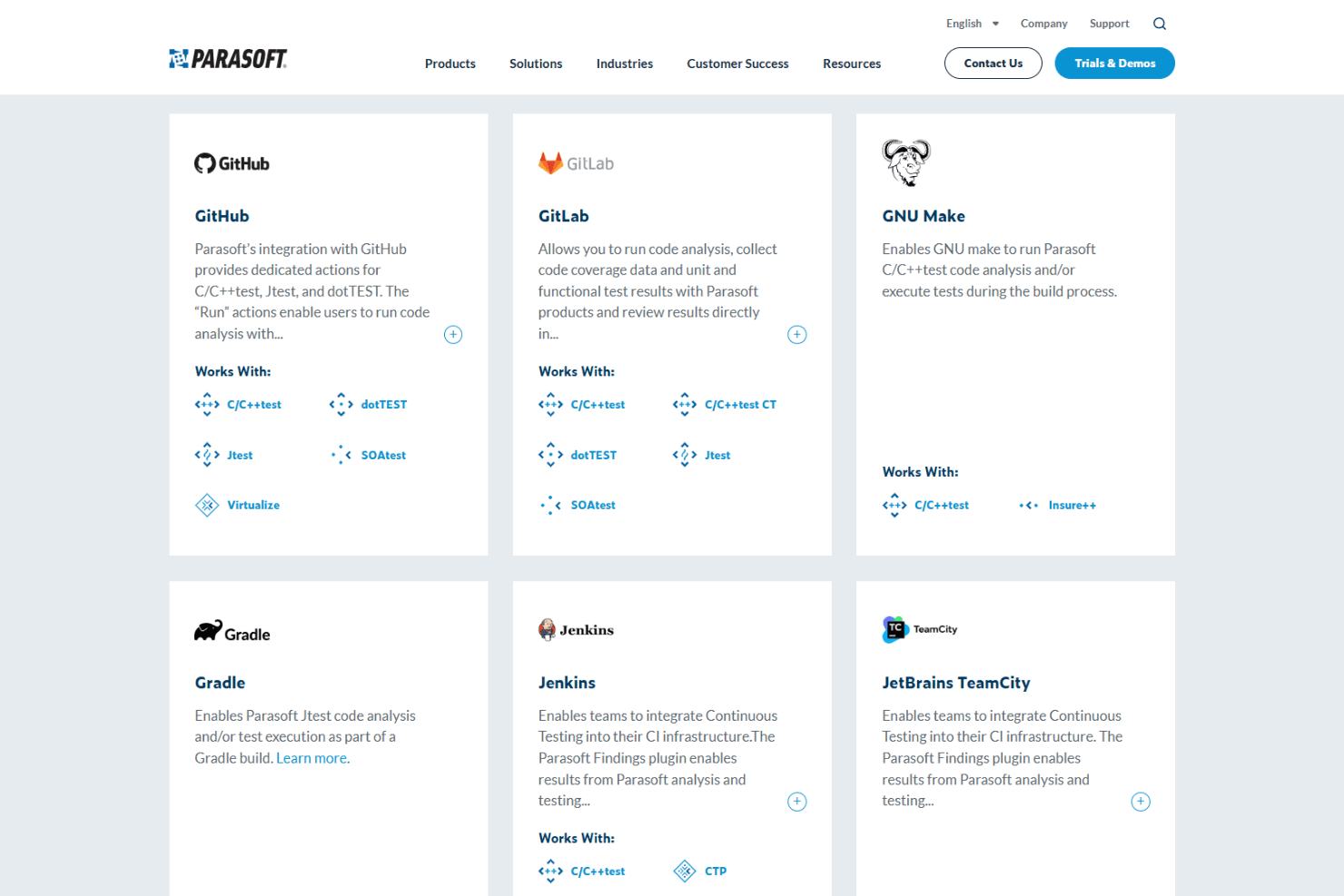
Parasoft SOAtest integrates with Jenkins, Azure DevOps, GitHub, JIRA, Selenium, Docker, Kubernetes, ALM/Quality Center, TeamCity, and Bamboo, among others.
Parasoft SOAtest also offers a public API and supports connections with third-party integration tools for custom workflows.
Value for Money
Parasoft SOAtest uses a custom pricing model, so you’ll need to contact the vendor for a quote based on your team’s size and requirements. While pricing isn’t publicly listed, it’s positioned as an enterprise-grade solution, which may be a larger investment than simpler testing tools.
That said, Parasoft offers a free trial that lets you explore its API testing and automation capabilities before committing. It can provide strong value for teams that need advanced, scalable testing, especially if you’re able to fully utilize its features.
Parasoft SOAtest Specs
- A/B Testing: No
- API: Yes
- Automated Testing: Yes
- Browser Compatibility Testing: No
- Bug Tracking: No
- Calendar Management: No
- CI/CD Integration: Yes
- Dashboard: Yes
- Data Export: Yes
- Data Import: Yes
- Data Visualization: No
- Developer Tools: No
- External Integrations: Yes
- History/Version Control: No
- Manual Testing: No
- Multi-User: Yes
- Notifications: Yes
- Performance Testing: Yes
- Regression Testing: No
- Scheduling: No
- Status Notifications: No
- Third-Party Plugins/Add-Ons: No
Parasoft SOAtest FAQs
Parasoft SOAtest Company Overview & History
Parasoft, the company behind SOAtest, is headquartered in Monrovia, California. The company develops a suite of automated software testing tools, including Parasoft SOAtest, Parasoft Virtualize, and Parasoft C/C++test. Parasoft is known for its focus on quality, compliance, and automation in software development and testing. While specific financials and client lists are not publicly disclosed, Parasoft’s products are widely used in industries with high regulatory and reliability requirements.
Parasoft SOAtest Major Milestones
- 1987: Parasoft is founded in Monrovia, California.
- 2002: Parasoft SOAtest is released, focusing on automated API and web service testing.
- 2012: Introduction of service virtualization capabilities to the SOAtest platform.
- 2018: Parasoft recognized in industry reports for leadership in automated software testing.
- 2020: Expansion of AI-powered test creation and maintenance features in SOAtest.