NinjaOne Vs. Kaseya: Comparison and Expert Review for 2026
You’re juggling alerts, updates, and tickets while trying to keep every issue from slipping through the cracks. With so much competing for your attention, you need a tool that cuts through the noise and genuinely makes your job easier.
NinjaOne and Kaseya both promise smooth device management and support, but it can be tough to know which fits your team’s day-to-day needs best. If you’re searching for IT management software, these two names probably keep popping up.
In this article, I’ll compare NinjaOne and Kaseya across real use cases, pros and cons, pricing, security, and usability. You’ll get a clear understanding of how each tool works and which one could serve your IT operations best.
NinjaOne vs. Kaseya: An Overview
NinjaOne
Visit NinjaOneOpens new windowWhy Trust Our Software Reviews
We’ve been testing and reviewing software since 2023. As tech leaders ourselves, we know how critical and difficult it is to make the right decision when selecting software.
We invest in deep research to help our audience make better software purchasing decisions. We’ve tested more than 2,000 tools for different tech use cases and written over 1,000 comprehensive software reviews. Learn how we stay transparent & our software review methodology.
NinjaOne vs. Kaseya Pricing Comparison
| NinjaOne | Kaseya | |
|---|---|---|
| Free Trial | 14-day free trial available | 14-day free trial |
| Pricing | Pricing upon request | Price upon request |
NinjaOne Vs. Kaseya Pricing & Hidden Costs
NinjaOne charges per device on a tiered model, so the per endpoint rate falls as your fleet grows, and it will at least give you a ballpark before you get on a call. Modules are bought a la carte, so backup, MDM, patch management, and the rest arrive as line items rather than one bundle. Onboarding, training, and support add nothing to the bill, and the free trial opens the entire platform. Kaseya bundles instead. Kaseya 365 comes in three editions, Endpoint, User, and Ops, each folding management, security, and backup into a single subscription with no per-component activation fees. Ops is the only edition with a published rate. Endpoint and User are quote-only, new Endpoint customers have to clear a minimum fleet size, and there is no trial, only a demo.
To find the best fit, map your current and future IT needs, then separate the essentials from the nice-to-haves. With NinjaOne, price out every module you actually intend to switch on, because the a la carte structure makes the entry rate a floor rather than a total. With Kaseya, pin down which edition and tier you land in, whether managed SOC is included or reserved for the higher tier, and where backup storage overages kick in. Then ask both about renewal terms in writing. Kaseya contractually caps renewal increases on Ops, and NinjaOne wants advance notice to cancel outside a promotional commitment, which is exactly the kind of detail that only becomes interesting at the worst possible moment.
NinjaOne vs. Kaseya Feature Comparison
| NinjaOne | Kaseya | |
|---|---|---|
| API | ||
| Customer Management | ||
| Data Export | ||
| Data Import | ||
| External Integrations | ||
| Malware Protection | ||
| Multi-User | ||
| Network Device Performance Monitoring | ||
| Network Traffic Monitoring | ||
| Network Visualization | ||
| Notifications |
NinjaOne Vs. Kaseya Integrations
| Integration | NinjaOne | Kaseya |
|---|---|---|
| ConnectWise | ✅ | ❌ |
| Autotask | ✅ | ✅ |
| Splashtop | ✅ | ✅ |
| Bitdefender | ✅ | ✅ |
| Webroot | ✅ | ✅ |
| CrowdStrike | ✅ | ✅ |
| SentinelOne | ✅ | ✅ |
| ServiceNow | ✅ | ❌ |
| Microsoft Intune | ✅ | ✅ |
| Okta | ✅ | ✅ |
| Acronis | ❌ | ✅ |
| Zapier | ❌ | ❌ |
| Public API | ✅ | ✅ |
NinjaOne’s array of external integrations is large and varied, and it leans on third parties for security and identity. Kaseya's catalog looks thinner in those same columns for a straightforward reason: it already sells the products those integrations would replace. Its Technology Alliance Program still lists roughly forty named vendors, with genuine depth in backup and antivirus.
Neither one talks to Zapier. Both publish REST APIs, so a missing connector is a build rather than a dead end, and the only question that matters is whether the specific vendors your workflow leans on are already covered.
NinjaOne Vs. Kaseya Security, Compliance & Reliability
| Factor | NinjaOne | Kaseya |
|---|---|---|
| Certifications | ISO 27001 certified, SOC 2 and SOC 3, FedRAMP Moderate authorized with High in ready status, plus GovRAMP and TX-RAMP Level 2 | SOC 2 Type II across a wide set of modules, ISO 27001 at the data center layer, SOC 3 for Datto products, CMMC responsibility matrices for 18 products, no FedRAMP authorization |
| Data Encryption | AES-256 at rest, TLS 1.2 or 1.3 in transit, AES-256-GCM for remote sessions | Encryption policies cover data in transit and at rest, though specific ciphers and TLS versions are not published |
| Privacy Frameworks | CCPA compliance, with HIPAA, GDPR, and DORA handled through contractual addendums | GDPR coverage and HIPAA business associate agreements for covered entities |
| Access Controls | SAML SSO, SCIM provisioning, enforced MFA, and role-based permissions across tenants | SAML 2.0 SSO through six identity providers, MFA, and least-privilege role-based access |
| Data Residency | Seven customer-selectable regions, including EU, Canada, Japan, Australia, and a dedicated federal instance | Regional options exist per product rather than platform-wide, so residency depends on which modules you buy |
Both take security and compliance seriously, but they prove it differently. NinjaOne publishes specifics: ISO 27001 certification, SOC 2 and SOC 3, AES-256 at rest, TLS 1.2 or 1.3 in transit, seven customer-selectable data regions, and FedRAMP Moderate authorization with High in ready status, which is decisive if you sell into the public sector.
Kaseya's strength is breadth of attestation across a very large product estate, with SOC 2 Type II covering a wide set of modules and CMMC responsibility matrices for eighteen products, and it is the only one of the two with a native GRC module for managing your clients' frameworks. It is also vague on fundamentals, documenting encryption and data residency per product rather than platform-wide.
NinjaOne Vs. Kaseya Ease of Use
| Factor | NinjaOne | Kaseya |
|---|---|---|
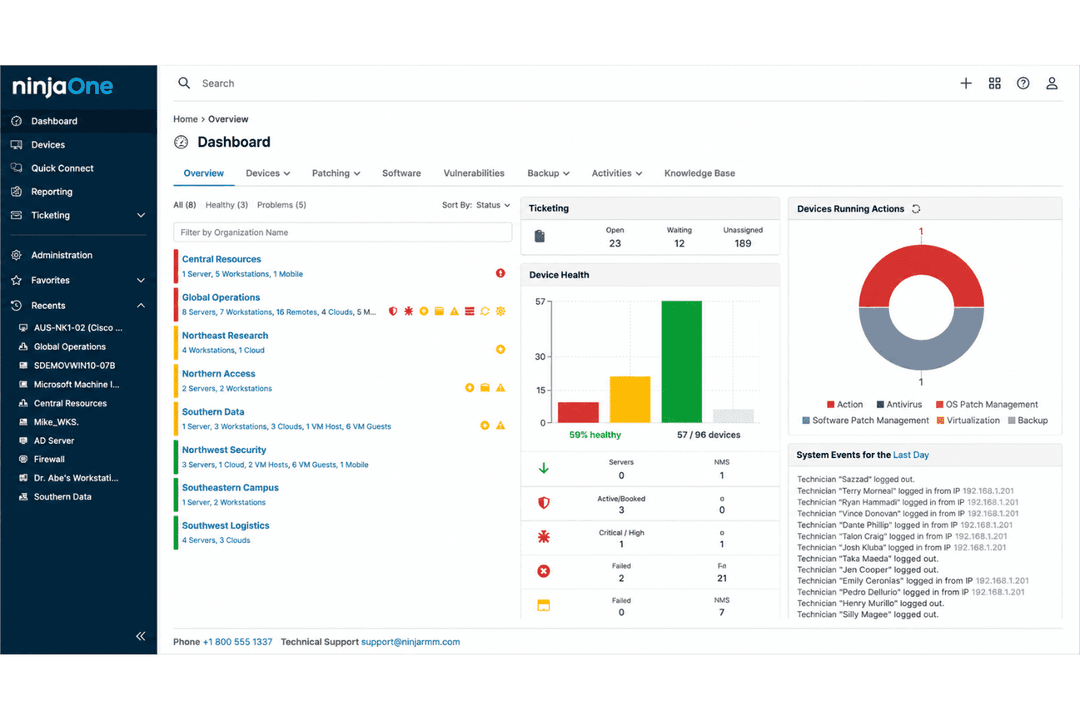
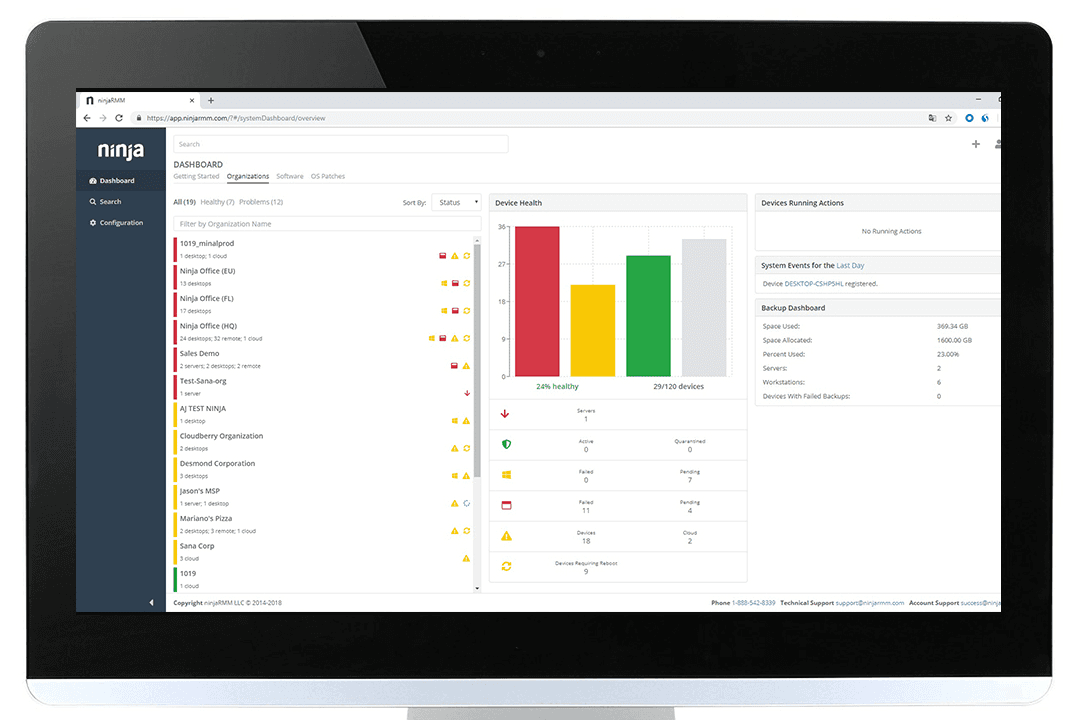
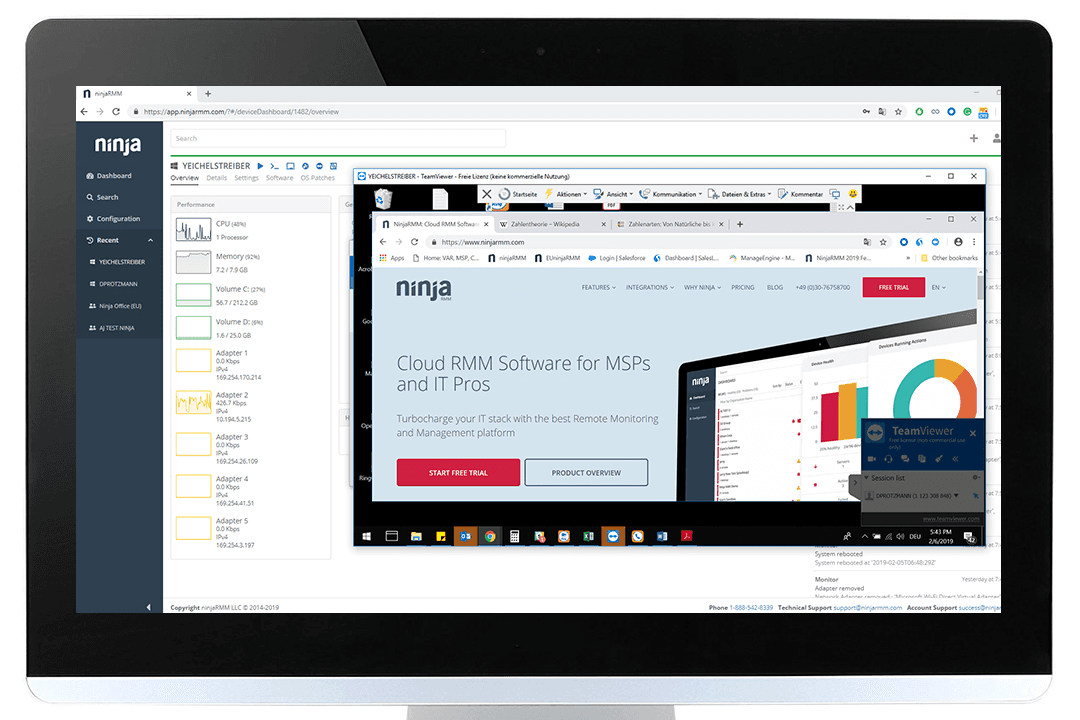
| User Interface | Clean, modern, and navigable even for non-specialists, with one console over one agent | Powerful but denser, and you first choose whether that console is Datto RMM or VSA 10 |
| Setup & Onboarding | 14-day trial with full platform access, deployment averaging under 30 days, onboarding and training included free | Demo and quote to get started, with implementation sold in self-guided, QuickStart, and expert-led tiers |
| Automation | PowerShell, Batch, JavaScript, shell, and VBScript, plus dynamic script forms and a policy engine built to be intuitive | Deep agent procedures and a script library, backed by a community Automation Exchange marketplace and prebuilt automations |
| Learning Curve | Low, with operators typically proficient inside ten days | Medium to high, since the portfolio is wide enough that Kaseya University is effectively part of the product |
| Support Resources | Free unlimited support 24/7 in seven languages, roughly 30-minute average response, 98% CSAT | Round-the-clock helpdesk with knowledge base and community forums, plus a FastPass premium tier for priority queuing |
NinjaOne wins on speed and simplicity. Deployment averages under 30 days, operators hit proficiency in roughly ten, and support runs 24/7 in seven languages with a half-hour average response and free unlimited onboarding. Kaseya rewards patience instead. There is no self-serve trial, implementation is sold in self-guided, QuickStart, and expert-led tiers, and Kaseya University exists because the portfolio genuinely takes learning.
Pick NinjaOne if you want to be running this month. Pick Kaseya if you want one vendor for everything and will spend the ramp time to get there.
NinjaOne vs Kaseya: Pros & Cons
NinjaOne
- Deploys fast and delivers detailed endpoint visibility with no on-premise servers to maintain.
- Pulls patching, backup, remote access, and ticketing into one console.
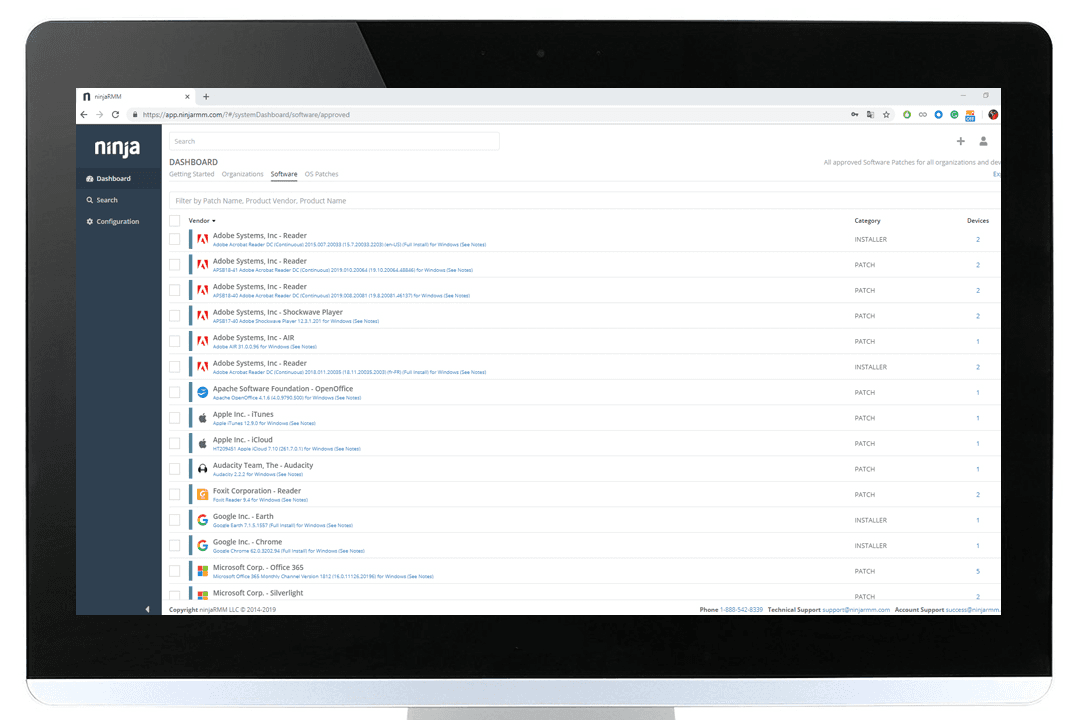
- Automates patching with CVE and CVSS context, stability scoring, and dependable scripting.
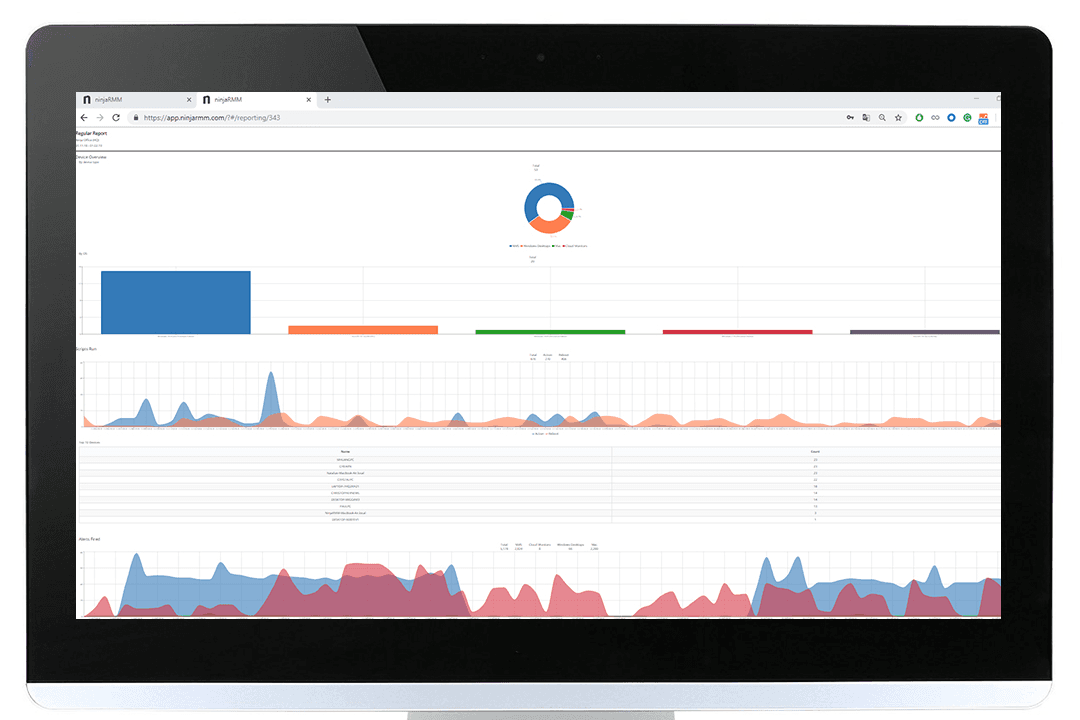
- Built-in reporting is thin for client-facing work.
- Mobile device management is less robust than desktop support.
- The service desk and PSA are sized for SMB teams rather than enterprise ITSM or high-end MSP workflows.
Kaseya
- You can automate routine tasks in your IT environment with ease.
- It offers strong endpoint management features for your team.
- Its reporting tools help you track and manage your devices effectively.
- You might find the onboarding process a bit challenging.
- Customer support can be slow to respond to your issues.
- The user interface may feel outdated compared to other tools.
Best Use Cases for NinjaOne and Kaseya
NinjaOne
- Managed Service Providers NinjaOne’s multi-tenant architecture and remote support streamline managing multiple client environments from a single dashboard.
- Small to Midsize Businesses Device-based pricing and easy deployment provide SMBs effective IT management without extra complexity.
- Healthcare IT Departments Patch management and compliance reporting features help healthcare teams meet standards and secure sensitive data.
- Education Institutions Remote monitoring and access ease support for student and faculty devices across multiple sites.
- Hybrid Workforce Support Policy management, help desk, and remote access empower teams supporting remote and distributed users.
- Enterprise IT Teams Multi-tenant architecture and automation scale to support large, distributed fleets and high endpoint volume.
Kaseya
- Mid-Sized Businesses Kaseya helps manage numerous devices with its automation and reporting features.
- Managed Service Providers You can handle multiple clients' IT needs with Kaseya's strong management tools.
- IT Departments Kaseya's automation tools, such as out-of-the-box scripts, streamline your team's routine tasks.
- Healthcare Industry Kaseya ensures your devices comply with industry regulations through its comprehensive management features.
- Education Sector Manage and secure numerous devices across campuses with Kaseya's endpoint management capabilities.
- Financial Services Kaseya helps protect sensitive data with strong security measures and detailed reporting tools.
Who Should Use NinjaOne, And Who Should Use Kaseya?
NinjaOne is best for IT teams, MSPs, and businesses that want hassle-free IT management with a low learning curve and a price they can estimate before the first sales call. If your EDR is already chosen, you need real parity across Windows, macOS, Linux, and mobile, or you sell into the public sector where FedRAMP authorization is a gate, NinjaOne is the right fit. Kaseya suits organizations that would rather consolidate vendors than tools, especially MSPs who want Autotask-grade PSA depth, first-party backup appliances, and native compliance management on one contract. Choose Kaseya if a single bundled subscription across management, security, and backup justifies the longer ramp and the quote-only pricing conversation.
Differences Between NinjaOne and Kaseya
| NinjaOne | Kaseya | |
|---|---|---|
| Console Choice | One console, one agent, no decision to make | Choose Datto RMM or VSA 10 as your management console before you begin |
| Entry Path | 14-day free trial with the whole platform unlocked | Demo and quote, with no self-serve trial available |
| Platform Origin | Built almost entirely in-house on one code base | Assembled through acquisition, with Datto, Autotask, IT Glue, and Unitrends under IT Complete |
| Pricing Model | Per device on published tiers, with the rate falling as volume rises and modules chosen a la carte | Bundled per endpoint or per user under Kaseya 365, with Endpoint and User quote-only |
| Security Approach | Manages third-party antivirus and EDR rather than selling its own | Sells its own antivirus, EDR, managed SOC, SIEM, and email security |
| Visit NinjaOneOpens new window | Read Kaseya ReviewOpens new window |
Similarities Between NinjaOne and Kaseya
| Audience & Scale | Both court MSPs and internal IT as equal audiences, and both land at roughly 40,000 customers. |
|---|---|
| Cross-Platform Coverage | Both manage Windows, macOS, and Linux endpoints alongside Android and Apple mobile devices. |
| First-Party Backup | Each ships its own backup for endpoints, servers, and SaaS data rather than outsourcing it. |
| Patch Management | Each automates operating system and third-party patching to shrink the vulnerability window. |
| Visit NinjaOneOpens new window Read Kaseya ReviewOpens new window | |
| Remote Monitoring | Both deliver comprehensive remote monitoring, alerting, and health dashboards across devices and servers. |
| Ticketing & PSA | Both own their service desk and PSA, so ticketing does not have to come from a third party. |
| Visit NinjaOneOpens new window Read Kaseya ReviewOpens new window | |