

Heroku Vs. Docker: In-Depth Comparison and Expert Reviews for 2026

We review tools independently, and commissions help fund our testing. See our transparency policy, our methodology, or suggest a tool.
Choosing between Heroku and Docker means weighing two very different approaches to containerization software: Heroku offers a managed platform as a service (PaaS) ecosystem that abstracts away infrastructure, while Docker gives you granular control over how you build, ship, and run containers. If you’re deciding which tool fits your workflow, you’re likely balancing the need for simplicity and automation against the desire for flexibility and direct system access. This article breaks down how each solution handles deployment, scaling, and management, so you can confidently pick the right fit for your team’s technical goals and operational realities.
Heroku
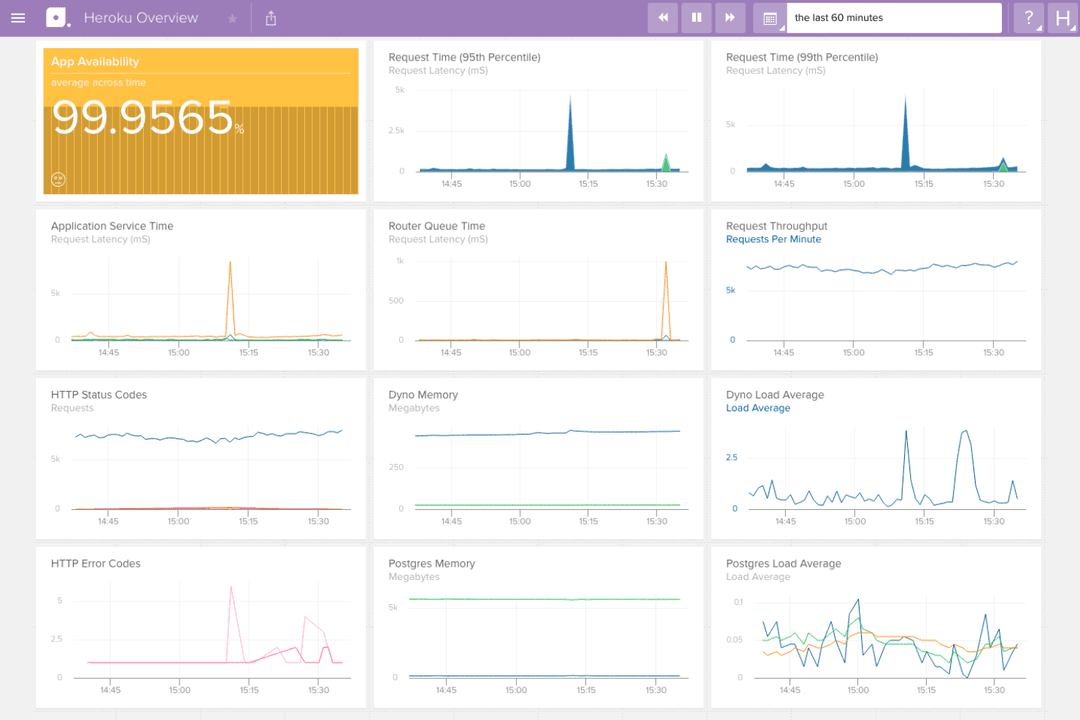
4.6/5
- Free demo available
- From $5/month
Docker
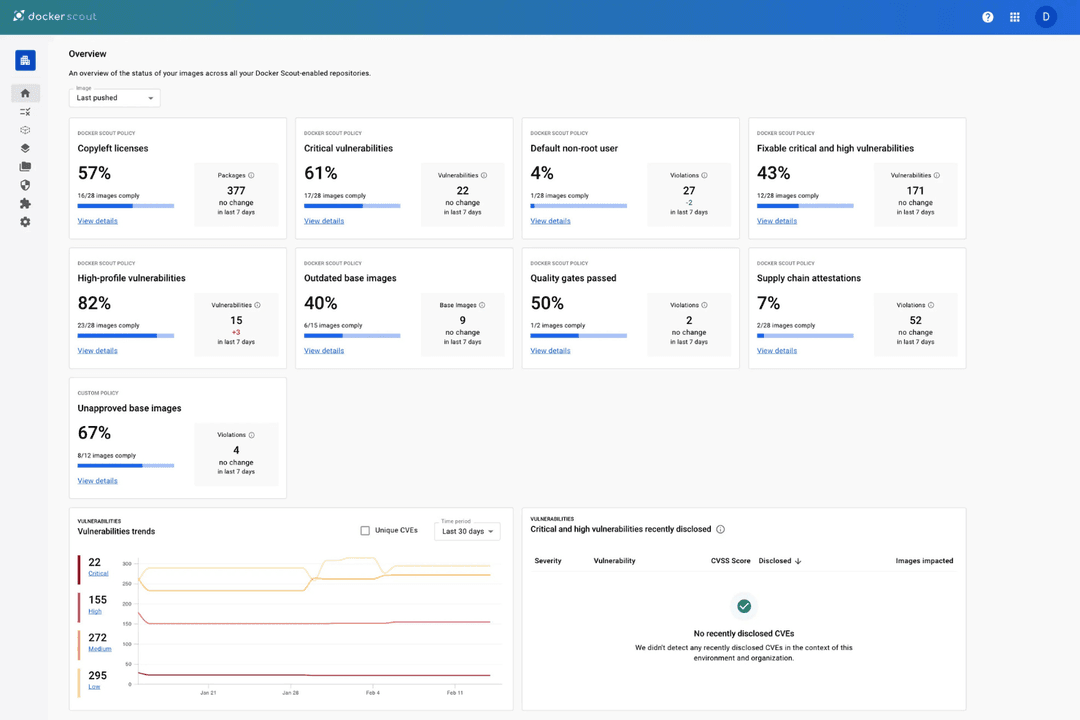
4.6/5
- Free plan available
- From $9/user/month (billed annually)
Why Trust Our Software Recommendations
6,700+
Reviews
20
Industry experts
16+
Evaluation factors
14
Years
Our team has been testing and reviewing software since 2012. As tech leaders ourselves, we know how difficult—and important—it is to choose the right software.
For this guide, we evaluated tools using hands-on testing and independent research, scoring tools using our selection criteria.
Our reviews reflect our human editorial judgment, not a sales pitch.
Expert reviewers:
- Paulo Gardini MiguelTech Director
 Tim FisherVP of AI
 Gabriel RosasTech Lead & Software Architect
 Christhian GruhnTech Lead & Platform Architect

| Heroku | Docker | |
|---|---|---|
| Free Trial | Free demo available | Free plan available |
| Pricing | From $5/month | From $9/user/month (billed annually) |
Heroku Vs. Docker Pricing & Hidden Costs
Heroku uses a tiered subscription model based on the resources and features you need, with costs increasing as you add more dynos, databases, or advanced add-ons. You may also encounter extra charges for exceeding usage limits, scaling applications, or integrating third-party services. Docker, on the other hand, offers a mix of free and paid plans, with costs tied to the number of users, advanced features, and enterprise support. While Docker’s core engine is open source, expenses can add up for teams that need registry access, orchestration, or premium support.
To choose the right pricing model, start by mapping your expected usage patterns, team size, and support requirements. Consider not just the base subscription, but also the likelihood of scaling, integrating with other tools, or needing compliance features. Review each vendor’s documentation for limits, overage fees, and support tiers, and factor in the potential for future growth or changes in your deployment strategy. This approach helps you avoid surprises and ensures your choice fits both your current and future needs.
Heroku’s automated deployment pipelines and built-in add-ons let you push code and manage services with minimal setup, making it easy to focus on building and iterating without worrying about infrastructure. On the other hand, the Docker container engine and image management tools give you precise control over your application’s environment, supporting consistent deployments and portability across different systems.
| Heroku | Docker | |
|---|---|---|
| API | Yes | Yes |
| Bug Tracking | No | No |
| CI/CD Integration | Yes | Yes |
| Cloud Deployment | Yes | No |
| Code Review | Yes | No |
| Code Transformation | No | No |
| Collaboration Support | No | No |
| Data Export | No | Yes |
| Data Import | No | Yes |
| Developer Tools | Yes | Yes |
| External Integrations | No | Yes |
| Git Integration | Yes | No |
| History/Version Control | No | Yes |
| IDE Plugins | No | No |
| Local Deployment | No | No |
| Multi-User | No | Yes |
| Notifications | No | Yes |
| Project Management | No | No |
| Release Management | No | No |
| Static Analysis | No | No |
| Task Scheduling/Tracking | No | No |
| Testing | Yes | No |
| Integration | Heroku | Docker |
|---|---|---|
| IntegrationGitHub | Heroku✅ | Docker✅ |
| IntegrationSalesforce | Heroku✅ | Docker❌ |
| IntegrationAWS Lambda | Heroku❌ | Docker✅ |
| IntegrationGoogle Cloud SQL | Heroku✅ | Docker✅ |
| IntegrationDatadog | Heroku✅ | Docker✅ |
| IntegrationSlack | Heroku✅ | Docker❌ |
| IntegrationKubernetes | Heroku❌ | Docker✅ |
| IntegrationAzure DevOps | Heroku❌ | Docker✅ |
| IntegrationAPI | Heroku✅ | Docker✅ |
| IntegrationZapier | Heroku✅ | Docker❌ |
Heroku’s GitHub integration lets your developers automate deployments and work with programming languages directly from your code repository, including Python, Java, PHP, Node.js, and Ruby. This helps you streamline updates and reduce manual steps. When you look at Docker’s Kubernetes integrations, they give you the flexibility to orchestrate and scale containers across clusters, supporting complex infrastructure needs.
| Factor | Heroku | Docker |
|---|---|---|
| FactorData Encryption | HerokuEncrypts data at rest and in transit by default, including managed add-ons. | DockerSupports encrypted communication between containers and encrypted secrets storage. |
| FactorRegulatory Compliance | HerokuOffers built-in compliance for SOC 2, ISO, and PCI DSS, with automated audits. | DockerCompliance depends on user configuration; Docker provides tools for HIPAA, GDPR, and PCI, but requires manual setup. |
| FactorVulnerability Management | HerokuAutomated patching and security updates for platform and add-ons. | DockerProvides image scanning and vulnerability reporting, but patching is user-managed. |
| FactorUptime Guarantees | HerokuSLA-backed uptime with automated failover and monitoring. | DockerReliability depends on deployment; Docker Swarm and Kubernetes can provide high availability. |
Heroku takes a more hands-off approach to security and compliance, handling much of the heavy lifting for you, while Docker gives you the tools but expects you to build and maintain your own controls. Heroku’s managed environment is strong for teams that want built-in compliance and reliability, while Docker’s flexibility appeals to those who need granular control over security and infrastructure.
| Factor | Heroku | Docker |
|---|---|---|
| FactorUser Interface | HerokuClean, web-based dashboard with guided workflows for app management. | DockerCommand-line driven with optional GUIs, requiring more technical familiarity. |
| FactorOnboarding | HerokuFast setup with clear documentation and automated deployment pipelines. | DockerSteeper learning curve with manual configuration and more steps to get started. |
| FactorSetup Process | HerokuMinimal configuration—deploy web apps with a few commands or clicks. | DockerRequires writing Dockerfiles and managing images, networks, and volumes. |
| FactorSupport Resources | HerokuExtensive documentation, tutorials, and responsive support channels. | DockerLarge community, detailed docs, but support is more self-service oriented. |
Heroku is much more approachable for new users or teams that want to get up and running quickly, while Docker rewards those who are comfortable with hands-on configuration and command-line tools. Heroku’s intuitive interface, functionality, and automation make it user-friendly for rapid deployment, while Docker’s flexibility is best suited for users who want to customize every aspect of their environment.
Heroku
- You can deploy apps quickly without managing infrastructure.
- Its simple interface makes it easy for your team to focus on development.
- Heroku's scalability supports your growing projects seamlessly.
- Limited customization options might restrict complex projects.
- Dyno sleeping can slow down your apps during periods of inactivity.
- Some users find the performance inconsistent with high traffic.
Docker
- Docker's container technology ensures consistent environments across your development and production setups.
- Its efficiency and speed in deploying applications boost your team's productivity.
- The active community support provides you with quick solutions and shared knowledge.
- Docker may require significant system resources, impacting your machine's performance.
- Networking can be complex, posing challenges for your team in multi-container applications.
- Managing persistent storage can be tricky, requiring careful planning and execution.
Heroku
- Tech StartupsHeroku lets you launch and iterate apps quickly, crucial for fast-paced startup environments.
- Digital AgenciesYou can focus on creative development without worrying about backend complexities.
- Small BusinessesHeroku’s user-friendly platform helps you deploy apps without needing a large IT team.
- Educational InstitutionsHeroku simplifies project hosting for students and educators, fostering learning and experimentation.
- FreelancersYou can manage multiple client projects efficiently with Heroku’s easy deployment.
- Prototyping TeamsHeroku supports rapid prototyping, enabling quick testing and iteration of new ideas.
Docker
- Tech StartupsDocker helps you deploy applications quickly, allowing your startup to iterate and scale without infrastructure worries.
- Large EnterprisesFor your enterprise, Docker ensures consistent environments across various teams, simplifying complex deployments.
- DevOps TeamsDocker’s automation capabilities support your continuous integration and continuous deployment (CI/CD) pipelines effectively.
- Software DevelopmentIf you’re developing applications, Docker’s containerization ensures consistent testing and development environments.
- Microservices ArchitectureDocker excels in managing microservices, letting your team deploy and manage services independently.
- Cloud-Native ApplicationsDocker’s compatibility with cloud platforms means your cloud-native apps can be deployed seamlessly across environments.
Who Should Use Heroku, And Who Should Use Docker?
Heroku is a great fit for small teams, startups, and developers who want to focus on building applications without managing infrastructure, especially in fast-paced environments or when rapid prototyping is key. Docker is better suited for IT specialists, DevOps teams, and organizations with complex deployment needs, strict compliance requirements, or a preference for full control over their stack. If your team values simplicity, automation, and a managed experience, Heroku is the way to go. If you need flexibility, portability, and the ability to fine-tune every layer of your environment, Docker is the clear choice.
| Heroku | Docker | |
|---|---|---|
| Customization | Heroku Limited to supported buildpacks and add-ons. | Docker Highly customizable with support for any stack or dependency. |
| Deployment Options | Heroku Simple, automated deployments via Git or dashboard. | Docker Manual deployments using CLI, Dockerfiles, and registries. |
| Infrastructure Management | Heroku Fully managed platform with automated scaling and maintenance. | Docker User-managed infrastructure with full control over resources. |
| Pricing Model | Heroku Subscription-based with resource-based tiers and add-ons. | Docker Free core engine, paid plans for advanced features and support. |
| User Interface | Heroku Web-based dashboard with guided workflows. | Docker Primarily command-line interface, with optional GUIs. |
| CI/CD Pipeline Integration | Both tools integrate with CI/CD platforms for automated workflows. |
|---|---|
| Containerization | Both use containers to isolate and run applications. |
| Integrations | Integration with major could providers, like AWS, Azure, and Google Cloud for hosting. |
| Ongoing Monitoring | They offer monitoring and logging through add-ons, integrations, and plugins. |
| Scalability | Both platforms utilize containerization to run and scale applications. |