

Google Web Designer Review: Pros, Cons, Features, and Pricing
Google Web Designer stands out with its free and user-friendly platform, making it ideal for creating interactive web content without advanced coding skills.

We review tools independently, and commissions help fund our testing. See our transparency policy, our methodology, or suggest a tool.
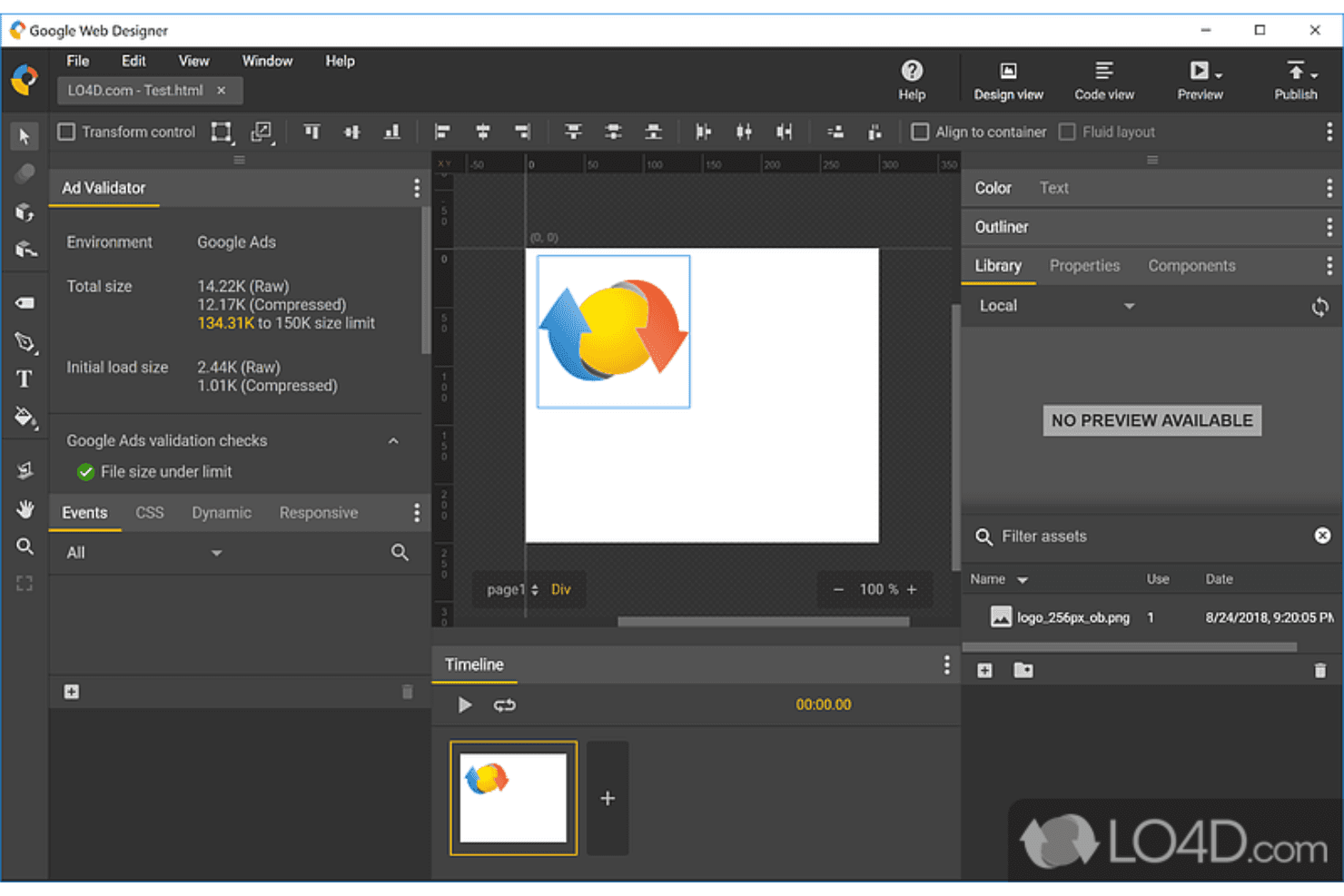
Google Web Designer is a free web development tool for building HTML5-based animated ads and interactive content through a visual, drag-and-drop interface. It's worth considering if you're producing display advertising assets and want a no-cost option that integrates directly with Google's ad platforms. Compared to Adobe Animate, which requires a Creative Cloud subscription, Google Web Designer gives ad-focused teams the same animation and timeline controls without the licensing overhead.
Google Web Designer Evaluation Summary
0/5
- Free to use
- Free demo available
Why Trust Our Software Recommendations
6,700+
Reviews
20
Industry experts
16+
Evaluation factors
14
Years
Our team has been testing and reviewing software since 2012. As tech leaders ourselves, we know how difficult—and important—it is to choose the right software.
For this guide, we evaluated tools using hands-on testing and independent research, scoring tools using our selection criteria.
Our reviews reflect our human editorial judgment, not a sales pitch.
Expert reviewers:
- Paulo Gardini MiguelTech Director
 Tim FisherVP of AI
 Gabriel RosasTech Lead & Software Architect
 Christhian GruhnTech Lead & Platform Architect

Google Web Designer Overview
In my opinion, Google Web Designer is a solid choice for teams focused on creating HTML5-based interactive content, such as dynamic banner ads and simple web pages. It excels in ease of use and offers a good range of features for designing web ads, making it ideal for marketing teams and digital agencies. This tool is one of the many robust Google products designed for digital creatives. However, its onboarding process could be smoother, and some users might find it a bit limited for advanced tasks compared to more robust tools. It's best suited for environments where simple, visually engaging content is needed quickly, without the requirement for extensive coding knowledge.
Pros
- You can create interactive HTML5 content without coding.
- The interface is user-friendly and intuitive for designers.
- It offers great tools for building visually engaging web ads.
Cons
- Advanced users might find its features somewhat limited.
- Your team may experience challenges with the onboarding process.
- It lacks some advanced functionalities compared to other tools.
Is Google Web Designer Right For Your Needs?
Who Would be a Good Fit for Google Web Designer?
Google Web Designer is a good fit for marketing teams and digital agencies looking to create interactive, visually appealing ads without coding. Its user-friendly interface allows your team to quickly design and deploy engaging HTML5 content. It's especially valuable for businesses focused on digital marketing and advertising, allowing direct publishing to the Google Ads platform. If your team needs to produce rich media ads efficiently, use Google Web Designer.
- Digital Marketing AgenciesYour agency can benefit from creating interactive ads quickly without needing coding skills, thanks to its user-friendly tools.
- Small BusinessesSmall businesses can craft professional-looking web content without hiring specialized developers, saving time and resources.
- Educational InstitutionsYou can use it to develop rich, interactive learning materials, enhancing student engagement and learning experiences.
- Freelance DesignersFreelancers can expand their service offerings by creating HTML5 ads and content, increasing their marketability.
- Advertising DepartmentsYour team can efficiently produce engaging ads that capture attention, boosting campaign effectiveness.
- E-commerce CompaniesE-commerce businesses can use it to develop visually appealing and interactive product showcases to attract customers.
Who Would be a Bad Fit for Google Web Designer?
Google Web Designer isn't ideal for large enterprises or tech-heavy industries requiring advanced development tools. If your team needs extensive coding capabilities or complex integrations, this tool might fall short. This website-building tool is not suited for developers working on intricate web applications, as it lacks the depth of features found in more specialized software. If your work involves highly customized or large-scale web solutions, you might find its functionalities limited.
-
- Large EnterprisesYour team might need more advanced features and integrations that Google Web Designer doesn't offer.
- Software Development FirmsIf your work involves complex coding tasks, you'll find Google Web Designer's capabilities too basic.
- Tech StartupsStartups focused on innovative web applications need tools with deeper coding capabilities than what Google Web Designer provides.
- Corporate IT DepartmentsYour department may require more robust tools for large-scale web development projects.
- Advanced Web DevelopersDevelopers looking for detailed coding and customization options won't find Google Web Designer sufficient.
- Financial ServicesIf your industry demands highly secure and complex web applications, you'll need more specialized tools.
Our Review Methodology
How We Test & Score Tools
We’ve spent years building, refining, and improving our software testing and scoring system. The rubric is designed to capture the nuances of software selection and what makes a tool effective, focusing on critical aspects of the decision-making process.
Below, you can see exactly how our testing and scoring works across seven criteria. It allows us to provide an unbiased evaluation of the software based on core functionality, standout features, ease of use, onboarding, customer support, integrations, customer reviews, and value for money.
Core Functionality (25% of final scoring)
The starting point of our evaluation is always the core functionality of the tool. Does it have the basic features and functions that a user would expect to see? Are any of those core features locked to higher-tiered pricing plans? At its core, we expect a tool to stand up against the baseline capabilities of its competitors.
Standout Features (25% of final scoring)
Next, we evaluate uncommon standout features that go above and beyond the core functionality typically found in tools of its kind. A high score reflects specialized or unique features that make the product faster, more efficient, or offer additional value to the user.
We also evaluate how easy it is to integrate with other tools typically found in the tech stack to expand the functionality and utility of the software. Tools offering plentiful native integrations, 3rd party connections, and API access to build custom integrations score best.
Ease of Use (10% of final scoring)
We consider how quick and easy it is to execute the tasks defined in the core functionality using the tool. High scoring software is well designed, intuitive to use, offers mobile apps, provides templates, and makes relatively complex tasks seem simple.
Onboarding (10% of final scoring)
We know how important rapid team adoption is for a new platform, so we evaluate how easy it is to learn and use a tool with minimal training. We evaluate how quickly a team member can get set up and start using the tool with no experience. High scoring solutions indicate little or no support is required.
Customer Support (10% of final scoring)
We review how quick and easy it is to get unstuck and find help by phone, live chat, or knowledge base. Tools and companies that provide real-time support score best, while chatbots score worst.
Customer Reviews (10% of final scoring)
Beyond our own testing and evaluation, we consider the net promoter score from current and past customers. We review their likelihood, given the option, to choose the tool again for the core functionality. A high scoring software reflects a high net promoter score from current or past customers.
Value for Money (10% of final scoring)
Lastly, in consideration of all the other criteria, we review the average price of entry level plans against the core features and consider the value of the other evaluation criteria. Software that delivers more, for less, will score higher.
Core Features
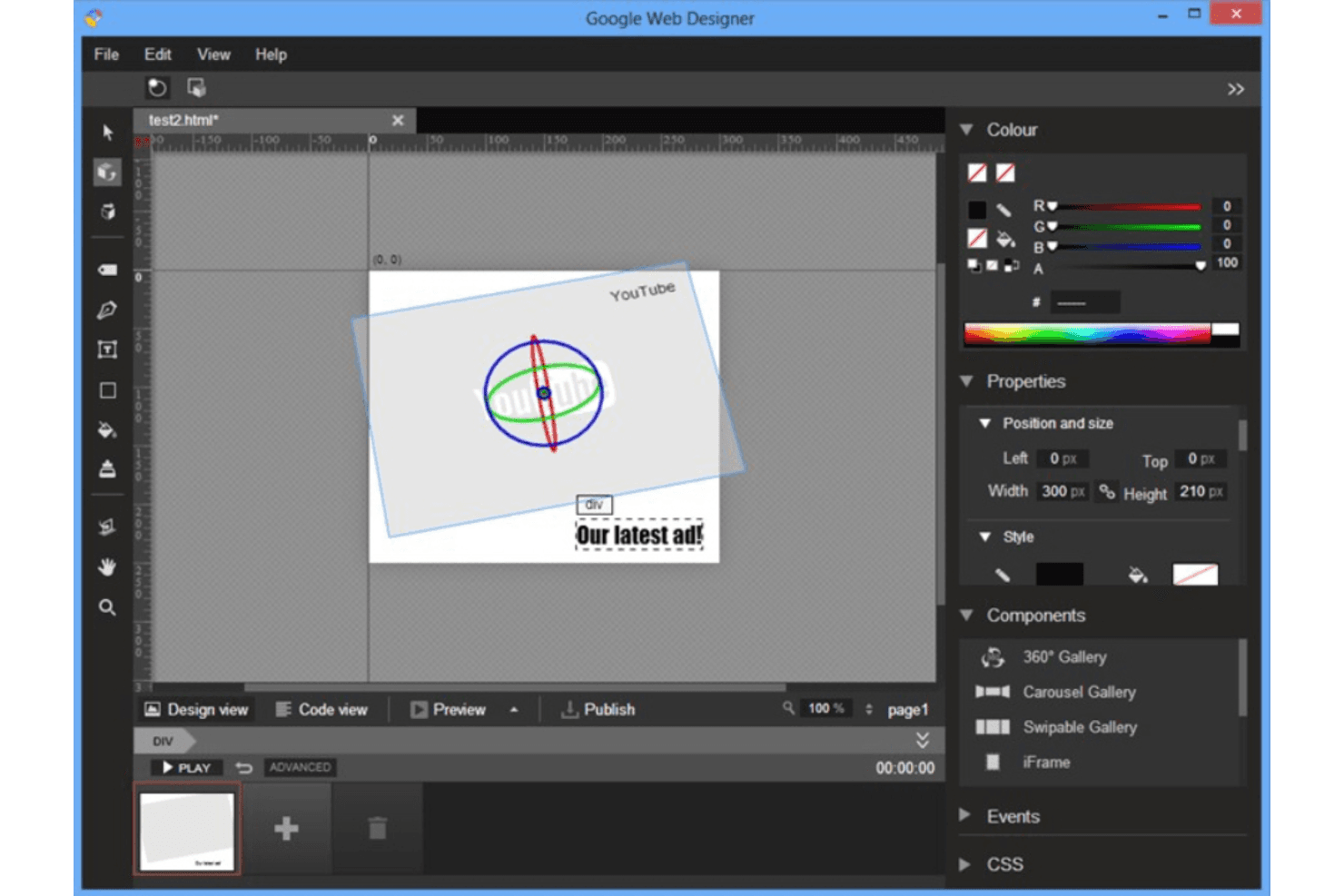
Drag-and-Drop Interface: You can easily build your web designs using a simple drag-and-drop tool, making it accessible for non-coders. This feature speeds up the design process for your team.
HTML5 Support: Create interactive and engaging content with HTML5, ensuring your designs are modern and compatible across devices. It’s great for crafting dynamic ads.
Animation Tools: Use timeline-based animation features to add engaging motion graphics to your designs, enhancing the visual appeal. This helps your ads stand out.
3D Content Creation: You can design 3D content directly within the tool, adding depth and interactivity to your work. It’s perfect for creating eye-catching web graphics.
Responsive Design: Your team can ensure designs look great on any device with built-in responsive layout tools. This feature helps maintain a consistent user experience.
Template Library: Access a variety of pre-designed templates to kickstart your projects quickly. It saves time and inspires creativity.
Standout Features
Google Integration: Seamlessly integrate with other Google services like Google Drive and DoubleClick, enhancing your workflow efficiency. This makes file management and ad deployment easier for your team.
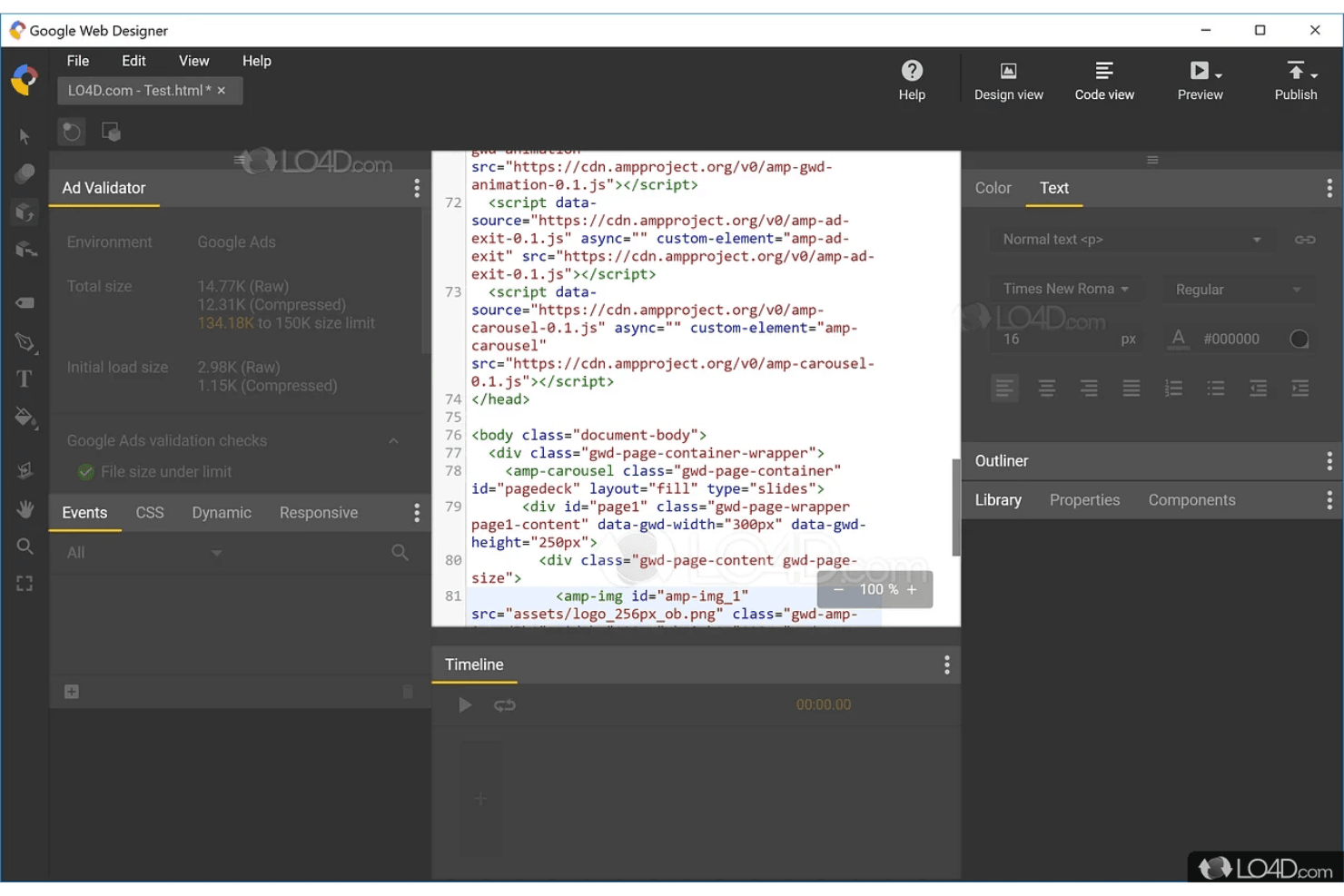
Code Editing: While it’s user-friendly, you can switch to code view for more precise control over your designs. This flexibility is valuable for those who want more customization in their projects.
Ease of Use
Google Web Designer is user-friendly, especially for non-coders and design teams looking to create interactive content quickly. Its drag-and-drop interface and intuitive layout make it easy for your team to start designing without extensive training. The built-in templates and responsive design features simplify your workflow, allowing you to produce professional results efficiently. While advanced users might find it lacking in depth, it excels in delivering straightforward tools for creating visually appealing web content.
Onboarding
Google Web Designer's onboarding can feel a bit rough, as some users who are beginners might find the initial setup and learning curve challenging. While there are tutorials and resources available, your team might need to invest extra time to fully grasp the tool's capabilities. The lack of comprehensive onboarding support can delay time to value, especially if your team is new to web design concepts like responsive layouts and the generated HTML. Once you are past the initial hurdles, the tool becomes more intuitive and easier to use.
Customer Support
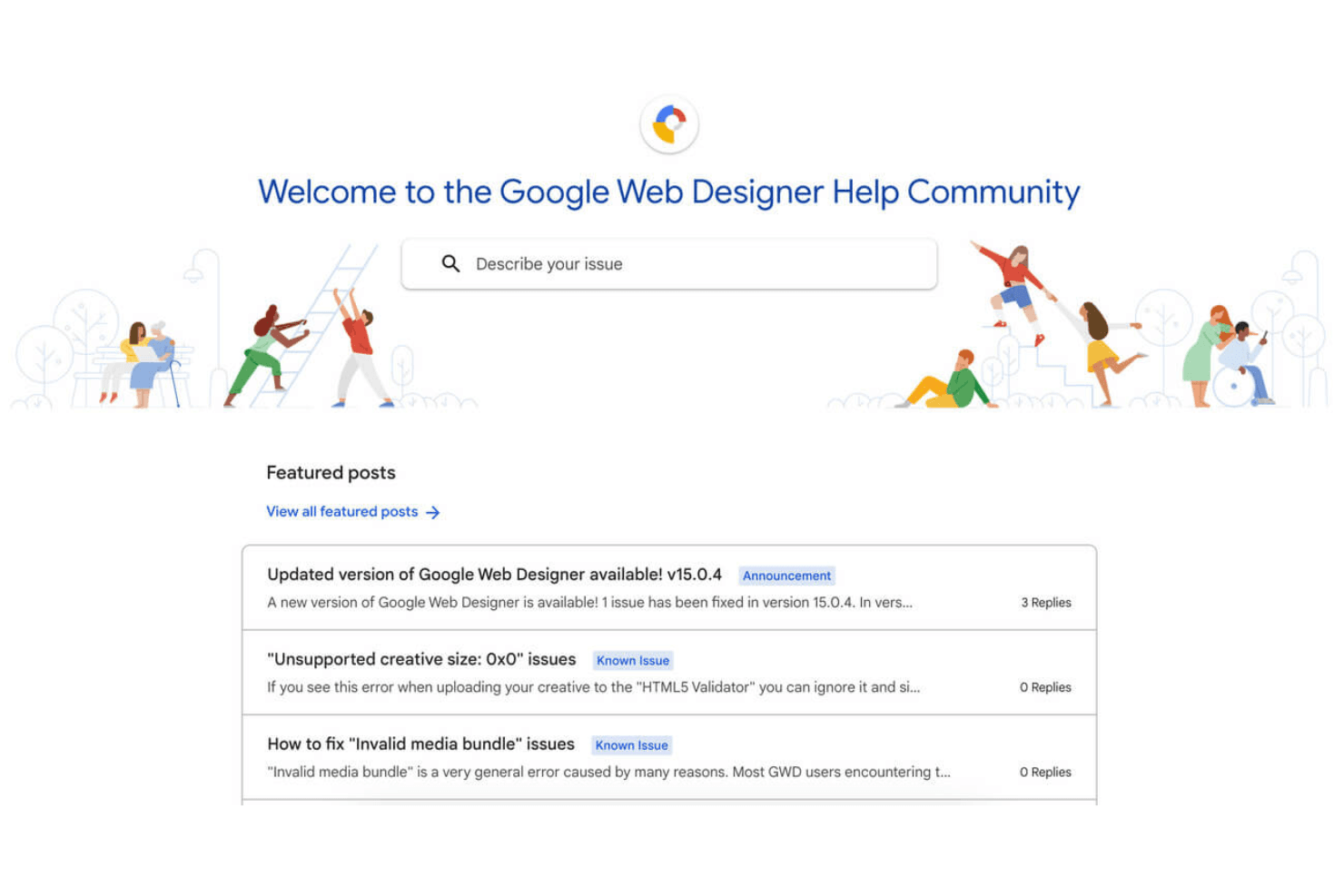
Google Web Designer's customer support is decent but could use improvement, as users sometimes find responses slow or lacking depth. While there's a community forum and help center, direct support options are limited. Your team might need to rely on self-help resources, which can be frustrating during urgent issues. This can be a drawback if your work requires immediate assistance. However, the available resources do cover a wide range of common questions and problems.
Integrations
Google Web Designer integrates with Studio, Display & Video 360, Campaign Manager 360, Ads Creative Studio, and Google Drive.
This website builder does not have an API or connect with third-party integration tools. Its functionality can be extended through the use of custom components.
Value for Money
Google Web Designer offers great value for money since it's a free tool with no hidden charges, making it accessible for teams on a budget. Its cost-effectiveness is highlighted by its robust feature set for creating interactive content without any financial commitment. A free download is available, allowing your team to evaluate the software fully before integrating it into your workflow.
Google Web Designer Specs
- CAD Tools: No
- Data Export: Yes
- Data Import: Yes
- Multi-User: No
- Pixel Graphics: Yes
- Third-Party Plugins/Add-Ons: No
- Vector File Support: Yes
- Video: Yes
Google Web Designer FAQs
Google Web Designer Company Overview & History
Google Web Designer, developed by Google, is a free tool for creating interactive HTML5 content, including advertisements. It's available on Windows, macOS, and Linux, featuring a user-friendly drag-and-drop visual interface. The tool integrates with Google services like Google Maps and YouTube, allowing users to write and edit code in CSS, JavaScript, and XML. It was launched to make visually engaging web content accessible to users without extensive coding knowledge.
Google Web Designer Major Milestones
2013: Launch of Google Web Designer as a tool for building HTML5 content.