

Flutter Review: Pros, Cons, Features, and Pricing
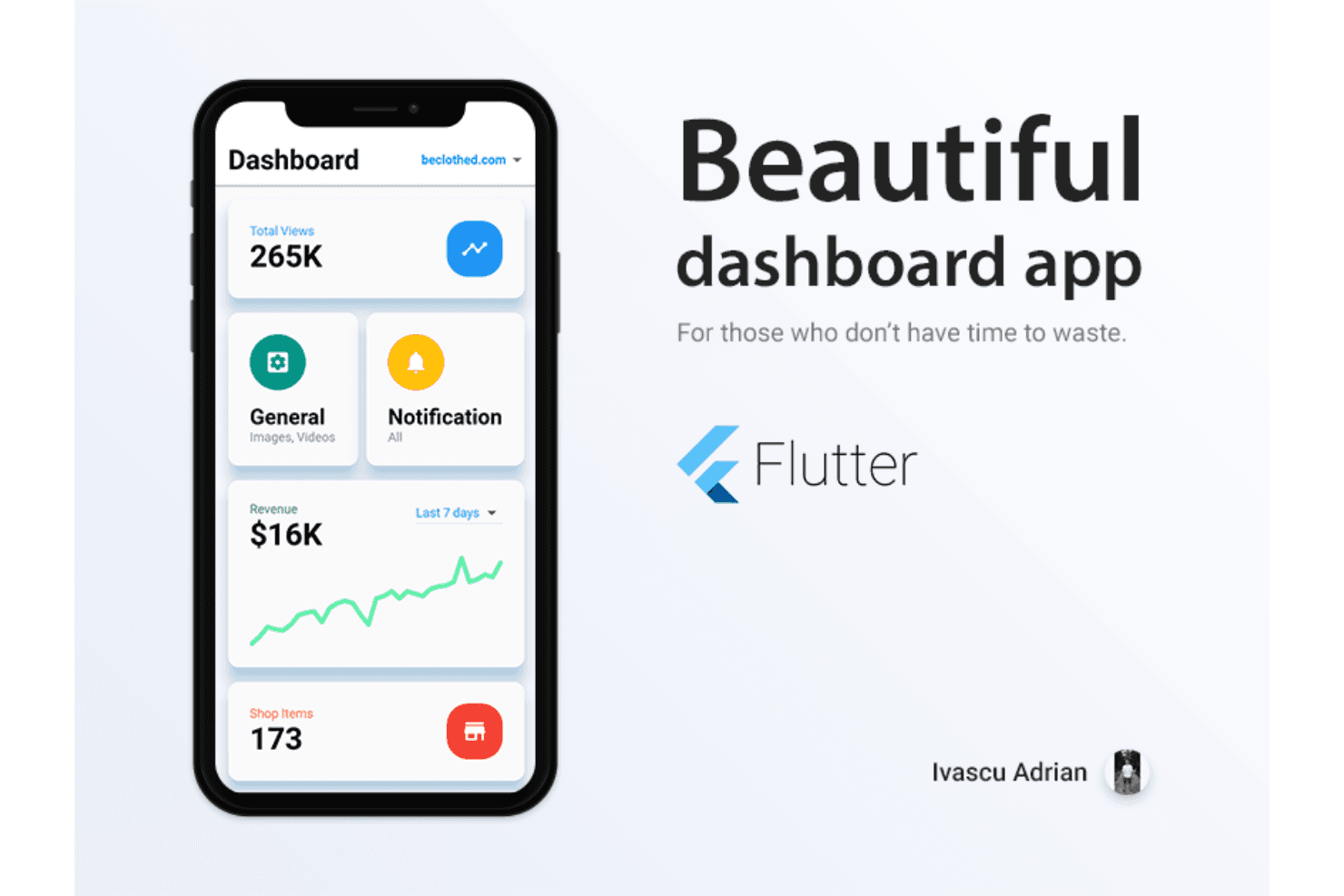
Flutter stands out for its cross-platform capabilities, allowing your team to develop visually appealing apps with a single codebase.

We review tools independently, and commissions help fund our testing. See our transparency policy, our methodology, or suggest a tool.
Flutter is a software development tool from Google that lets you build natively compiled apps for mobile, web, and desktop from a single Dart codebase. I'd consider it if your team needs to ship cross-platform apps without maintaining separate native codebases for each platform. Compared to a similar tool like React Native, Flutter gives you more consistent UI rendering across platforms because it uses its own rendering engine rather than relying on native components—which means fewer platform-specific visual inconsistencies to track down.
Flutter Evaluation Summary
0/5
- Free to use
- Free plan available
Why Trust Our Software Recommendations
6,700+
Reviews
20
Industry experts
16+
Evaluation factors
14
Years
Our team has been testing and reviewing software since 2012. As tech leaders ourselves, we know how difficult—and important—it is to choose the right software.
For this guide, we evaluated tools using hands-on testing and independent research, scoring tools using our selection criteria.
Our reviews reflect our human editorial judgment, not a sales pitch.
Expert reviewers:
- Paulo Gardini MiguelTech Director
 Tim FisherVP of AI
 Gabriel RosasTech Lead & Software Architect
 Christhian GruhnTech Lead & Platform Architect

Flutter Overview
In my opinion, Flutter excels as a software development toolkit for its cross-platform capabilities and visual appeal within the modern app development ecosystem. It offers a unified development experience that can save your team time and resources. While its onboarding could be smoother, especially if you are not well-versed in Dart or coming from Java, Kotlin, or Swift backgrounds, the strong community support and extensive documentation help mitigate this downside. Flutter is ideal for startups and tech companies looking to build visually consistent apps across platforms and operating system requirements. In Flutter vs alternate solutions, such as React Native, it shines in performance but might lack some advanced native functionalities. If you're evaluating software for mobile or web app development, Flutter's balance of features and cost-effectiveness makes it a compelling choice.
Pros
- You can build apps for multiple platforms with a single codebase.
- Your team can create visually appealing apps with a unified UI framework.
- It offers a fast development process, saving you time and resources.
Cons
- Your team might face challenges if you need advanced native functionalities.
- It requires more effort for smooth onboarding compared to some other tools.
- The app size can be larger than apps built with other frameworks.
Is Flutter Right For Your Needs?
Who Would be a Good Fit for Flutter?
Flutter is a great fit for startups and tech companies that need to develop cross-platform apps quickly. If your team values visual consistency and a unified UI, Flutter's single codebase can be a game-changer. It's particularly useful for mobile development teams in industries such as fintech and e-commerce, where building visually appealing apps is crucial. Flutter's fast development process can save your team time and resources, making it ideal for businesses looking to launch apps across multiple platforms without compromising on quality.
- StartupsFlutter allows your startup to build and launch apps quickly with a single codebase, which saves you time and resources.
- E-commerceYour team can create visually appealing and consistent shopping apps across platforms using Material Design principles to enhance the customer experience.
- FintechFlutter's ability to deliver visually rich apps makes it ideal for financial services teams that need a polished interface.
- Small BusinessesIf your small business wants to develop an app without a large budget, Flutter’s cost-effectiveness is a major plus.
- Mobile App TeamsYour mobile app team can benefit from Flutter's fast development process, ensuring quicker time-to-market.
- Tech CompaniesTech companies looking to build cross-platform apps efficiently will find Flutter's unified UI framework advantageous.
Who Would be a Bad Fit for Flutter?
Flutter might not be the best choice for enterprises needing highly specialized native functionalities, such as those written in Objective-C or other platform-specific languages. If your team relies heavily on native features or requires the smallest possible app size, Flutter's limitations could be a hurdle. It's also not ideal for teams unfamiliar with Dart, especially those transitioning from JavaScript-centric workflows, as the learning curve could slow down development. If your work involves developing apps with specific hardware integrations, you might face challenges with Flutter's current offerings.
- Enterprise ApplicationsYour enterprise might struggle with Flutter if you need highly specialized native functionalities.
- Hardware-Intensive AppsDeveloping apps that rely on specific hardware integrations can be challenging with Flutter.
- Native Feature DependenceIf your team needs deep native integrations, Flutter might not meet your demands.
- Dart NewcomersIf your team is unfamiliar with Dart, the learning curve can slow development.
- Resource-Constrained TeamsTeams with limited resources might find Flutter's larger app size a drawback.
Our Review Methodology
How We Test & Score Tools
We’ve spent years building, refining, and improving our software testing and scoring system. The rubric is designed to capture the nuances of software selection and what makes a tool effective, focusing on critical aspects of the decision-making process.
Below, you can see exactly how our testing and scoring works across seven criteria. It allows us to provide an unbiased evaluation of the software based on core functionality, standout features, ease of use, onboarding, customer support, integrations, customer reviews, and value for money.
Core Functionality (25% of final scoring)
The starting point of our evaluation is always the core functionality of the tool. Does it have the basic features and functions that a user would expect to see? Are any of those core features locked to higher-tiered pricing plans? At its core, we expect a tool to stand up against the baseline capabilities of its competitors.
Standout Features (25% of final scoring)
Next, we evaluate uncommon standout features that go above and beyond the core functionality typically found in tools of its kind. A high score reflects specialized or unique features that make the product faster, more efficient, or offer additional value to the user.
We also evaluate how easy it is to integrate with other tools typically found in the tech stack to expand the functionality and utility of the software. Tools offering plentiful native integrations, 3rd party connections, and API access to build custom integrations score best.
Ease of Use (10% of final scoring)
We consider how quick and easy it is to execute the tasks defined in the core functionality using the tool. High scoring software is well designed, intuitive to use, offers mobile apps, provides templates, and makes relatively complex tasks seem simple.
Onboarding (10% of final scoring)
We know how important rapid team adoption is for a new platform, so we evaluate how easy it is to learn and use a tool with minimal training. We evaluate how quickly a team member can get set up and start using the tool with no experience. High scoring solutions indicate little or no support is required.
Customer Support (10% of final scoring)
We review how quick and easy it is to get unstuck and find help by phone, live chat, or knowledge base. Tools and companies that provide real-time support score best, while chatbots score worst.
Customer Reviews (10% of final scoring)
Beyond our own testing and evaluation, we consider the net promoter score from current and past customers. We review their likelihood, given the option, to choose the tool again for the core functionality. A high scoring software reflects a high net promoter score from current or past customers.
Value for Money (10% of final scoring)
Lastly, in consideration of all the other criteria, we review the average price of entry level plans against the core features and consider the value of the other evaluation criteria. Software that delivers more, for less, will score higher.
Core Features
Single Codebase: You can build apps for multiple platforms using just one codebase, allowing your team to save time and resources.
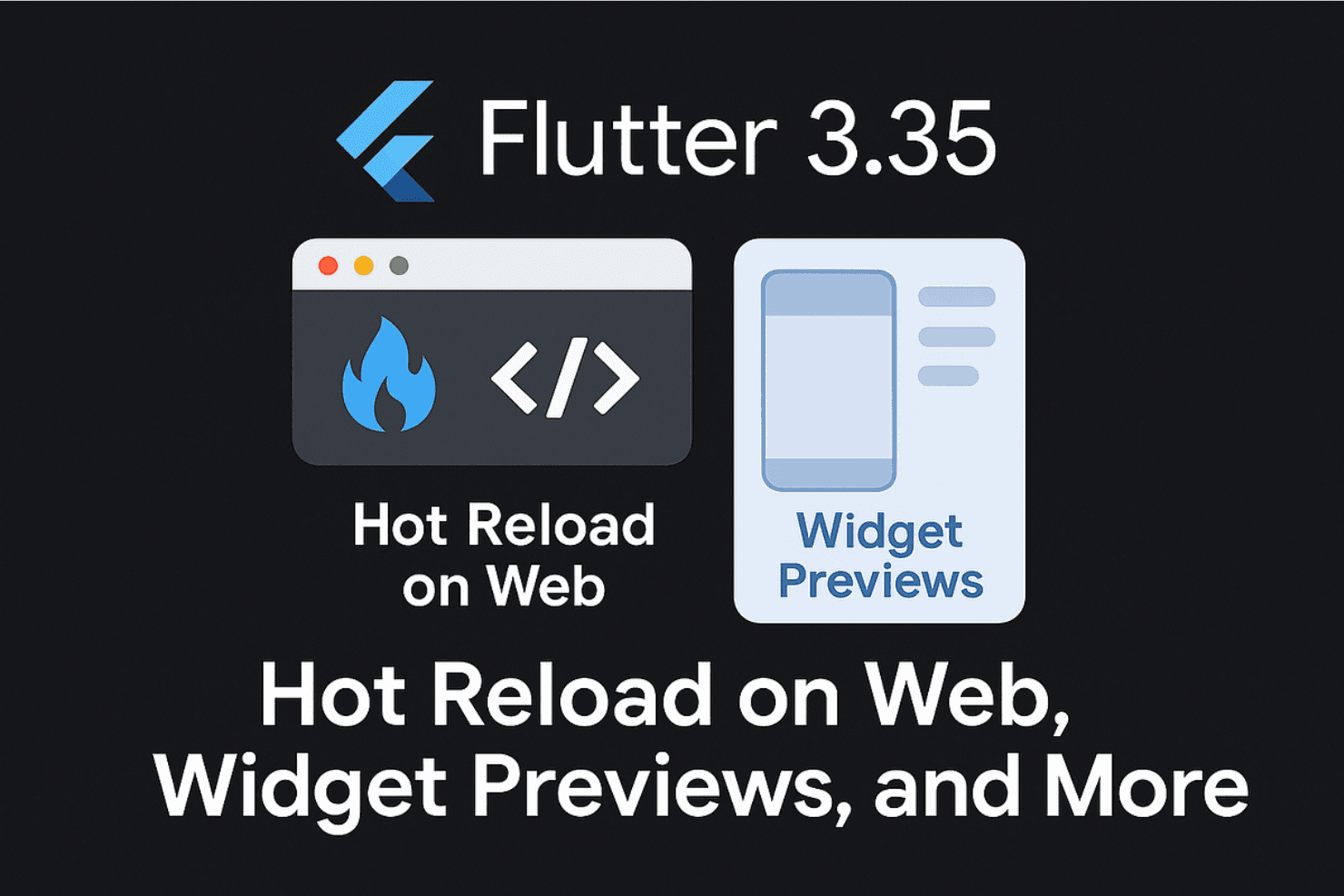
Hot Reload: Flutter lets you see changes in real-time as you code, which speeds up your development process and simplifies debugging during compilation.
Widget Library: It's easy to access a wide range of customizable Flutter widgets so you can create visually appealing apps that suit your brand's style.
Fast Development: You can utilize Flutter's efficient cross-platform frameworks to quickly develop and test your apps, reducing time to market.
Unified UI Framework: You can create consistent and visually appealing user interfaces across iOS, macOS, and Android app development platforms with Flutter's UI tools.
Open Source: A large community and extensive documentation offers support for your team in overcoming challenges and sharing solutions.

Standout Features
Impeller Graphics Engine: Flutter's Impeller rendering engine lets you deliver smooth and fast graphics to enhance the visual performance of your apps.
Dart Programming Language: Leverage Dart for its easy-to-understand syntax and efficient performance, making your development process more straightforward.

Ease of Use
Flutter stands out for its user-friendly interface and efficient development process. Your team will appreciate the hot reload feature, which lets you see changes instantly, making debugging straightforward. While the Dart language might be new to some, its clear syntax helps ease the learning curve. Compared to other tools, Flutter provides a smoother experience with its comprehensive widget library, allowing you to build visually consistent apps with less hassle. Overall, Flutter app development is simple and straightforward, making it accessible even for smaller teams.
Onboarding
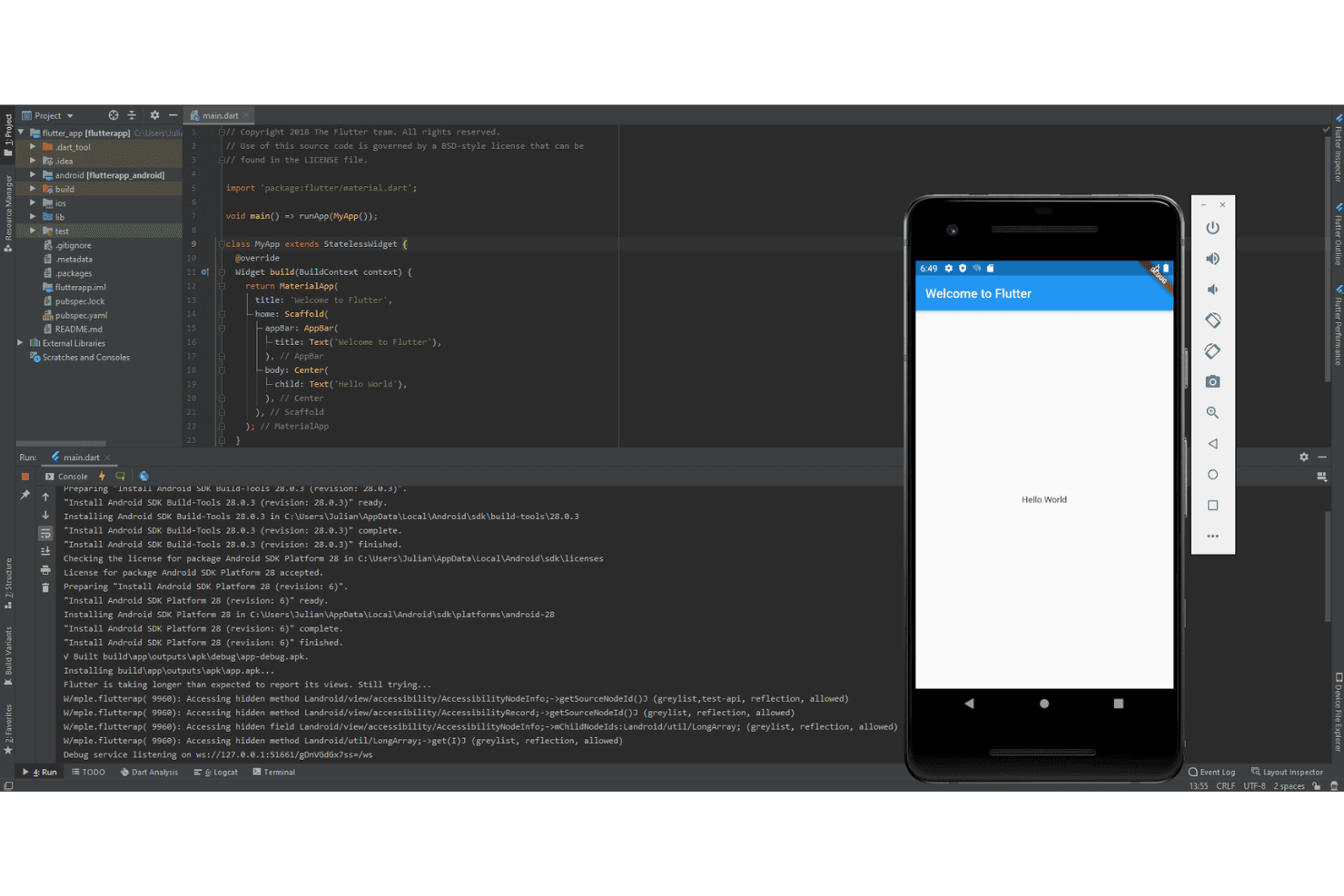
Flutter's onboarding experience is generally positive, thanks to its extensive documentation and active community support. Your team will find plenty of tutorials and guides to get started, though the learning curve with Dart might slow initial progress. While not the fastest onboarding process, the resources available ensure you're not left in the dark. Comprehensive support helps bridge any gaps and allows your team to reach value more quickly despite any initial challenges.
Customer Support
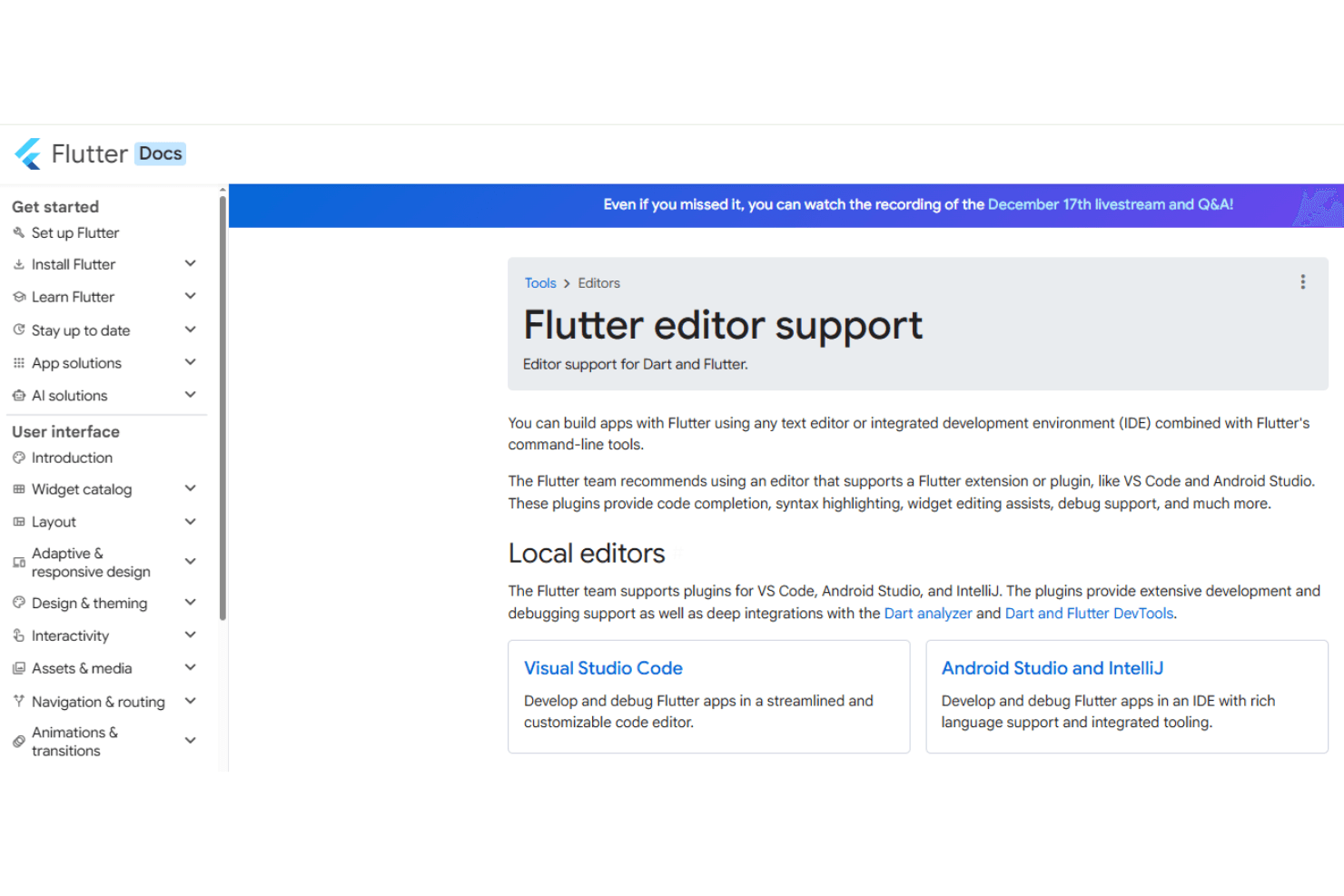
Flutter offers robust customer support through its well-supported community channels and rich docs, tutorials, and guides, all available directly on Flutter.dev. Your team will benefit from quick responses and shared solutions on forums and GitHub. The wealth of online resources and tutorials ensures you're rarely stuck without answers. While direct support options might be limited, the community-driven assistance more than compensates, providing practical help and guidance when you need it. Overall, Flutter's support network effectively aids users in troubleshooting and development challenges.
Integrations
Flutter integrates with Firebase, Google Maps, AWS Amplify, Razorpay, and Algolia.
It also has an API that allows for connecting with third-party integration tools.
Value for Money
Flutter offers great value due to its open-source nature, meaning there's no cost associated with using the framework itself. This makes it an attractive choice for your team, especially when budgets are tight. A vast community network and rich documentation enhance its value further. A free trial or demo isn't needed since the platform is free to use.
Flutter Specs
- API: Yes
- Bug Tracking: Yes
- CI/CD Integration: Yes
- Cloud Deployment: Yes
- Code Review: Yes
- Code Transformation: Yes
- Collaboration Support: Yes
- Data Export: Yes
- Data Import: Yes
- Developer Tools: Yes
- External Integrations: Yes
- Git Integration: Yes
- History/Version Control: Yes
- IDE Plugins: Yes
- Local Deployment: Yes
- Multi-User: Yes
- Notifications: Yes
- Project Management: Yes
- Release Management: Yes
- Static Analysis: Yes
- Task Scheduling/Tracking: Yes
- Testing: Yes
Flutter FAQs
Flutter Company Overview & History
Flutter is an open-source UI SDK created by Google. It's known for enabling developers to craft native apps for mobile, web, and desktop environments, such as Linux, from a single codebase. Google's headquarters are in Mountain View, California, where Flutter is developed. Flutter has gained significant attention for its cross-platform capabilities, which allows businesses to deploy apps on multiple platforms efficiently. Companies such as Alibaba and Reflectly have used Flutter to power their applications, showcasing its versatility and appeal in the tech industry.
Flutter Major Milestones
- 2015: Google announced Flutter at its Dart Developer Summit.
- 2017: The first alpha version was launched.
- 2018: Flutter 1.0 was released, marking its official stable version.
- 2019: Flutter for Web was unveiled, expanding its cross-platform reach.
- 2021: Flutter 2.0 was released, supporting desktop and web platforms.
- 2022: The software achieved over 500,000 apps on Google Play Store.