

F-Secure Review: Pros, Cons, Features, and Pricing
F-Secure excels in user-friendly security, offering reliable protection without slowing down your devices.

We review tools independently, and commissions help fund our testing. See our transparency policy, our methodology, or suggest a tool.
F-Secure is an internet security software built for individuals and small teams who need reliable endpoint protection without the overhead of enterprise-grade tooling. It covers malware detection, browsing protection, and device security across Windows, Mac, and mobile. I'd consider it a strong pick if you want something lighter and less intrusive than Norton, which tends to bundle in features you may not need and can slow system performance in the process.
F-Secure Evaluation Summary

0/5
- From €49.99/per month/ up to 3 devices
- 30 Days Free Trial
Why Trust Our Software Recommendations
6,700+
Reviews
20
Industry experts
16+
Evaluation factors
14
Years
Our team has been testing and reviewing software since 2012. As tech leaders ourselves, we know how difficult—and important—it is to choose the right software.
For this guide, we evaluated tools using hands-on testing and independent research, scoring tools using our selection criteria.
Our reviews reflect our human editorial judgment, not a sales pitch.
Expert reviewers:
- Paulo Gardini MiguelTech Director
 Tim FisherVP of AI
 Gabriel RosasTech Lead & Software Architect
 Christhian GruhnTech Lead & Platform Architect

F-Secure Overview
In my opinion, F-Secure offers solid protection and ease of use, making it a strong contender for individuals and families prioritizing security with minimal fuss. The simple dashboard makes it easy to initiate a quick scan or schedule scans. While its core features are reliable, it's the ease of use and customer support that truly stand out. F-Secure might not have the flashiest standout features compared to other antivirus solutions like Norton or Malwarebytes, but it excels in straightforward setup and management for personal devices, like work laptops or home PCs. It's best suited for home environments that need effective security without complex IT knowledge. If you're deciding on an Internet Security Software for personal use, F-Secure is worth considering for its consistent performance and user-friendly approach.
Pros
- Excellent malware protection for your devices.
- User-friendly interface.
- Customer support is responsive and helpful.
Cons
- May lack advanced features found in some competitors’ enterprise products.
- Less customizable for specific advanced networking needs.
- Some users find the initial setup process a bit slow.
Is F-Secure Right For Your Needs?
Who Would be a Good Fit for F-Secure?
F-Secure is ideal for individuals, families, and very small home offices where straightforward, consumer-level security is crucial. If your team values reliable and easy-to-use anti-virus protection, F-Secure is a good choice. In addition to its useful parental controls, it’s easy to use, indicating your IT team won’t need extensive training to get started. This makes it perfect for users without dedicated cybersecurity experts who need basic, reliable protection on their personal devices.
- Individuals & FamiliesF-Secure provides straightforward security without overwhelming users with complex features.
- Small/Home OfficesIt offers basic protection on a few devices that don’t need centralized management or formal business compliance.
- Remote TeamsF-Secure ensures your distributed workforce stays protected on their personal devices with features like F-Secure VPN, no matter where they work.
- Educational InstitutionsF-Secure helps protect personal student and staff devices with minimal management effort.
Who Would be a Bad Fit for F-Secure?
F-Secure might not be the best choice for large enterprises needing advanced features and extensive customization. If your team relies heavily on integrations with other systems or requires detailed, customizable security configurations, F-Secure's offerings could fall short. Its focus on simplicity might limit the depth of control and flexibility your IT department seeks in complex environments, unlike some extensive antivirus software suites from McAfee or ESET.
- Large EnterprisesF-Secure's simplicity may not meet your need for customizable, advanced features.
- Tech CompaniesIf your business needs extensive integrations, F-Secure might not support them all.
- Security FirmsYour team may find F-Secure lacking in specialized, high-level security options.
- Government AgenciesF-Secure's lack of detailed customization could be a limitation for your regulatory needs.
- E-commerce GiantsYour business might require more advanced features than F-Secure offers for transaction security.
- Telecom CompaniesIf you need extensive network security controls, F-Secure might not provide the depth you're after.
Our Review Methodology
How We Test & Score Tools
We’ve spent years building, refining, and improving our software testing and scoring system. The rubric is designed to capture the nuances of software selection and what makes a tool effective, focusing on critical aspects of the decision-making process.
Below, you can see exactly how our testing and scoring works across seven criteria. It allows us to provide an unbiased evaluation of the software based on core functionality, standout features, ease of use, onboarding, customer support, integrations, customer reviews, and value for money.
Core Functionality (25% of final scoring)
The starting point of our evaluation is always the core functionality of the tool. Does it have the basic features and functions that a user would expect to see? Are any of those core features locked to higher-tiered pricing plans? At its core, we expect a tool to stand up against the baseline capabilities of its competitors.
Standout Features (25% of final scoring)
Next, we evaluate uncommon standout features that go above and beyond the core functionality typically found in tools of its kind. A high score reflects specialized or unique features that make the product faster, more efficient, or offer additional value to the user.
We also evaluate how easy it is to integrate with other tools typically found in the tech stack to expand the functionality and utility of the software. Tools offering plentiful native integrations, 3rd party connections, and API access to build custom integrations score best.
Ease of Use (10% of final scoring)
We consider how quick and easy it is to execute the tasks defined in the core functionality using the tool. High scoring software is well designed, intuitive to use, offers mobile apps, provides templates, and makes relatively complex tasks seem simple.
Onboarding (10% of final scoring)
We know how important rapid team adoption is for a new platform, so we evaluate how easy it is to learn and use a tool with minimal training. We evaluate how quickly a team member can get set up and start using the tool with no experience. High scoring solutions indicate little or no support is required.
Customer Support (10% of final scoring)
We review how quick and easy it is to get unstuck and find help by phone, live chat, or knowledge base. Tools and companies that provide real-time support score best, while chatbots score worst.
Customer Reviews (10% of final scoring)
Beyond our own testing and evaluation, we consider the net promoter score from current and past customers. We review their likelihood, given the option, to choose the tool again for the core functionality. A high scoring software reflects a high net promoter score from current or past customers.
Value for Money (10% of final scoring)
Lastly, in consideration of all the other criteria, we review the average price of entry level plans against the core features and consider the value of the other evaluation criteria. Software that delivers more, for less, will score higher.
Core Features
Malware Protection: F-Secure antivirus offers robust anti-malware detection to keep your systems safe. It scans files and websites, ensuring your team avoids threats. This is part of the extensive security features available in products like F-Secure Safe.
Firewall: F-Secure integrates with and manages the built-in operating system firewall (e.g., Windows Firewall). It helps your team control what enters and leaves your network.
Browsing Protection: F-Secure warns your team about unsafe websites within popular browsers like Chrome or Firefox. The integrated VPN also acts as an ad blocker, enhancing web privacy and speed during web browsing..
Email Filtering: This feature protects against malicious links or attachments in emails as they are accessed. It reduces the risk of your team falling for scams.
Automatic Updates: F-Secure keeps your software up-to-date without manual intervention. It ensures your team always has the latest security patches.

Standout Features
User-Friendly Interface: F-Secure's interface is intuitive, making it easy for your team to navigate. It simplifies security management without extensive training.
Ease of Use
F-Secure scores high on ease of use, thanks to its intuitive interface and straightforward setup. Your team can quickly learn to navigate its features without needing extensive training. The clear layout and automatic updates make managing security tasks simple. Users appreciate how it reduces the complexity often associated with security software, allowing them to focus on their work. This makes F-Secure a great choice for teams looking for effective security with minimal hassle.

Onboarding
F-Secure offers a smooth onboarding process with clear instructions and helpful resources. Your team will appreciate the step-by-step guides that make setup straightforward. Users find the initial setup quick, though some mention that configuring advanced settings can take a bit longer. The available customer support is responsive, ensuring any questions are promptly addressed. This helps your team get up and running efficiently, making F-Secure a solid choice for those seeking a hassle-free start.
Customer Support
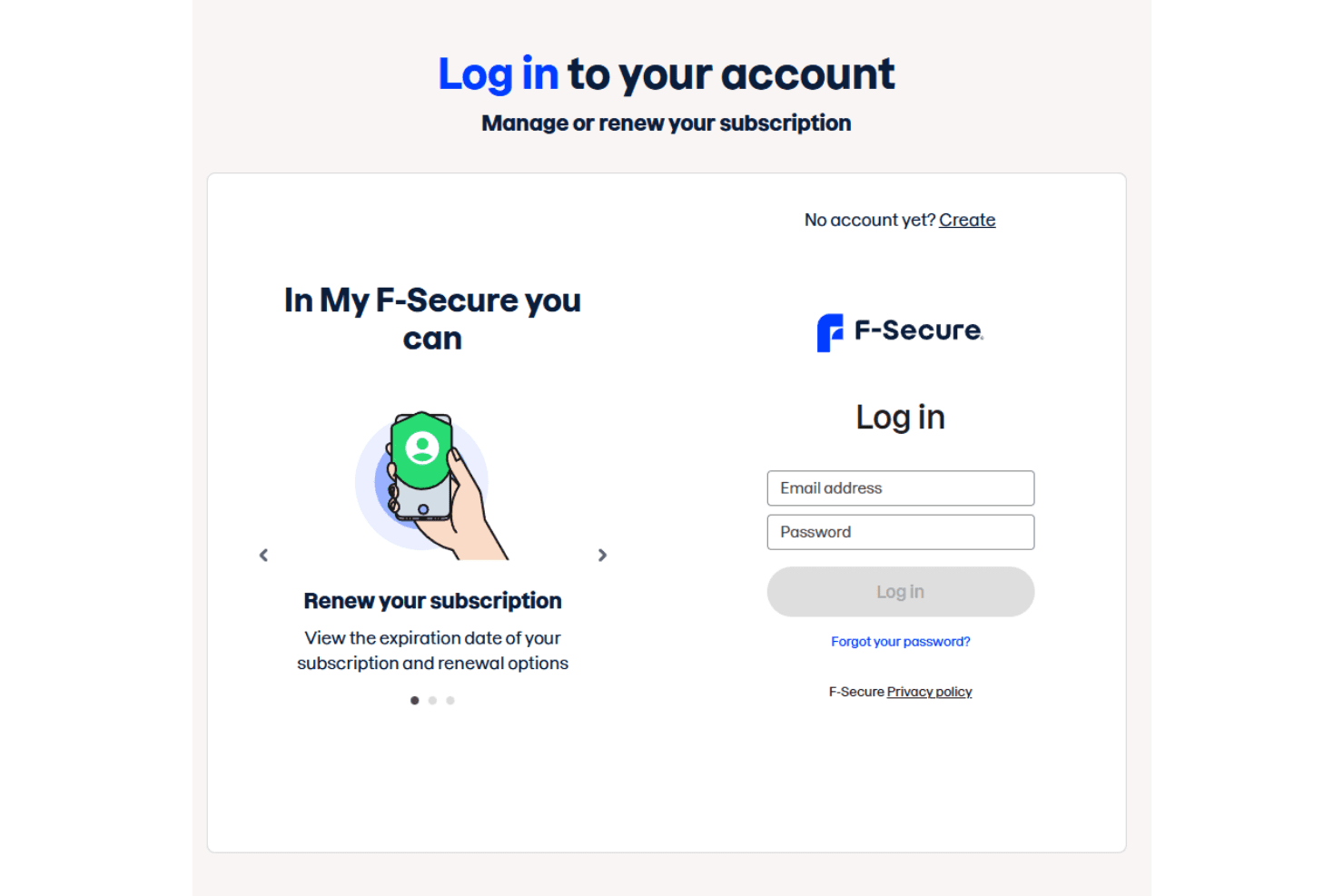
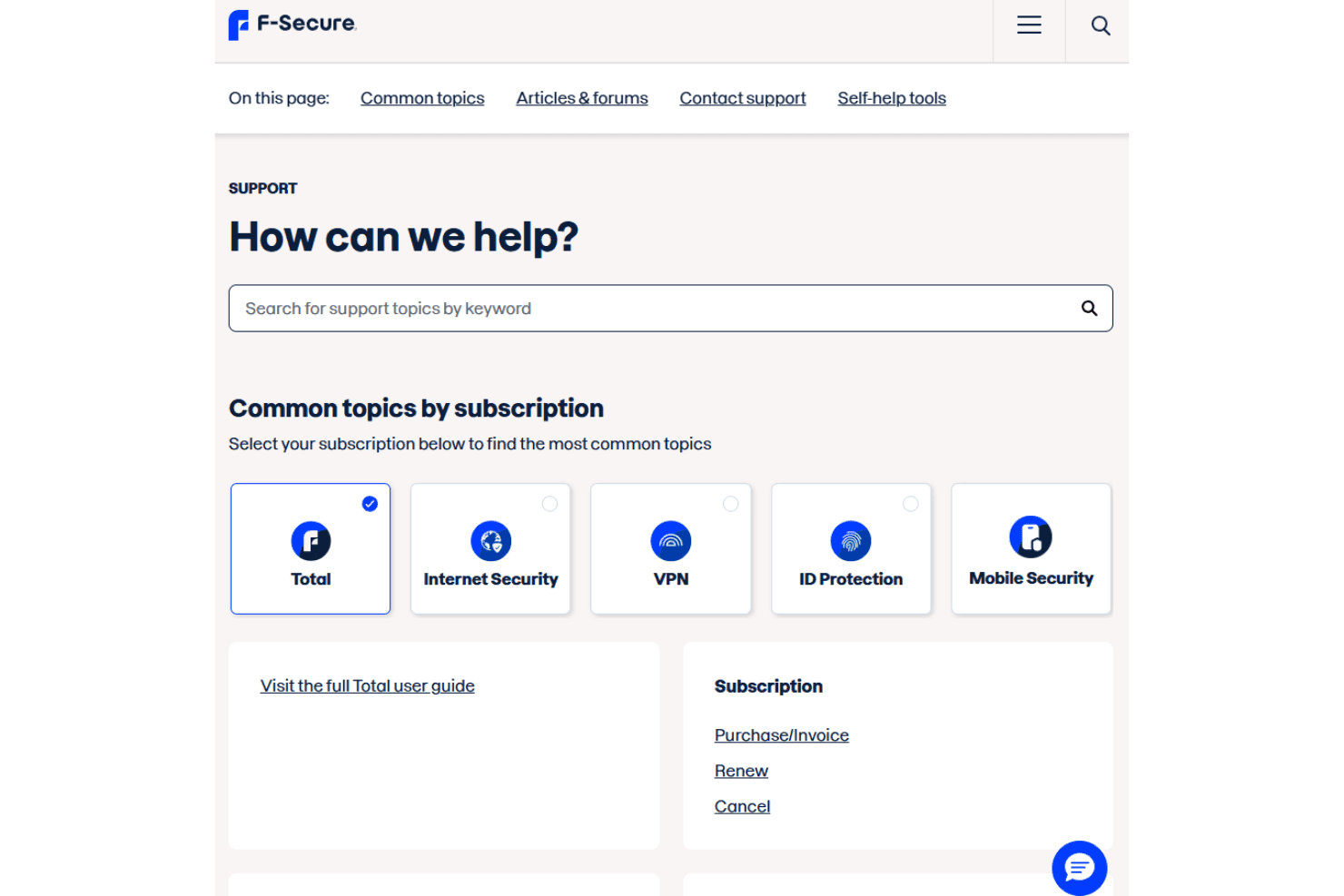
F-Secure's customer support is well-regarded for its responsiveness and effectiveness. Your team can access various support channels, including phone and chat, providing timely assistance when needed. Users appreciate the knowledgeable staff who resolve issues efficiently. The availability of comprehensive online resources and guides further aids in troubleshooting, making it easier for your team to find solutions independently. This level of support ensures your team can maintain security without unnecessary delays.
Integrations
F-Secure integrates with operating systems, like Windows (including full support for Windows 11), macOS, Android, and iOS. Integrations with Microsoft 365, Google Workspace, Salesforce, ServiceNow, Splunk, and Cisco Umbrella are handled by WithSecure.
F-Secure also offers an API for custom integrations and connects with third-party integration tools.

Value for Money
F-Secure offers a subscription-based, tiered pricing model for consumer products, where the cost is primarily determined by the specific product suite and the number of devices protected. F-Secure's clear tiered pricing provides flexibility, allowing you to select coverage that fits your needs without unnecessary add-ons. A 30-day free trial is available, providing a risk-free evaluation period.
- Total: Starting from €69.99/year; Comprehensive protection including antivirus, VPN, and ID protection. Password manager with autofill and banking protection.
- Internet Security: €49.99/year; Standard antivirus and ransomware protection.
- VPN: €49.99/year; Secure browsing.
- ID Protection: €49.99/year; Password manager and identity protection.
- Scam Protection: €4.99/month; Safeguards against banking scams and fake shops.

F-Secure Specs
- A/B Testing: No
- API: Yes
- Automated Testing: No
- Browser Compatibility Testing: No
- Bug Tracking: No
- Calendar Management: No
- CI/CD Integration: No
- Dashboard: Yes
- Data Export: Yes
- Data Import: No
- Data Visualization: Yes
- Developer Tools: No
- External Integrations: Yes
- History/Version Control: No
- Manual Testing: No
- Multi-User: Yes
- Notifications: Yes
- Performance Testing: No
- Regression Testing: No
- Scheduling: Yes
- Status Notifications: Yes
- Third-Party Plugins/Add-Ons: No
F-Secure FAQs
F-Secure Company Overview & History
F-Secure, headquartered in Helsinki, Finland, was founded in 1988 as Data Fellows by Petri Allas and Risto Siilasmaa. The company specializes in cybersecurity solutions, providing security and privacy products to millions of consumers worldwide. Known for its innovation, F-Secure has a reputation for defending against evolving cyber threats. Notable clients include companies across various industries seeking reliable protection. F-Secure is publicly traded on Nasdaq Helsinki, reflecting its strong market presence.
F-Secure Major Milestones
1988: Founded as Data Fellows in Helsinki by Petri Allas and Risto Siilasmaa.
1999: Changed name to F-Secure Corporation and listed on Nasdaq Helsinki.
2001: Launched the first pocket PC encryption solution.
2009: Acquired Steek SA for online storage solutions.
2011: F-Secure Internet Security received the Product of the Year Award by AV-Comparatives.
2018: Acquired Inverse Path and MWR InfoSecurity, expanding global reach.
2020: Launched F-Secure ID PROTECTION for personal data security.
2022: Completed demerger, separating consumer and corporate security businesses.