

AWS Elastic Beanstalk Review 2026: Pros, Cons, Features, and Pricing
AWS Elastic Beanstalk streamlines app deployment for developers seeking AWS integration, but its automation may limit advanced customization compared to other platforms.

We review tools independently, and commissions help fund our testing. See our transparency policy, our methodology, or suggest a tool.
AWS Elastic Beanstalk is a deployment software for teams that need to deploy and scale web applications without manually managing the underlying infrastructure. It handles capacity provisioning, load balancing, and health monitoring automatically, while still giving you full access to the AWS resources running your app. If you're already operating within the AWS ecosystem, I'd consider it over Heroku—you get deeper infrastructure control and significantly better cost efficiency at scale, without sacrificing the ease of a managed deployment environment.
AWS Elastic Beanstalk Evaluation Summary
4.2/5
- From $12/month
- Free plan available
Why Trust Our Software Recommendations
6,700+
Reviews
20
Industry experts
16+
Evaluation factors
14
Years
Our team has been testing and reviewing software since 2012. As tech leaders ourselves, we know how difficult—and important—it is to choose the right software.
For this guide, we evaluated tools using hands-on testing and independent research, scoring tools using our selection criteria.
Our reviews reflect our human editorial judgment, not a sales pitch.
Expert reviewers:
- Paulo Gardini MiguelTech Director
 Tim FisherVP of AI
 Gabriel RosasTech Lead & Software Architect
 Christhian GruhnTech Lead & Platform Architect

AWS Elastic Beanstalk Overview
AWS Elastic Beanstalk stands out for its deep AWS integration, automated scaling, and straightforward deployment process, making it a strong choice for teams already invested in AWS. Its pricing is predictable since you only pay for underlying AWS resources, but advanced customization can be restrictive compared to some alternatives. The interface is approachable, onboarding is quick for those familiar with AWS, and support is robust through AWS channels.
If you’re judging platforms for rapid deployment, managed environments, and seamless AWS service connections, Elastic Beanstalk is best suited for cloud-native teams prioritizing speed and operational simplicity.
Pros
- Automates deployment and scaling, freeing your team to focus on coding.
- Supports multiple programming languages, offering flexibility for your projects.
- Provides easy integration with other AWS services, enhancing your cloud environment.
Cons
- Limited customization options might not meet all your team's specific needs.
- Requires AWS knowledge, which might be a hurdle for new users.
- Some users find the dashboard interface less intuitive compared to competitors.
Is AWS Elastic Beanstalk Right For Your Needs?
Who Would be a Good Fit for AWS Elastic Beanstalk?
AWS Elastic Beanstalk is ideal for tech startups and small to medium-sized businesses that want to deploy web applications without getting bogged down by infrastructure management. If your team values flexibility, AWS Elastic Beanstalk supports various programming languages, making it a versatile choice. It’s also a great fit for DevOps teams who already use AWS services, as it easily integrates with other AWS tools, enhancing your cloud capabilities and streamlining your development process.
- Tech StartupsAWS Elastic Beanstalk automates scaling and deployment, letting your team focus on innovation rather than infrastructure.
- E-commerce PlatformsIt handles traffic spikes efficiently, ensuring your online store runs smoothly during peak shopping times.
- Software Development TeamsWith support for multiple programming languages, your developers can work in their preferred coding environment.
- Educational InstitutionsAWS Elastic Beanstalk provides a cost-effective way to deploy educational apps and manage resources.
- Healthcare IT DepartmentsIt offers reliable deployment for healthcare apps, supporting compliance and data security requirements.
- Digital Marketing AgenciesEasily deploy and manage client websites, benefiting from quick scaling to meet campaign demands.
Who Would be a Bad Fit for AWS Elastic Beanstalk?
AWS Elastic Beanstalk may not suit large enterprises with complex infrastructure needs that require extensive customization options. If your team needs highly specialized configurations or operates in a non-AWS environment, you might find AWS Elastic Beanstalk’s limitations frustrating. Organizations without AWS expertise might struggle, as it assumes a certain level of familiarity with AWS services and ecosystems.
- Large EnterprisesComplex infrastructures needing deep customization might find AWS Elastic Beanstalk too restrictive.
- Non-Cloud UsersIf your team hasn’t moved to the cloud, AWS Elastic Beanstalk’s cloud-based nature could be a hurdle.
- Highly Regulated IndustriesIndustries needing strict compliance might find AWS Elastic Beanstalk’s default configurations insufficient.
- Custom Software BuildersIf your software requires unique deployment configurations, AWS Elastic Beanstalk’s options might feel limited.
- Legacy System OperatorsTeams working with outdated technology may face compatibility issues with AWS Elastic Beanstalk.
- Non-Technical TeamsWithout technical expertise, navigating AWS Elastic Beanstalk’s setup and features could be challenging.
Our Review Methodology
How We Test & Score Tools
We’ve spent years building, refining, and improving our software testing and scoring system. The rubric is designed to capture the nuances of software selection and what makes a tool effective, focusing on critical aspects of the decision-making process.
Below, you can see exactly how our testing and scoring works across seven criteria. It allows us to provide an unbiased evaluation of the software based on core functionality, standout features, ease of use, onboarding, customer support, integrations, customer reviews, and value for money.
Core Functionality (25% of final scoring)
The starting point of our evaluation is always the core functionality of the tool. Does it have the basic features and functions that a user would expect to see? Are any of those core features locked to higher-tiered pricing plans? At its core, we expect a tool to stand up against the baseline capabilities of its competitors.
Standout Features (25% of final scoring)
Next, we evaluate uncommon standout features that go above and beyond the core functionality typically found in tools of its kind. A high score reflects specialized or unique features that make the product faster, more efficient, or offer additional value to the user.
We also evaluate how easy it is to integrate with other tools typically found in the tech stack to expand the functionality and utility of the software. Tools offering plentiful native integrations, 3rd party connections, and API access to build custom integrations score best.
Ease of Use (10% of final scoring)
We consider how quick and easy it is to execute the tasks defined in the core functionality using the tool. High scoring software is well designed, intuitive to use, offers mobile apps, provides templates, and makes relatively complex tasks seem simple.
Onboarding (10% of final scoring)
We know how important rapid team adoption is for a new platform, so we evaluate how easy it is to learn and use a tool with minimal training. We evaluate how quickly a team member can get set up and start using the tool with no experience. High scoring solutions indicate little or no support is required.
Customer Support (10% of final scoring)
We review how quick and easy it is to get unstuck and find help by phone, live chat, or knowledge base. Tools and companies that provide real-time support score best, while chatbots score worst.
Customer Reviews (10% of final scoring)
Beyond our own testing and evaluation, we consider the net promoter score from current and past customers. We review their likelihood, given the option, to choose the tool again for the core functionality. A high scoring software reflects a high net promoter score from current or past customers.
Value for Money (10% of final scoring)
Lastly, in consideration of all the other criteria, we review the average price of entry level plans against the core features and consider the value of the other evaluation criteria. Software that delivers more, for less, will score higher.
Core Features
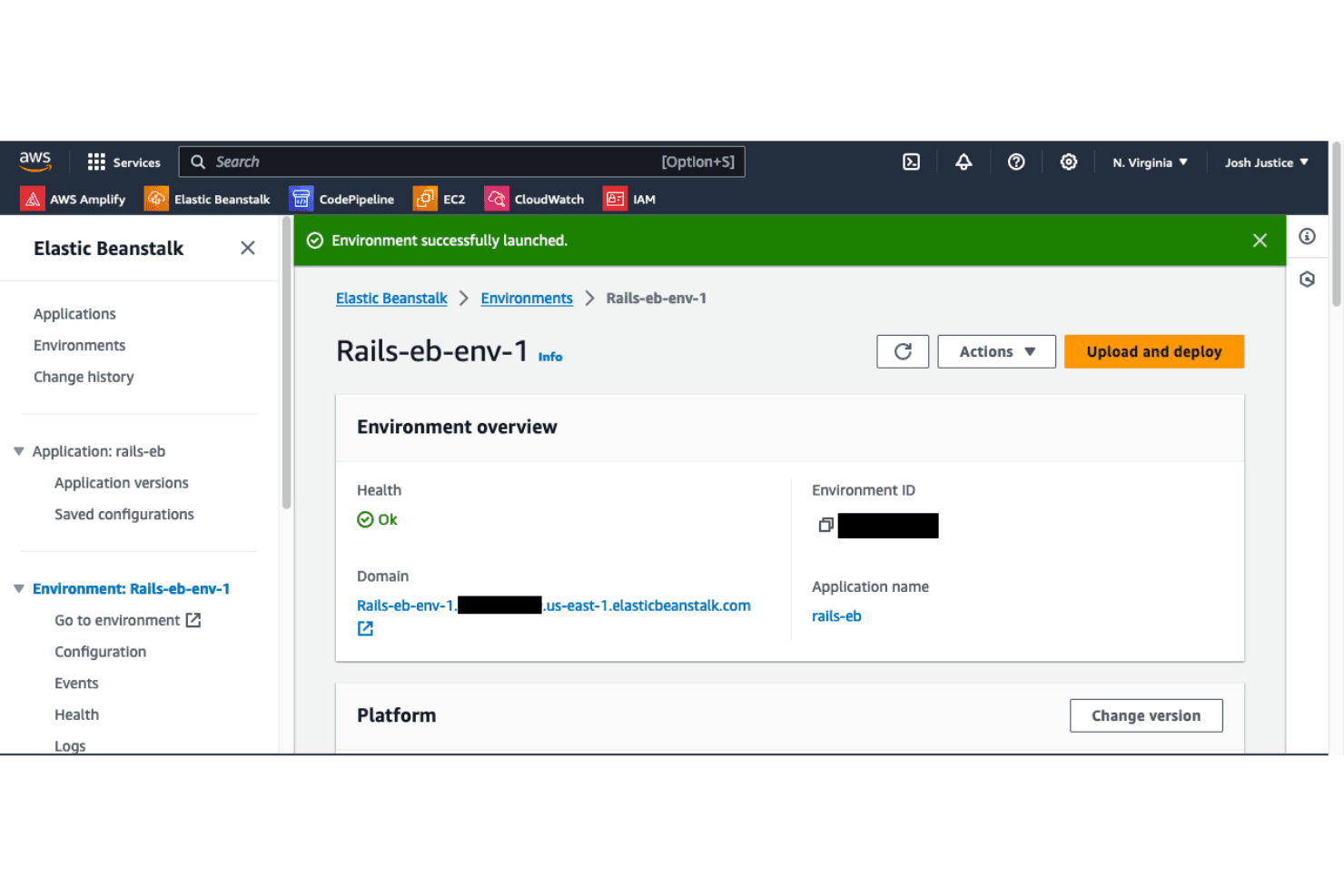
Automated Scaling
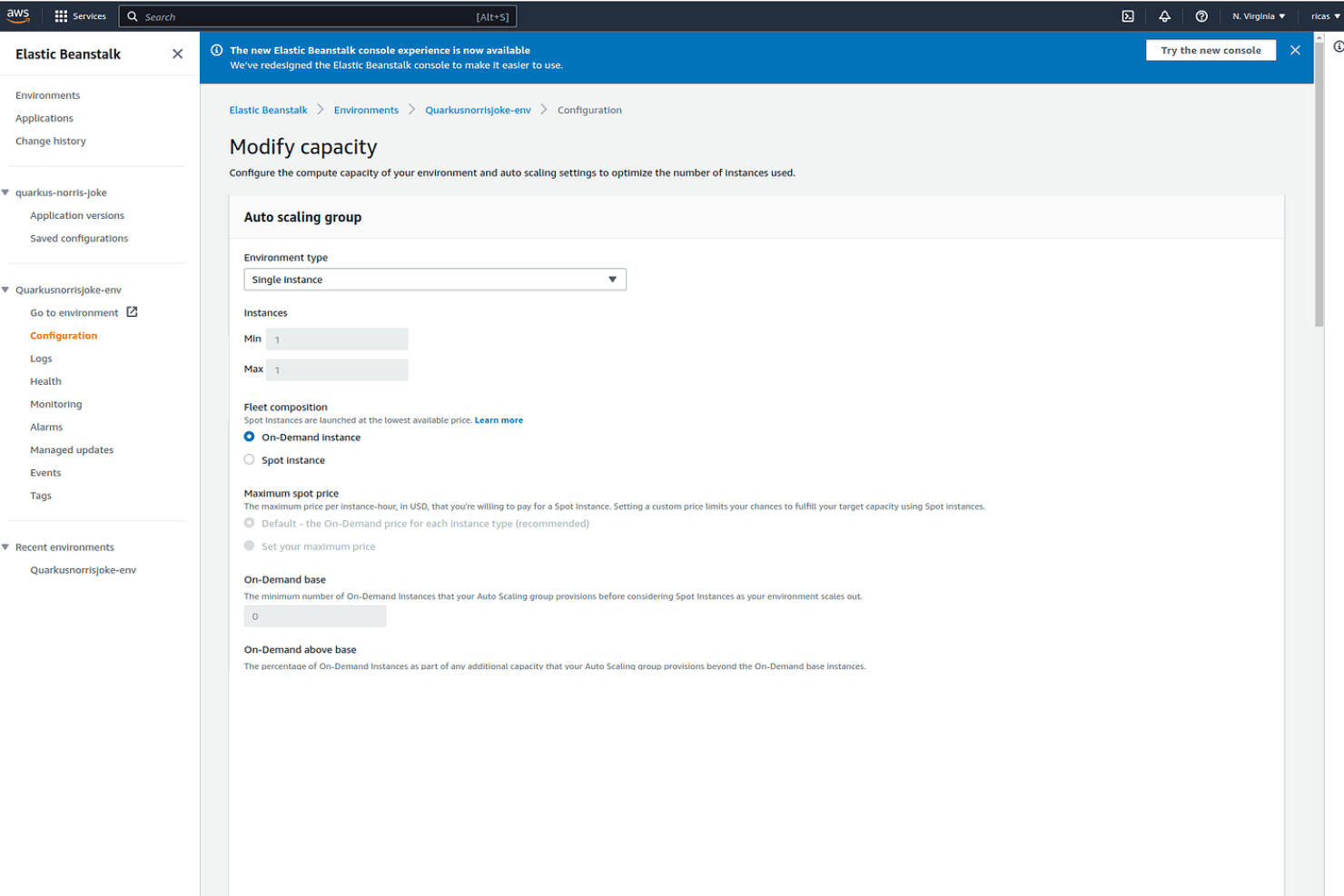
AWS Elastic Beanstalk automatically adjusts your application's capacity to meet demand, ensuring consistent performance. This means your team won't have to manually manage server resources.
Environment Management
You can deploy and manage multiple application environments with ease, allowing for testing and production setups. This feature simplifies switching between different stages of your development.
Health Monitoring
AWS Elastic Beanstalk continuously checks your application's health, providing real-time alerts and insights. This helps your team quickly address any issues that arise.
Application Deployment
Deploying applications is straightforward with support for various programming languages and platforms. Your team can use familiar tools and frameworks, reducing the learning curve.
Version Control
Easily track and manage application versions, allowing rollbacks if needed. This feature ensures your team can maintain stability and respond to issues efficiently.
Customization Options
While not extensive, AWS Elastic Beanstalk does offer some configuration settings for environments. This allows your team to tailor deployments to specific needs, within certain limits.
Standout Features
Managed Platform Updates
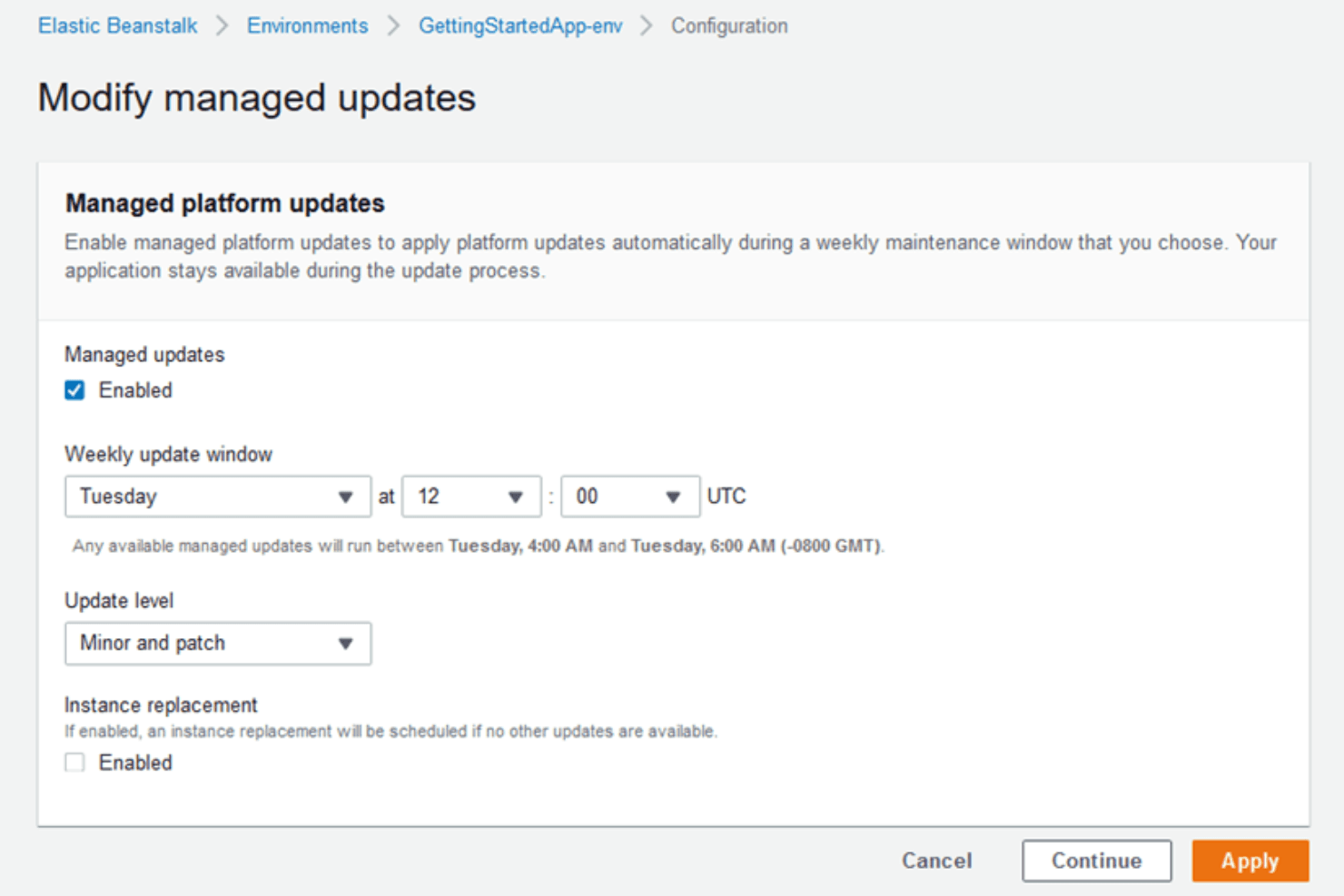
Elastic Beanstalk handles platform updates for the underlying OS, runtime, and software stack. This reduces maintenance overhead and helps teams stay secure without manual patching.
Environment Cloning
Users can clone entire environments, including configurations and resources, with a single action. This simplifies testing, staging, and disaster recovery by replicating production setups quickly.
Ease of Use
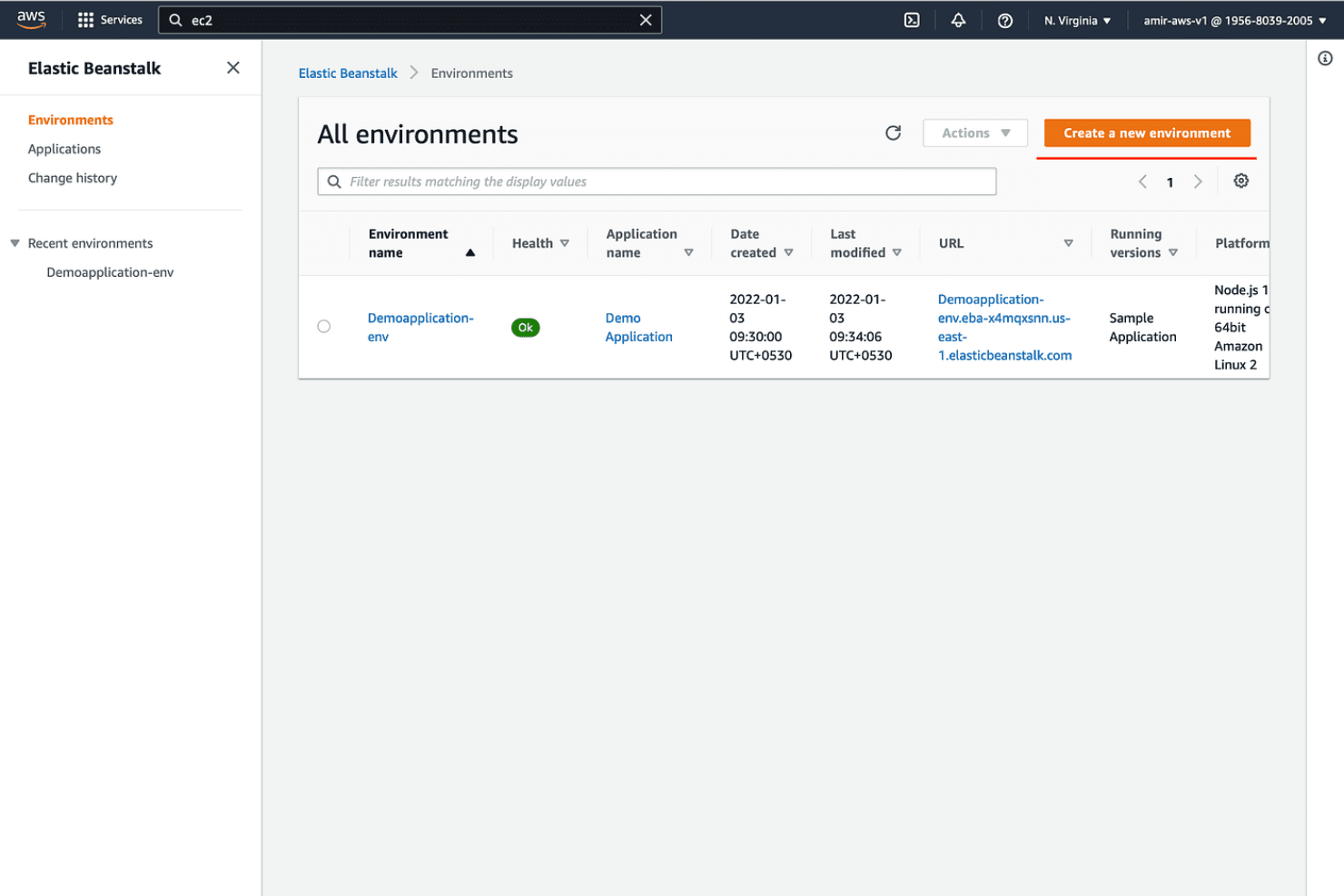
AWS Elastic Beanstalk is user-friendly for teams already familiar with AWS, offering a straightforward deployment process and a clear web console. Many users appreciate the ability to deploy code with minimal configuration and the guided environment setup. However, some find troubleshooting and advanced configuration less intuitive, especially when issues arise beneath the managed layer. Overall, it strikes a balance between automation and control, making it approachable for most cloud-focused development teams.
Onboarding
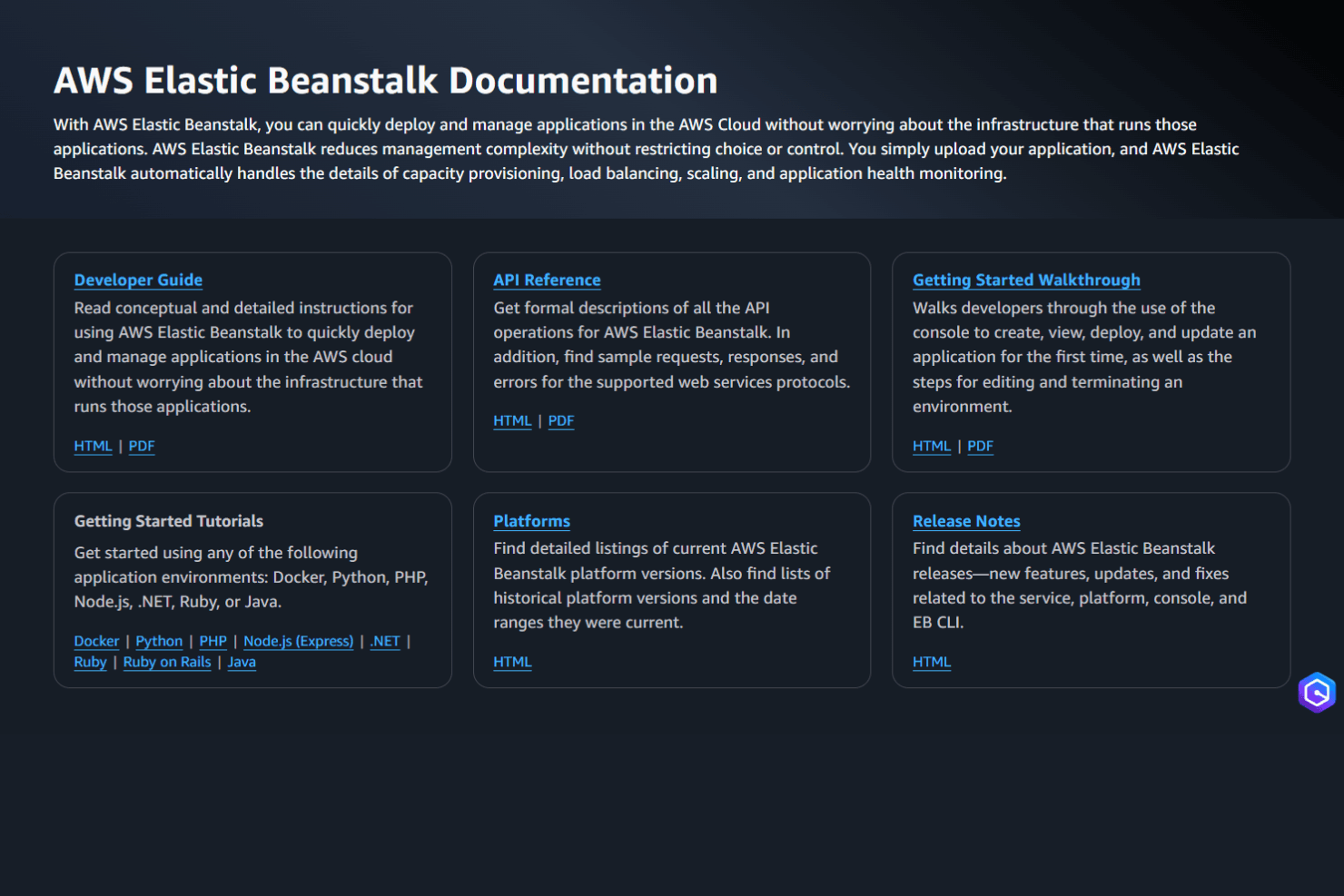
AWS Elastic Beanstalk offers a guided onboarding experience with clear documentation, tutorials, and sample applications, helping new users deploy their first app quickly. Many users highlight the step-by-step setup and AWS Console wizards as helpful, though some note that troubleshooting can require deeper AWS knowledge. The extensive AWS support ecosystem—including forums, FAQs, and official support plans—ensures that most onboarding questions are addressed, making the initial learning curve manageable for cloud-focused teams.
Customer Support
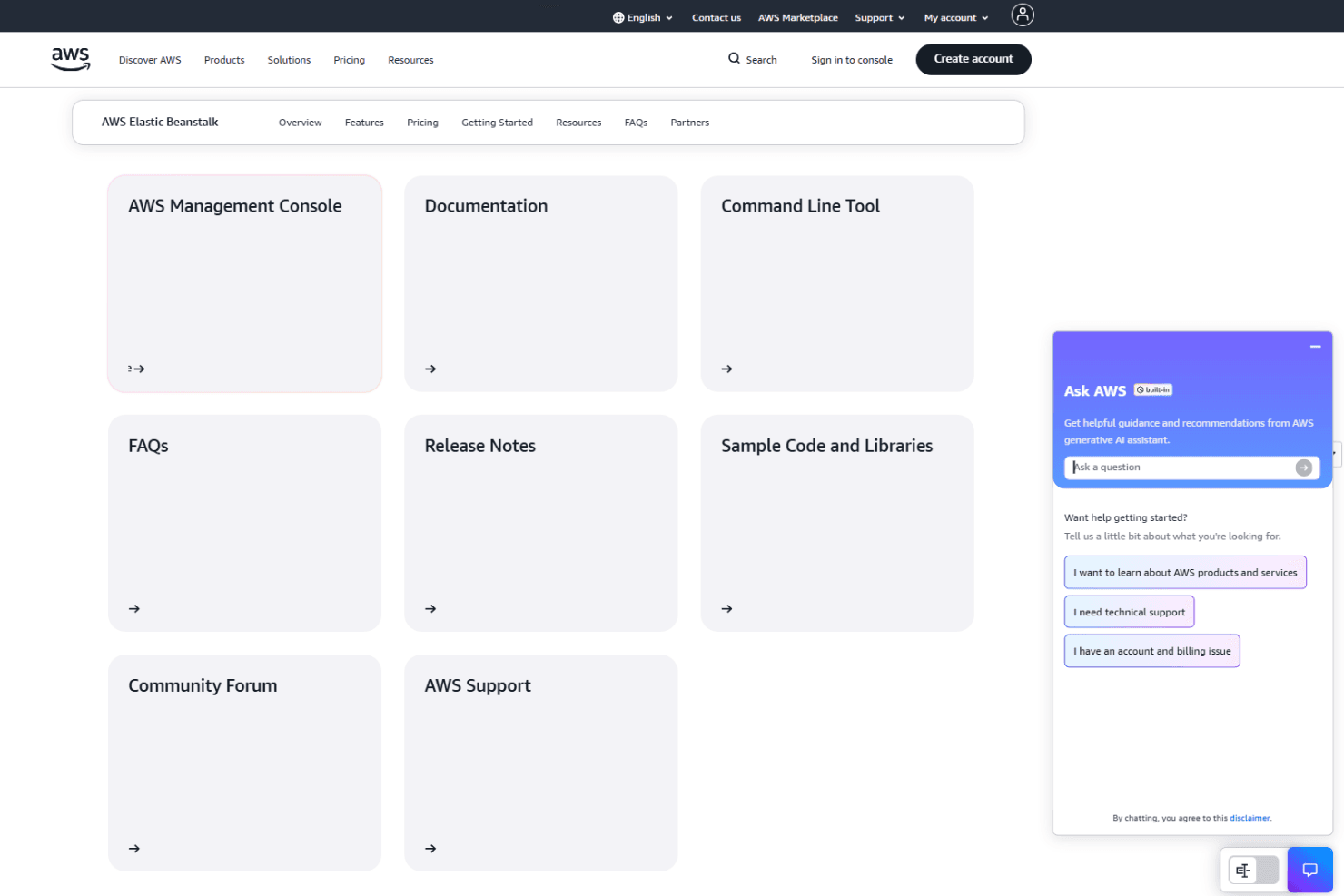
AWS Elastic Beanstalk users benefit from a wide range of support options, including detailed documentation, active community forums, and tiered AWS support plans. Many users find answers quickly through the AWS knowledge base and community, but some report that resolving complex issues can require premium support. The breadth of resources and responsiveness for standard queries makes support accessible, though advanced troubleshooting may demand additional investment or AWS expertise.
Integrations
AWS Elastic Beanstalk integrates with Amazon EC2, Amazon RDS, Amazon S3, Amazon CloudWatch, AWS IAM, AWS CodePipeline, AWS CloudFormation, Amazon SNS, AWS X-Ray, and Amazon VPC, among others.
Elastic Beanstalk also provides a REST API and supports connections with third-party integration tools through AWS SDKs and CLI.
Value for Money
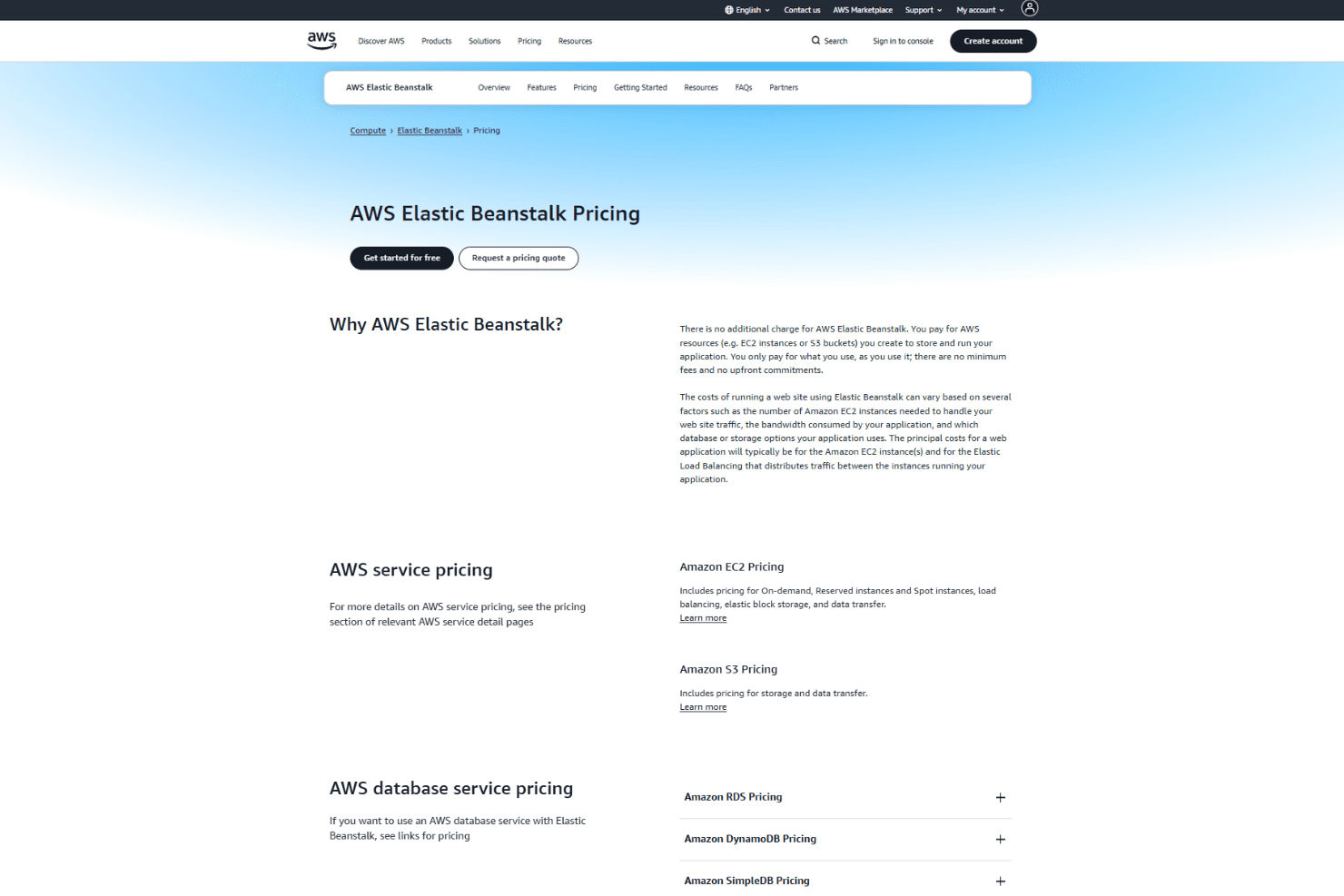
AWS Elastic Beanstalk offers strong value since there are no additional platform fees—users pay only for the underlying AWS resources consumed. Many users appreciate the predictable, usage-based pricing and the ability to scale costs with demand. However, some note that costs can rise quickly with high-traffic or complex environments.
- Pay-As-You-Go: Charges based on actual usage of AWS resources like EC2, S3, and RDS.
- AWS Support Plans: Optional, tiered support packages (Basic, Developer, Business, Enterprise) for enhanced technical support and faster response times.
AWS Elastic Beanstalk Specs
- API: Yes
- Bug Tracking: No
- CI/CD Integration: Yes
- Cloud Deployment: Yes
- Code Review: No
- Code Transformation: No
- Collaboration Support: No
- Data Export: No
- Data Import: No
- Developer Tools: Yes
- External Integrations: Yes
- Git Integration: Yes
- History/Version Control: Yes
- IDE Plugins: No
- Local Deployment: No
- Multi-User: Yes
- Notifications: Yes
- Project Management: No
- Release Management: Yes
- Static Analysis: No
- Task Scheduling/Tracking: Yes
- Testing: Yes
AWS Elastic Beanstalk FAQs
AWS Elastic Beanstalk Company Overview & History
AWS Elastic Beanstalk is a managed application deployment service offered by Amazon Web Services (AWS), a subsidiary of Amazon.com, Inc. AWS is headquartered in Seattle, Washington, and is one of the world’s largest cloud computing providers, employing tens of thousands globally. Elastic Beanstalk was launched to simplify deploying and managing web applications on AWS infrastructure, allowing users to focus on code rather than server management. As part of AWS, Elastic Beanstalk benefits from Amazon’s reputation for innovation, scale, and a broad enterprise customer base.
AWS Elastic Beanstalk Major Milestones
- 2011: AWS Elastic Beanstalk is officially launched as a managed application deployment service.
- 2014: Adds support for Docker containers, expanding language and platform compatibility.
- 2017: Introduces enhanced health reporting and monitoring features.
- 2022: Retires Amazon Linux AMI (AL1) platform branches, reflecting ongoing platform modernization.
- 2025: Continues to update platform support and integration with new AWS services.