

Wireshark-arvostelu 2026: hyvät puolet, huonot puolet, ominaisuudet ja hinnoittelu
Wireshark erottuu edukseen ensisijaisena ilmaisena verkkoliikenteen nuuskijana ja tarjoaa vertaansa vailla olevaa protolla-analyysiä sekä aloittelijoille että ammattilaisille, mutta sen monipuolisuus voi tuntua satunnaisista käyttäjistä ylivoimaiselta.

We review tools independently, and commissions help fund our testing. See our transparency policy, our methodology, or suggest a tool.
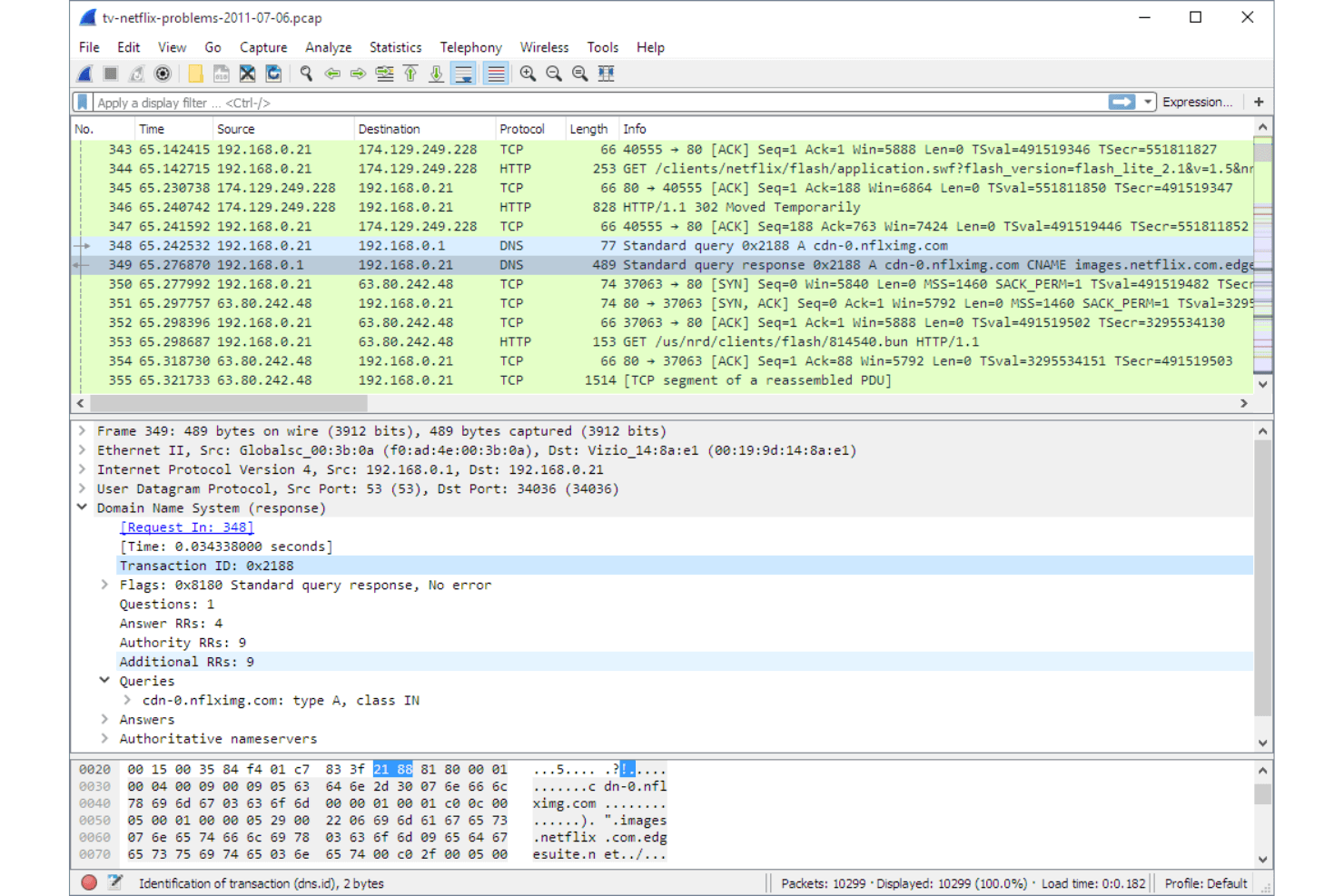
Wireshark is a free, open-source network sniffer for capturing and analyzing live network traffic at the packet level. I'd reach for it when you need to diagnose intermittent connectivity issues, inspect protocol behavior, or trace the source of unusual traffic on your network. If you've used tcpdump, Wireshark covers the same packet capture ground but with a visual interface that makes it far easier to filter, drill into, and interpret traffic—without needing to memorize command syntax.
Wireshark Evaluation Summary
4.7/5
- Free to use (open source)
- Free download available
Why Trust Our Software Recommendations
6,700+
Reviews
20
Industry experts
16+
Evaluation factors
14
Years
Our team has been testing and reviewing software since 2012. As tech leaders ourselves, we know how difficult—and important—it is to choose the right software.
For this guide, we evaluated tools using hands-on testing and independent research, scoring tools using our selection criteria.
Our reviews reflect our human editorial judgment, not a sales pitch.
Expert reviewers:
- Paulo Gardini MiguelTech Director
 Tim FisherVP of AI
 Gabriel RosasTech Lead & Software Architect
 Christhian GruhnTech Lead & Platform Architect

Wireshark Overview
If you’re judging network sniffers on depth, flexibility, and price, Wireshark is hard to beat. It’s free, open source, and supports a huge range of protocols, making it ideal for IT pros who need granular packet analysis. The interface can feel dated, and onboarding takes effort, but the documentation and community support fill in the gaps.
I think Wireshark is best for teams who want full control and transparency, especially in environments where budget matters more than polished UI or built-in integrations. For example, it’s my top pick for troubleshooting complex network issues or learning protocol internals.
Pros
- Wireshark offers deep packet inspection, giving your team detailed insights into network traffic.
- It's open-source, allowing you to customize and extend its functionality to fit your needs.
- Wireshark supports a wide range of protocols, making it versatile for varied network environments.
Cons
- The interface can be overwhelming for new users, requiring a learning curve.
- It's resource-intensive, which might slow down your system during heavy usage.
- Wireshark lacks built-in reporting tools, requiring you to export data for analysis.
Is Wireshark Right For Your Needs?
Who Would be a Good Fit for Wireshark?
Wireshark is perfect for IT departments and network administrators who need detailed network analysis and troubleshooting tools. It suits cybersecurity teams needing deep packet inspection to secure their networks against threats. If you’re in higher education or a research institution, Wireshark’s open-source nature lets you tailor it to specific research needs. Its extensive protocol support makes it ideal for industries with varied and complex network environments. Wireshark’s capabilities give your team the power to keep networks running smoothly and securely.
- IT DepartmentsWireshark’s detailed packet analysis helps your team troubleshoot network issues efficiently.
- Cybersecurity TeamsThe tool offers deep packet inspection, aiding your team in identifying and mitigating security threats.
- Higher EducationWireshark’s open-source flexibility allows customization for research and educational purposes.
- TelecommunicationsIts extensive protocol support makes it invaluable for monitoring and analyzing communication networks.
- Financial ServicesWireshark helps your team maintain secure and compliant data transmission across networks.
- Healthcare ITThe tool is essential for ensuring the security and reliability of sensitive patient data in network communications.
Who Would be a Bad Fit for Wireshark?
Small businesses or teams without dedicated IT staff might find Wireshark overwhelming due to its complex interface and resource demands. If your team needs a simple, user-friendly solution for basic network monitoring, Wireshark’s depth and complexity could be excessive. Organizations seeking integrated reporting tools might also struggle, as Wireshark requires exporting data for analysis. For those who need quick insights without deep technical diving, Wireshark might not be the best fit.
- Small StartupsWireshark’s complexity may overwhelm your small team lacking dedicated IT resources.
- Non-Technical TeamsThe tool’s detailed interface requires technical expertise, which non-technical users might lack.
- Retail BusinessesIf you need simple network monitoring, Wireshark’s extensive capabilities could be more than you need.
- Remote OfficesWireshark’s resource demands might slow your systems, especially if they’re not robust.
- Basic Home UsersThe tool’s advanced features and setup can be unnecessary for simple home network monitoring.
- Time-Constrained TeamsIf you need immediate insights, Wireshark’s detailed analysis might take more time than you can afford.
Our Review Methodology
How We Test & Score Tools
We’ve spent years building, refining, and improving our software testing and scoring system. The rubric is designed to capture the nuances of software selection and what makes a tool effective, focusing on critical aspects of the decision-making process.
Below, you can see exactly how our testing and scoring works across seven criteria. It allows us to provide an unbiased evaluation of the software based on core functionality, standout features, ease of use, onboarding, customer support, integrations, customer reviews, and value for money.
Core Functionality (25% of final scoring)
The starting point of our evaluation is always the core functionality of the tool. Does it have the basic features and functions that a user would expect to see? Are any of those core features locked to higher-tiered pricing plans? At its core, we expect a tool to stand up against the baseline capabilities of its competitors.
Standout Features (25% of final scoring)
Next, we evaluate uncommon standout features that go above and beyond the core functionality typically found in tools of its kind. A high score reflects specialized or unique features that make the product faster, more efficient, or offer additional value to the user.
We also evaluate how easy it is to integrate with other tools typically found in the tech stack to expand the functionality and utility of the software. Tools offering plentiful native integrations, 3rd party connections, and API access to build custom integrations score best.
Ease of Use (10% of final scoring)
We consider how quick and easy it is to execute the tasks defined in the core functionality using the tool. High scoring software is well designed, intuitive to use, offers mobile apps, provides templates, and makes relatively complex tasks seem simple.
Onboarding (10% of final scoring)
We know how important rapid team adoption is for a new platform, so we evaluate how easy it is to learn and use a tool with minimal training. We evaluate how quickly a team member can get set up and start using the tool with no experience. High scoring solutions indicate little or no support is required.
Customer Support (10% of final scoring)
We review how quick and easy it is to get unstuck and find help by phone, live chat, or knowledge base. Tools and companies that provide real-time support score best, while chatbots score worst.
Customer Reviews (10% of final scoring)
Beyond our own testing and evaluation, we consider the net promoter score from current and past customers. We review their likelihood, given the option, to choose the tool again for the core functionality. A high scoring software reflects a high net promoter score from current or past customers.
Value for Money (10% of final scoring)
Lastly, in consideration of all the other criteria, we review the average price of entry level plans against the core features and consider the value of the other evaluation criteria. Software that delivers more, for less, will score higher.
Core Features
Packet Capture
Capture live network traffic from wired or wireless interfaces. Filter, pause, and save captures for detailed offline analysis.
Protocol Decoding
Automatically decode hundreds of network protocols for easy inspection. See protocol-specific fields and values in a human-readable format.
Display Filters
Use advanced filters to isolate specific traffic or conversations. Quickly drill down to the packets that matter for troubleshooting.
Color Coding
Apply customizable color rules to highlight traffic patterns or anomalies. Visual cues make it easier to spot issues in large captures.
Packet Reassembly
Reassemble fragmented TCP streams and other protocols for end-to-end analysis. Follow entire conversations, such as HTTP sessions, in one view.
Export and Reporting
Export packet data in multiple formats, including PCAP and CSV. Generate summary statistics and flow graphs for documentation or sharing.
Ease of Use
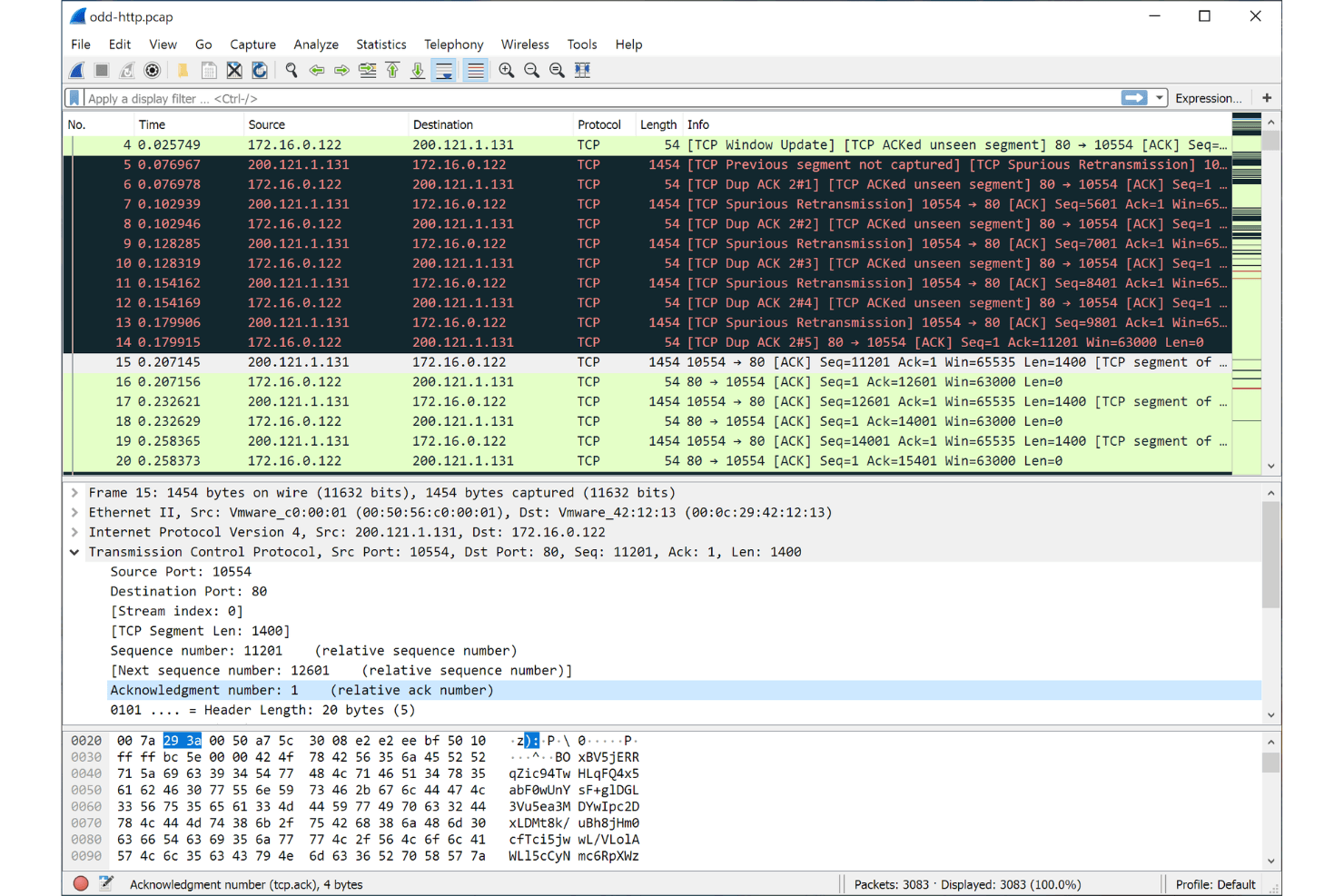
Wireshark’s interface is functional but can feel overwhelming, especially for those new to packet analysis. The sheer volume of options, filters, and protocol details means there’s a learning curve, but the extensive documentation and active community help bridge the gap. I think experienced users will appreciate the control and transparency, while newcomers may need time to get comfortable with its depth and technical focus.
Integrations
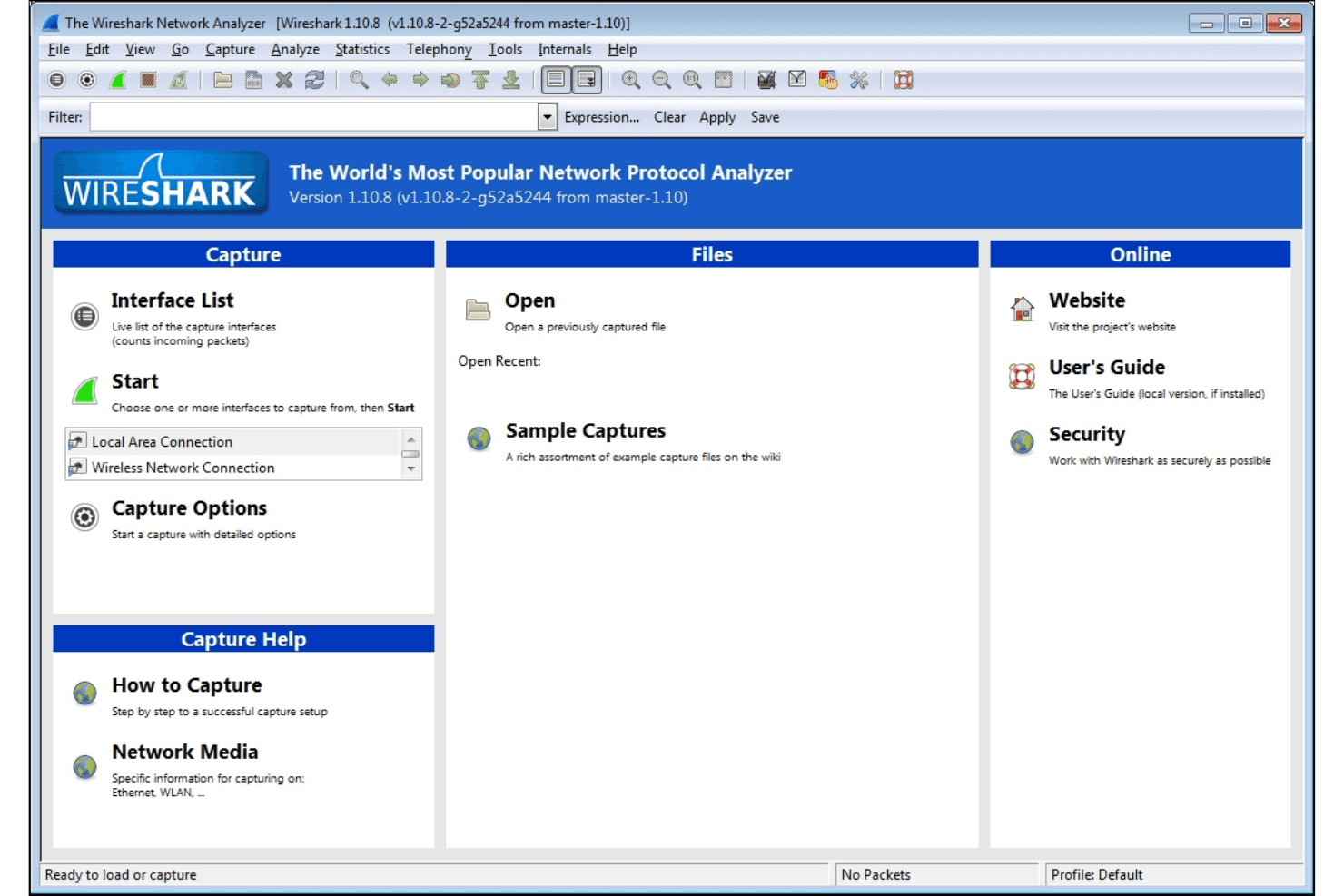
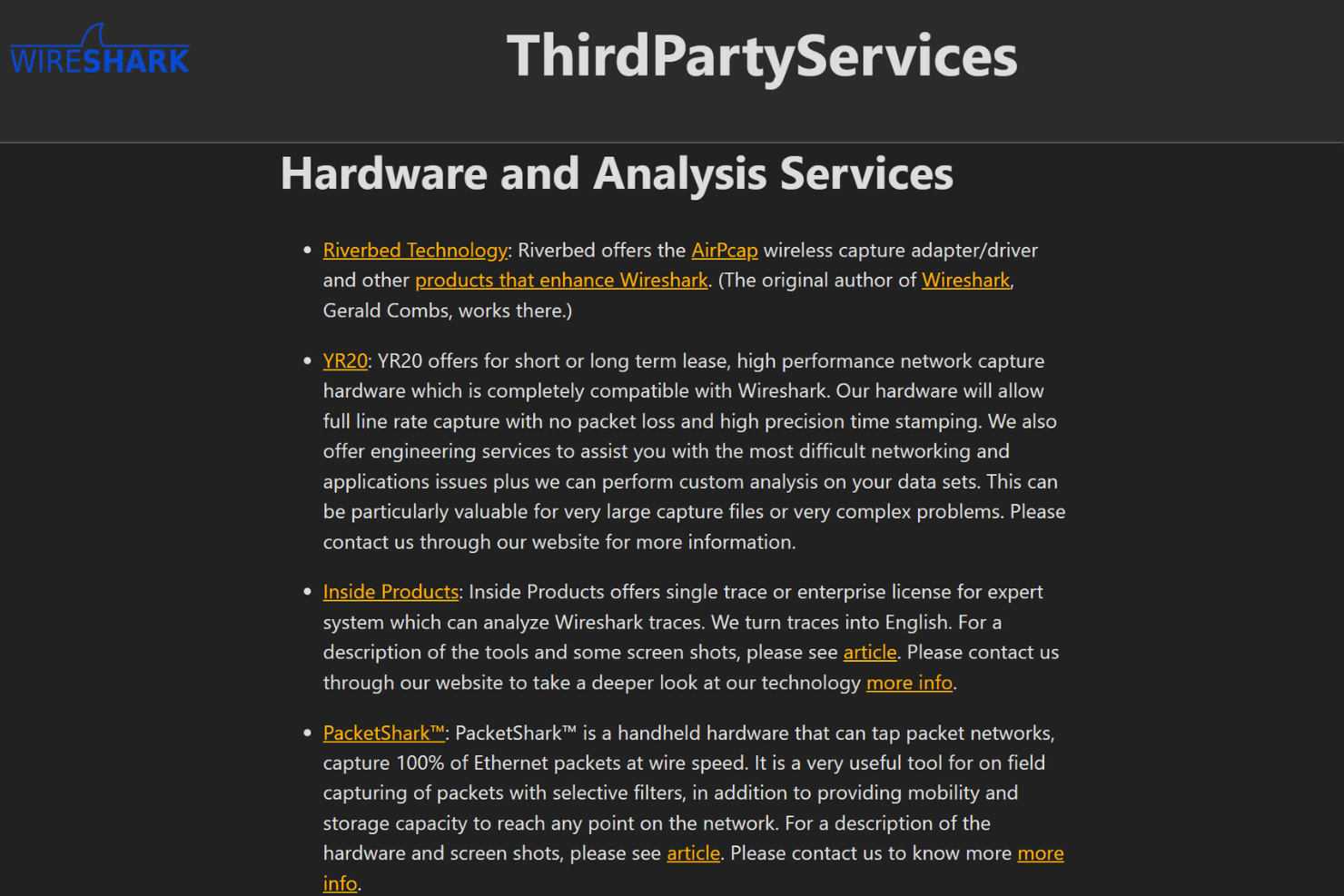
Wireshark integrates with TShark, tcpdump, AirPcap, WinPcap, Npcap, CloudShark, NetworkMiner, editcap, mergecap, and capinfos, among others.
Wireshark does not offer a public API, but it supports plugins and custom dissectors for extending functionality and can work with third-party tools through command-line utilities and file exports.
Wireshark Specs
- A/B Testing: No
- API: Yes
- Automated Testing: No
- Browser Compatibility Testing: No
- Bug Tracking: No
- Calendar Management: No
- CI/CD Integration: No
- Dashboard: No
- Data Export: Yes
- Data Import: No
- Data Visualization: Yes
- Developer Tools: Yes
- External Integrations: Yes
- History/Version Control: No
- Manual Testing: Yes
- Multi-User: No
- Notifications: No
- Performance Testing: Yes
- Regression Testing: No
- Scheduling: No
- Status Notifications: Yes
- Third-Party Plugins/Add-Ons: Yes


