

Microsoft Hyper-V -arvostelu: hyvät ja huonot puolet, ominaisuudet ja hinnoittelu
Microsoft Hyper-V loistaa kustannustehokkaana virtualisointialustana Windows-ympäristöissä tarjoten vankan skaalautuvuuden ja saumattoman integraation Microsoft-ekosysteemiin.

We review tools independently, and commissions help fund our testing. See our transparency policy, our methodology, or suggest a tool.
Microsoft Hyper-V is a virtualization software built directly into Windows Server, letting you run multiple isolated virtual machines on a single physical host. I'd consider it if your infrastructure is already Windows-centric and you need a reliable hypervisor without adding separate licensing costs. If you're weighing it against VMware vSphere, Hyper-V is the stronger choice for teams that want tighter integration with Active Directory and Microsoft tooling—without the added overhead of VMware's licensing structure.
Microsoft Hyper-V Evaluation Summary
4.6/5
- Free to use
- Free, open-source
Miksi luottaa ohjelmistosuosituksiimme
6,700+
Reviews
20
Industry experts
16+
Evaluation factors
14
Years
Tiimimme on testannut ja arvioinut ohjelmistoja vuodesta 2012 lähtien. Teknologiajohtajina tiedämme itse, kuinka vaikeaa — ja tärkeää — oikean ohjelmiston valitseminen on.
Tätä opasta varten arvioimme työkaluja käytännön testauksen ja itsenäisen tutkimuksen avulla, pisteyttäen työkalut valintakriteeriemme perusteella.
Arvostelumme perustuvat inhimilliseen toimitukselliseen harkintaamme, eivät myyntipuheeseen.
Asiantuntija-arvioijat:
- Paulo Gardini MiguelTech Director
 Tim FisherVP of AI
 Gabriel RosasTech Lead & Software Architect
 Christhian GruhnTech Lead & Platform Architect

Microsoft Hyper-V Overview
In my opinion, Microsoft Hyper-V is a solid choice for virtualization that integrates well with other Microsoft products, offering a seamless experience for IT departments focused on Windows environments. While its ease of use and onboarding could be improved, it excels in value for money and customer support. It's best suited for medium-sized to large enterprises looking for cost-effective virtualization solutions. Compared to competitors, Microsoft Hyper-V stands out with its pricing and Windows compatibility, but it may fall short if you're seeking an intuitive GUI or quick onboarding.
Pros
- It integrates seamlessly with Windows, making it ideal for your team using Microsoft products within a unified ecosystem.
- Its intuitive management tools make it easy to manage virtual machines.
- It offers strong performance and scalability for your growing IT needs across enterprise workstation and server environments.
Cons
- The user interface can feel clunky compared to other virtualization tools.
- Your team might face a steeper learning curve during onboarding, especially when configuring the Hyper-V role.
- It lacks some advanced functionalities found in other virtualization software, including tools common in open-source platforms.
Is Microsoft Hyper-V Right For Your Needs?
Who Would be a Good Fit for Microsoft Hyper-V?
Microsoft Hyper-V is a good fit for IT departments in midsize to large enterprises that rely heavily on Windows infrastructure. It excels in environments where smooth integration with other Microsoft products is crucial. If your team values cost-effective virtualization with strong performance and scalability, Microsoft Hyper-V is a smart choice. Its management tools make it easier for IT teams to handle extensive virtual machine environments, especially in industries such as finance and healthcare.
- Large EnterprisesMicrosoft Hyper-V scales well, making it ideal for managing numerous virtual machines in big companies.
- Healthcare IndustryIts integration with Windows products supports secure and efficient data management, crucial for healthcare environments requiring replication and high availability.
- Finance DepartmentsMicrosoft Hyper-V's strong performance and security features keep your financial data protected and accessible.
- Educational InstitutionsIt offers cost-effective virtualization, perfect for schools and universities with tight budgets and mixed workstation deployments.
- IT DepartmentsThe management tools simplify virtual machine oversight, making it a solid choice for IT professionals managing complex virtualization platforms.
- Government AgenciesIts security measures and Windows compatibility support the strict compliance needs of government work.
Who Would be a Bad Fit for Microsoft Hyper-V?
Microsoft Hyper-V isn't ideal for small businesses or teams that don't use Windows systems extensively. If your team relies on a mix of operating systems or needs a user-friendly interface, Microsoft Hyper-V might not meet your needs. Its learning curve and management tools can be overwhelming for small IT teams. Additionally, companies seeking advanced features found in other virtualization solutions may find Microsoft Hyper-V lacking.
- Small StartupsThe complexity and cost may outweigh the benefits for startups with limited IT resources.
- Mac-Centric TeamsMicrosoft Hyper-V's Windows-centric design doesn't support macOS environments effectively.
- Creative DepartmentsCreative teams often need cross-platform compatibility, which Microsoft Hyper-V doesn't offer.
- Remote TeamsIts management tools aren't optimized for fully remote workforces needing cloud-based flexibility.
- Non-Technical UsersThe interface isn't intuitive, posing challenges for teams without IT expertise.
- Advanced Virtualization NeedsIf you're seeking cutting-edge virtualization features, Microsoft Hyper-V might fall short of your expectations.
Core Features
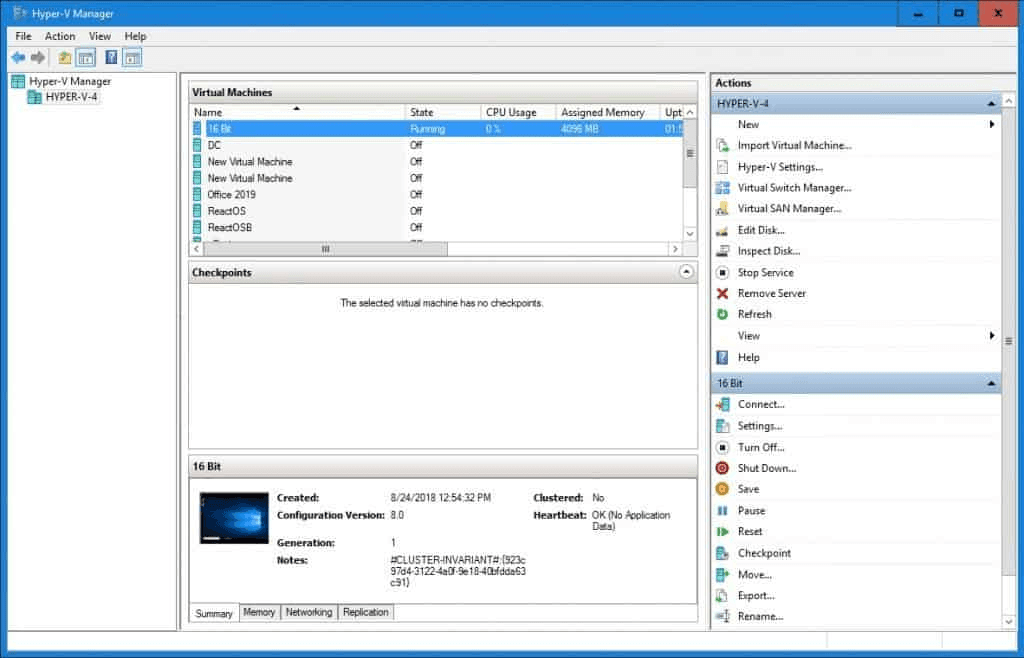
Virtual Machine Management: You can easily create and manage virtual machines, assigning resources such as CPU and memory to each guest operating system, to streamline your IT operations. The intuitive interface helps your team deploy and monitor virtual environments efficiently.
Live Migration: Move running virtual machines between physical hosts with no downtime. This keeps your systems operational during maintenance or hardware upgrades.
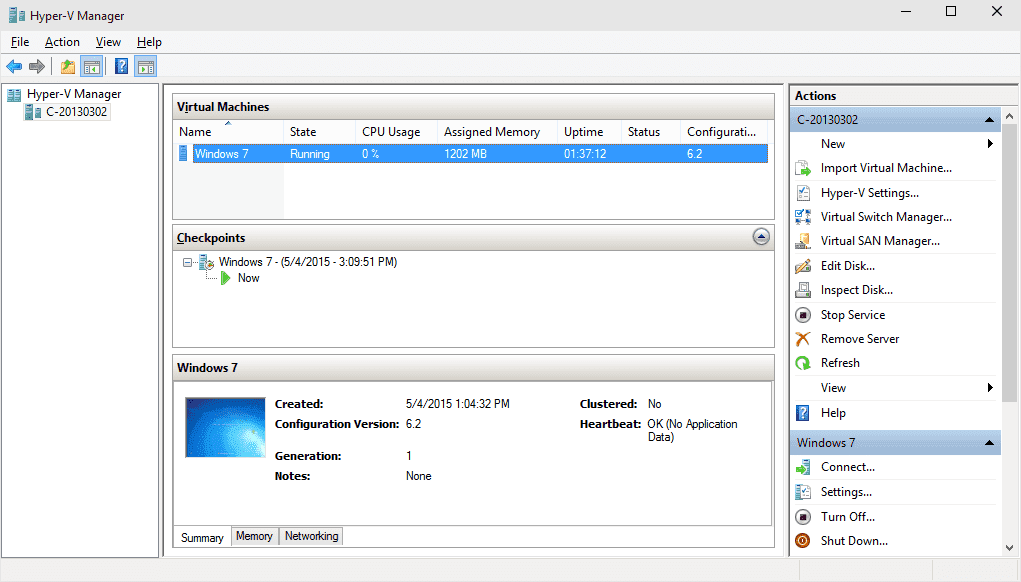
Checkpoint Support: Capture the state of a virtual machine at a specific point in time. This is invaluable for your team when testing changes or updates without risking data.
Dynamic Memory: Allocate memory resources dynamically based on demand. This feature optimizes your server utilization, ensuring your virtual machines run smoothly.
Virtual Networking: Set up isolated networks and manage traffic flows between virtual machines. It gives your IT team control over network configurations and enhances security.
Failover Clustering: Ensure high availability by clustering virtual machines across multiple hosts. This keeps your critical applications running even if a server fails.
Ease of Use
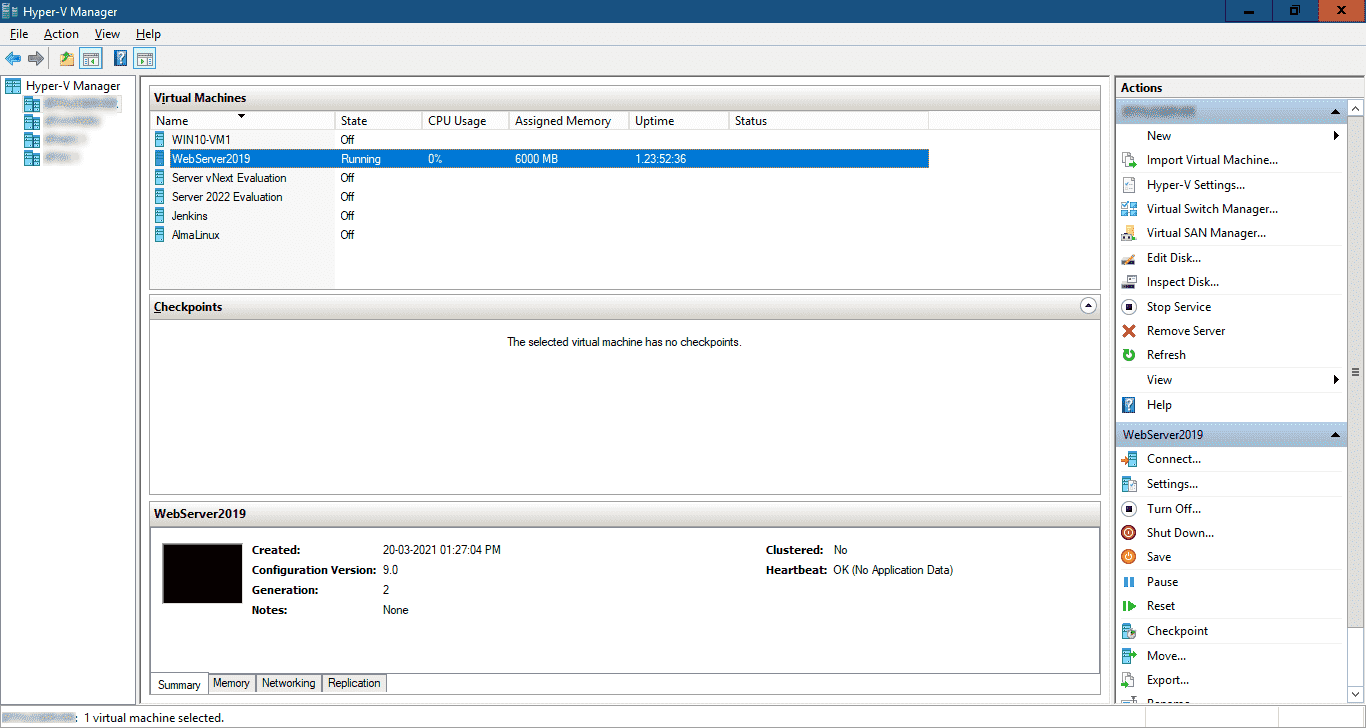
Microsoft Hyper-V's user interface can be clunky, making it less intuitive for your team compared to some other options with more modern GUI designs. The learning curve is steeper, especially if your team lacks IT expertise. However, once mastered, its powerful management tools and Windows integration offer you efficient control over virtual environments. The features are robust, but expect to invest time in training to fully leverage its capabilities for your IT needs.
Integrations
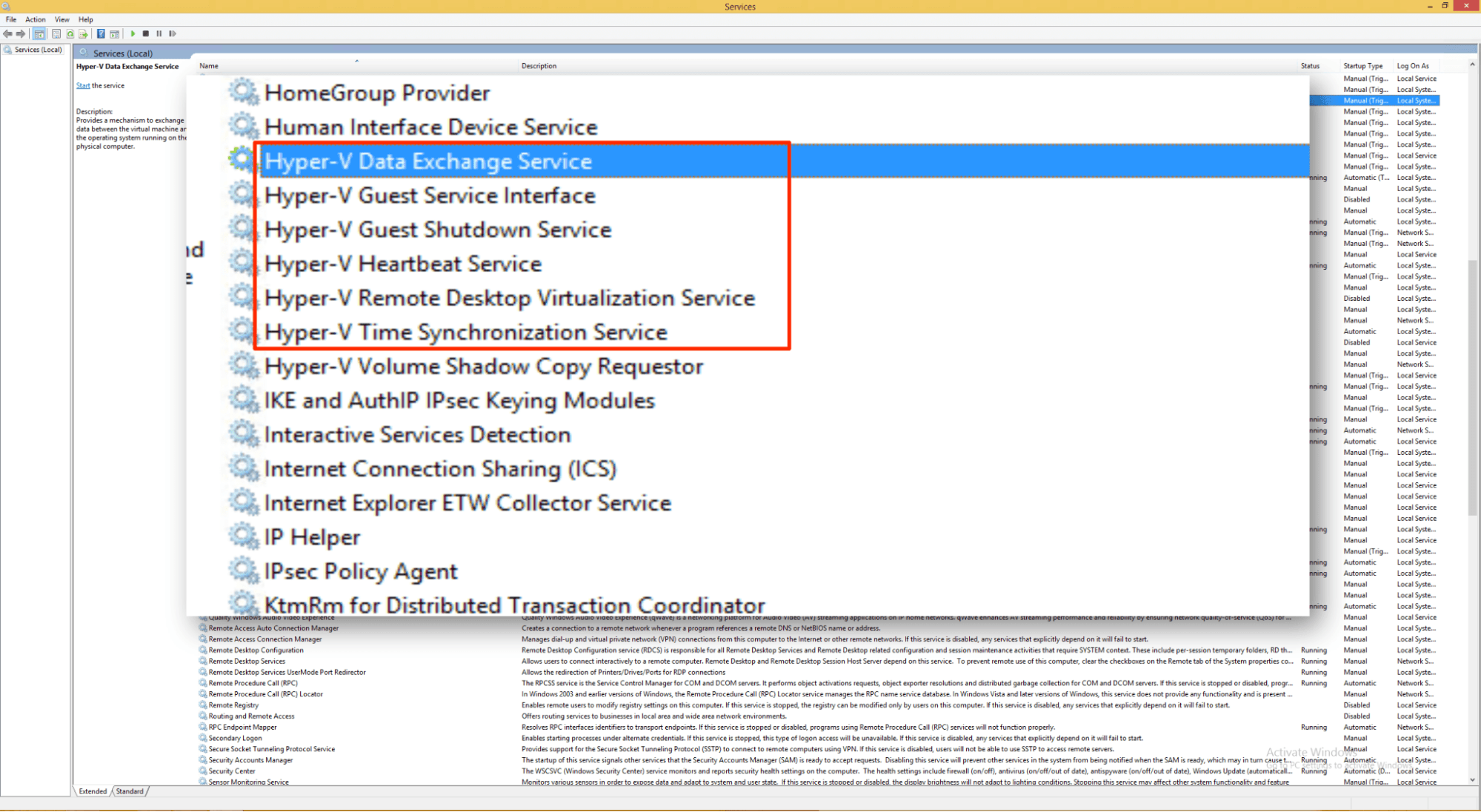
Microsoft Hyper-V integrates with Windows Server, System Center Virtual Machine Manager, Microsoft Azure, Windows Admin Center, Microsoft Endpoint Configuration Manager, PowerShell, Active Directory, Windows Failover Clustering, Microsoft Operations Management Suite, and Microsoft Defender for Cloud as part of the broader Microsoft ecosystem.
Microsoft Hyper-V also offers an API for developers and can connect with third-party integration tools.
Microsoft Hyper-V Specs
- API: Yes
- Bug Tracking: No
- CI/CD Integration: No
- Cloud Deployment: No
- Code Review: No
- Code Transformation: No
- Collaboration Support: No
- Data Export: No
- Data Import: No
- Developer Tools: Yes
- External Integrations: Yes
- Git Integration: No
- History/Version Control: No
- IDE Plugins: No
- Local Deployment: Yes
- Multi-User: Yes
- Notifications: No
- Project Management: No
- Release Management: No
- Static Analysis: No
- Task Scheduling/Tracking: No
- Testing: No


