

DigitalOcean App Platform -arvostelu: hyvät ja huonot puolet, ominaisuudet ja hinnoittelu
DigitalOceanin App Platform erottuu käyttäjäystävällisellä käyttöliittymällään ja edullisella hinnoittelullaan, mikä tekee siitä erinomaisen PaaS-ratkaisun kehittäjille, jotka haluavat skaalata nopeasti.

We review tools independently, and commissions help fund our testing. See our transparency policy, our methodology, or suggest a tool.
DigitalOcean App Platform is a PaaS software for development teams that need to deploy, run, and scale containerized applications without managing the underlying infrastructure. I'd consider it a strong fit if you want the simplicity of Heroku but with more predictable pricing and greater control over resource allocation—particularly as your workloads grow and Heroku's costs start to compound.
DigitalOcean App Platform Evaluation Summary
4.6/5
- From $5/user/month
- Free tier available
Miksi luottaa ohjelmistosuosituksiimme
6,700+
Reviews
20
Industry experts
16+
Evaluation factors
14
Years
Tiimimme on testannut ja arvioinut ohjelmistoja vuodesta 2012 lähtien. Teknologiajohtajina tiedämme itse, kuinka vaikeaa — ja tärkeää — oikean ohjelmiston valitseminen on.
Tätä opasta varten arvioimme työkaluja käytännön testauksen ja itsenäisen tutkimuksen avulla, pisteyttäen työkalut valintakriteeriemme perusteella.
Arvostelumme perustuvat inhimilliseen toimitukselliseen harkintaamme, eivät myyntipuheeseen.
Asiantuntija-arvioijat:
- Paulo Gardini MiguelTech Director
 Tim FisherVP of AI
 Gabriel RosasTech Lead & Software Architect
 Christhian GruhnTech Lead & Platform Architect

DigitalOcean App Platform Overview
In my opinion, DigitalOcean App Platform offers a solid set of features for developers and small to medium-sized teams. Its straightforward interface simplifies deployment, but the onboarding and customer support could be improved. While it provides good value for money, it might not be the best choice for large enterprises seeking extensive customization and support. If you're looking for a reliable and user-friendly PaaS without the need for complex integrations, this platform is worth considering. However, if your team requires more tailored solutions or extensive customer support, you might want to explore other cloud providers like Azure and Google Cloud.
Pros
- It offers an intuitive interface that simplifies cloud application deployment for beginners.
- The platform is well-suited for small to medium-sized teams looking for straightforward cloud managed service providers.
- It provides reliable performance for developers needing a stable environment.
Cons
- Onboarding can be challenging without comprehensive guides or support.
- Customer support may not be as responsive as some users might prefer.
- It lacks some advanced features found in more customizable platforms.
Is DigitalOcean App Platform Right For Your Needs?
Who Would be a Good Fit for DigitalOcean App Platform?
DigitalOcean App Platform is ideal for startups or small to medium-sized businesses needing a simple, efficient cloud deployment. If your team prioritizes ease of use over deep customization, the platform’s intuitive interface and dependable performance make it a strong fit. It's particularly beneficial for developers seeking a stable and intuitive environment without the complexities of larger platforms.
- Tech StartupsDigitalOcean App Platform offers simplicity and speed, perfect for startups looking to deploy cloud-native applications quickly.
- Software as a Service (SaaS) providersThe platform offers automatic scaling, load balancing, and supports container-based deployments, making it easier to build and run microservice-style architectures.
- Small BusinessesIts user-friendly interface makes it a solid choice for small businesses without a dedicated development and operations (DevOps) team.
- Web DevelopersWith reliable performance, it's an excellent environment for web developers focused on building and testing static websites and web apps.
- Education SectorEducational institutions can use it to teach cloud computing concepts due to its straightforward setup.
- FreelancersFreelancers benefit from its cost-effectiveness and ease of deployment for managing client projects.
- Non-Profit OrganizationsNon-profits can leverage its affordability and simplicity to manage online platforms without extensive resources.
Who Would be a Bad Fit for DigitalOcean App Platform?
DigitalOcean App Platform might not suit large enterprises needing extensive customization and robust support. If your team relies on complex integrations or requires advanced features, this platform could fall short. Enterprises with high demands for customer support and customization might find its offerings limited compared to more comprehensive solutions like Amazon Web Services (AWS).
- Large CorporationsLarge corporations might find it lacking in advanced customization and integration capabilities needed for complex operations.
- Financial ServicesFinancial services demand high security and customization, which may not be fully met by this platform's standard features.
- Healthcare ProvidersHealthcare providers require stringent compliance and support, which might not align with DigitalOcean's offerings.
- Manufacturing FirmsManufacturers needing advanced data analytics and integrations could find its features insufficient.
- Government AgenciesGovernment agencies often need extensive support and robust security, which may not be adequately provided.
- Enterprise IT DepartmentsEnterprise IT departments might require more advanced features and responsive support than what DigitalOcean offers.
Our Review Methodology
How We Test & Score Tools
We’ve spent years building, refining, and improving our software testing and scoring system. The rubric is designed to capture the nuances of software selection and what makes a tool effective, focusing on critical aspects of the decision-making process.
Below, you can see exactly how our testing and scoring works across seven criteria. It allows us to provide an unbiased evaluation of the software based on core functionality, standout features, ease of use, onboarding, customer support, integrations, customer reviews, and value for money.
Core Functionality (25% of final scoring)
The starting point of our evaluation is always the core functionality of the tool. Does it have the basic features and functions that a user would expect to see? Are any of those core features locked to higher-tiered pricing plans? At its core, we expect a tool to stand up against the baseline capabilities of its competitors.
Standout Features (25% of final scoring)
Next, we evaluate uncommon standout features that go above and beyond the core functionality typically found in tools of its kind. A high score reflects specialized or unique features that make the product faster, more efficient, or offer additional value to the user.
We also evaluate how easy it is to integrate with other tools typically found in the tech stack to expand the functionality and utility of the software. Tools offering plentiful native integrations, 3rd party connections, and API access to build custom integrations score best.
Ease of Use (10% of final scoring)
We consider how quick and easy it is to execute the tasks defined in the core functionality using the tool. High scoring software is well designed, intuitive to use, offers mobile apps, provides templates, and makes relatively complex tasks seem simple.
Onboarding (10% of final scoring)
We know how important rapid team adoption is for a new platform, so we evaluate how easy it is to learn and use a tool with minimal training. We evaluate how quickly a team member can get set up and start using the tool with no experience. High scoring solutions indicate little or no support is required.
Customer Support (10% of final scoring)
We review how quick and easy it is to get unstuck and find help by phone, live chat, or knowledge base. Tools and companies that provide real-time support score best, while chatbots score worst.
Customer Reviews (10% of final scoring)
Beyond our own testing and evaluation, we consider the net promoter score from current and past customers. We review their likelihood, given the option, to choose the tool again for the core functionality. A high scoring software reflects a high net promoter score from current or past customers.
Value for Money (10% of final scoring)
Lastly, in consideration of all the other criteria, we review the average price of entry level plans against the core features and consider the value of the other evaluation criteria. Software that delivers more, for less, will score higher.
Core Features
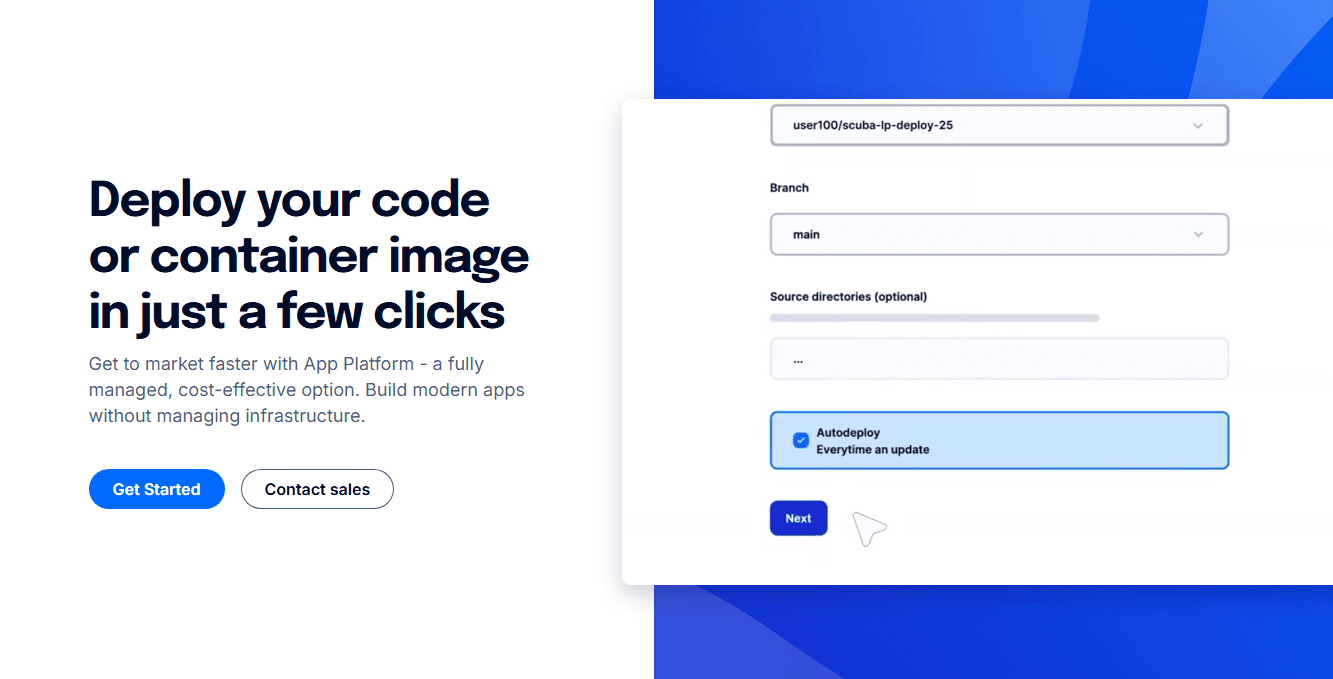
App Deployment: DigitalOcean App Platform lets you deploy apps quickly using streamlined continuous integration and continuous delivery (CI/CD) pipeline. You can focus on coding while it handles the infrastructure.
Scalability: You can easily scale your applications according to demand. Even during traffic spikes, apps can operate smoothly from the provisioned runtime resources.
Automatic SSL: The platform provides free Secure Sockets Layer (SSL)certificates for your apps. This secures your data without any hassle.
Database Management: Integrate with managed databases easily on the cloud platform. It supports popular databases, making it versatile for various projects.
Version Control: Use GitHub integration for seamless version control. Your team can track changes, collaborate effectively, and maintain a stable build at all times.
Monitoring Tools: Keep track of your app's performance with built-in monitoring tools. Use them to stay alert to issues and expedite resolution.

Ease of Use
DigitalOcean App Platform is user-friendly with its intuitive interface that simplifies app deployment. Your team can navigate through its features without a steep learning curve. Unlike more complex platforms, it allows you to focus on development rather than infrastructure management. The integration with GitHub streamlines version control, making it easy to manage projects. However, onboarding might require some patience, as comprehensive guides are limited. Overall, it's a solid choice for teams preferring straightforward cloud application platforms.

Integrations
DigitalOcean App Platform supports GitHub, GitLab, MongoDB, MySQL, Docker,,, and Terraform. It offers a marketplace for one-click applications and add-ons.
DigitalOcean App Platform provides an API for additional custom integrations and connects with third-party integration tools.

DigitalOcean App Platform Specs
- 2-Factor Authentication: Yes
- Access Management: Yes
- Anti-Virus: No
- API: Yes
- Audit Trail: Yes
- Bug Tracking: No
- Calendar Management: Yes
- Customer Management: No
- Dashboard: Yes
- Data Export: Yes
- Data Import: Yes
- Data Visualization: Yes
- Email Integration: Yes
- External Integrations: Yes
- File Sharing: No
- File Transfer: No
- Firewall: No
- Google Apps Integration: Yes
- Inventory Tracking: No
- Malware Protection: No
- Multi-User: Yes
- Network Device Performance Monitoring: No
- Network Traffic Monitoring: No
- Network Visualization: No
- Notifications: Yes
- Project Management: Yes
- Remote Access: No
- Risk Assessment: No
- SAP Integration: No
- Scheduling: Yes
- Software Integration: Yes
- Third-Party Plugins/Add-Ons: Yes
- Ticket Management: No


