

Reseña de Wireshark 2026: Ventajas, Desventajas, Características y Precios
Wireshark se destaca como el analizador de redes gratuito de referencia, ofreciendo un análisis de protocolos inigualable tanto para principiantes como para expertos, aunque su profundidad puede ser abrumadora para usuarios ocasionales.

Revisamos herramientas de forma independiente y las comisiones ayudan a financiar nuestras pruebas. Consulta nuestra política de transparencia, nuestra metodología o sugiere una herramienta.
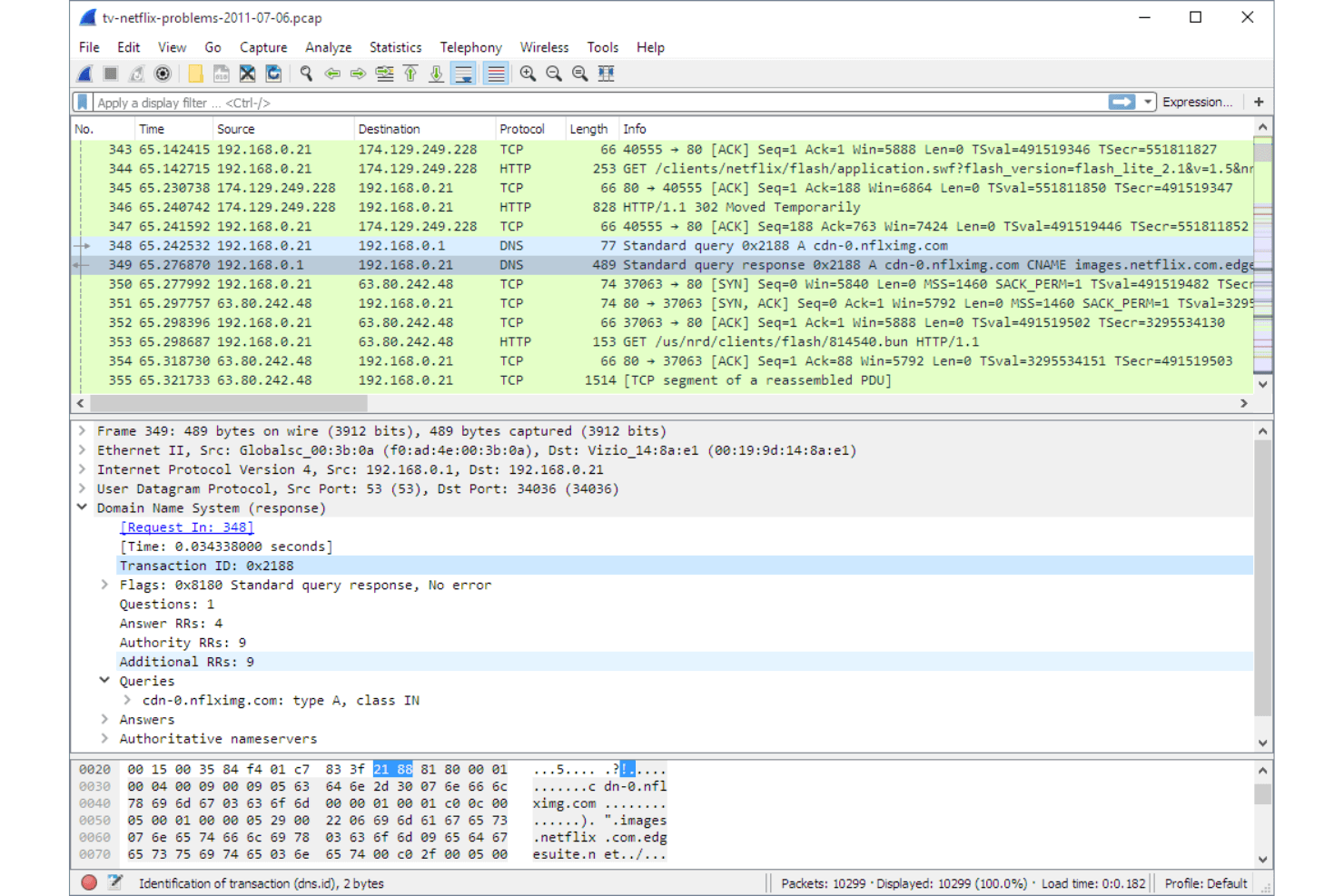
Wireshark is a free, open-source network sniffer for capturing and analyzing live network traffic at the packet level. I'd reach for it when you need to diagnose intermittent connectivity issues, inspect protocol behavior, or trace the source of unusual traffic on your network. If you've used tcpdump, Wireshark covers the same packet capture ground but with a visual interface that makes it far easier to filter, drill into, and interpret traffic—without needing to memorize command syntax.
Wireshark Evaluation Summary
4.7/5
- Free to use (open source)
- Free download available
Por qué confiar en nuestras recomendaciones de software
6,700+
Reviews
20
Industry experts
16+
Evaluation factors
14
Years
Nuestro equipo lleva probando y evaluando software desde 2012. Como líderes tecnológicos, sabemos lo difícil —y lo importante— que es elegir el software adecuado.
Para esta guía, evaluamos las herramientas mediante pruebas prácticas e investigación independiente, puntuando las herramientas según nuestros criterios de selección.
Nuestras reseñas reflejan nuestro criterio editorial humano, no un discurso de ventas.
Revisores expertos:
- Paulo Gardini MiguelDirector técnico
 Tim FisherVP de IA
 Gabriel RosasTech Lead y arquitecto de software
 Christhian GruhnTech Lead y arquitecto de plataforma

Wireshark Overview
If you’re judging network sniffers on depth, flexibility, and price, Wireshark is hard to beat. It’s free, open source, and supports a huge range of protocols, making it ideal for IT pros who need granular packet analysis. The interface can feel dated, and onboarding takes effort, but the documentation and community support fill in the gaps.
I think Wireshark is best for teams who want full control and transparency, especially in environments where budget matters more than polished UI or built-in integrations. For example, it’s my top pick for troubleshooting complex network issues or learning protocol internals.
Pros
- Wireshark offers deep packet inspection, giving your team detailed insights into network traffic.
- It's open-source, allowing you to customize and extend its functionality to fit your needs.
- Wireshark supports a wide range of protocols, making it versatile for varied network environments.
Cons
- The interface can be overwhelming for new users, requiring a learning curve.
- It's resource-intensive, which might slow down your system during heavy usage.
- Wireshark lacks built-in reporting tools, requiring you to export data for analysis.
Is Wireshark Right For Your Needs?
Who Would be a Good Fit for Wireshark?
Wireshark is perfect for IT departments and network administrators who need detailed network analysis and troubleshooting tools. It suits cybersecurity teams needing deep packet inspection to secure their networks against threats. If you’re in higher education or a research institution, Wireshark’s open-source nature lets you tailor it to specific research needs. Its extensive protocol support makes it ideal for industries with varied and complex network environments. Wireshark’s capabilities give your team the power to keep networks running smoothly and securely.
- IT DepartmentsWireshark’s detailed packet analysis helps your team troubleshoot network issues efficiently.
- Cybersecurity TeamsThe tool offers deep packet inspection, aiding your team in identifying and mitigating security threats.
- Higher EducationWireshark’s open-source flexibility allows customization for research and educational purposes.
- TelecommunicationsIts extensive protocol support makes it invaluable for monitoring and analyzing communication networks.
- Financial ServicesWireshark helps your team maintain secure and compliant data transmission across networks.
- Healthcare ITThe tool is essential for ensuring the security and reliability of sensitive patient data in network communications.
Who Would be a Bad Fit for Wireshark?
Small businesses or teams without dedicated IT staff might find Wireshark overwhelming due to its complex interface and resource demands. If your team needs a simple, user-friendly solution for basic network monitoring, Wireshark’s depth and complexity could be excessive. Organizations seeking integrated reporting tools might also struggle, as Wireshark requires exporting data for analysis. For those who need quick insights without deep technical diving, Wireshark might not be the best fit.
- Small StartupsWireshark’s complexity may overwhelm your small team lacking dedicated IT resources.
- Non-Technical TeamsThe tool’s detailed interface requires technical expertise, which non-technical users might lack.
- Retail BusinessesIf you need simple network monitoring, Wireshark’s extensive capabilities could be more than you need.
- Remote OfficesWireshark’s resource demands might slow your systems, especially if they’re not robust.
- Basic Home UsersThe tool’s advanced features and setup can be unnecessary for simple home network monitoring.
- Time-Constrained TeamsIf you need immediate insights, Wireshark’s detailed analysis might take more time than you can afford.
Nuestra metodología de revisión
Cómo probamos y puntuamos las herramientas
Hemos invertido años construyendo, refinando y mejorando nuestro sistema de pruebas y puntuación de software. La rúbrica está diseñada para captar los matices de la selección de software y lo que hace a una herramienta efectiva, enfocándose en aspectos críticos del proceso de toma de decisiones.
A continuación, puedes ver exactamente cómo nuestro sistema de prueba y puntuación funciona a través de siete criterios. Esto nos permite ofrecer una evaluación imparcial del software basada en funcionalidad central, características destacadas, facilidad de uso, incorporación, soporte al cliente, integraciones, reseñas de clientes y relación calidad-precio.
Funcionalidad principal (25% de la puntuación final)
El punto de partida de nuestra evaluación siempre es la funcionalidad central de la herramienta. ¿Tiene las características y funciones básicas que un usuario esperaría encontrar? ¿Alguna de esas funciones principales está limitada a planes de precios superiores? Esperamos que una herramienta esté a la altura de las capacidades básicas de sus competidores.
Características destacadas (25% de la puntuación final)
Luego, evaluamos las características poco comunes y sobresalientes que van más allá de la funcionalidad principal que normalmente se encuentra en herramientas de su tipo. Una puntuación alta refleja características especializadas o únicas que hacen el producto más rápido, eficiente o que ofrecen valor adicional al usuario.
También evaluamos qué tan fácil es integrar con otras herramientas que normalmente forman parte del ecosistema tecnológico para expandir la funcionalidad y utilidad del software. Las herramientas que ofrecen abundantes integraciones nativas, conexiones de terceros y acceso API para crear integraciones personalizadas obtienen la mejor puntuación.
Facilidad de uso (10% de la puntuación final)
Consideramos cuán rápido y sencillo es ejecutar las tareas definidas por la funcionalidad principal usando la herramienta. El software con mejor puntuación está bien diseñado, es intuitivo, ofrece aplicaciones móviles, proporciona plantillas y hace que tareas relativamente complejas parezcan sencillas.
Incorporación (10% de la puntuación final)
Sabemos lo importante que es la adopción rápida por parte del equipo para una nueva plataforma, por lo que evaluamos cuán fácil es aprender y usar una herramienta con entrenamiento mínimo. Evaluamos cuán rápido un miembro del equipo puede configurarla y comenzar a utilizarla sin experiencia previa. Las soluciones con mayor puntuación requieren poco o ningún soporte.
Soporte al cliente (10% de la puntuación final)
Revisamos qué tan rápido y sencillo es resolver dudas y encontrar ayuda por teléfono, chat en vivo o base de conocimientos. Las herramientas y compañías que proporcionan soporte en tiempo real obtienen la mejor puntuación, mientras que los chatbots obtienen la peor.
Reseñas de clientes (10% de la puntuación final)
Además de nuestras pruebas y evaluaciones, consideramos la puntuación neta de promotores por parte de clientes actuales y anteriores. Revisamos la probabilidad de que elijan la herramienta de nuevo para la funcionalidad principal. Una puntuación alta refleja una alta puntuación neta de promotores actuales o pasados.
Relación calidad-precio (10% de la puntuación final)
Por último, considerando todos los demás criterios, revisamos el precio promedio de los planes de nivel básico comparado con las funciones principales y consideramos el valor de los demás criterios de evaluación. El software que ofrezca más, por menos, obtendrá una puntuación mayor.
Core Features
Packet Capture
Capture live network traffic from wired or wireless interfaces. Filter, pause, and save captures for detailed offline analysis.
Protocol Decoding
Automatically decode hundreds of network protocols for easy inspection. See protocol-specific fields and values in a human-readable format.
Display Filters
Use advanced filters to isolate specific traffic or conversations. Quickly drill down to the packets that matter for troubleshooting.
Color Coding
Apply customizable color rules to highlight traffic patterns or anomalies. Visual cues make it easier to spot issues in large captures.
Packet Reassembly
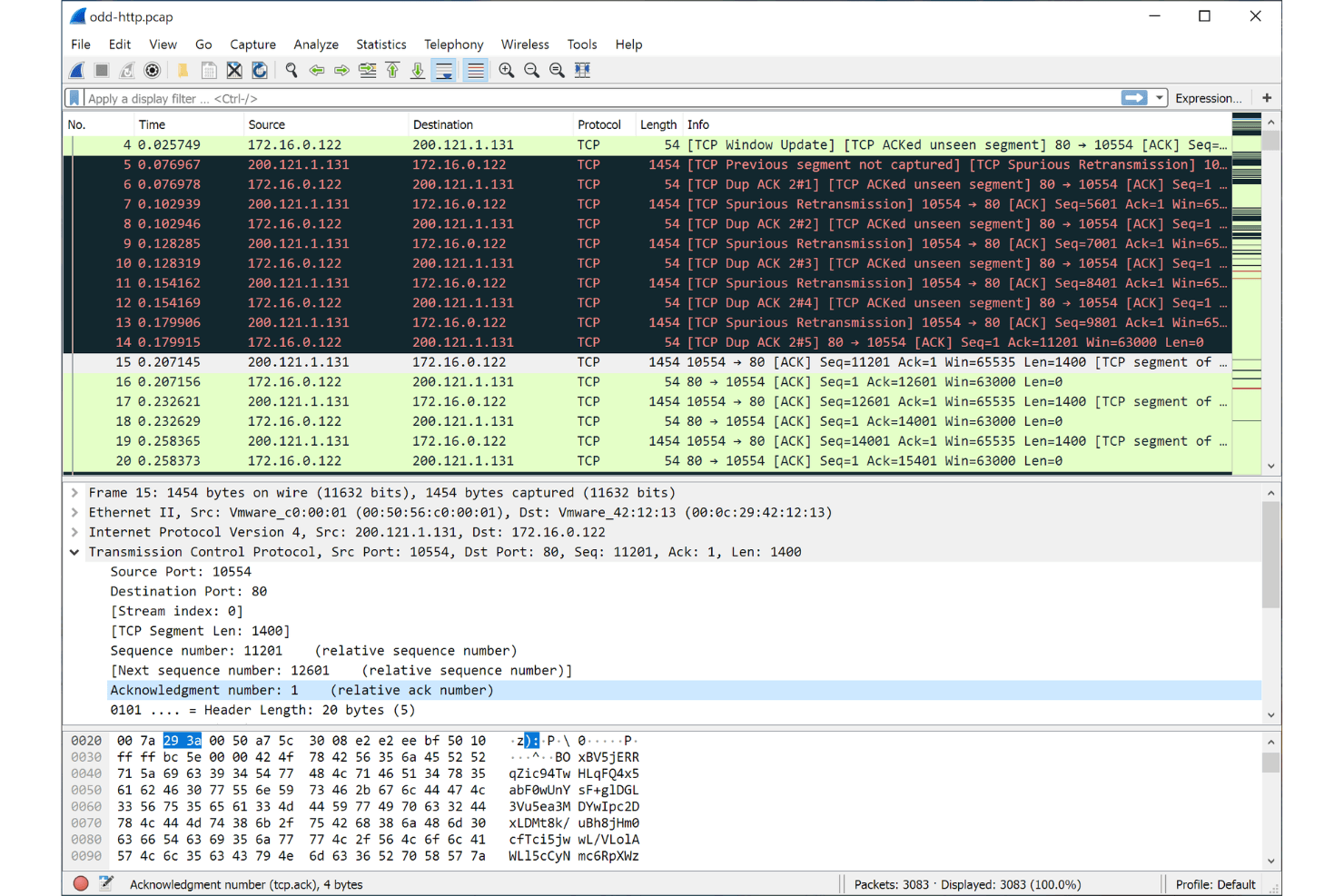
Reassemble fragmented TCP streams and other protocols for end-to-end analysis. Follow entire conversations, such as HTTP sessions, in one view.
Export and Reporting
Export packet data in multiple formats, including PCAP and CSV. Generate summary statistics and flow graphs for documentation or sharing.
Ease of Use
Wireshark’s interface is functional but can feel overwhelming, especially for those new to packet analysis. The sheer volume of options, filters, and protocol details means there’s a learning curve, but the extensive documentation and active community help bridge the gap. I think experienced users will appreciate the control and transparency, while newcomers may need time to get comfortable with its depth and technical focus.
Integrations
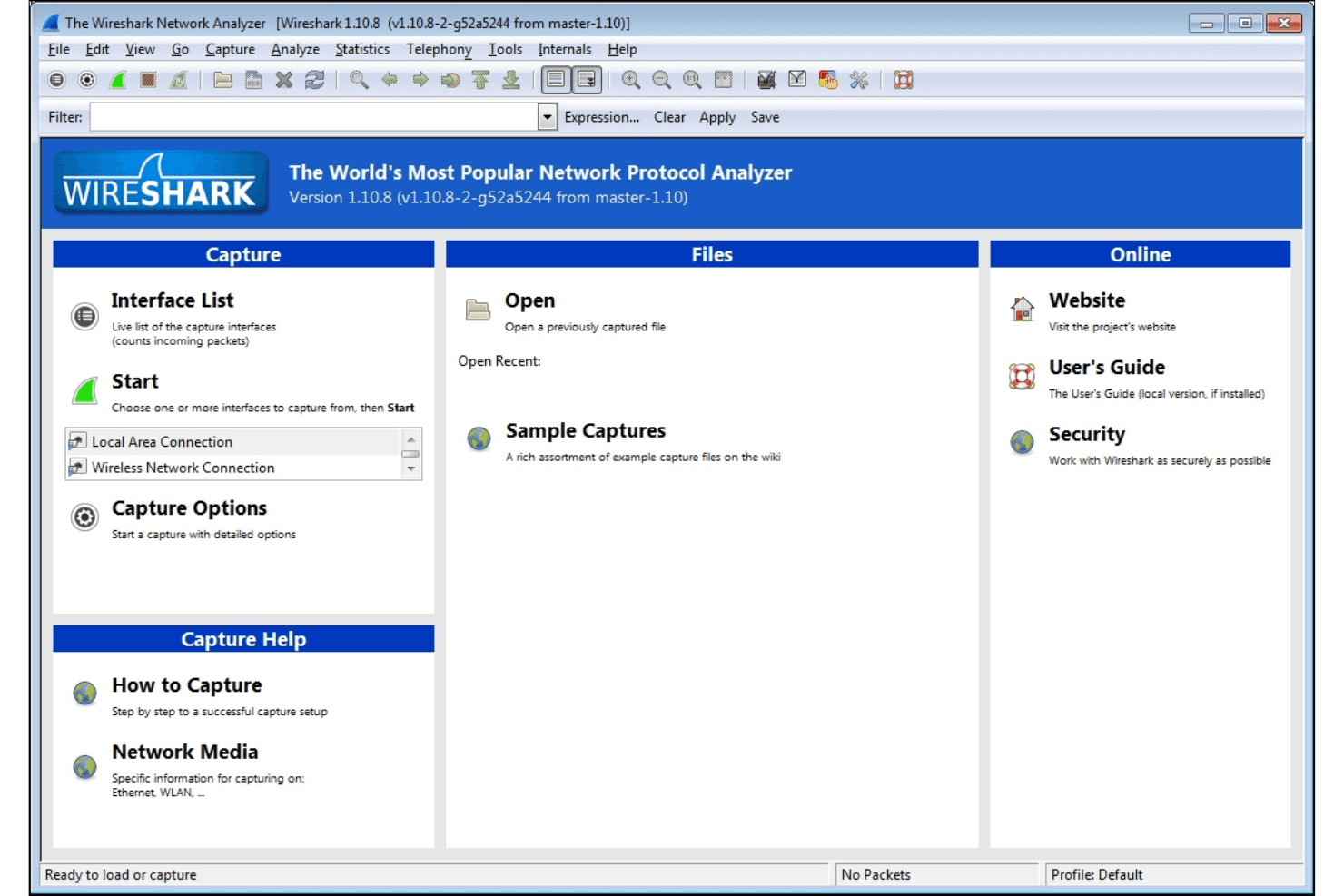
Wireshark integrates with TShark, tcpdump, AirPcap, WinPcap, Npcap, CloudShark, NetworkMiner, editcap, mergecap, and capinfos, among others.
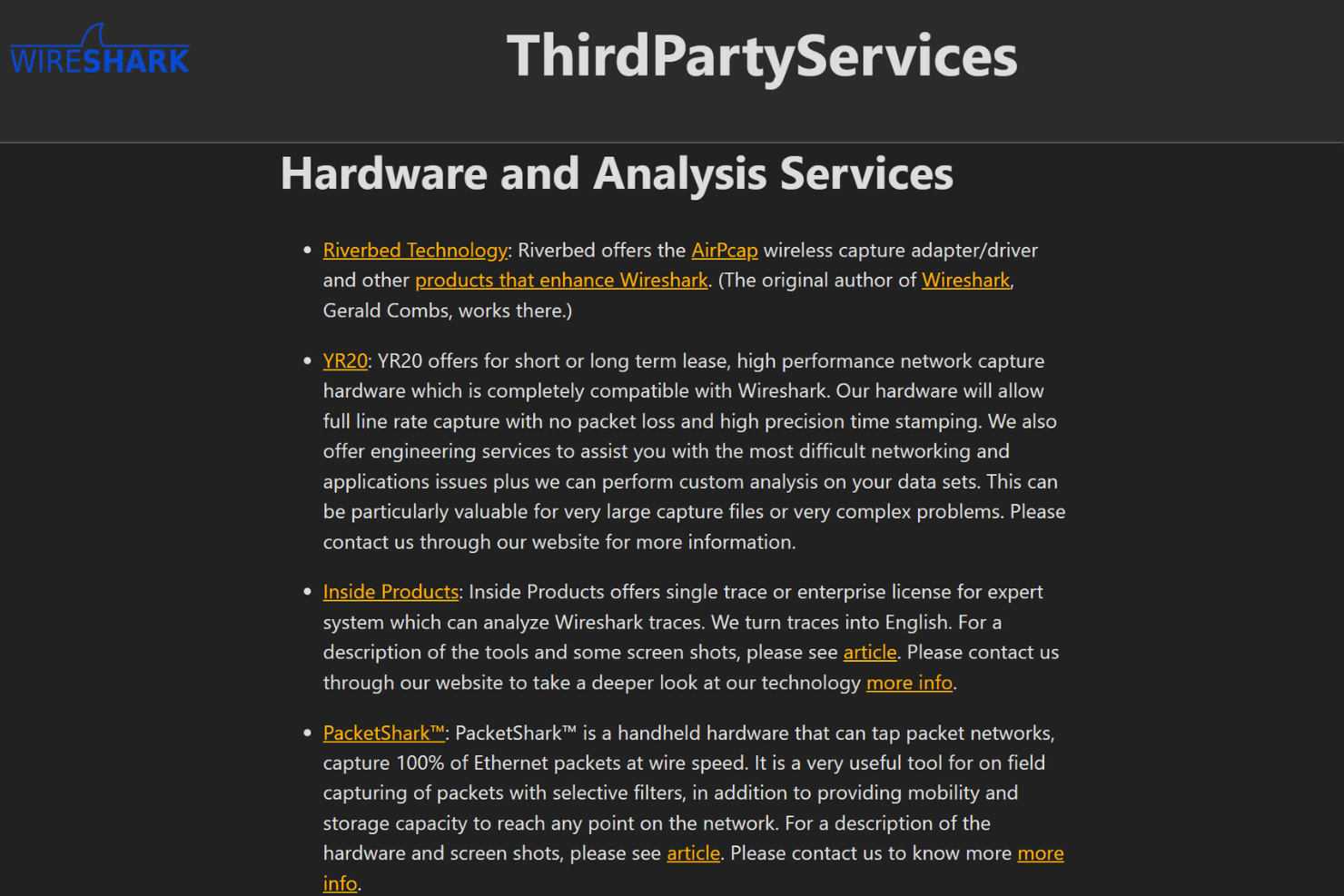
Wireshark does not offer a public API, but it supports plugins and custom dissectors for extending functionality and can work with third-party tools through command-line utilities and file exports.
Wireshark Specs
- A/B Testing: No
- API: Yes
- Automated Testing: No
- Browser Compatibility Testing: No
- Bug Tracking: No
- Calendar Management: No
- CI/CD Integration: No
- Dashboard: No
- Data Export: Yes
- Data Import: No
- Data Visualization: Yes
- Developer Tools: Yes
- External Integrations: Yes
- History/Version Control: No
- Manual Testing: Yes
- Multi-User: No
- Notifications: No
- Performance Testing: Yes
- Regression Testing: No
- Scheduling: No
- Status Notifications: Yes
- Third-Party Plugins/Add-Ons: Yes


