
Reseña de Aisera 2026: Características, ventajas, desventajas y precios
I’ve dug into Aisera AI’s service management tools—here’s what actually sets it apart and where it falls short, so you know if it’s the smart move for transforming support in 2026.

Revisamos herramientas de forma independiente y las comisiones ayudan a financiar nuestras pruebas. Consulta nuestra política de transparencia, nuestra metodología o sugiere una herramienta.
Aisera is a service management software built for IT and tech teams that need to automate, scale, and personalize support operations without drowning in tickets or manual processes. For IT leaders who face mounting pressure to reduce downtime, drive self-service adoption, and quickly resolve issues across increasingly complex environments, Aisera brings AI-driven automation and conversational support to the table.
In this review, I’ll break down Aisera’s core features, best and worst use cases, pricing, and the real pros and cons you can expect if you’re considering it for your own tech stack.
Aisera Evaluation Summary
4.5/5
- Pricing upon request
- Free demo available
Por qué confiar en nuestras recomendaciones de software
6,700+
Reviews
20
Industry experts
16+
Evaluation factors
14
Years
Nuestro equipo lleva probando y evaluando software desde 2012. Como líderes tecnológicos, sabemos lo difícil —y lo importante— que es elegir el software adecuado.
Para esta guía, evaluamos las herramientas mediante pruebas prácticas e investigación independiente, puntuando las herramientas según nuestros criterios de selección.
Nuestras reseñas reflejan nuestro criterio editorial humano, no un discurso de ventas.
Revisores expertos:
- Paulo Gardini MiguelDirector técnico
 Tim FisherVP de IA
 Gabriel RosasTech Lead y arquitecto de software
 Christhian GruhnTech Lead y arquitecto de plataforma

Aisera Overview
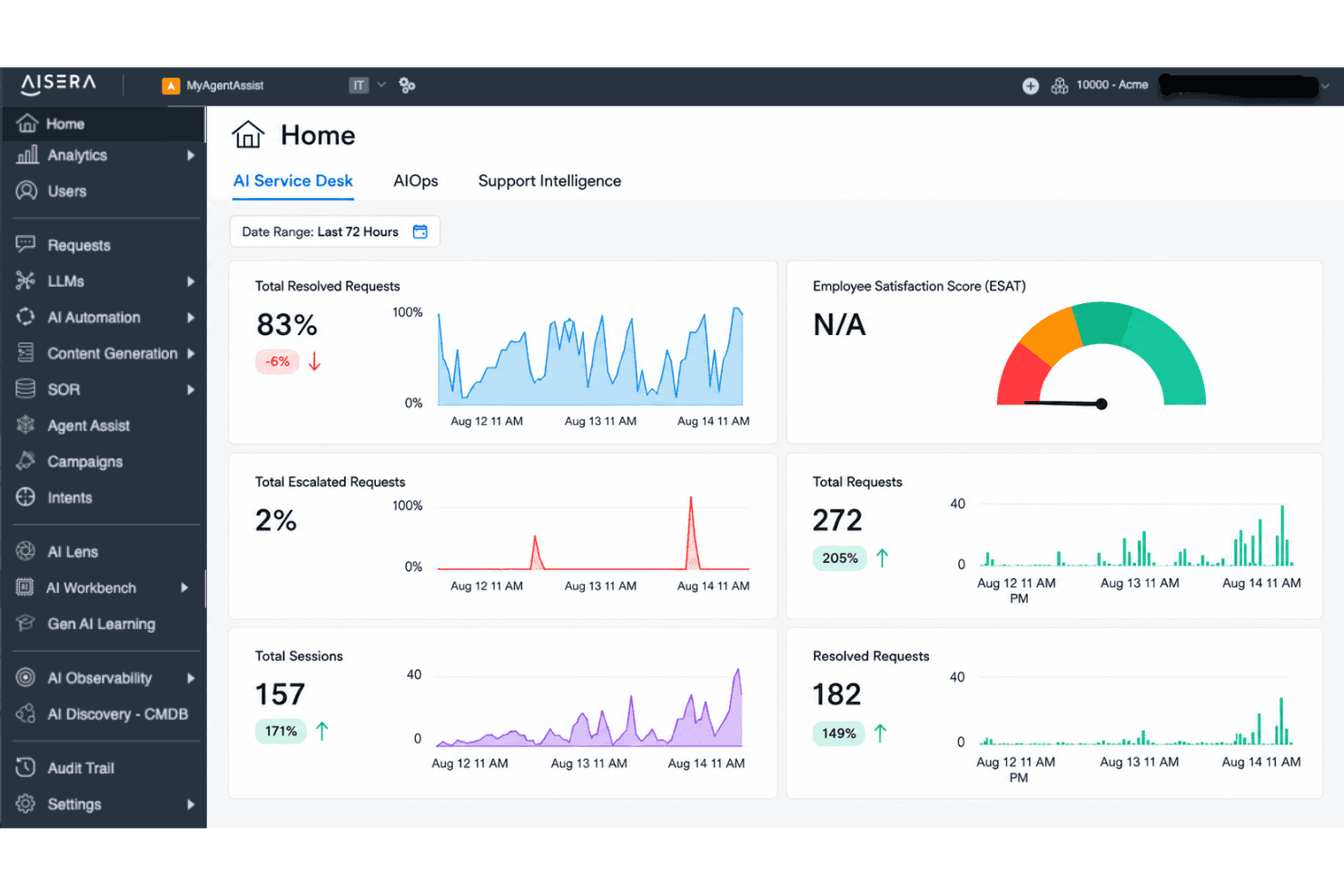
From my perspective, Aisera stands out for its strong AI automation, intuitive interface, and deep integration options, which makes selecting it appealing if reducing manual workloads is a top priority. While its pricing is on the higher side and onboarding may need some dedicated time, I think it outperforms much of the market for enterprise IT teams seeking customizable, scalable workflows.
Its real strength shows up in environments where fast ticket resolution and proactive self-service matter most, but those juggling tight budgets or looking for simple out-of-the-box setups might judge other options more favorably.
Pros
- AI-driven ticket routing reduces manual triage for IT teams
- Conversational AI chatbot supports advanced self-service workflows
- Strong automation for repetitive support and incident tasks
Cons
- Setup and implementation can require significant upfront effort
- Limited real-time analytics compared to some competitors
- Pricing can be high for smaller IT organizations
Is Aisera Right For Your Needs?
Who Would be a Good Fit for Aisera?
Aisera is well suited for organizations with high ticket volumes, diverse data sources, and strong automation needs. Enterprise IT, managed services, and regulated industries gain the most value from its AI-driven workflows, broad integrations, and advanced ticket resolution capabilities. Fast-growing SaaS providers and hybrid workforce support teams also benefit from automation, while departments with distributed support get rapid, consistent responses.
- Enterprise IT DepartmentsYou get scalable automation for complex internal service requests and system integrations.
- Financial Services FirmsAisera helps manage high compliance demands and strict documentation requirements with robust recordkeeping.
- Healthcare OrganizationsThe platform’s secure, AI-powered responses and audit trails support sensitive patient and operational inquiries.
- Global Customer SupportYou handle high volumes and varied languages, taking advantage of Aisera’s multi-channel and multilingual support.
- SaaS Growth TeamsAisera helps support teams maintain speed and quality as user bases expand rapidly.
- Hybrid or Remote WorkforcesAI-driven self-service is ideal for distributed teams dealing with mixed technical and business needs.
Who Would be a Bad Fit for Aisera?
Aisera isn’t built for everyone. Small startups, hands-on boutique agencies, and businesses with very low ticket volume may find its cost hard to justify. Teams needing basic email support, limited automation, or heavy customization that falls outside AI-driven models might struggle with its approach. Niche industries with highly specialized workflows or organizations with strict on-premises requirements also face challenges.
- Small StartupsThe entry price and advanced features typically exceed what a small team really needs.
- Boutique Consulting FirmsHands-on, relationship-driven support models won’t benefit from Aisera’s heavy automation focus.
- Nonprofit OrganizationsBudget-sensitive teams with fewer IT complexities may not see enough value for the investment.
- Minimalist IT OperationsIf your support needs are basic and ticket volume is consistently low, Aisera’s AI features add unnecessary cost and complexity.
- On-Premises-Only EnvironmentsAisera’s cloud-first architecture can’t always accommodate strict on-premises data or security requirements.
- Highly Specialized IndustriesWorkflows requiring extremely unique or nonstandard support processes may not map well to Aisera’s automation models.
Nuestra metodología de revisión
Cómo probamos y puntuamos las herramientas
Hemos invertido años construyendo, refinando y mejorando nuestro sistema de pruebas y puntuación de software. La rúbrica está diseñada para captar los matices de la selección de software y lo que hace a una herramienta efectiva, enfocándose en aspectos críticos del proceso de toma de decisiones.
A continuación, puedes ver exactamente cómo nuestro sistema de prueba y puntuación funciona a través de siete criterios. Esto nos permite ofrecer una evaluación imparcial del software basada en funcionalidad central, características destacadas, facilidad de uso, incorporación, soporte al cliente, integraciones, reseñas de clientes y relación calidad-precio.
Funcionalidad principal (25% de la puntuación final)
El punto de partida de nuestra evaluación siempre es la funcionalidad central de la herramienta. ¿Tiene las características y funciones básicas que un usuario esperaría encontrar? ¿Alguna de esas funciones principales está limitada a planes de precios superiores? Esperamos que una herramienta esté a la altura de las capacidades básicas de sus competidores.
Características destacadas (25% de la puntuación final)
Luego, evaluamos las características poco comunes y sobresalientes que van más allá de la funcionalidad principal que normalmente se encuentra en herramientas de su tipo. Una puntuación alta refleja características especializadas o únicas que hacen el producto más rápido, eficiente o que ofrecen valor adicional al usuario.
También evaluamos qué tan fácil es integrar con otras herramientas que normalmente forman parte del ecosistema tecnológico para expandir la funcionalidad y utilidad del software. Las herramientas que ofrecen abundantes integraciones nativas, conexiones de terceros y acceso API para crear integraciones personalizadas obtienen la mejor puntuación.
Facilidad de uso (10% de la puntuación final)
Consideramos cuán rápido y sencillo es ejecutar las tareas definidas por la funcionalidad principal usando la herramienta. El software con mejor puntuación está bien diseñado, es intuitivo, ofrece aplicaciones móviles, proporciona plantillas y hace que tareas relativamente complejas parezcan sencillas.
Incorporación (10% de la puntuación final)
Sabemos lo importante que es la adopción rápida por parte del equipo para una nueva plataforma, por lo que evaluamos cuán fácil es aprender y usar una herramienta con entrenamiento mínimo. Evaluamos cuán rápido un miembro del equipo puede configurarla y comenzar a utilizarla sin experiencia previa. Las soluciones con mayor puntuación requieren poco o ningún soporte.
Soporte al cliente (10% de la puntuación final)
Revisamos qué tan rápido y sencillo es resolver dudas y encontrar ayuda por teléfono, chat en vivo o base de conocimientos. Las herramientas y compañías que proporcionan soporte en tiempo real obtienen la mejor puntuación, mientras que los chatbots obtienen la peor.
Reseñas de clientes (10% de la puntuación final)
Además de nuestras pruebas y evaluaciones, consideramos la puntuación neta de promotores por parte de clientes actuales y anteriores. Revisamos la probabilidad de que elijan la herramienta de nuevo para la funcionalidad principal. Una puntuación alta refleja una alta puntuación neta de promotores actuales o pasados.
Relación calidad-precio (10% de la puntuación final)
Por último, considerando todos los demás criterios, revisamos el precio promedio de los planes de nivel básico comparado con las funciones principales y consideramos el valor de los demás criterios de evaluación. El software que ofrezca más, por menos, obtendrá una puntuación mayor.
Core Features
AI-Powered Ticket Routing
Automatically assigns tickets to the right support team or agent using AI models. This helps IT teams cut down on misrouted or delayed tickets.
Conversational AI Chatbot
Handles user queries and requests through natural conversations on chat platforms and portals. The chatbot resolves common issues instantly and escalates complex problems as needed.
Workflow Automation
Automates multi-step support processes like approvals, escalations, and status notifications. You can build custom workflows to fit your organization’s unique needs.
Knowledge Management
Surfaces relevant articles and answers for users and agents within the support interface. This reduces repeat questions and improves self-service adoption.
Incident Management
Tracks, categorizes, and resolves IT incidents with clear timelines and ownership. Real-time updates keep your team aligned and enable fast resolution.
Service Catalog
Presents end users with an AI-powered catalog for submitting service requests. Employees can browse, request, and track services with self-service at the front end.
Ease of Use
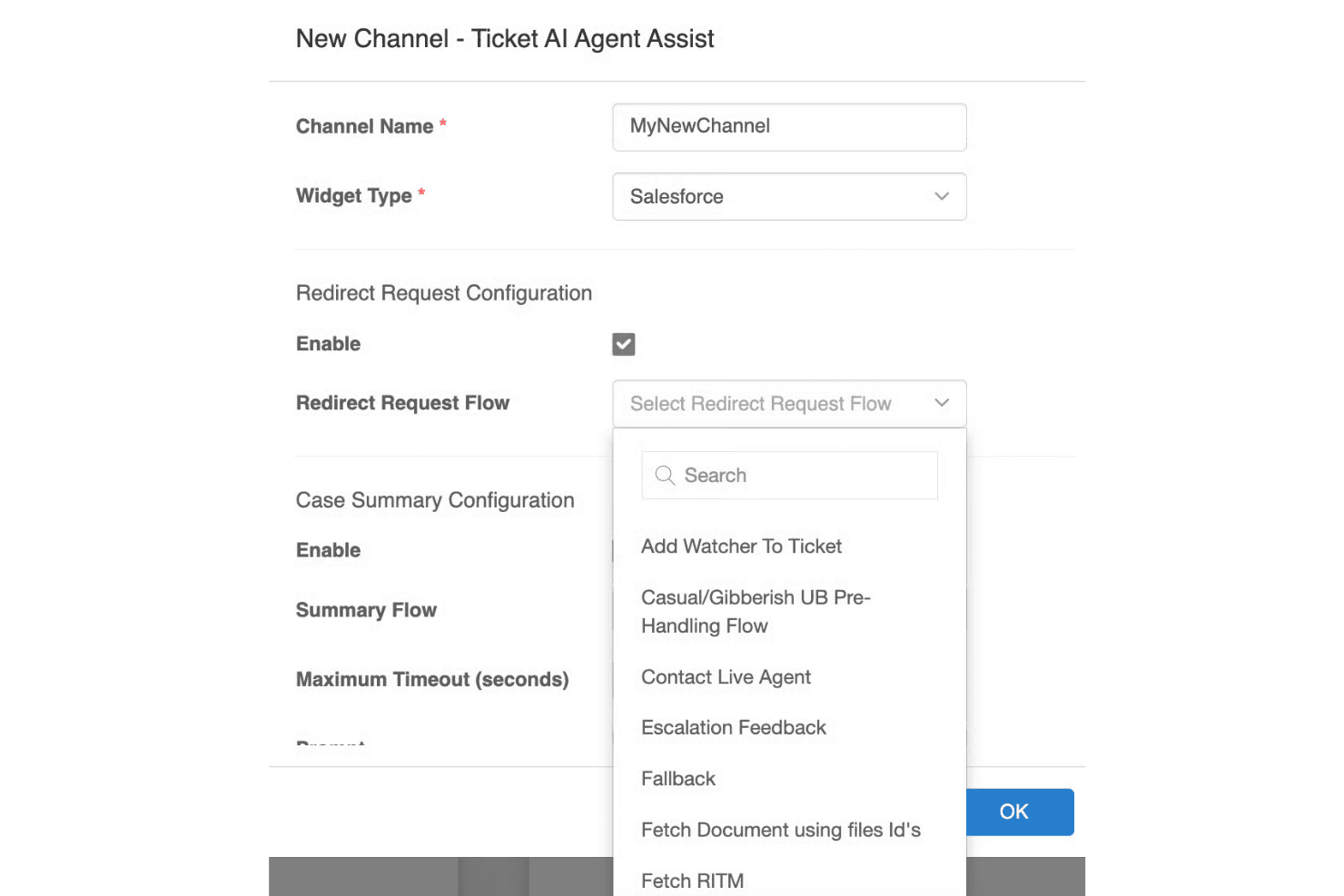
Aisera makes complex service workflows feel much simpler thanks to its conversational UI, smart ticket handling, and clear dashboards. I find the AI-driven interface intuitive for both end users and IT staff, especially when automating repetitive requests or surfacing knowledge articles. Some reviewers note initial setup can be dense, but daily interactions and ongoing management feel approachable and streamlined compared to more manual tools.
Integrations
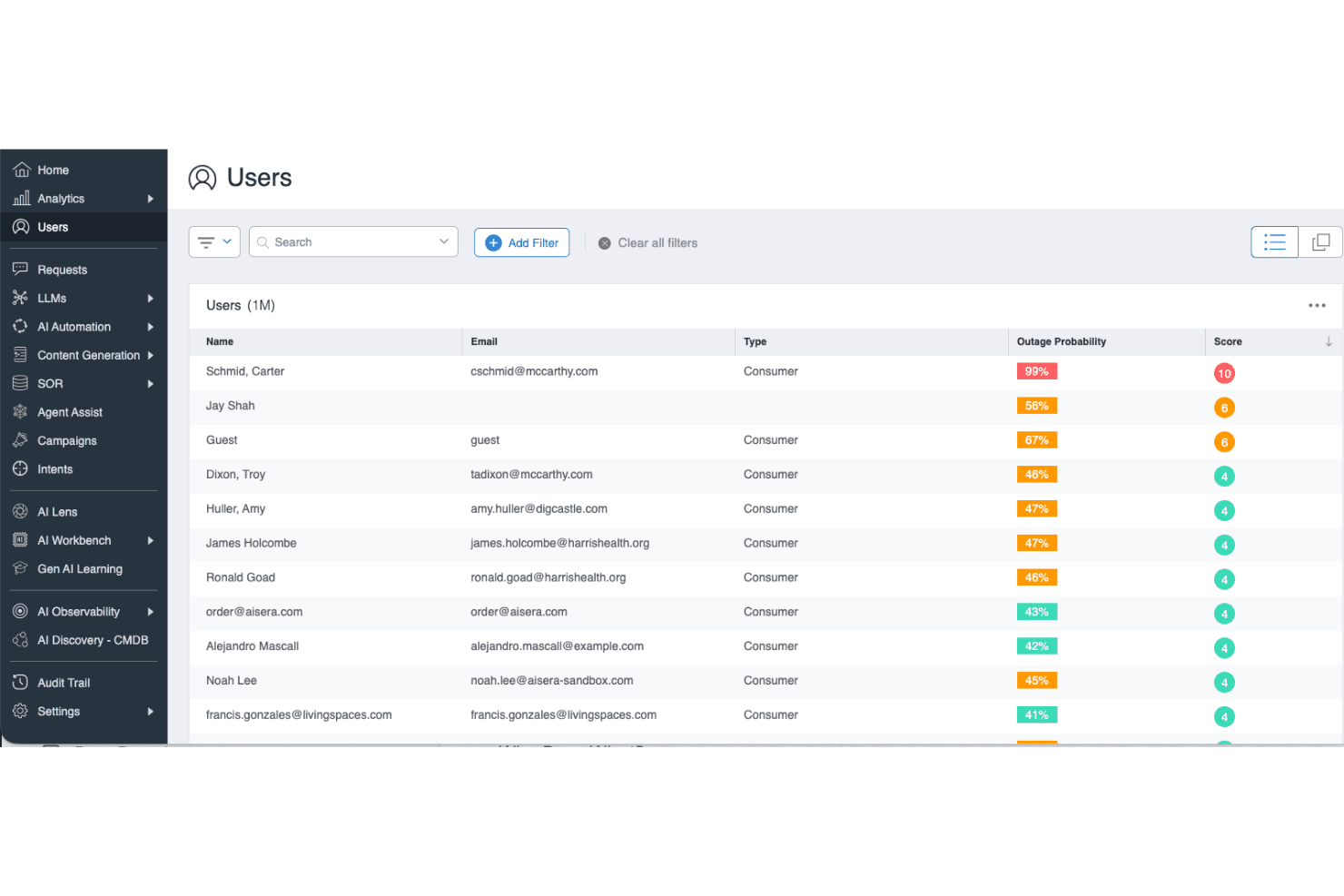
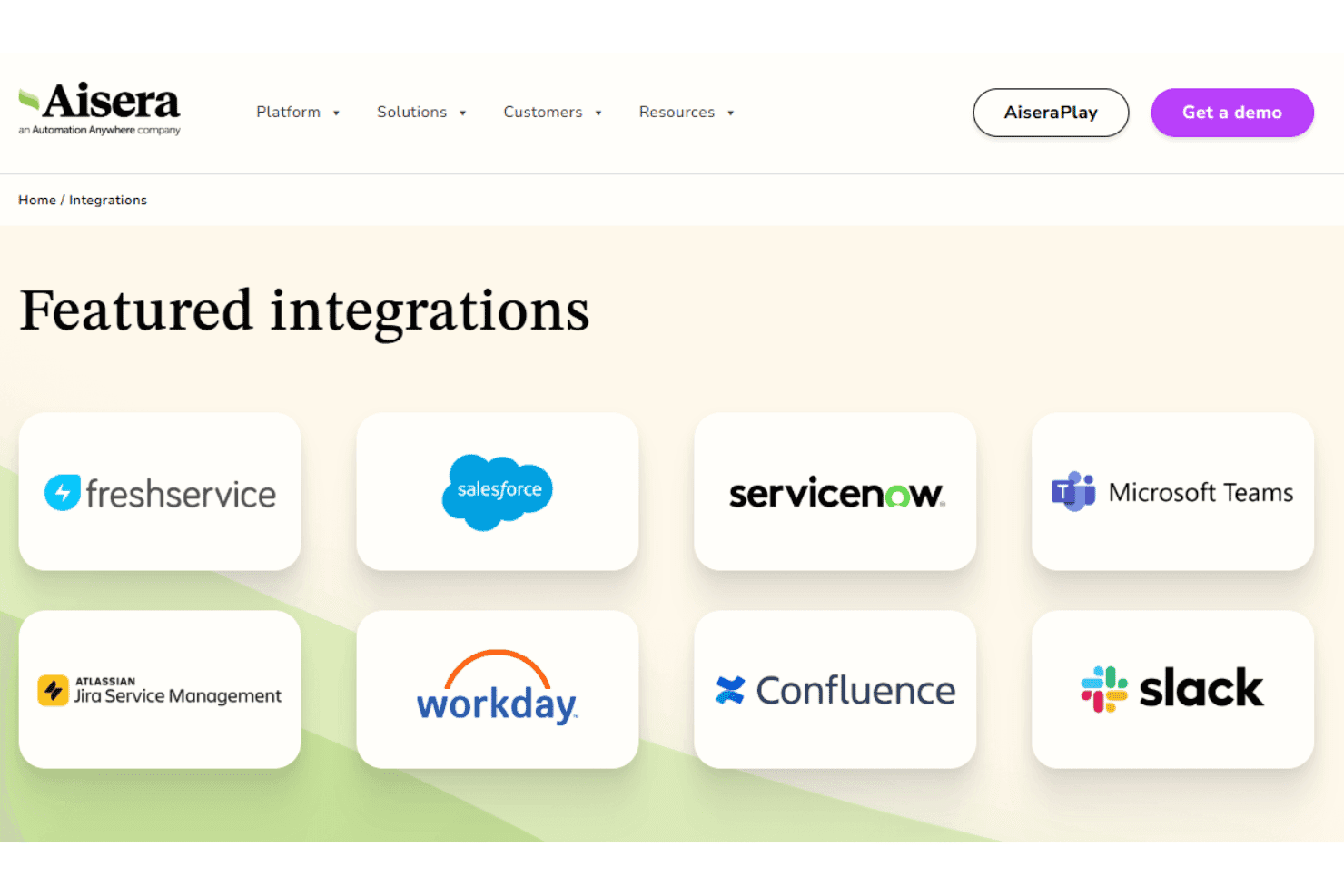
Aisera integrates with ServiceNow, Salesforce, Microsoft Teams, Slack, Zendesk, Jira, Okta, Zoom, Freshdesk, and Google Workspace, among others.
You can also connect Aisera to other systems using its open API architecture, and it supports third-party integration tools like Workato for broader connectivity.
Aisera Specs
- Analytics: Yes
- API: Yes
- Batch Permissions & Access: No
- Call Integration: Yes
- Chat: Yes
- Contact Management: No
- Contact Sharing: No
- CRM Integration: Yes
- Customer Management: No
- Customer Service: Yes
- Dashboard: Yes
- Data Export: Yes
- Data Import: Yes
- Data Visualization: Yes
- Email Integration: Yes
- Escalation Management: Yes
- External Integrations: Yes
- Instant Chat Integration: Yes
- Knowledge Base: Yes
- Lead Management: Yes
- Lead Scoring: Yes
- Multi-User: Yes
- Notifications: Yes
- Real-time Alerts: Yes
- Scheduling: Yes
- Self-service Portal: Yes
- Social Media Integration: No
- Support Forum: No
- Third-Party Plugins/Add-Ons: No
- Ticket Management: Yes
- Workflow Management: Yes


