

Microsoft Hyper-V Review: Pros, Cons, Features, and Pricing
Microsoft Hyper-V shines as a cost-effective virtualization platform for Windows environments, offering robust scalability and integration with the Microsoft ecosystem.

We review tools independently, and commissions help fund our testing. See our transparency policy, our methodology, or suggest a tool.
Microsoft Hyper-V is a virtualization software built directly into Windows Server, letting you run multiple isolated virtual machines on a single physical host. I'd consider it if your infrastructure is already Windows-centric and you need a reliable hypervisor without adding separate licensing costs. If you're weighing it against VMware vSphere, Hyper-V is the stronger choice for teams that want tighter integration with Active Directory and Microsoft tooling—without the added overhead of VMware's licensing structure.
Microsoft Hyper-V Evaluation Summary
4.6/5
- Free to use
- Free, open-source
Why Trust Our Software Recommendations
6,700+
Reviews
20
Industry experts
16+
Evaluation factors
14
Years
Our team has been testing and reviewing software since 2012. As tech leaders ourselves, we know how difficult—and important—it is to choose the right software.
For this guide, we evaluated tools using hands-on testing and independent research, scoring tools using our selection criteria.
Our reviews reflect our human editorial judgment, not a sales pitch.
Expert reviewers:
- Paulo Gardini MiguelTech Director
 Tim FisherVP of AI
 Gabriel RosasTech Lead & Software Architect
 Christhian GruhnTech Lead & Platform Architect

Microsoft Hyper-V Overview
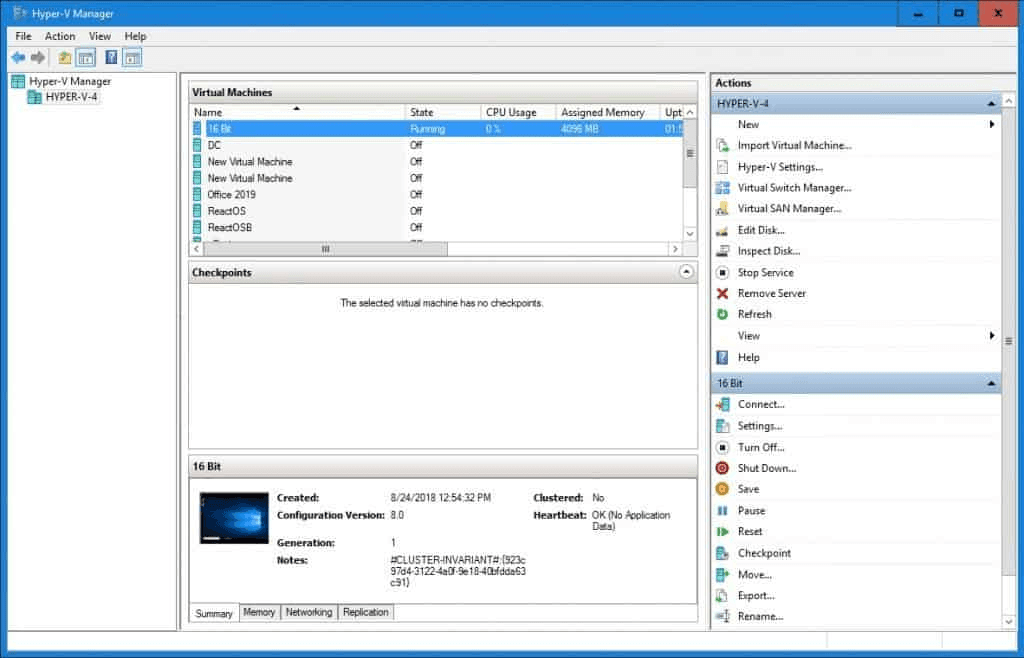
In my opinion, Microsoft Hyper-V is a solid choice for virtualization that integrates well with other Microsoft products, offering a seamless experience for IT departments focused on Windows environments. While its ease of use and onboarding could be improved, it excels in value for money and customer support. It's best suited for medium-sized to large enterprises looking for cost-effective virtualization solutions. Compared to competitors, Microsoft Hyper-V stands out with its pricing and Windows compatibility, but it may fall short if you're seeking an intuitive GUI or quick onboarding.
Pros
- It integrates seamlessly with Windows, making it ideal for your team using Microsoft products within a unified ecosystem.
- Its intuitive management tools make it easy to manage virtual machines.
- It offers strong performance and scalability for your growing IT needs across enterprise workstation and server environments.
Cons
- The user interface can feel clunky compared to other virtualization tools.
- Your team might face a steeper learning curve during onboarding, especially when configuring the Hyper-V role.
- It lacks some advanced functionalities found in other virtualization software, including tools common in open-source platforms.


Our Review Methodology
How We Test & Score Tools
We’ve spent years building, refining, and improving our software testing and scoring system. The rubric is designed to capture the nuances of software selection and what makes a tool effective, focusing on critical aspects of the decision-making process.
Below, you can see exactly how our testing and scoring works across seven criteria. It allows us to provide an unbiased evaluation of the software based on core functionality, standout features, ease of use, onboarding, customer support, integrations, customer reviews, and value for money.
Core Functionality (25% of final scoring)
The starting point of our evaluation is always the core functionality of the tool. Does it have the basic features and functions that a user would expect to see? Are any of those core features locked to higher-tiered pricing plans? At its core, we expect a tool to stand up against the baseline capabilities of its competitors.
Standout Features (25% of final scoring)
Next, we evaluate uncommon standout features that go above and beyond the core functionality typically found in tools of its kind. A high score reflects specialized or unique features that make the product faster, more efficient, or offer additional value to the user.
We also evaluate how easy it is to integrate with other tools typically found in the tech stack to expand the functionality and utility of the software. Tools offering plentiful native integrations, 3rd party connections, and API access to build custom integrations score best.
Ease of Use (10% of final scoring)
We consider how quick and easy it is to execute the tasks defined in the core functionality using the tool. High scoring software is well designed, intuitive to use, offers mobile apps, provides templates, and makes relatively complex tasks seem simple.
Onboarding (10% of final scoring)
We know how important rapid team adoption is for a new platform, so we evaluate how easy it is to learn and use a tool with minimal training. We evaluate how quickly a team member can get set up and start using the tool with no experience. High scoring solutions indicate little or no support is required.
Customer Support (10% of final scoring)
We review how quick and easy it is to get unstuck and find help by phone, live chat, or knowledge base. Tools and companies that provide real-time support score best, while chatbots score worst.
Customer Reviews (10% of final scoring)
Beyond our own testing and evaluation, we consider the net promoter score from current and past customers. We review their likelihood, given the option, to choose the tool again for the core functionality. A high scoring software reflects a high net promoter score from current or past customers.
Value for Money (10% of final scoring)
Lastly, in consideration of all the other criteria, we review the average price of entry level plans against the core features and consider the value of the other evaluation criteria. Software that delivers more, for less, will score higher.
Core Features
Virtual Machine Management: You can easily create and manage virtual machines, assigning resources such as CPU and memory to each guest operating system, to streamline your IT operations. The intuitive interface helps your team deploy and monitor virtual environments efficiently.
Live Migration: Move running virtual machines between physical hosts with no downtime. This keeps your systems operational during maintenance or hardware upgrades.
Checkpoint Support: Capture the state of a virtual machine at a specific point in time. This is invaluable for your team when testing changes or updates without risking data.
Dynamic Memory: Allocate memory resources dynamically based on demand. This feature optimizes your server utilization, ensuring your virtual machines run smoothly.
Virtual Networking: Set up isolated networks and manage traffic flows between virtual machines. It gives your IT team control over network configurations and enhances security.
Failover Clustering: Ensure high availability by clustering virtual machines across multiple hosts. This keeps your critical applications running even if a server fails.
Ease of Use
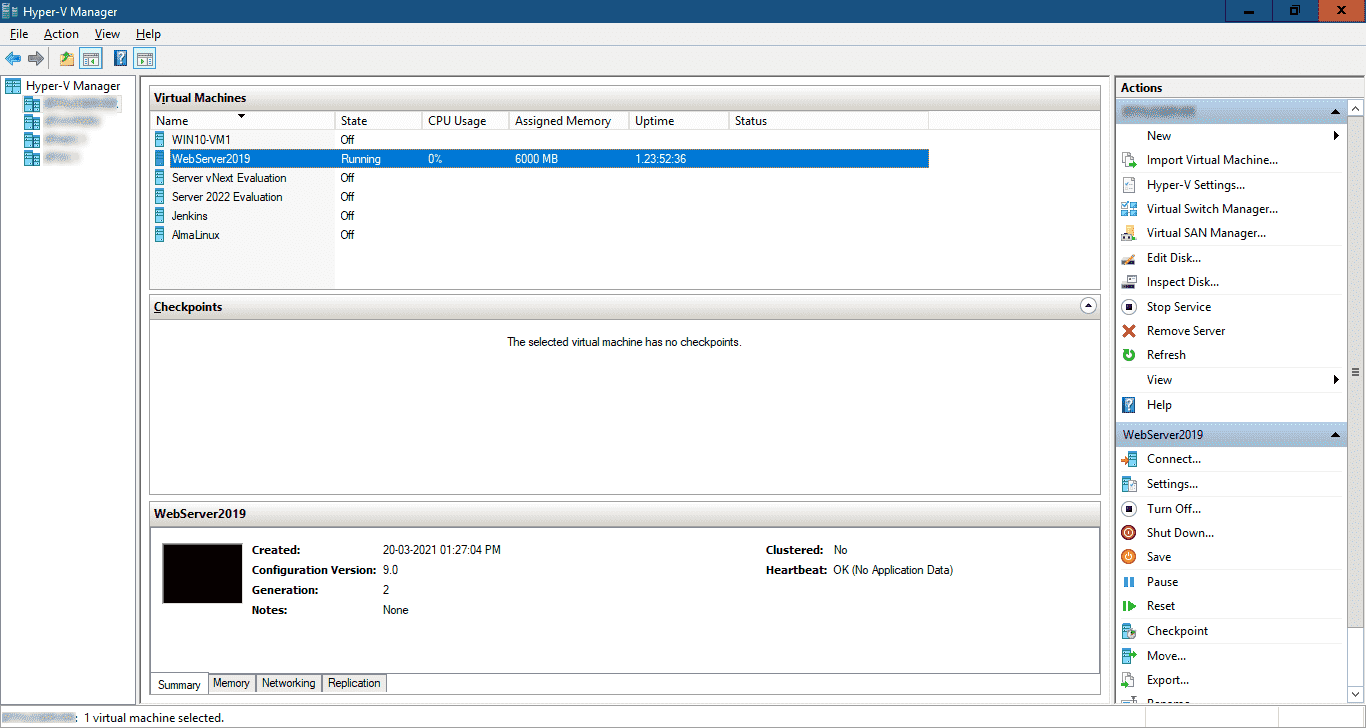
Microsoft Hyper-V's user interface can be clunky, making it less intuitive for your team compared to some other options with more modern GUI designs. The learning curve is steeper, especially if your team lacks IT expertise. However, once mastered, its powerful management tools and Windows integration offer you efficient control over virtual environments. The features are robust, but expect to invest time in training to fully leverage its capabilities for your IT needs.
Integrations
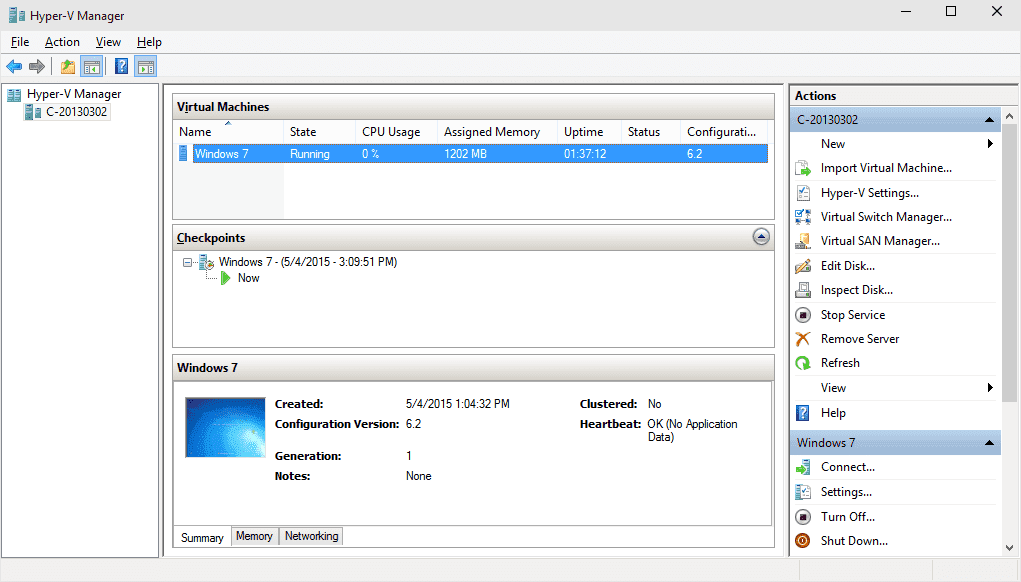
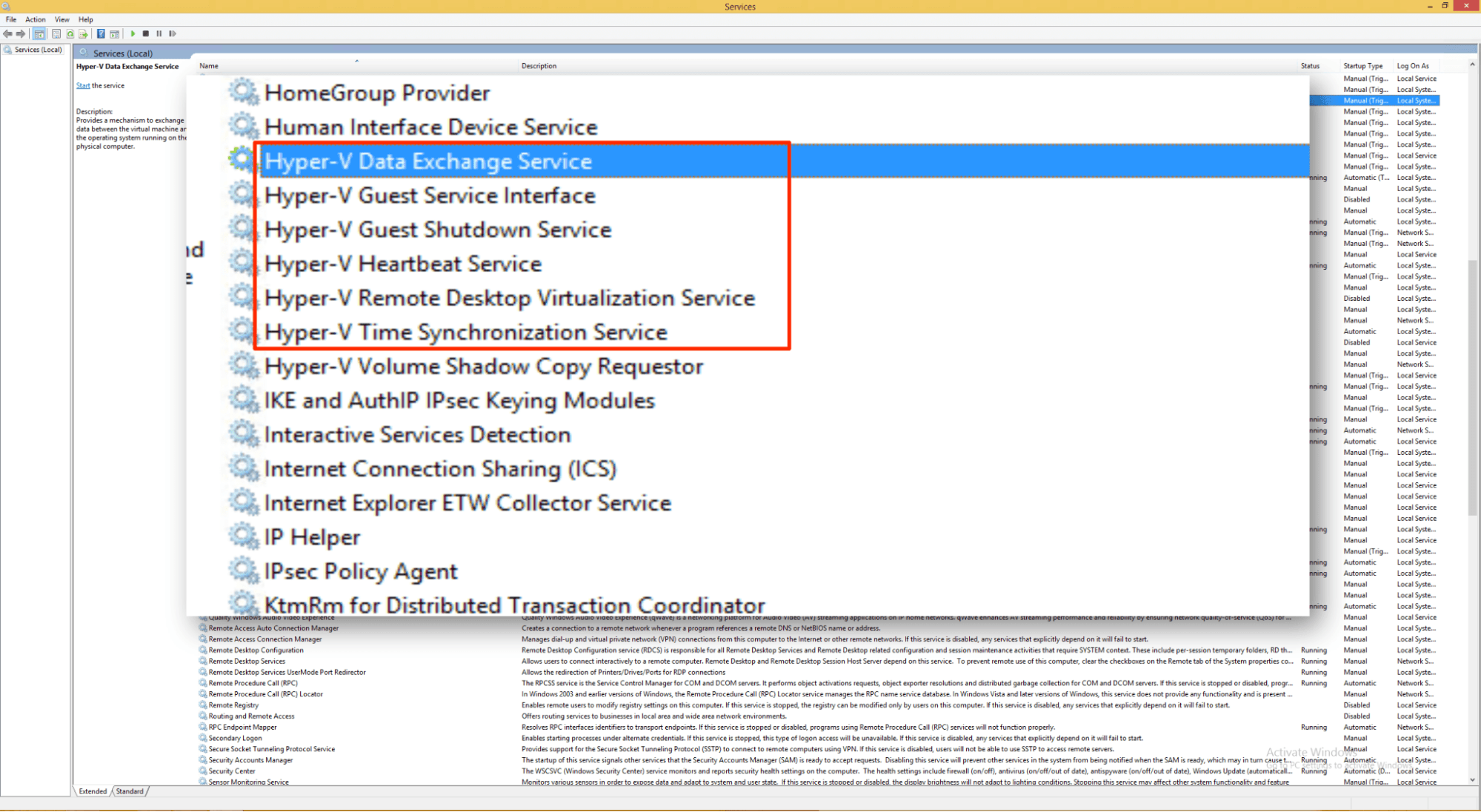
Microsoft Hyper-V integrates with Windows Server, System Center Virtual Machine Manager, Microsoft Azure, Windows Admin Center, Microsoft Endpoint Configuration Manager, PowerShell, Active Directory, Windows Failover Clustering, Microsoft Operations Management Suite, and Microsoft Defender for Cloud as part of the broader Microsoft ecosystem.
Microsoft Hyper-V also offers an API for developers and can connect with third-party integration tools.
Microsoft Hyper-V Specs
- API: Yes
- Bug Tracking: No
- CI/CD Integration: No
- Cloud Deployment: No
- Code Review: No
- Code Transformation: No
- Collaboration Support: No
- Data Export: No
- Data Import: No
- Developer Tools: Yes
- External Integrations: Yes
- Git Integration: No
- History/Version Control: No
- IDE Plugins: No
- Local Deployment: Yes
- Multi-User: Yes
- Notifications: No
- Project Management: No
- Release Management: No
- Static Analysis: No
- Task Scheduling/Tracking: No
- Testing: No


